
FortiToken Mobile



Protect your professional accounts with enterprise-grade multi-factor security. Seamlessly approve logins via push notifications and biometrics while keeping your personal data private.
Publisher
Category
BusinessDownloads
3M+User Rating
Total Ratings
500Locales
6Discover the interface used by 3M+ users.
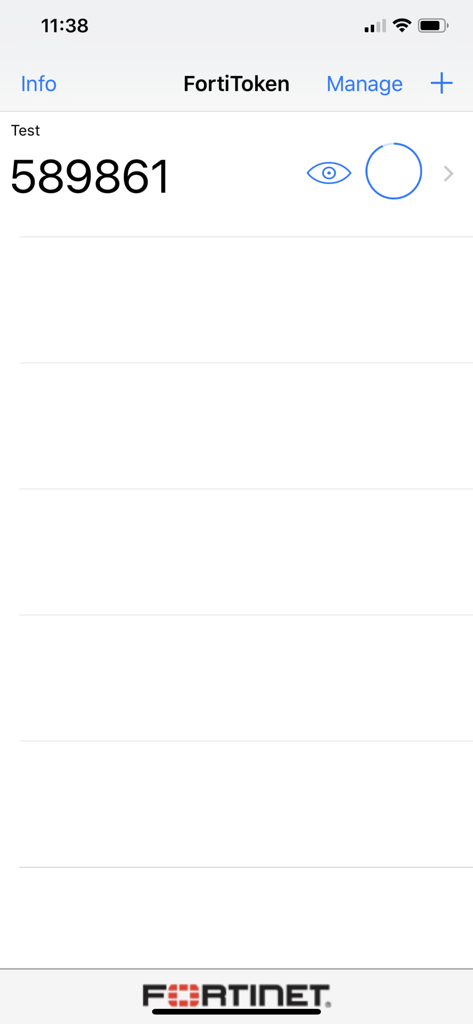
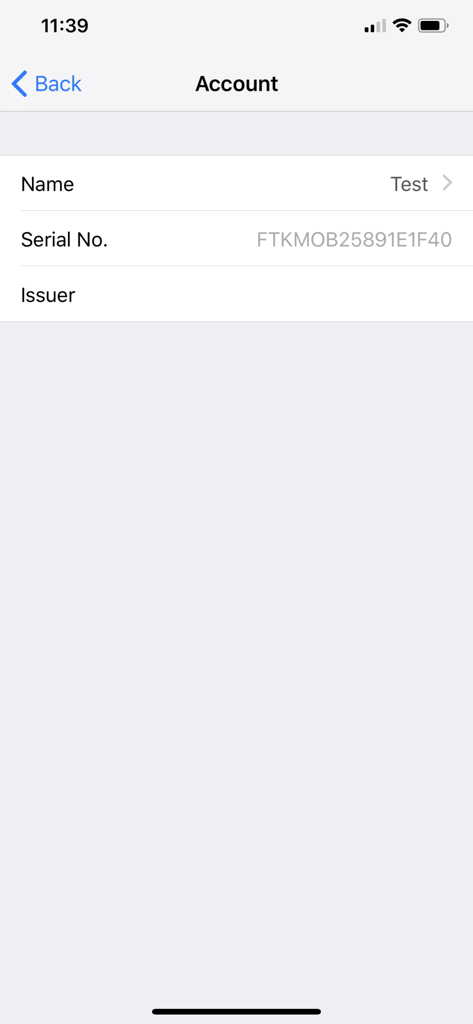
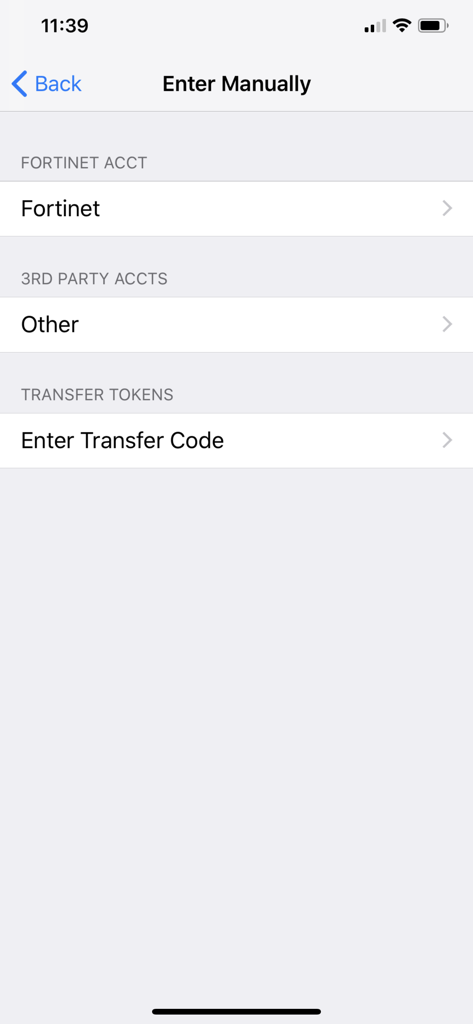
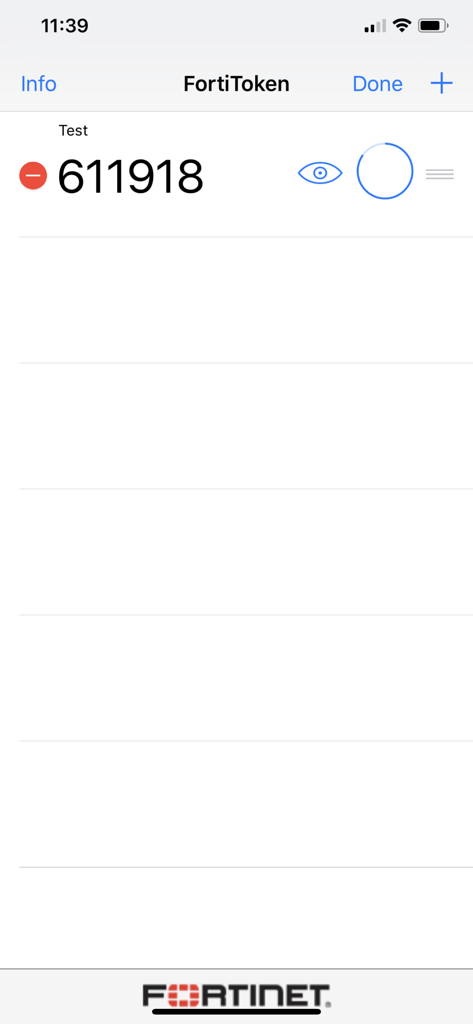
The tools that make this app stand out, trusted by 3M+ users.
Say goodbye to manual codes. Approve secure access requests instantly via push notifications for a frictionless workflow.
Your personal data stays personal. We never access your photos, browser history, or messages, ensuring total BYOD peace of mind.
Unlock your tokens effortlessly using FaceID or TouchID, combining high-level security with the convenience you expect from your iPhone.
Trusted by 3M+ people who love this app.
"Switching from hardware tokens to FortiToken Mobile was a game changer for our hybrid team. The Push notifications make logging into the VPN seamless, and the FaceID integration adds that extra layer of security without the manual hassle of typing codes."
"As someone who uses a personal device for work, I was initially worried about privacy. This app is transparent about its permissions and doesn't overreach. It is simple, reliable, and makes secure remote access completely frictionless."
Insights from user reviews.
Sentiment Score
Summary
The app receives predominantly negative feedback, primarily due to severe stability issues. Many users report that the app crashes immediately upon opening or fails to launch entirely, especially after recent updates to version 5.5.0 and on iOS 18.5 and iOS 26. Additionally, several users experienced problems with notifications, ranging from not receiving them at all to them disappearing, and a specific bug where 6-digit codes do not refresh automatically. On the positive side, a small number of users found the app simple, practical for corporate use, and appreciated its integration with Apple Watch, though these positive aspects are largely overshadowed by widespread critical bugs.
Common Themes
Everything you need to know about FortiToken Mobile.
Description
Latest Version
6.1.0
Size
18.7 MB
First Released
Feb 10, 2012
Join over 3 million professionals who trust FortiToken Mobile for seamless, privacy-focused authentication. Download now for fast, one-tap access to your secure workspace.
Everything you need to know about FortiToken Mobile
FortiToken Mobile is an OATH compliant One Time Password (OTP) generator for mobile devices. It functions as the client component of Fortinet's secure strong authentication solution.
Yes, FortiToken Mobile requires FortiOS or FortiAuthenticator to serve as the back-end validation server. This setup enables its strong authentication capabilities.
FortiToken Mobile is compatible with iOS 12 or later. It runs on iPhone, iPad, and iPod touch devices, ensuring broad Apple device support.
FortiToken Mobile does not read emails, see browser history, or record audio/video. It requires permission for notifications and specific functions like camera access for QR codes.
You add a new token in FortiToken Mobile by tapping the "+" button in the interface. This allows activation via QR code scanning or manual entry of details like account name and secret key.
Yes, FortiToken Mobile uses TouchID or FaceID for enhanced application security. These biometric authentication methods protect access to the app.
Apps with similar features and user experience

WatchGuard Technologies Inc.

MULTIFAKTOR, OOO

Acceptto Corporation

Tirender Wig

Aladdin R.D. ZAO

RSA Security

Google LLC

Closed Joint Stock Company"Trade House"Perekrestok

In-Webo Technologies