WatchGuard AuthPoint

WatchGuard AuthPoint

Download on App Store
Spark by MWM logo
Logo of WatchGuard AuthPoint

WatchGuard AuthPoint: Secure Multi-Factor Authentication Without the Friction

Replace physical keyfobs with a seamless, push-based experience. Protect your company networks and cloud applications with professional-grade security that lives right on your phone.

Publisher

WatchGuard Technologies Inc.

Category

Business

Downloads

453K+

User Rating

3.5/5

Total Ratings

100

Locales

12

Security at a Glance

Discover the interface used by 453K+ users.
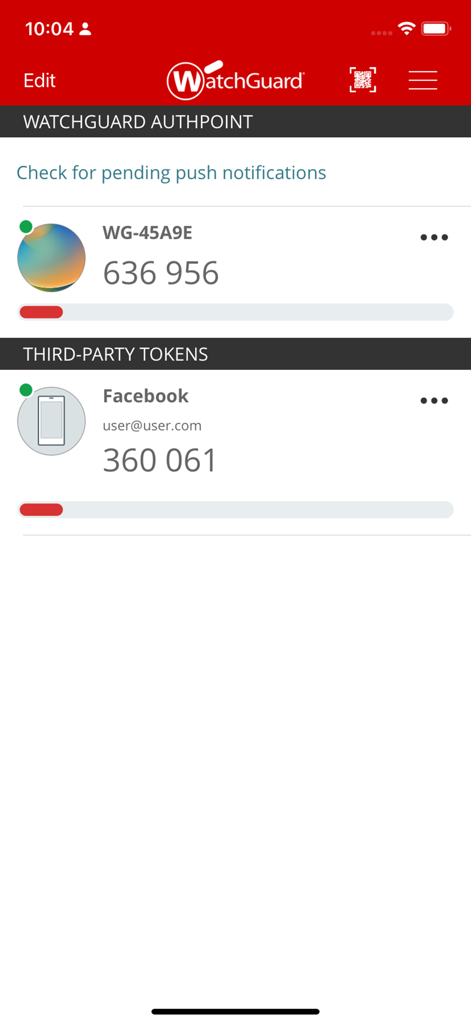
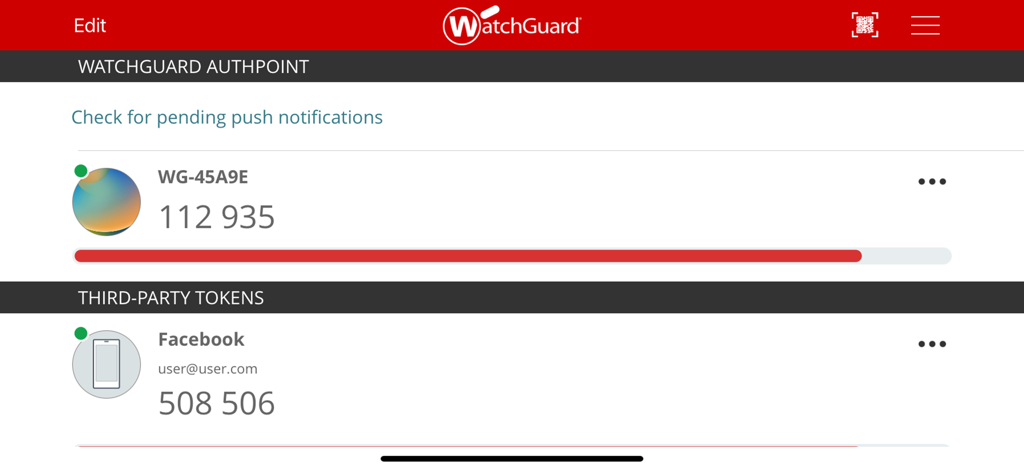
WatchGuard AuthPoint app interface displaying multi-factor authentication codes for corporate and third-party accounts

WatchGuard AuthPoint app interface displaying multi-factor authentication codes for corporate and third-party accounts

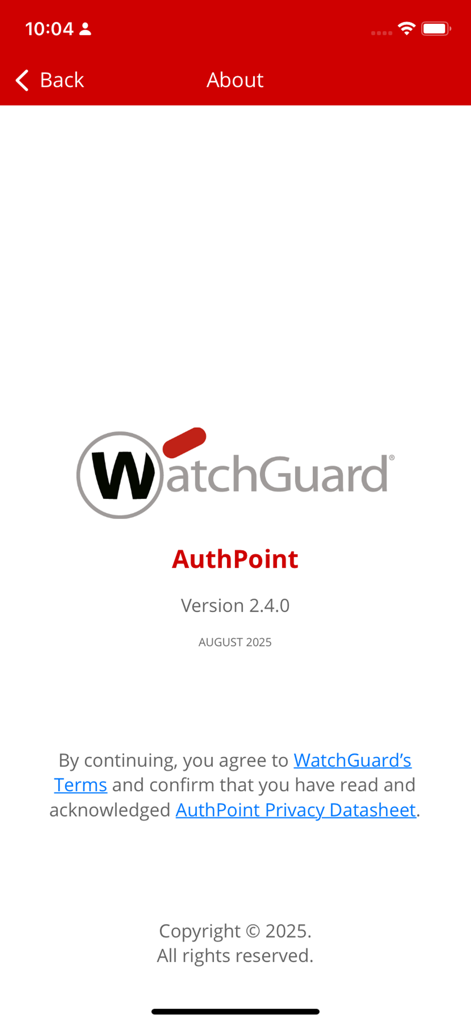
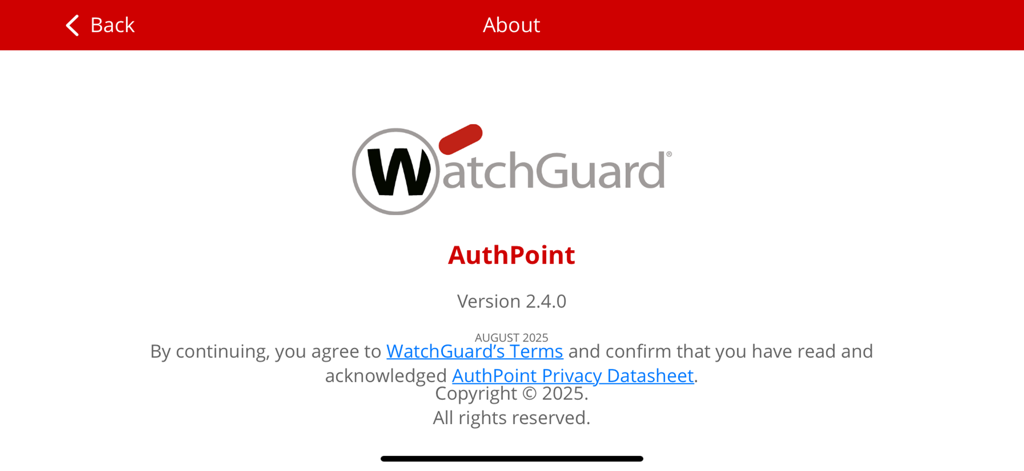
The About screen of the WatchGuard AuthPoint mobile app displaying the version number, copyright date, and links to terms and privacy policies.

The About screen of the WatchGuard AuthPoint mobile app displaying the version number, copyright date, and links to terms and privacy policies.

WatchGuard AuthPoint app screen displaying a token activation status message.

WatchGuard AuthPoint app screen displaying a token activation status message.

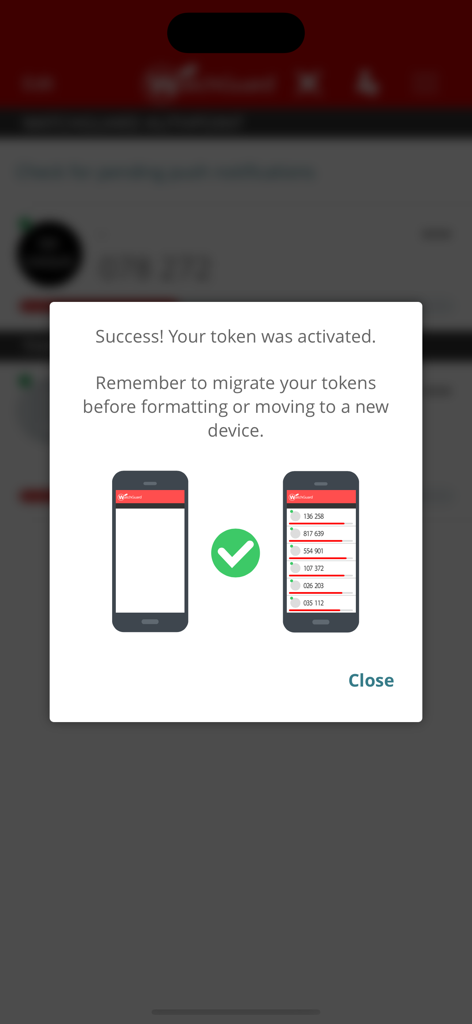
WatchGuard AuthPoint app screen showing a successful token activation message and a reminder to migrate tokens to new devices.

WatchGuard AuthPoint app screen showing a successful token activation message and a reminder to migrate tokens to new devices.

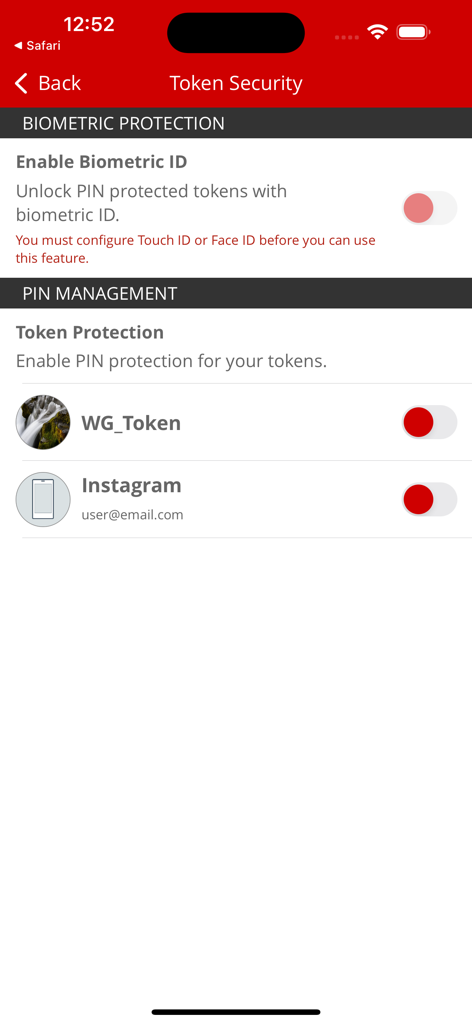
WatchGuard AuthPoint token security screen showing biometric and PIN protection settings for user tokens

WatchGuard AuthPoint token security screen showing biometric and PIN protection settings for user tokens

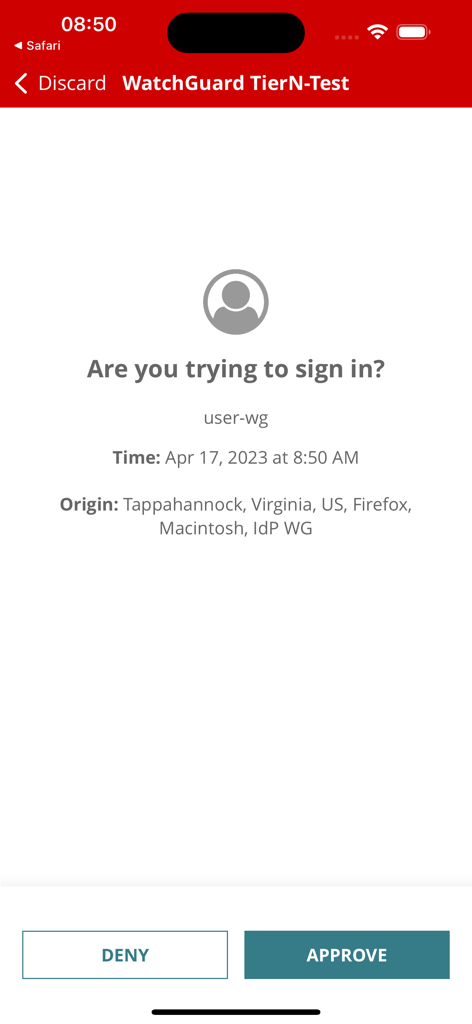
WatchGuard AuthPoint mobile interface for approving or denying a push sign-in request with login details

WatchGuard AuthPoint mobile interface for approving or denying a push sign-in request with login details

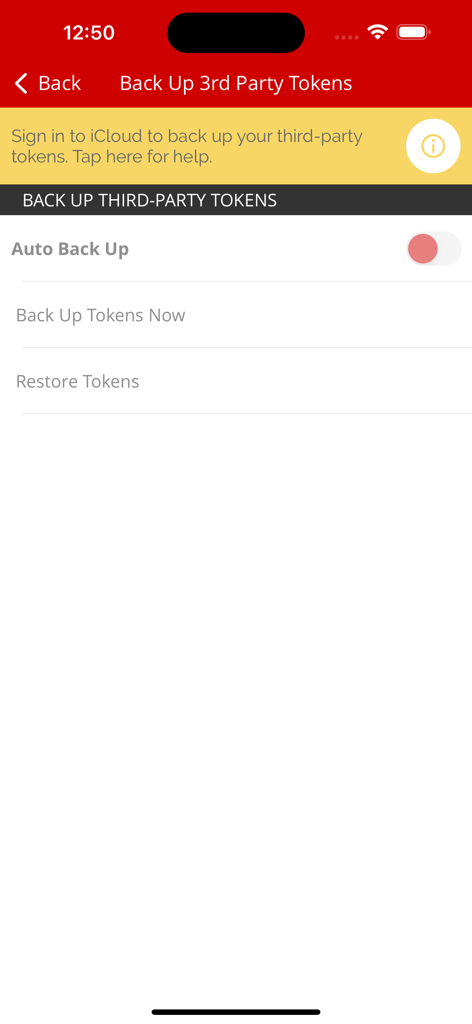
WatchGuard AuthPoint settings screen for backing up and restoring third party authentication tokens

WatchGuard AuthPoint settings screen for backing up and restoring third party authentication tokens

WatchGuard AuthPoint app interface showing authentication codes and third-party tokens

WatchGuard AuthPoint app interface showing authentication codes and third-party tokens

WatchGuard AuthPoint about screen showing app version and privacy terms

WatchGuard AuthPoint about screen showing app version and privacy terms

Effortless Security for the Modern Workforce

The tools that make this app stand out, trusted by 453K+ users.

One-Tap Push Approval

Forget typing in six-digit codes. Authenticate instantly with a secure push notification that lets you approve access with a single tap on your screen.

📱

Hardware-Free Freedom

Stop carrying bulky keyfobs and USB tokens. Your smartphone is all you need to access company networks and cloud applications securely from anywhere.

🔄

Smart Token Management

Consolidate your life by storing third-party tokens for Google and Facebook, and enjoy seamless self-service migration when you upgrade your iPhone.

Loved by users worldwide

Trusted by 453K+ people who love this app.

"

"AuthPoint has completely simplified my daily workflow. The push notifications are incredibly fast, allowing me to authenticate into my company VPN with a single tap. I also love that I can keep my personal tokens for Google and Dropbox in the same app—it's the ultimate all-in-one security tool."

Sarah Jenkins, Marketing Director
"

"The self-service migration feature is a total game changer. I recently upgraded my iPhone and was able to move all my security tokens over in seconds without having to contact my IT department. It’s reliable, intuitive, and much more convenient than carrying around a physical keyfob."

David Miller, Senior IT Administrator

About the app

Everything you need to know about WatchGuard AuthPoint.

Description

WatchGuard’s AuthPoint app allows you to authenticate right from your own phone! No need to carry keyfobs or thumb drives; instead install and activate AuthPoint, and then use it to authenticate to company networks and cloud applications. It enables speedy push-based authentication as well as offline authentication using QR codes with the phone’s camera. This app requires activation of AuthPoint service, offered by WatchGuard. The AuthPoint app features: - convenient, secure authentication in seconds when you approve a push notification message - additional storage for all your authenticators such as those used with Google Authenticator, Facebook, Dropbox and more - quick self-service migration of tokens when changing phones - customizable tokens with unique names and pictures With AuthPoint, you can do your part to prevent unauthorized access to sensitive systems and data arising from lost or stolen credentials.

Latest Version

2.4.1

Size

87.5 MB

First Released

May 15, 2018

One Tap. Total Security.

Ditch the hardware keyfobs and experience the most intuitive MFA for the modern workforce. Download WatchGuard AuthPoint now to secure your professional apps and simplify your login workflow.

Download on App Store
FAQ

Frequently Asked Questions

Everything you need to know about WatchGuard AuthPoint

What is WatchGuard AuthPoint used for?

WatchGuard AuthPoint provides multi-factor authentication from your phone for company networks and cloud applications. It eliminates the need for physical keyfobs or thumb drives.

How does WatchGuard AuthPoint authenticate users?

WatchGuard AuthPoint authenticates users through speedy push notifications or offline authentication using QR codes scanned with the phone's camera.

Can I use WatchGuard AuthPoint for other accounts like Facebook or Google?

Yes, the WatchGuard AuthPoint app offers additional storage for authenticators used with services such as Google Authenticator, Facebook, and Dropbox.

Does WatchGuard AuthPoint support token migration to a new device?

Yes, WatchGuard AuthPoint provides quick self-service migration of tokens when you change phones, ensuring a smooth transition of your authenticators.

How does WatchGuard AuthPoint improve security?

WatchGuard AuthPoint prevents unauthorized access to sensitive systems and data. It mitigates risks arising from lost or stolen credentials by requiring phone-based authentication.

Is biometric authentication available in WatchGuard AuthPoint?

Yes, WatchGuard AuthPoint supports biometric authentication. Users can enable Biometric ID to unlock PIN-protected tokens, requiring Touch ID or Face ID configuration.

Can I backup third-party tokens in WatchGuard AuthPoint?

Yes, WatchGuard AuthPoint allows users to back up third-party tokens. An auto-backup feature is available, which integrates with iCloud for token storage.

Is the WatchGuard AuthPoint service required to use the app?

Yes, the WatchGuard AuthPoint app requires activation of the AuthPoint service, which WatchGuard offers. The app functions as part of this service.

How do I customize tokens in WatchGuard AuthPoint?

WatchGuard AuthPoint allows users to customize their tokens. This includes assigning unique names and adding pictures for easier identification.