
Multifactor


Secure your corporate accounts and VPNs with seamless push notifications. Fast, reliable, and designed for professionals who value their time.
Publisher
Category
UtilitiesDownloads
371K+User Rating
Total Ratings
300Locales
2Discover the interface used by 371K+ users.
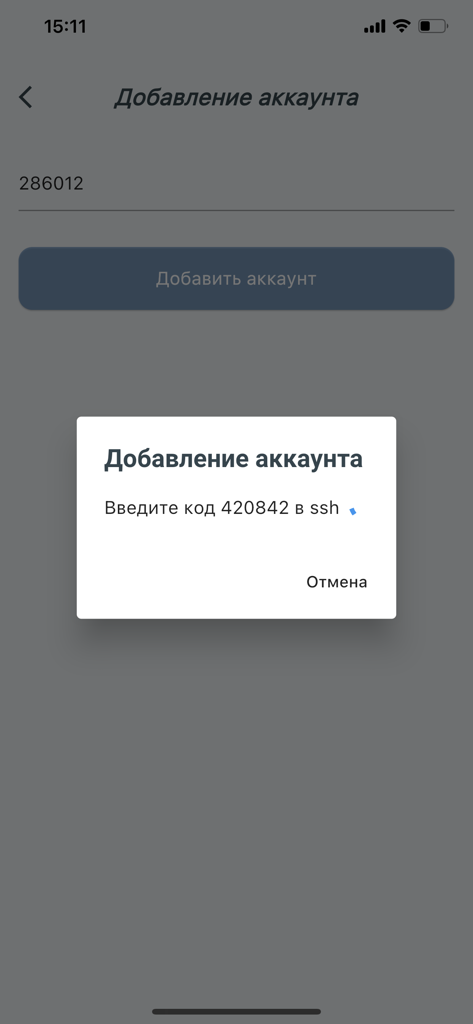
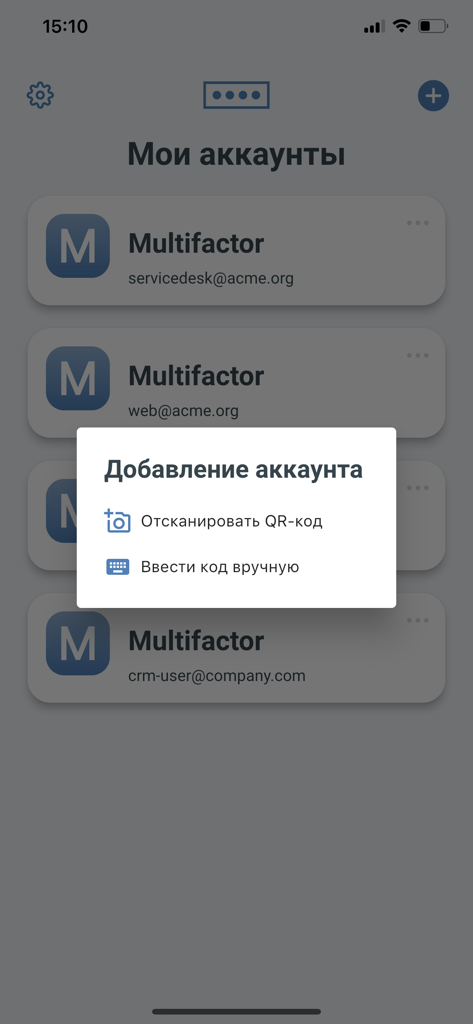
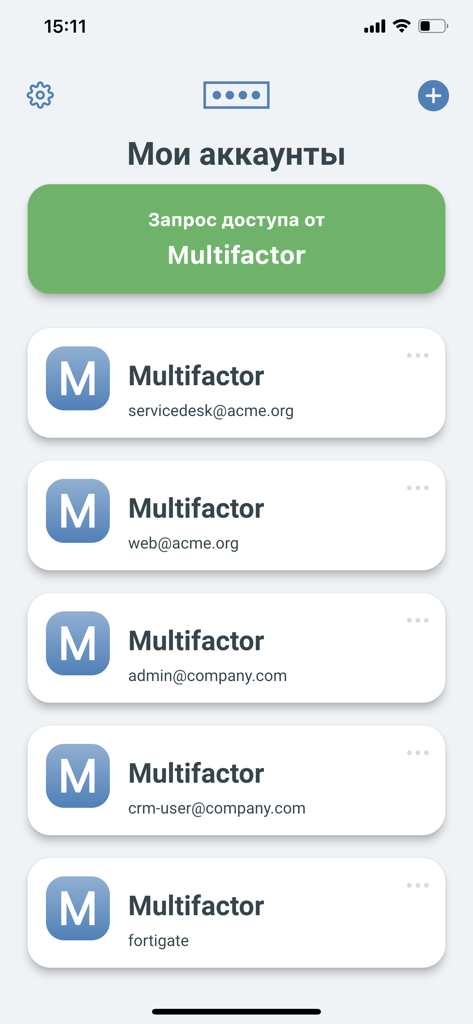
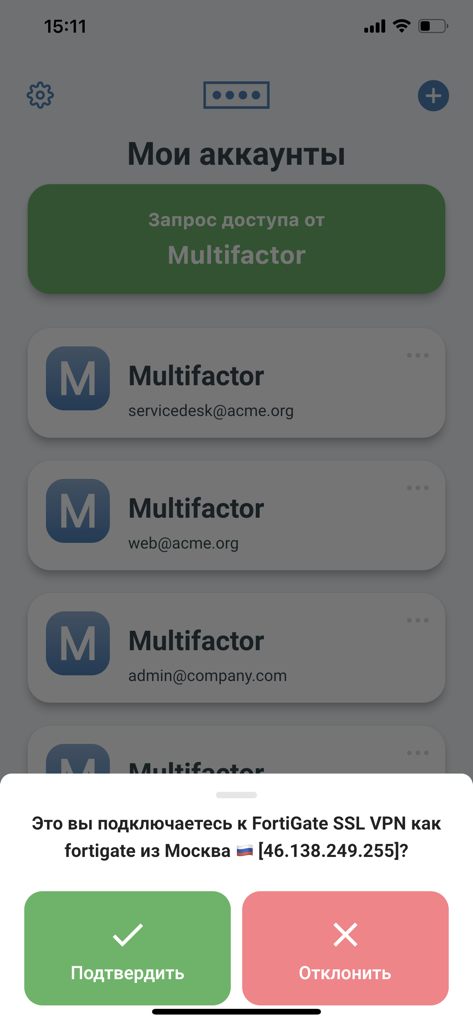
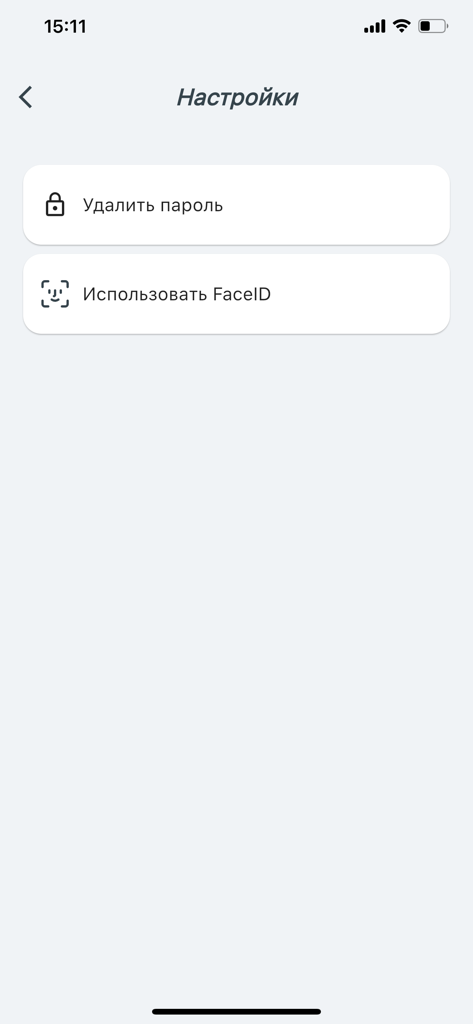
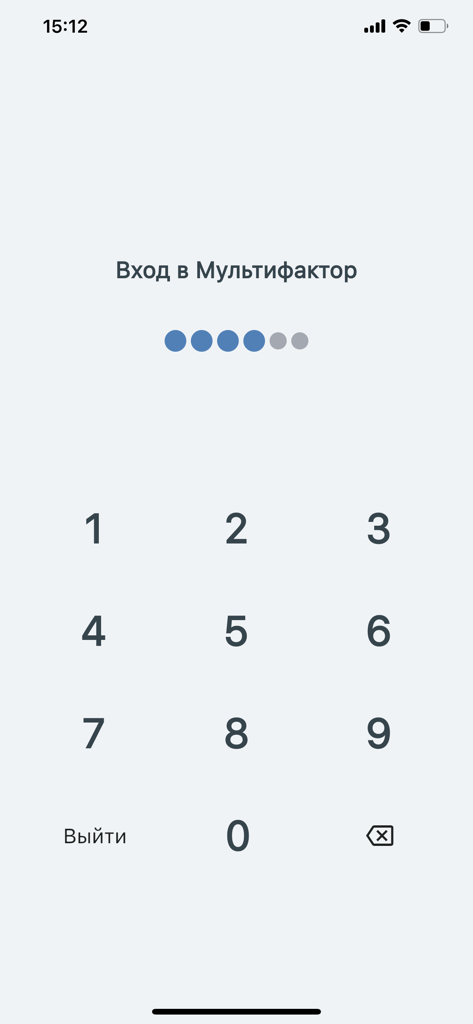
The tools that make this app stand out, trusted by 371K+ users.
Eliminate authentication fatigue. Approve login requests instantly via push notifications instead of manually typing codes.
Get up and running in seconds. Use the integrated QR scanner to link your professional accounts with zero configuration.
A lightweight utility focused purely on security. No tracking, no clutter—just a reliable key to your secure workspace.
Trusted by 371K+ people who love this app.
"Managing security for a remote team is challenging, but Multifactor makes the login process completely seamless. The push notifications arrive instantly, and the two-touch authentication is a massive time-saver compared to typing in manual codes."
"I use this app daily for secure access to my company's VPN. It is incredibly lightweight, reliable, and does exactly what it's supposed to do without any clutter. The setup via QR code was fast and the UI is very intuitive."
Everything you need to know about Multifactor.
Description
Latest Version
1.7.3
Size
40.1 MB
First Released
Nov 20, 2020
Eliminate authentication fatigue with our lightweight MFA solution. Join over 371,000 professionals who prioritize efficiency without compromising security.
Everything you need to know about Multifactor
The Multifactor app functions in conjunction with the multifactor.ru multi-factor authentication service. It provides simple two-tap authentication by receiving push notifications.
Multifactor accounts can be activated by scanning QR codes or by manually entering a code. The app requests camera access specifically for QR code scanning during activation.
Yes, the Multifactor application receives push notifications. These notifications enable a simple two-tap authentication process for users.
Multifactor requests camera access exclusively for scanning QR codes when activating accounts. Users can also activate accounts using alternative methods, avoiding camera use.
Yes, the Multifactor app supports FaceID. Users can enable FaceID from the app's settings menu for enhanced local security.
The Multifactor app confirms login requests by presenting a pop-up with connection details. Users can then confirm or reject the attempt with a single tap.
Yes, the Multifactor app includes a numeric keypad for login. This feature ensures local access security for the application.
Apps with similar features and user experience

WatchGuard Technologies Inc.

Tirender Wig

Aladdin R.D. ZAO

RSA Security

In-Webo Technologies

Google LLC

Fortinet, Inc
Entrust Inc.

Closed Joint Stock Company"Trade House"Perekrestok