InShot - Video Editor

InShot - Video Editor

Download on App StoreDownload on Google Play
Spark by MWM logo
Logo of InShot - Video Editor

InShot: Professional Video & Photo Editing for Every Creator

Elevate your digital presence with AI-powered auto-captions, cinematic effects, and 4K export. Whether you are crafting viral TikToks or pro-level collages, create everything you need in one powerful, mobile-first suite.

Publisher

SHANTANU PTE. LTD.

Category

Photo & Video

Downloads

214M+

User Rating

4.8/5

Total Ratings

16M+

Locales

16

A Glimpse Inside the Studio

Discover the interface used by 214M+ users.

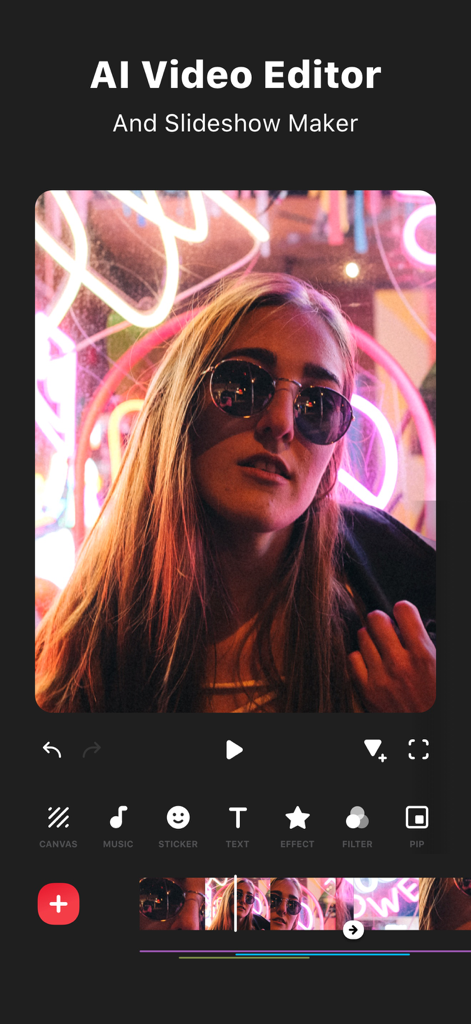
InShot mobile app interface displaying AI video editing tools and a video preview

InShot mobile app interface displaying AI video editing tools and a video preview

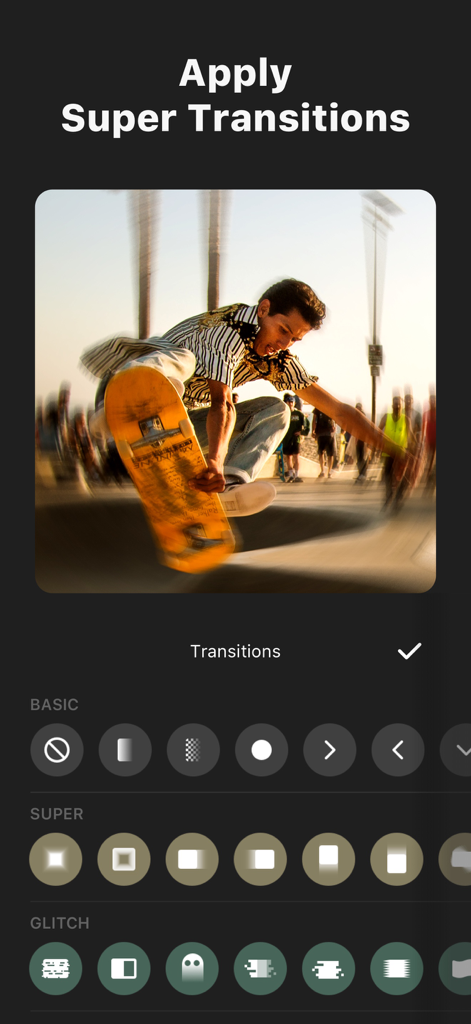
Interface of InShot video editor showing the super transitions and glitch effects menu over a skateboarding video clip.

Interface of InShot video editor showing the super transitions and glitch effects menu over a skateboarding video clip.

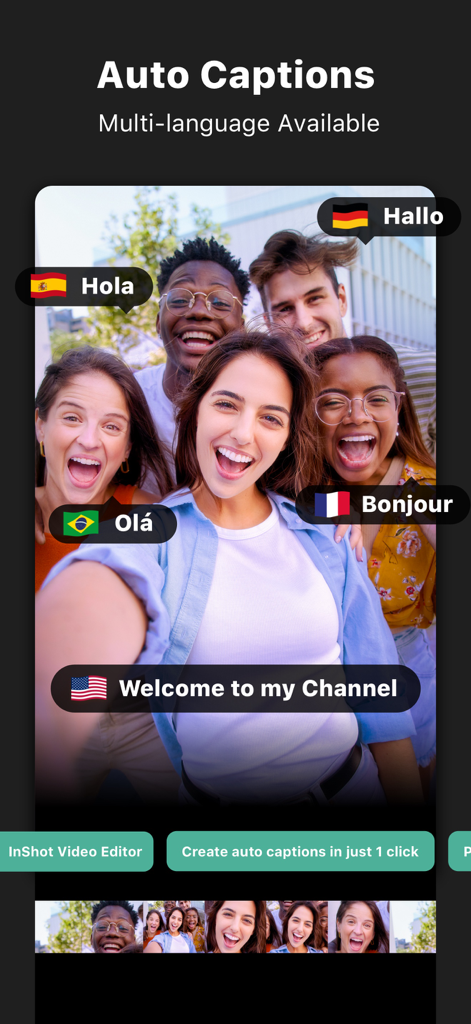
InShot video editor interface showing the auto captions feature with multi-language support for creators

InShot video editor interface showing the auto captions feature with multi-language support for creators

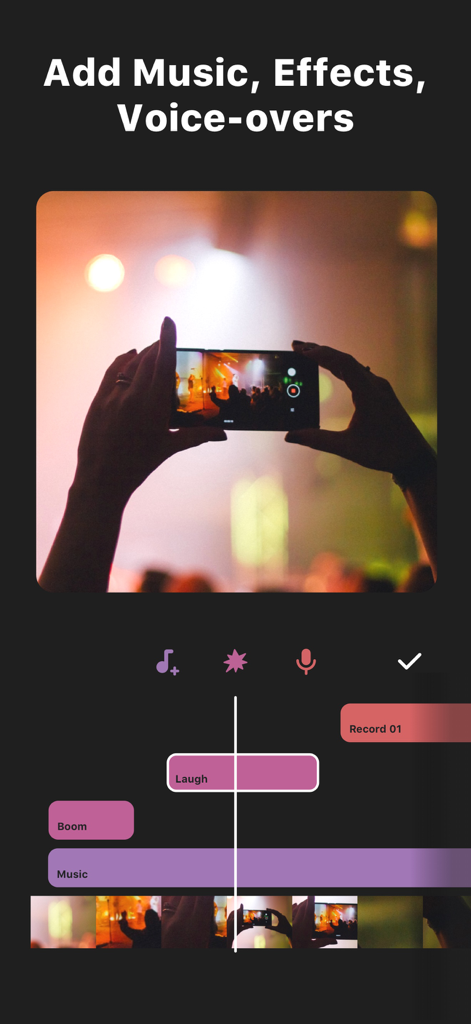
Interface of InShot video editor for adding music effects and voice overs to a timeline

Interface of InShot video editor for adding music effects and voice overs to a timeline

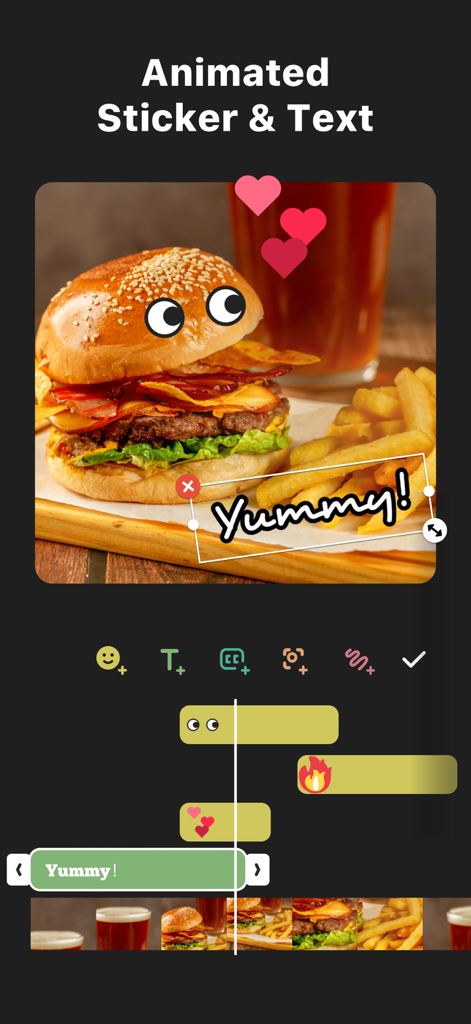
InShot video editor interface showing animated stickers and text over a food video

InShot video editor interface showing animated stickers and text over a food video

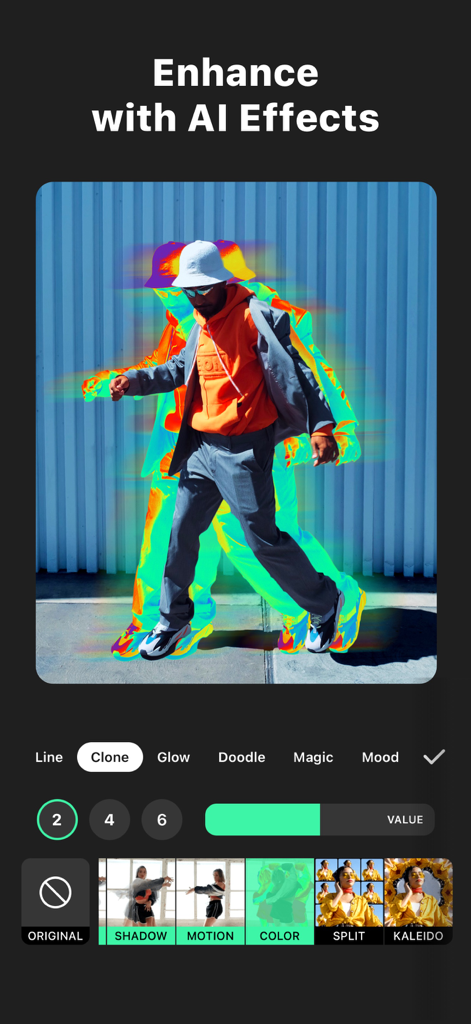
InShot mobile app interface showing a man walking with a colorful AI clone effect trail

InShot mobile app interface showing a man walking with a colorful AI clone effect trail

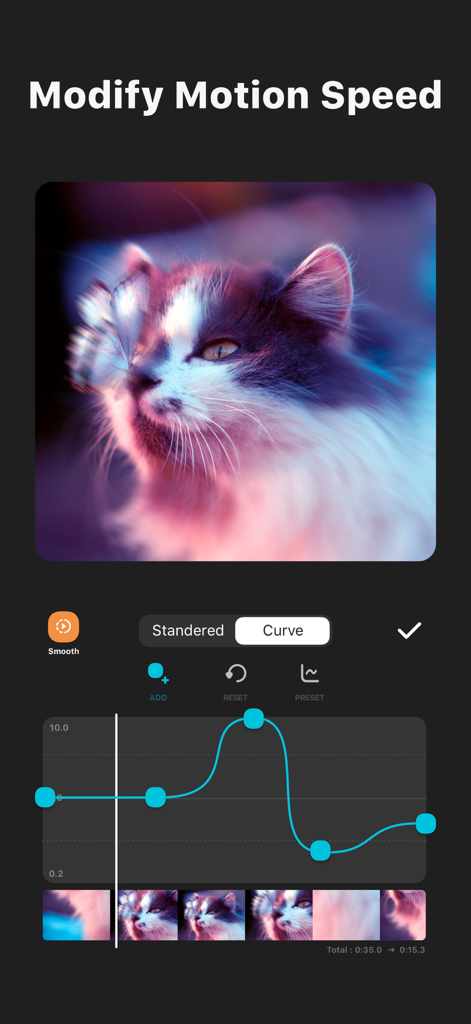
InShot video editor interface showing a speed ramping curve to modify motion speed on a video.

InShot video editor interface showing a speed ramping curve to modify motion speed on a video.

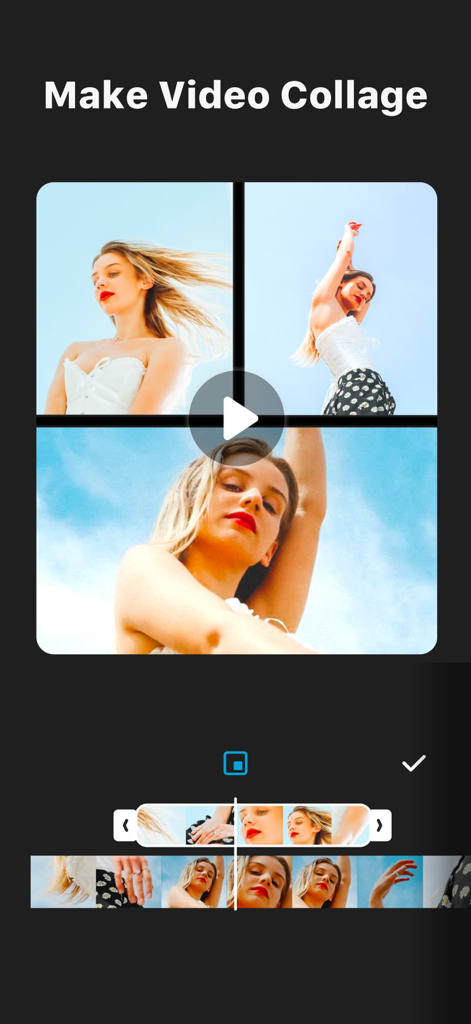
InShot app interface showing the video collage feature with multiple clips and a playback timeline

InShot app interface showing the video collage feature with multiple clips and a playback timeline

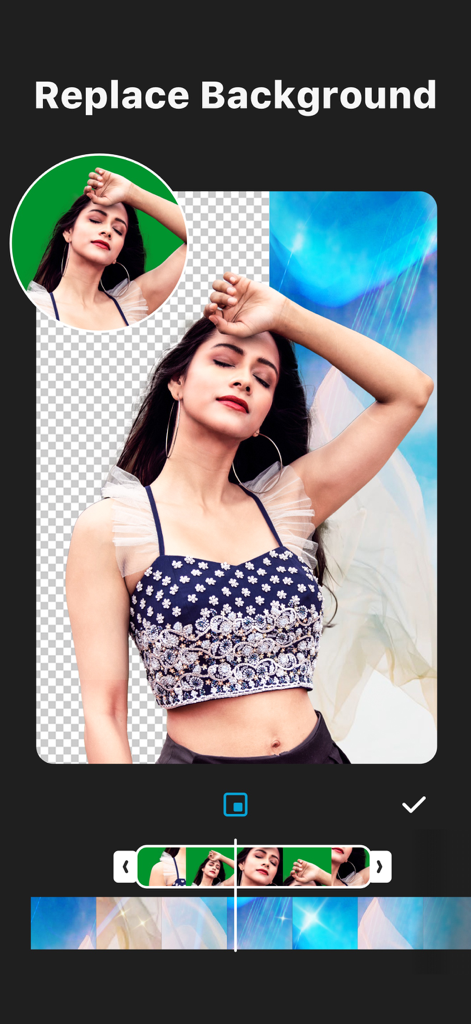
InShot mobile app interface demonstrating the AI background removal and replacement feature for videos

InShot mobile app interface demonstrating the AI background removal and replacement feature for videos

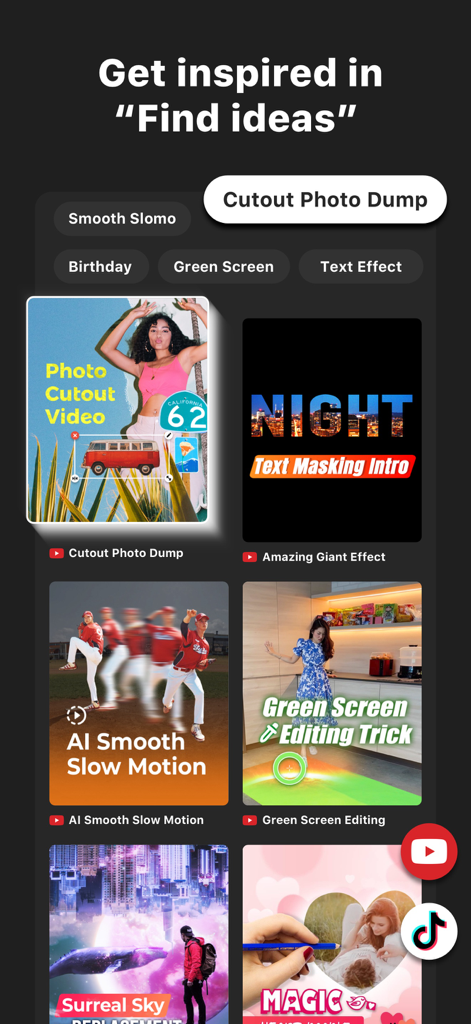
InShot app screen displaying various creative video editing templates and project ideas

InShot app screen displaying various creative video editing templates and project ideas

Create Like a Pro, Anywhere

The tools that make this app stand out, trusted by 214M+ users.

🤖

Smart AI Workflow

Skip the manual work with auto-captions and one-tap background removal that make your editing faster and smarter.

Viral Aesthetic Effects

Give your content a professional edge with cinematic filters and trending effects like Glitch, Retro DV, and smooth slow-mo.

🚀

Social-Ready Exports

Instantly resize for TikTok, Reels, or YouTube and export in stunning 4K at 60fps to stand out in every feed.

Loved by users worldwide

Trusted by 214M+ people who love this app.

"

"I've tried every editing app out there, but InShot is the only one that actually keeps up with my workflow. The AI Auto Captions save me so much time on my TikToks, and the cinematic filters give my content that perfect aesthetic. It is a literal game-changer for my engagement!"

Chloe R.
"

"As a small business owner, I need professional results without the complexity of desktop software. InShot is incredible for creating 4K product promos on the fly. The smart tracking and speed ramping features make my ads look high-end, helping me stand out in a crowded feed."

Marcus T.

About the app

Everything you need to know about InShot - Video Editor.

Description

InShot: Empowering Creators with Advanced Video and Photo Editing. Unlock effortless editing with easy-to-use features and powerful AI tools, elevating your video and photo editing experience to new heights. [AI Tool] - AI Effects. Experience the magic of AI with instant presets that elevate your images and videos in just one tap. - Auto Captions. AI-powered speech-to-text tool helps you say goodbye to manual text typing and makes video editing effortless. - Auto Remove Background. Remove background of videos/photos at the touch of a button. - Smart tracking. Make stickers/text move seamlessly in sync with your tracking object motion, adding dynamic flair to your videos. - Smooth slow-mo. Experience seamless slow-motion effects for buttery smooth videos. - Auto Adjust. Instantly enhance your images and videos with one-tap. - Smart collage. Make photo collages with AI Blend effects and Screenshot Stitch with effortless caption recognition. [Video editing] - Trim/Merge clips. - Reverse videos. - Add text, emoji and InShot exclusive stickers. - Add music, sound effects & voice-overs. - Add various-styles voice effects. - Speed control. Speed up/slow down video. Add speed ramping. - Keyframe editing. Add custome keyframe animations. - Chromakey. Easily edit green screen video. - Picture-in-Picture. Create multi-layered videos. [Filters, Effects & Transitions] - Lots of cinematic filters. - Unique effects such as Glitch, Fade, Noise, Beats, Weather, Retro DV, celebrate, etc. - AI effects. Clone, stroke, auto-blur, etc. - Combine clips with super transitions. [Photo Editing] - Add text and stickers to photos, make fun story. - Add filters and adjust brightness, contrast, curves, etc. [Photo Collage] - Easy-to-use photo grid collage maker. - Create seamless collages with AI Blend. - AI subtitle detection in Captions stitch mode. - High-quality pic stitch in horizontal/vertical way. [Share] - High video output resolution. Now InShot support save in 4K, 60fps. - Share to social apps, like YouTube, Twitter, Instagram, WhatsApp, etc. [InShot Pro Unlimited Subscription] - With an InShot Pro Unlimited subscription, you have access to all features and paid editing materials including stickers, filter packages, etc. Watermark and advertisements will be removed automatically. - InShot Pro Unlimited subscription is billed monthly or annually at the rate corresponding to the selected plan. - Payment will be charged to iTunes Account at confirmation of purchase. - Subscription automatically renews unless auto-renew is turned off at least 24-hours before the end of the current period. - Account will be charged for renewal within 24-hours prior to the end of the current period, and identify the cost of the renewal. - Subscriptions may be managed by the user and auto-renewal may be turned off by going to the user's Account Settings after purchase. - Any unused portion of a free trial period, if offered, will be forfeited when the user purchases a subscription to that publication, where applicable. [Terms of Use] https://inshot.cc/terms/terms.html [Privacy Policy] https://inshot.cc/terms/privacy.html Feel free to contact us: inshot.ios@inshot.com, your feedback and suggestions are important to us! For more InShot news and tutorials, follow us on YouTube @InShot Video Editor. [Disclaimer]: InShot is not affiliated, associated, sponsored, endorsed by, or in any way officially connected with YouTube, Instagram, TikTok, Facebook, Twitter. Acknowledgements: FUGUE Music https://icons8.com/music/

Latest Version

1.92.3

Size

197.0 MB

First Released

Jun 11, 2015

Join 214 Million+ Creators and Start Editing Like a Pro

Unlock AI-powered tools, trending effects, and 4K exports. Download InShot now and make your content stand out on every feed.

Download on App StoreDownload on Google Play
FAQ

Frequently Asked Questions

Everything you need to know about InShot - Video Editor

What is InShot - Video Editor?

InShot is a comprehensive video and photo editing application designed to empower creators with easy-to-use features and powerful AI tools, elevating their editing experience.

Does InShot - Video Editor support auto captions?

Yes, InShot features an AI-powered speech-to-text tool for auto captions, making video editing effortless by eliminating manual text typing. It supports multiple languages.

Can InShot remove backgrounds from videos and photos?

Yes, InShot provides an AI tool called Auto Remove Background that enables users to remove backgrounds from both videos and photos with a single tap.

How does the InShot Pro Unlimited subscription work?

The InShot Pro Unlimited subscription grants access to all features, paid editing materials, and automatically removes watermarks and advertisements. It is billed monthly or annually.

What is the maximum video output resolution supported by InShot?

InShot supports high video output resolutions, including saving videos in 4K at 60 frames per second (fps) for excellent quality.

Does InShot - Video Editor offer keyframe editing?

Yes, InShot - Video Editor offers keyframe editing capabilities, allowing users to add custom keyframe animations for dynamic video effects.

Can I add speed ramping effects in InShot videos?

Yes, InShot allows users to control video speed and add speed ramping effects for seamless and dynamic adjustments within their video projects.

Does InShot - Video Editor support green screen editing?

Yes, InShot includes a Chromakey feature that enables users to easily edit green screen videos, facilitating professional-looking composites.

Does the InShot Pro Unlimited subscription auto-renew?

Yes, the InShot Pro Unlimited subscription automatically renews unless auto-renew is explicitly turned off at least 24 hours before the end of the current billing period.

Can InShot apply AI effects to photos?

Yes, InShot provides AI effects like Clone, Stroke, and Auto-blur, along with instant presets, to enhance images with a single tap.