Invoice Maker - Invoice Fly

Invoice Maker - Invoice Fly

Download on App StoreDownload on Google Play
Spark by MWM logo
Logo of Invoice Maker - Invoice Fly

Invoice Maker - Invoice Fly: Professional Invoicing for Small Businesses and Freelancers

Create, send, and track professional invoices or estimates in less than a minute. Stay organized and get paid faster with the easiest on-the-go invoicing tool designed for contractors and creative pros.

Publisher

Labhouse Mobile SL

Category

Business

Downloads

2M+

User Rating

4.8/5

Total Ratings

75K+

Locales

6

Simply Professional

Discover the interface used by 2M+ users.

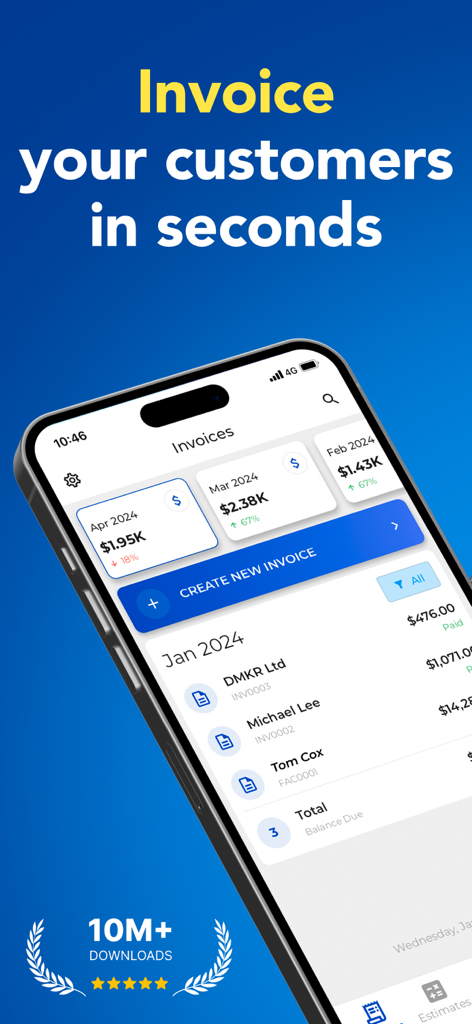
Invoice Maker - Invoice Fly app dashboard showing monthly revenue and invoice list on a mobile screen

Invoice Maker - Invoice Fly app dashboard showing monthly revenue and invoice list on a mobile screen

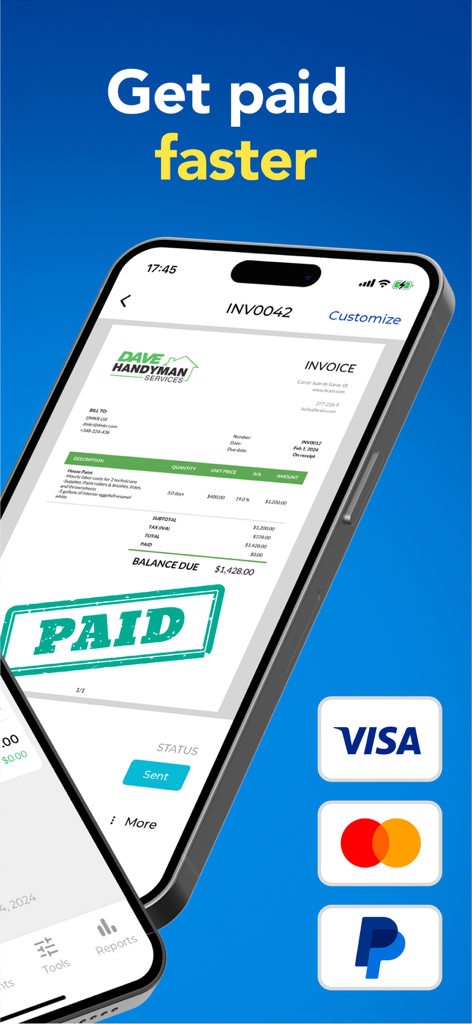
A smartphone screen displaying a professional handyman invoice with a paid stamp and payment options for Visa Mastercard and PayPal

A smartphone screen displaying a professional handyman invoice with a paid stamp and payment options for Visa Mastercard and PayPal

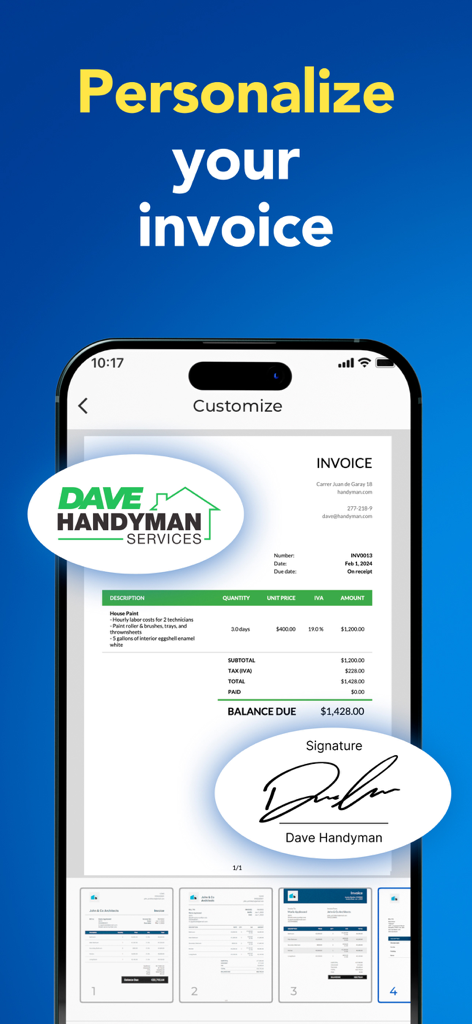
Screenshot showing how to personalize an invoice with a business logo and digital signature in the Invoice Fly app

Screenshot showing how to personalize an invoice with a business logo and digital signature in the Invoice Fly app

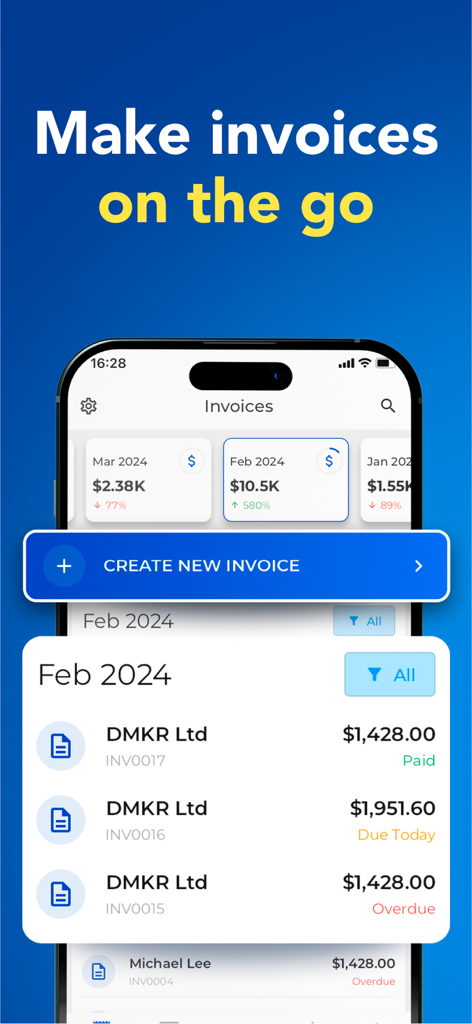
Invoice Fly app dashboard displaying monthly revenue and a list of invoices with paid and overdue status

Invoice Fly app dashboard displaying monthly revenue and a list of invoices with paid and overdue status

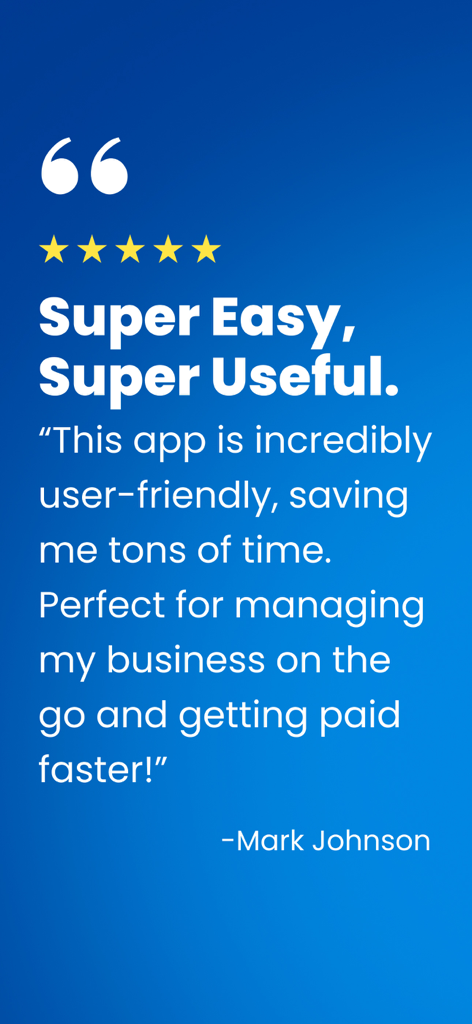
Positive customer testimonial for the Invoice Fly mobile app by Mark Johnson

Positive customer testimonial for the Invoice Fly mobile app by Mark Johnson

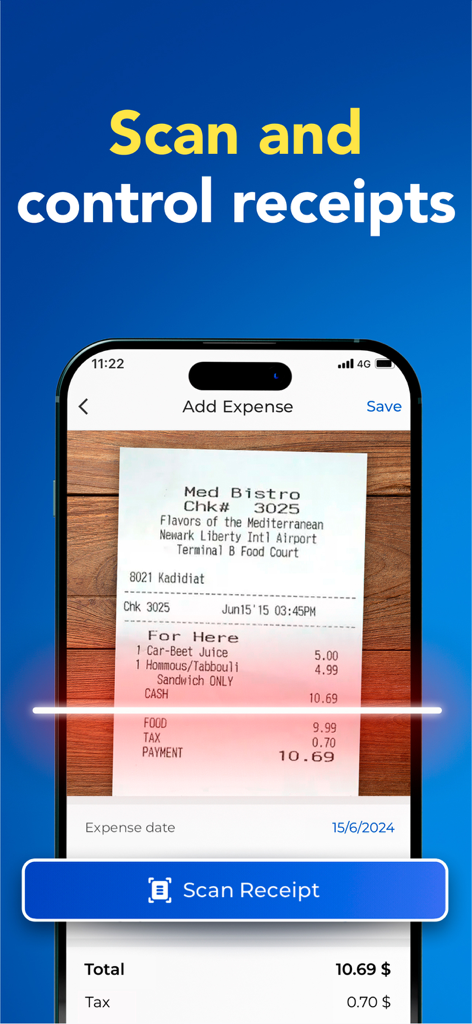
A smartphone interface scanning a paper receipt to track business expenses in the Invoice Fly app.

A smartphone interface scanning a paper receipt to track business expenses in the Invoice Fly app.

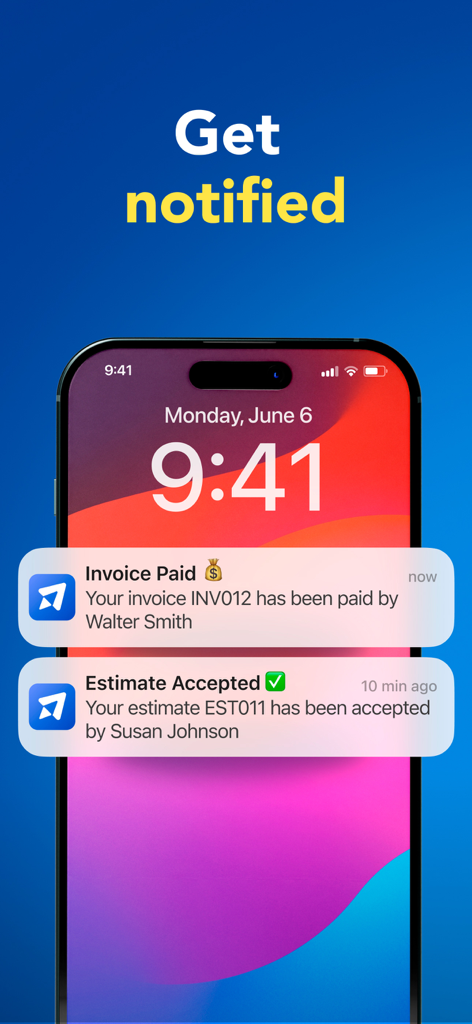
iPhone screen showing Invoice Fly push notifications for a paid invoice and an accepted estimate

iPhone screen showing Invoice Fly push notifications for a paid invoice and an accepted estimate

Powerful Features to Run Your Business Anywhere

The tools that make this app stand out, trusted by 2M+ users.

⚡️

Invoicing in Under a Minute

Create and send professional estimates or invoices directly from the job site before you even leave your truck.

👁️

Real-Time Read Receipts

Eliminate the 'did they get it?' anxiety with instant notifications the moment your client opens your invoice.

🏆

Professional Brand Presence

Build trust with customizable templates, digital signatures, and branded layouts that make your small business look like a major corporation.

Loved by users worldwide

Trusted by 2M+ people who love this app.

"

"I used to spend my Sundays catching up on billing, but Invoice Fly changed everything. I can literally whip up an estimate or invoice in 60 seconds from my phone while I am still at the job site. The notification feature when a client opens the email is a total lifesaver for my cash flow."

Mark T., Independent HVAC Contractor
"

"As a freelance designer, image is everything. This app lets me send beautiful, branded invoices that look like they came from a big agency. It is incredibly easy to use, and being able to pull client info straight from my contacts saves me so much time every month."

Sarah J., Creative Consultant

About the app

Everything you need to know about Invoice Maker - Invoice Fly.

Description

Invoice Fly is the easiest way to create and send professional invoices to your clients. It’s perfect for small businesses, freelancers and contractors. Whether you need to create and invoice or estimate, Invoice Fly is the #1 invoice app for the job. Keep your finances organized with Invoice Fly, where you can easily create, send and track invoices on your phone. You will be able to configure as many details as you need, adding payment information, taxes, withholding, due dates, extra images, discount, signature and more. Also, you will be notified when the customer receives and opens your invoice. Features: -Create invoices in less than a minute, anywhere you are. -Generate invoices from estimates with a tap. -Choose from different invoice templates and customize them. -Attach images and additional notes. -Discounts per item or total. -Taxes per item or total. -Add signature. -Share or print invoices on the go. -Quickly setup clients from your phone contact list. -Sync all your devices with the same account. -Track your incomes with easy to use reports. -Get notified when the client receives and opens your invoice. -24/7 support Creating and sending an invoice has never been so easy: Step 1: Tap create invoice Step 2: Select your client to bill, easily from your contacts Step 3: Add the desired items and prices Step 4: You are ready to go, save and send. Privacy Policy: https://www.invoicefly.com/privacy-policy Terms of use: https://www.invoicefly.com/terms-and-cond

Latest Version

2.13.0

Size

185.1 MB

First Released

Feb 10, 2022

Ready to Get Paid Faster?

Join over 2 million contractors and freelancers who send professional invoices in under a minute. Download Invoice Fly today and stop doing paperwork after hours.

Download on App StoreDownload on Google Play
FAQ

Frequently Asked Questions

Everything you need to know about Invoice Maker - Invoice Fly

How does Invoice Fly help businesses create invoices?

Invoice Fly helps businesses create and send professional invoices efficiently. It supports customization with payment details, taxes, discounts, due dates, and signatures, making it suitable for small businesses, freelancers, and contractors.

Can I generate invoices from estimates using Invoice Fly?

Yes, Invoice Fly allows users to generate invoices directly from estimates with a single tap. This feature streamlines the billing process and saves time for users.

Does Invoice Fly provide notifications for invoice status?

Yes, Invoice Fly provides notifications when a customer receives and opens an invoice. It also notifies users about paid invoices and accepted estimates.

Can I customize invoice templates in Invoice Fly?

Yes, Invoice Fly offers various invoice templates that users can customize. Customization options include adding a company logo, signature, images, and specific notes.

What payment details can I include in Invoice Fly invoices?

Invoice Fly allows users to configure detailed payment information, including taxes, withholding, due dates, and discounts. Users can also attach extra images and add a signature.

Is it possible to track expenses with Invoice Fly?

Yes, Invoice Fly enables users to track expenses by scanning and controlling receipts. This feature helps in organizing and managing financial records efficiently.

How does Invoice Fly handle client management?

Invoice Fly simplifies client management by allowing users to quickly set up clients directly from their phone's contact list. This streamlines the process of sending invoices.

Does Invoice Fly offer reporting features for income tracking?

Yes, Invoice Fly offers easy-to-use reports for tracking incomes. This functionality helps users monitor their financial performance and provides insights into their business.

Where can I find the privacy policy for Invoice Fly?

The privacy policy for Invoice Fly is available online at `https://www.invoicefly.com/privacy-policy`. This document outlines how the application handles user data.

Can Invoice Fly be used on multiple devices?

Yes, Invoice Fly supports device synchronization. Users can sync all their devices with the same account, ensuring continuous access to their invoice data across platforms.