
Kabe View


Take total command of your security hardware with live 4K viewing, intelligent face detection alerts, and full PTZ management. Engineered for business owners and property managers who demand reliable, real-time monitoring across every location.
Publisher
Category
BusinessDownloads
907K+User Rating
Total Ratings
200Locales
36Discover the interface used by 907K+ users.
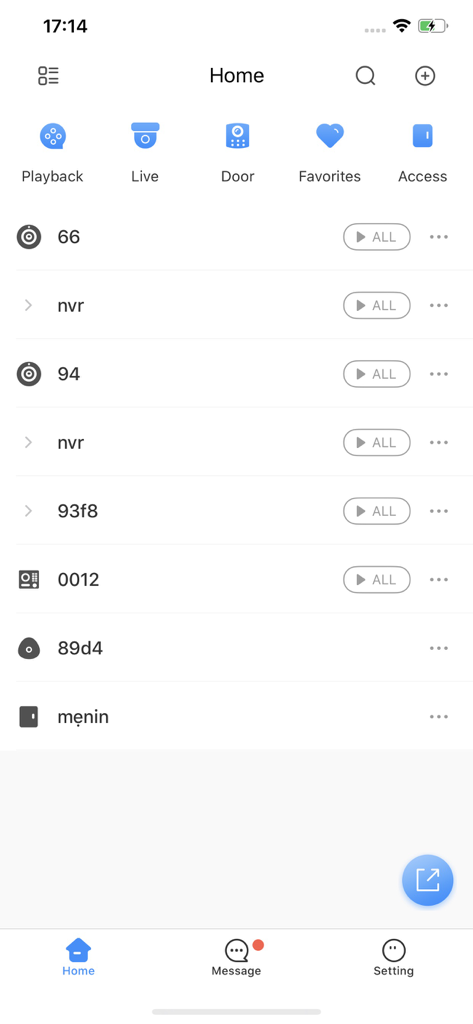
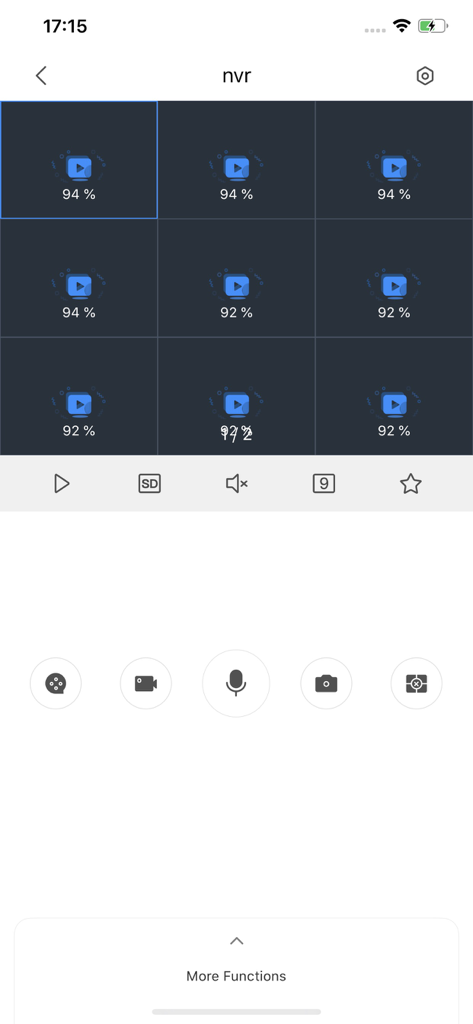
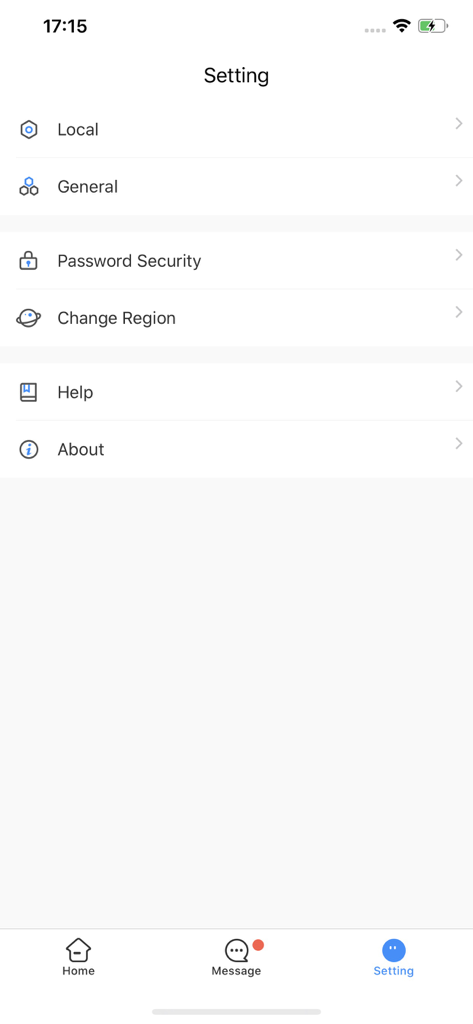
The tools that make this app stand out, trusted by 907K+ users.
Stay informed with high-precision notifications for face detection, motion, and IVS events delivered directly to your device.
Remotely maneuver cameras with Pan-Tilt-Zoom and monitor your system's health, from storage status to recording settings.
Connect seamlessly via IP, Domain, or P2P protocols, ensuring a reliable window into your private security network without cloud fees.
Trusted by 907K+ people who love this app.
"As a business owner managing three different store locations, Kabe View is indispensable. The PTZ control is incredibly responsive, allowing me to check specific aisles in real-time. What sets it apart is the face detection alerts—I get notified exactly when someone enters the back warehouse after hours. It’s reliable, technical, and does exactly what a professional surveillance tool should do without the fluff of consumer apps."
"I transitioned from a consumer-grade cloud system to a professional NVR setup, and this app is the perfect bridge. I love that I can check the health of my storage and recording status remotely. The P2P connection is stable, and the IVS features have significantly reduced false motion alerts on my properties. It's a robust tool for anyone who takes security seriously and wants direct control over their hardware."
Insights from user reviews.
Sentiment Score
Summary
This mobile app for camera surveillance receives overwhelmingly negative feedback from users, primarily due to severe performance and connectivity issues. Users frequently report constant freezing, slow loading times, and difficulty connecting to camera feeds, especially after recent updates. Key functionalities such as receiving notifications, viewing historical data, and seamless 4G connectivity are often unreliable or broken. There are also specific complaints regarding poor image quality, app instability on iOS devices, and security concerns with user account permissions. Many users express a strong preference for the old version, which they found more stable and user-friendly.
Common Themes
Everything you need to know about Kabe View.
Description
Latest Version
5.0.1
Size
467.6 MB
First Released
Jun 8, 2020
Download Kabe View now to manage your surveillance hardware with live playback, IVS alerts, and remote PTZ control—all from your mobile device.
Everything you need to know about Kabe View
The Kabe View app offers live view, playback data, push notifications for alarms (face, motion, IVS, network), PTZ control, and device status information, supporting IP, Domain, and P2P connections.
Yes, the Kabe View app supports live video viewing. Users access this feature directly from the home screen by selecting the 'Live' option.
Yes, the Kabe View app allows users to play back recorded data. The 'Playback' function is available on the home screen for accessing historical footage.
Kabe View sends push notifications for various alarms including face detection, motion detection, IVS (Intelligent Video Surveillance) events, and network connection alerts.
Yes, the Kabe View app provides PTZ control functionality. This allows users to remotely adjust compatible cameras directly from the application interface.
Kabe View supports multiple connection types for devices, including IP, Domain, and P2P (Peer-to-Peer) connections. This provides flexibility for device integration.
Yes, Kabe View allows users to see status information for devices, storage, recording settings, and alarm settings. This functionality ensures comprehensive device management.
Security settings, such as 'Password Security,' are located within the 'Setting' menu of the Kabe View app. This allows users to manage their app's access and protection.
Apps with similar features and user experience

Hangzhou Dong Bin Information Technology Co., Ltd.

Shenzhen Jooan Technology Company

PHOTON SAIL TECHNOLOGIES PTE. LTD.

洪波 王

SimpliSafe, Inc.

JFL Equipamentos Eletronicos Industria e Comercio Ltda.

Shenzhen Weixi Technology Co., Ltd

Bot Home Automation, INC

Hangzhou Hikvision Digital Technology Co., Ltd.