
Luma 3D Capture


Transform your iPhone into a high-end 3D scanner using advanced AI. Capture lifelike assets, create cinematic camera moves for social media, and export high-fidelity NeRFs directly to Blender, Unity, and Unreal Engine.
Publisher
Category
Photo & VideoDownloads
3M+User Rating
Total Ratings
700Locales
7Discover the interface used by 3M+ users.
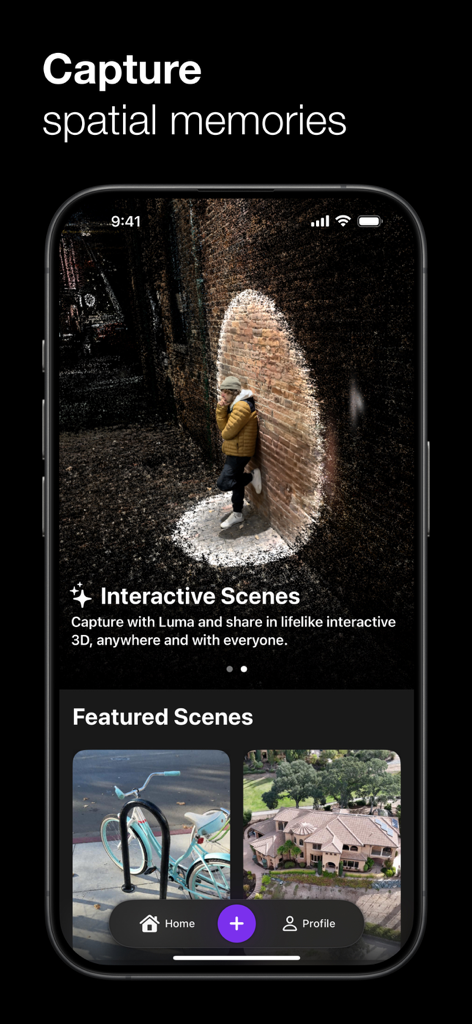
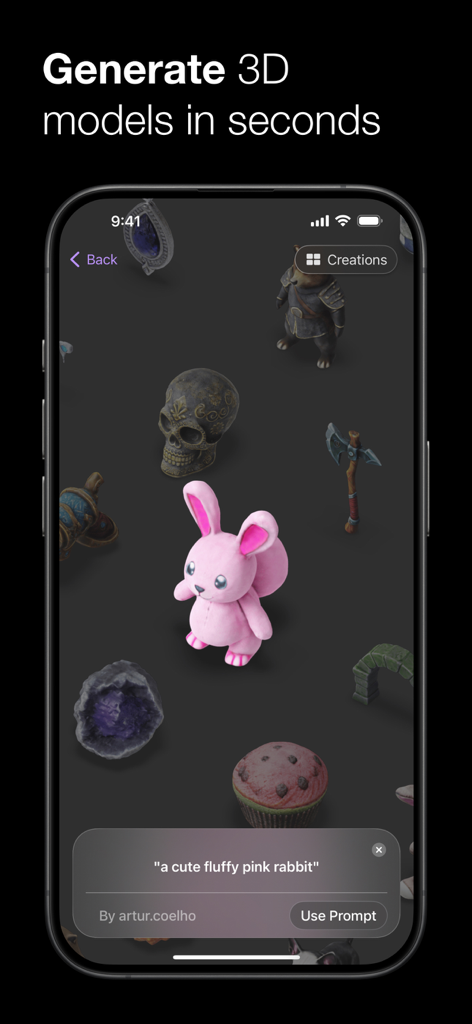
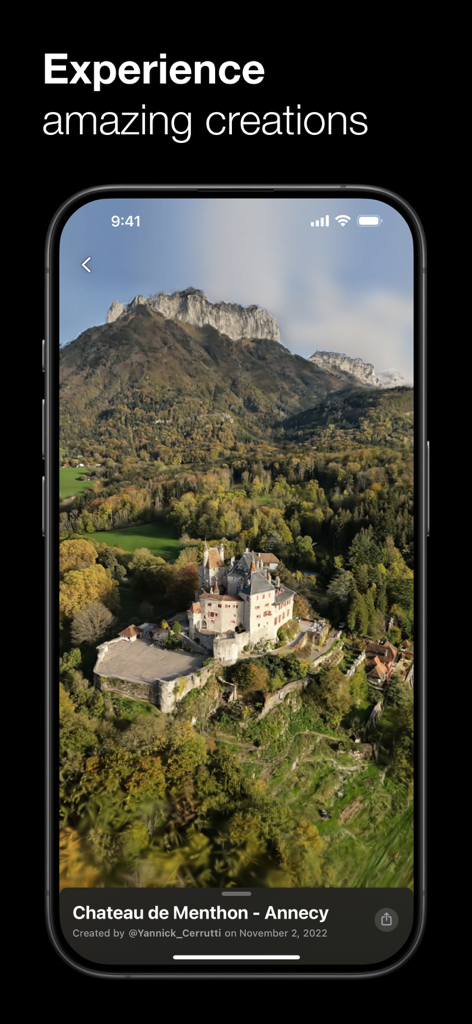
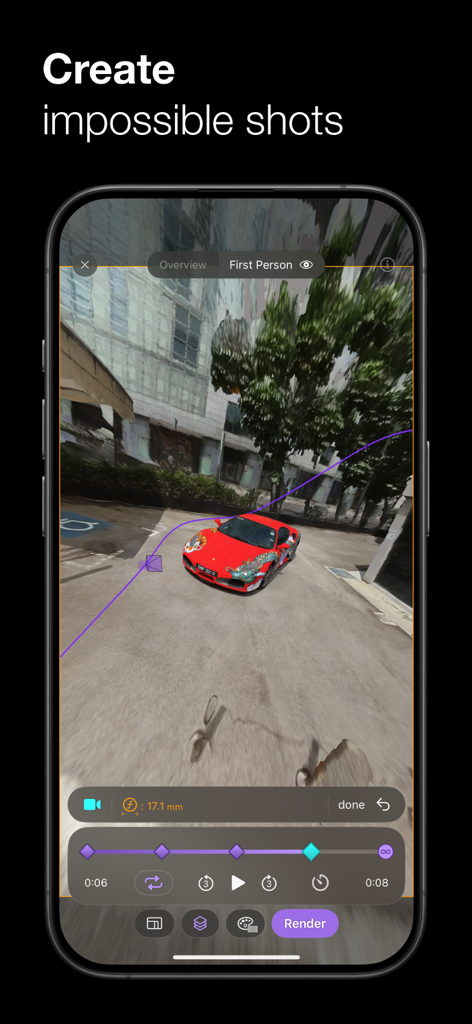
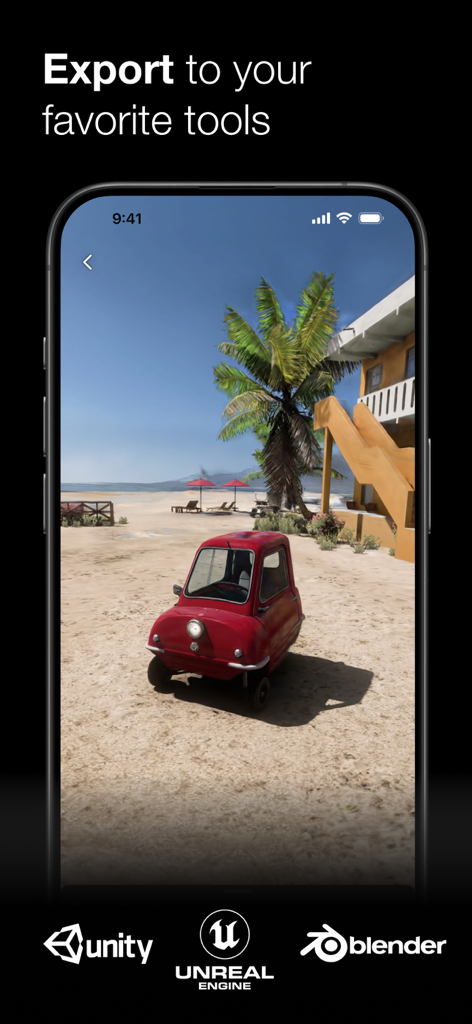
The tools that make this app stand out, trusted by 3M+ users.
Create stunning, cinematic videos for TikTok and Instagram that look like they were shot with a professional drone rig using AI-driven NeRF technology.
Capture products with intricate lighting and reflections to embed on your store. Give customers a true-to-life view that converts better than flat photos.
Export high-quality 3D meshes and Gaussian Splats directly to Blender, Unity, or Unreal Engine to instantly level up your VFX and game design projects.
Trusted by 3M+ people who love this app.
"Luma has completely changed my VFX workflow. I can scan a real-world object on the street and have a high-fidelity mesh in Blender within minutes. The reflections and lighting it captures are honestly better than some professional LIDAR rigs I've used."
"I use Luma to create 3D views of my handmade ceramics for my Shopify store. My customers love being able to see every detail before they buy, and it's helped reduce my return rate significantly. It's so much more lifelike than standard photos!"
Everything you need to know about Luma 3D Capture.
Description
Latest Version
1.3.14
Size
40.2 MB
First Released
Nov 14, 2022
Join 3M+ creators using Luma AI to turn their iPhone into a professional 3D studio. Capture, export, and share lifelike scenes in seconds.
Everything you need to know about Luma 3D Capture
Luma 3D Capture is an AI-powered iPhone app that creates lifelike 3D models of objects, scenes, and products. It allows users to capture intricate details and share them across the web.
Luma 3D Capture requires an iPhone 11 or newer for AR Capture. 3D Viewing and Video Uploads are compatible with iPhone X and XR models.
No, Luma 3D Capture does not require Lidar or other specialized capture equipment. Users only need an iPhone 11 or newer to create 3D content.
Yes, Luma 3D Capture can export lifelike NeRFs and Gaussian Splats to Unreal Engine, Unity, and other supported tools. It also exports 3D mesh game assets to Blender, Unity, or other 3D engines.
Users can share spectacular 3D scenes created with Luma 3D Capture anywhere on the web. The app allows for embedding products on websites and bringing people into the captured environments.
Luma 3D Capture creates lifelike 3D models of products, objects, landscapes, moments, and scenes. It enables cinematic product videos and impossible camera moves for platforms like TikTok.
Apps with similar features and user experience

Toolbox AI, Inc

Recon-3D Inc.
AI Photo Editor Lab SRL

AR Code Pte. Ltd.

Synthetic Dimension GmbH

FARO Technologies Inc.

Magiscan Inc.

KIRI Innovation (Hongkong) Limited

绪海 罗