
Moblo - 3D furniture modeling



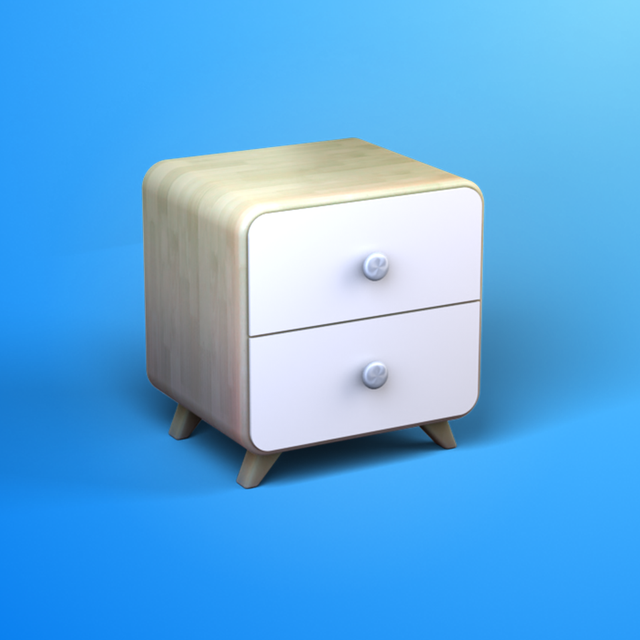
The intuitive 3D design tool built for makers and homeowners. Create bespoke furniture, generate parts lists, and use AR to see your creations in your space before you build.
Publisher
Category
Graphics & DesignDownloads
662K+User Rating
Total Ratings
1K+Locales
1Discover the interface used by 662K+ users.
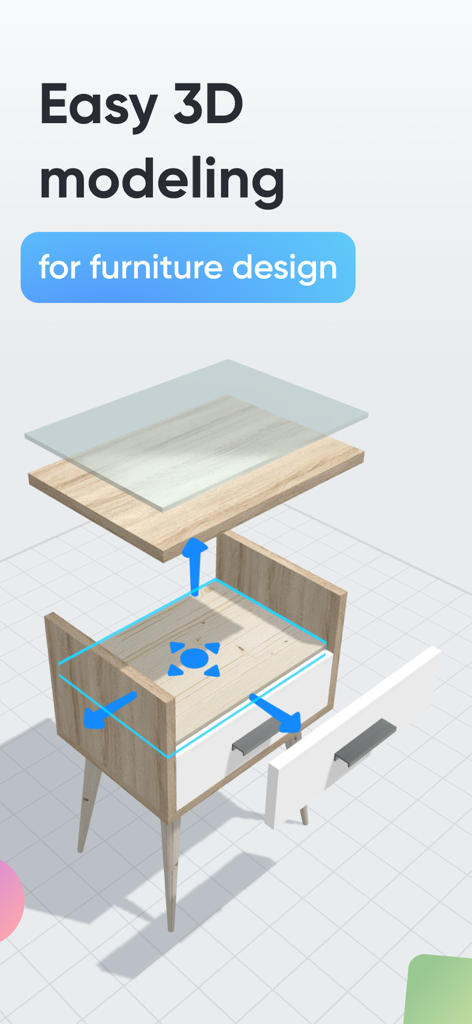
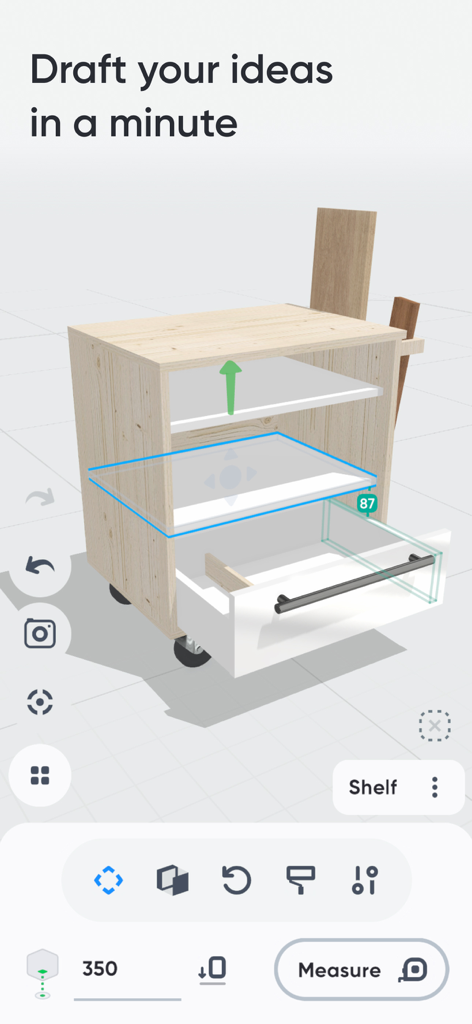
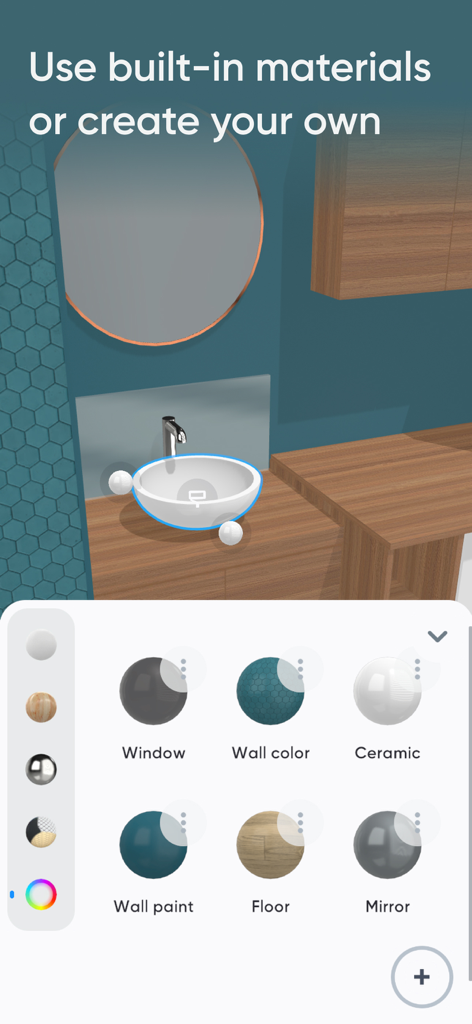
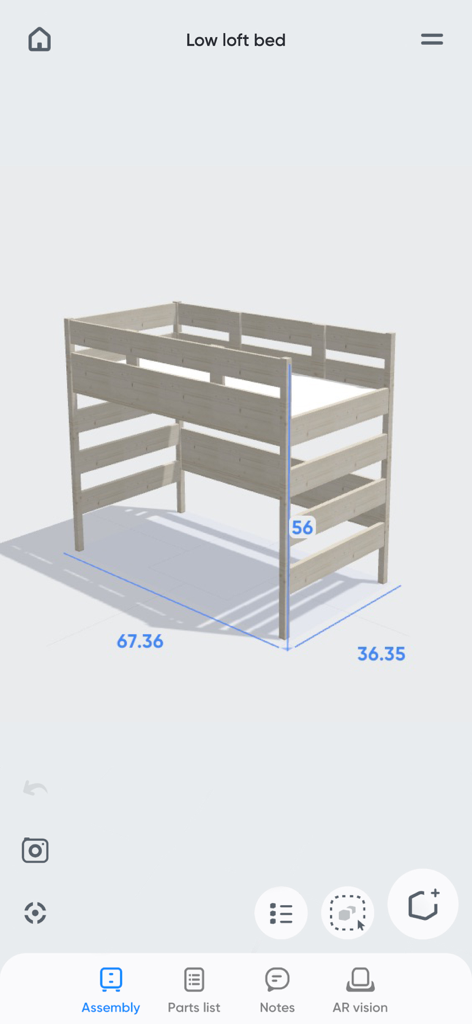
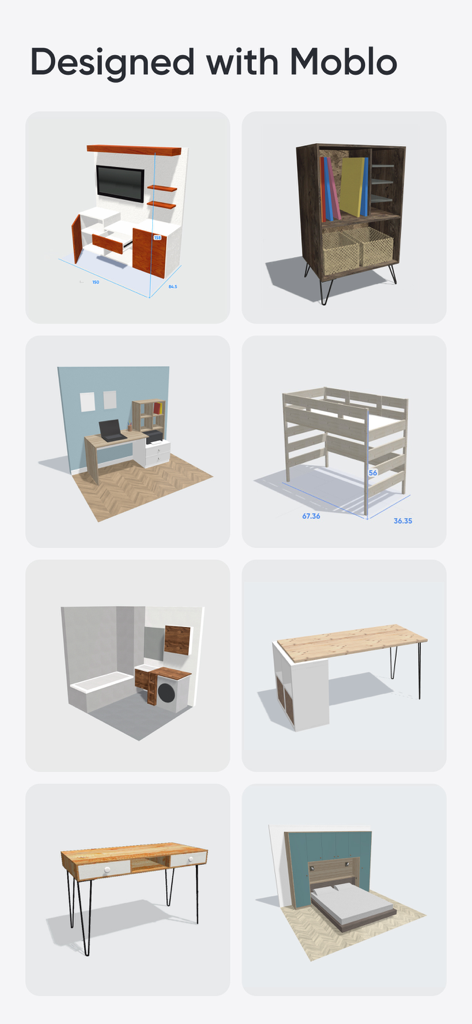
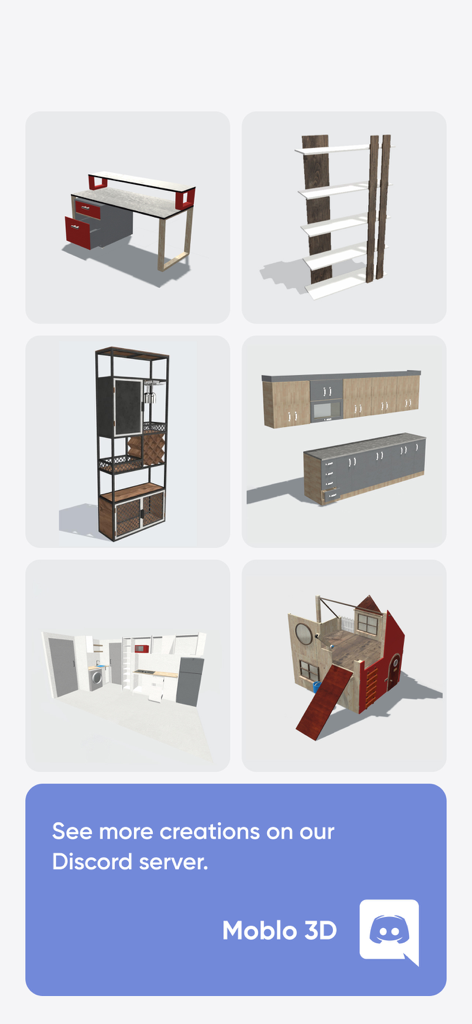
The tools that make this app stand out, trusted by 662K+ users.
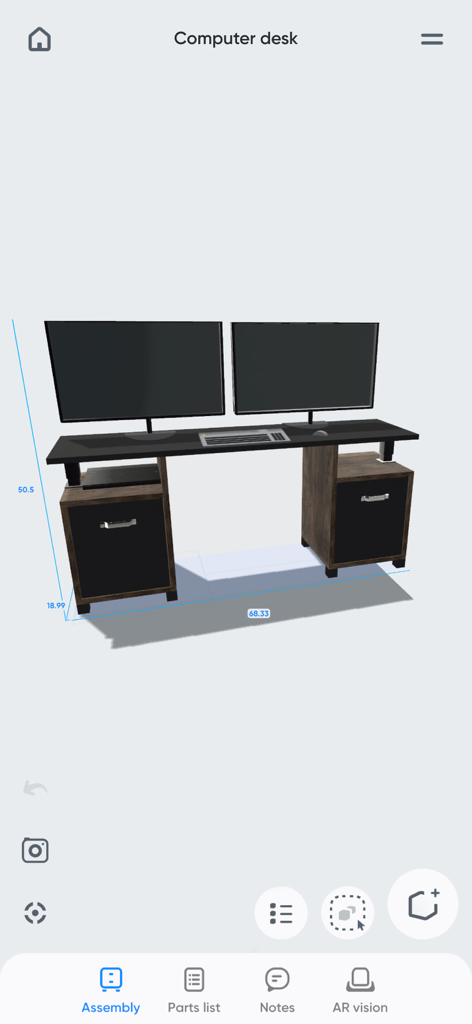
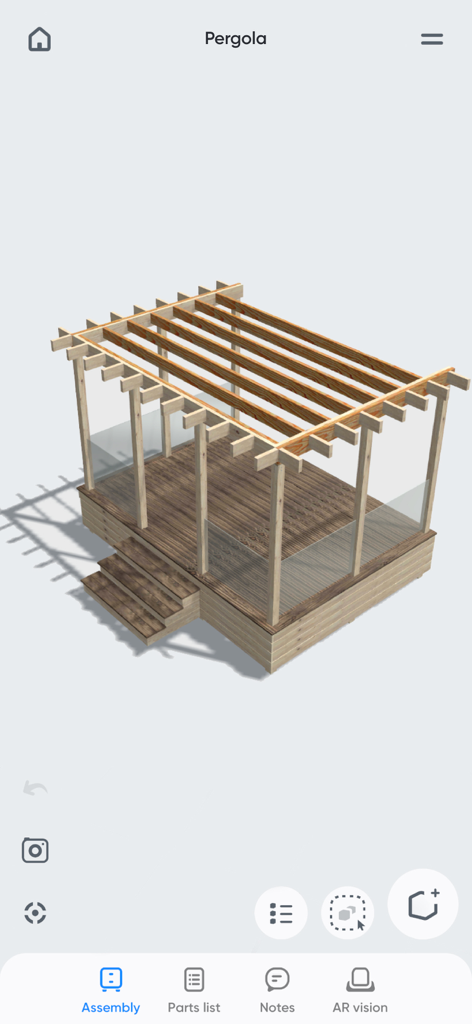
Drag, drop, and resize shapes to model desks, shelving, or kitchens without the learning curve of complex professional CAD software.
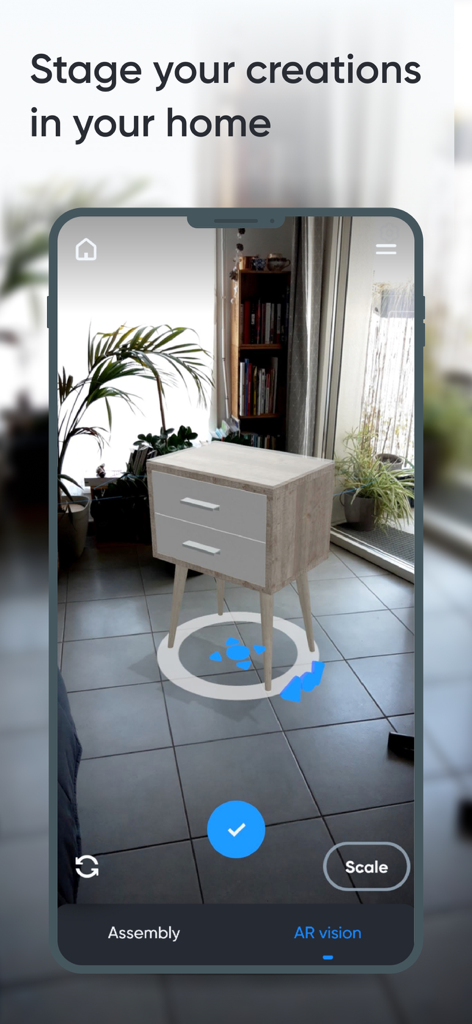
Eliminate buyer's remorse by using Augmented Reality to see exactly how your design fits in your room before you start building.
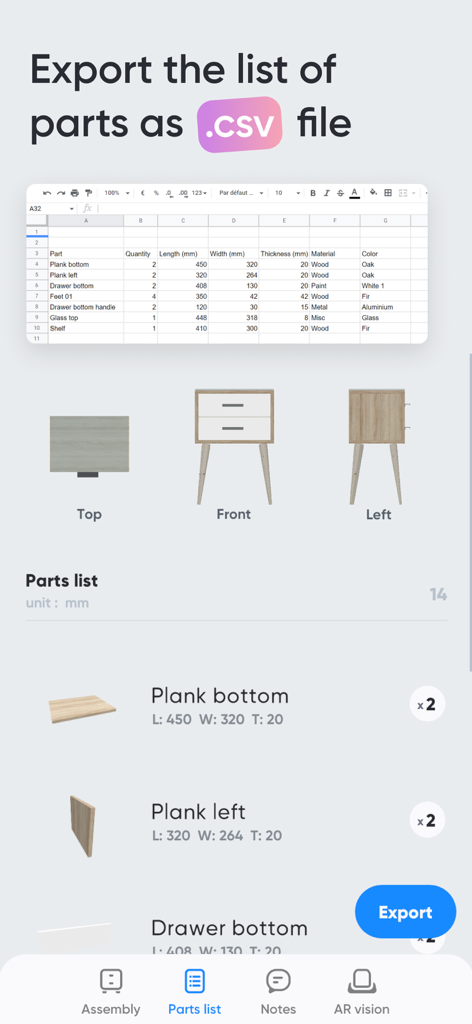
Turn your 3D models into actionable data with auto-generated parts lists and CSV exports designed for your next hardware store run.
Trusted by 662K+ people who love this app.
"As a weekend woodworker, I always struggled with complex CAD software. Moblo changed everything. I designed a custom walnut desk on my iPad and used the AR feature to see exactly how it would look in my home office. The parts list export made my trip to the hardware store a breeze. It's the perfect bridge between an idea and a finished project."
"I specialize in maximizing small urban spaces, and Moblo is my secret weapon. It’s incredibly intuitive for sketching out bespoke shelving and kitchen layouts right on-site. Being able to show clients a 3D model in their own room using augmented reality helps them visualize the final result instantly. It has completely streamlined my design process."
Everything you need to know about Moblo - 3D furniture modeling.
Description
Latest Version
25.12.1
Size
258.5 MB
First Released
Feb 17, 2021
Join over 600,000 makers and DIY enthusiasts designing custom furniture with ease. Download Moblo and visualize your next project in AR today.
Everything you need to know about Moblo - 3D furniture modeling
Moblo is a 3D modeling tool designed for creating bespoke furniture and imagining interior designs. It features augmented reality for visualizing creations in your own home.
Yes, Moblo supports augmented reality visualization. You can use your phone's camera to preview your 3D furniture designs in your actual home environment.
Yes, Moblo allows exporting 3D projects. You can export designs as .stl or .obj mesh files for use with other 3D tools like Sketchup or Blender.
Moblo offers a materials library including paint, wood, metal, and glass. You can also create custom materials using a simple editor to adjust color, texture, and other properties.
Yes, Moblo is suitable for beginners. Its intuitive interface is designed for both touchscreen and mouse use, making 3D modeling accessible to everyone.
Yes, Moblo offers a premium feature that allows exporting the parts list of a project in .csv format. This file is compatible with programs like Excel or Google Sheets.
Moblo's premium features include working on multiple projects, unlimited parts, access to all part shapes and materials, saving selections, importing projects, and exporting 3D models and parts lists.
Yes, Moblo is used by professionals such as carpenters, kitchen designers, and interior designers. The community shares ideas and creations, demonstrating its professional utility.
Moblo helps visualize furniture by allowing users to place 3D creations into their own home using augmented reality. This provides a real-life context before any physical production begins.
Yes, Moblo allows users to create their own custom materials. It includes a dedicated editor for adjusting color, texture, shininess, reflection, and opacity.
Apps with similar features and user experience

Scott McKie

Ghostwheel LLC

Wes Castain

UNSH VOF

Wombat Studio, Inc.

shawn ogle

shawn ogle

Kazuaki Matsuda

Park Kiyoung
