
MotionBook - Draw & Animate



Unleash your creativity with intuitive frame-by-frame tools. Use your iPad and Apple Pencil to design custom stickers, rotoscope videos, and share your unique stories with the world.
Publisher
Category
Graphics & DesignDownloads
688K+User Rating
Total Ratings
3K+Locales
4Discover the interface used by 688K+ users.
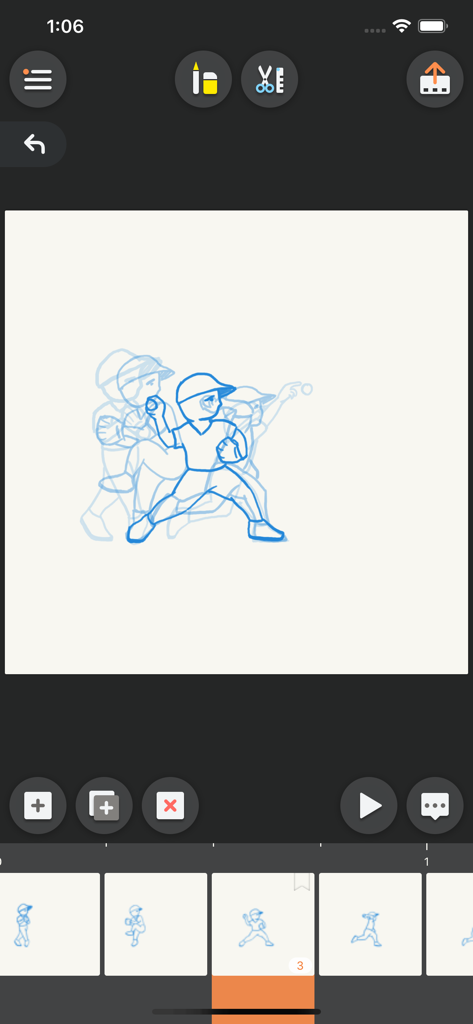
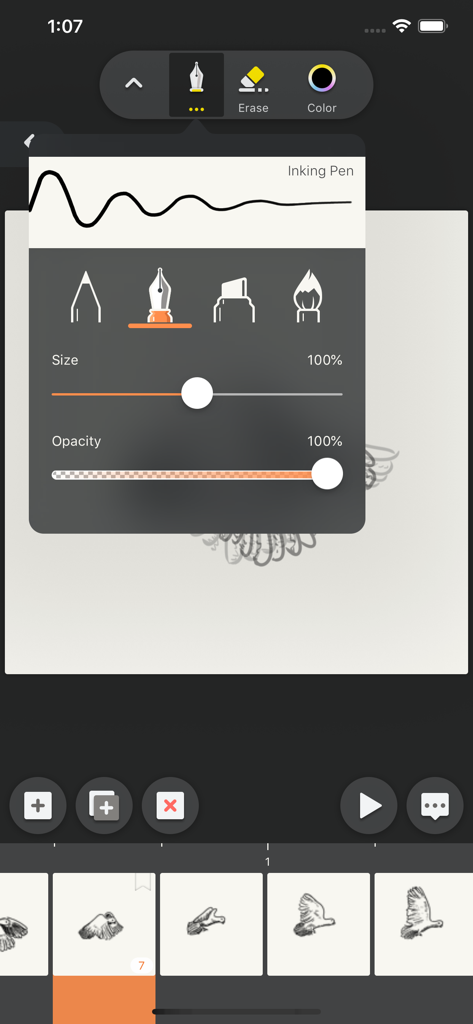
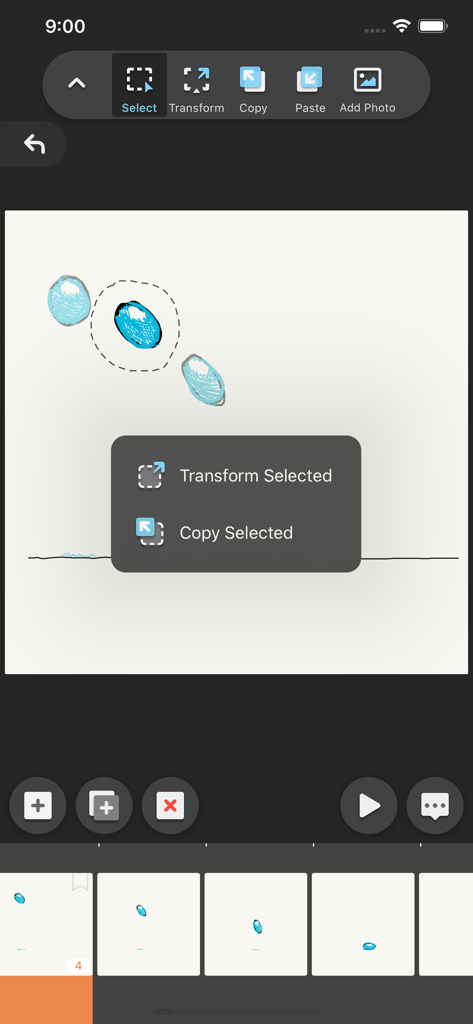
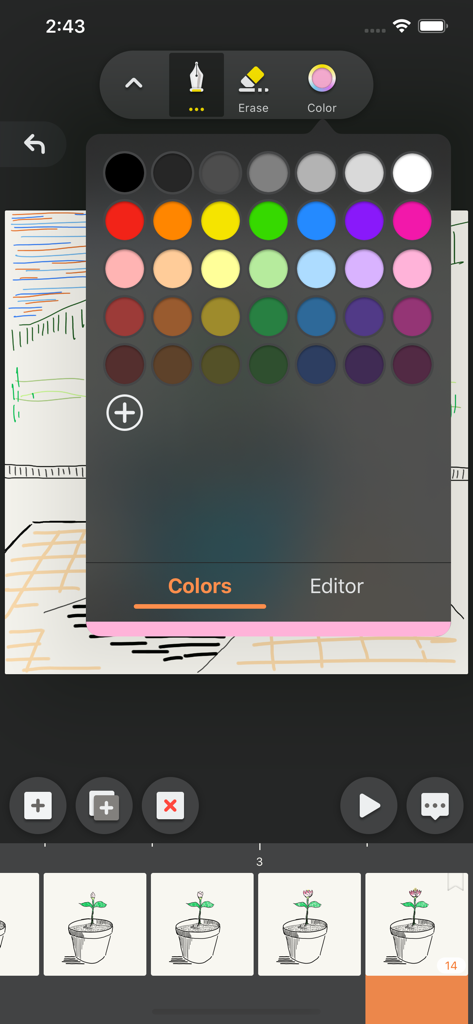
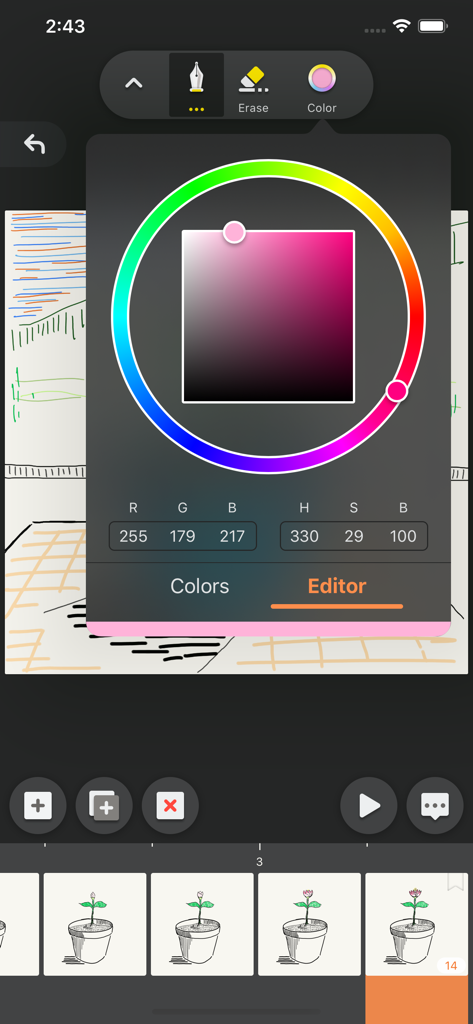
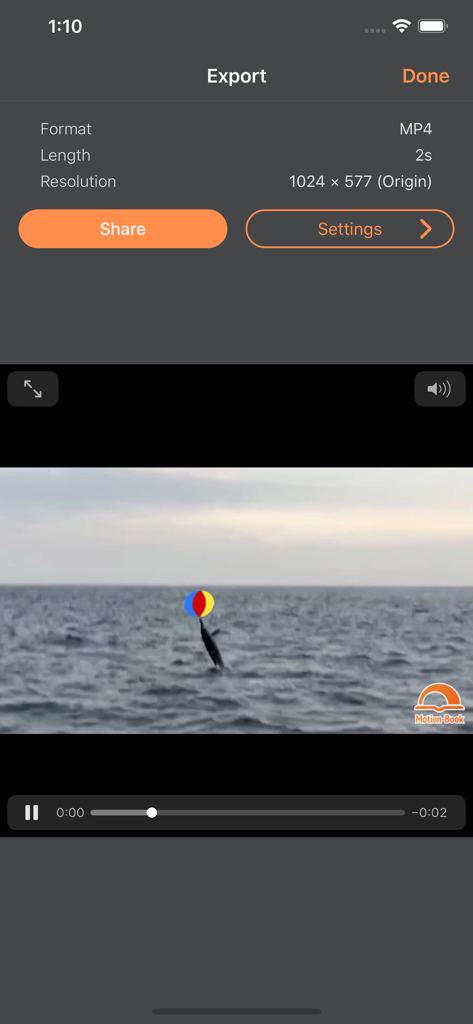
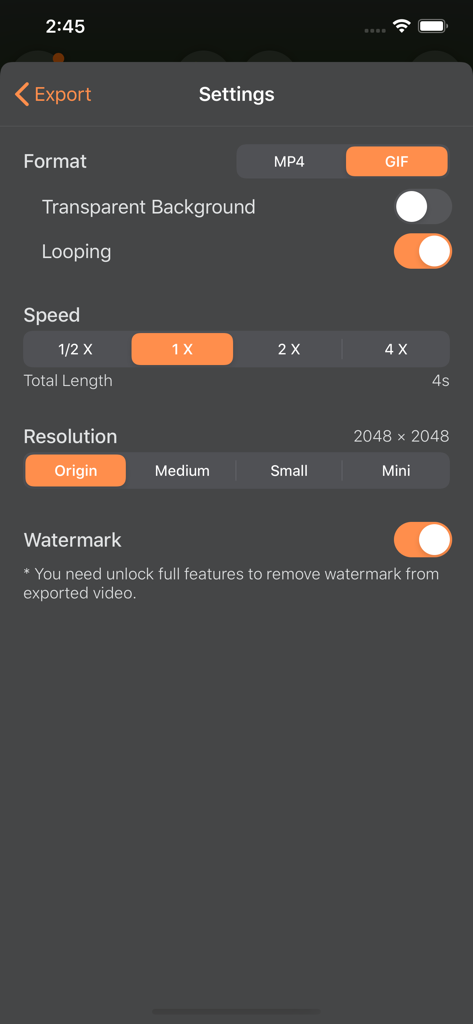
The tools that make this app stand out, trusted by 688K+ users.
Sketch with pressure-sensitive brushes and pencils that respond perfectly to your Apple Pencil for a true-to-life drawing feel.
Import your favorite video clips to use as references for anatomy or to add hand-drawn effects to viral moments.
Use advanced onion skinning and a simple timeline to visualize motion, tweak details, and master your animation flow.
Trusted by 688K+ people who love this app.
"MotionBook is a game-changer for my social media content! I use it to create quick animation memes and personalized stickers for my followers. The rotoscoping feature is super intuitive, and the natural feel of the brushes makes every frame look professional even though I’m just drawing on my iPad."
"I've tried many animation apps, but this is the first one that truly feels like a digital flipbook. The timeline management is seamless, and the onion skinning makes learning frame-by-frame movement so much easier. Being able to sync everything via iCloud between my iPhone and iPad is a huge plus for my workflow."
Everything you need to know about MotionBook - Draw & Animate.
Description
Latest Version
1.7.1
Size
9.7 MB
First Released
Apr 4, 2018
Join over 600,000 creators turning simple sketches into shareable animation magic. Download MotionBook now and start your first flipbook on iPad or iPhone.
Everything you need to know about MotionBook - Draw & Animate
MotionBook is an app designed for creating frame-by-frame flipbook animations on iPad and iPhone, offering digital tools for creative individuals.
MotionBook provides a natural-feel pen and eraser toolset including Pencil, Inking Pen, Marker, Paint Brush, and Hard & Soft Erasers. It supports Apple Pencil pressure sensitivity.
Yes, MotionBook users can customize their own color palettes or use predefined color palettes for their animations.
Yes, MotionBook fully supports the pressure sensitivity of Apple Pencil, providing a natural drawing experience for users.
MotionBook features a 'Timeline' to easily manage all animation pages. Users can also customize the Frames Per Second (FPS) for their projects.
The 'Onion Skin' option in MotionBook allows users to see previous and next pages as reference while drawing, aiding in smooth animation transitions.
Yes, MotionBook can export animations to video (MP4) or GIF formats. Users can then share them with friends or create their own stickers.
Yes, MotionBook integrates with the iOS Files system, enabling easy management of flipbook files. Files can be stored in iCloud for syncing across iPhones and iPads.
Yes, MotionBook allows users to use a video clip as a background. This helps in drawing pose/gestures with real-world references or adding hand-drawn elements to videos.
Yes, MotionBook includes various sample templates. These templates help users easily begin their journey into the animation world.
Yes, users can remove the watermark from exported MotionBook videos by unlocking the app's full features.
MotionBook provides advanced editing tools to quickly tweak drawing details, copy drawings, paste them to other pages, and paste images from other apps.
Apps with similar features and user experience
ForTheLoss Games, Inc

Visual Blasters, LLC

CATEATER, LLC
ForTheLoss Games, Inc

CATEATER, LLC

CEM SOFTWARE COMPANY LIMITED

Trang Phi Thi

壮 董

CEM SOFTWARE COMPANY LIMITED