
Stop Motion Studio



Join 25 million makers and bring your imagination to life. From LEGO® brickfilms to 4K masterpieces, experience the power of professional animation with no ads and no subscriptions.
Publisher
Category
Photo & VideoDownloads
16M+User Rating
Total Ratings
150K+Locales
17Discover the interface used by 16M+ users.
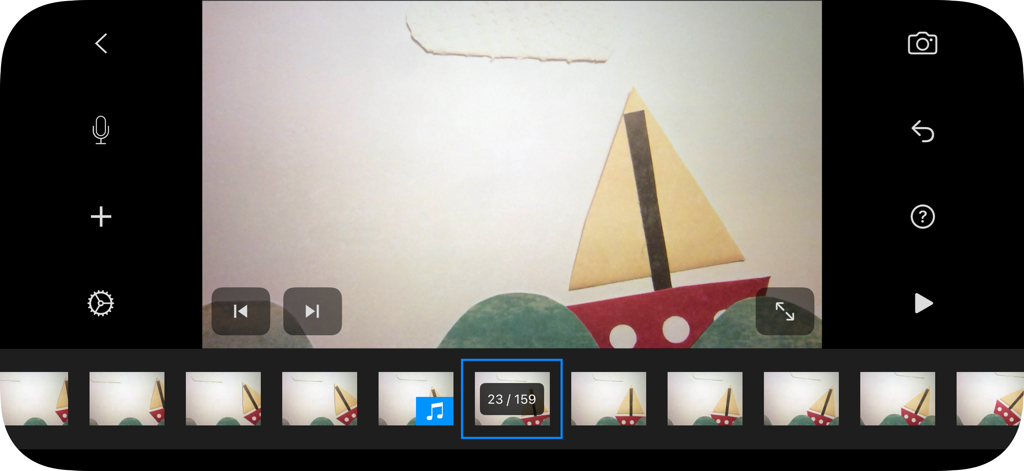
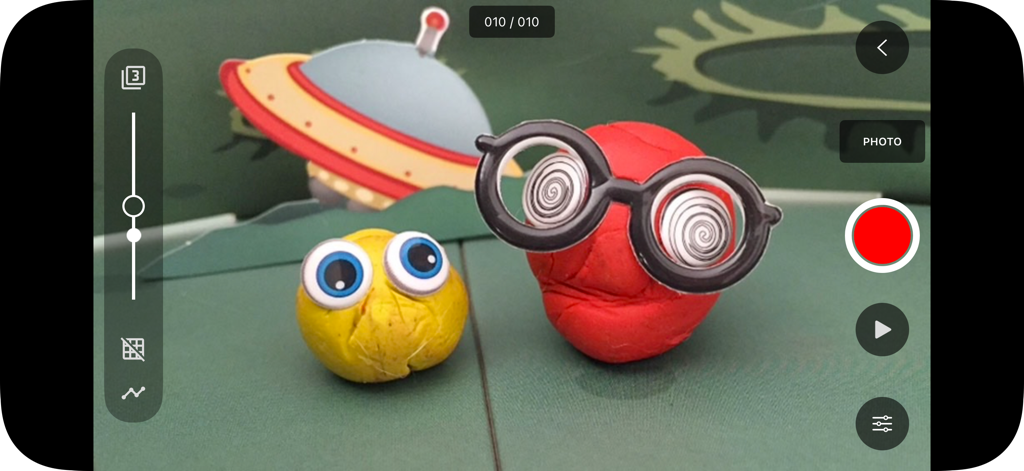
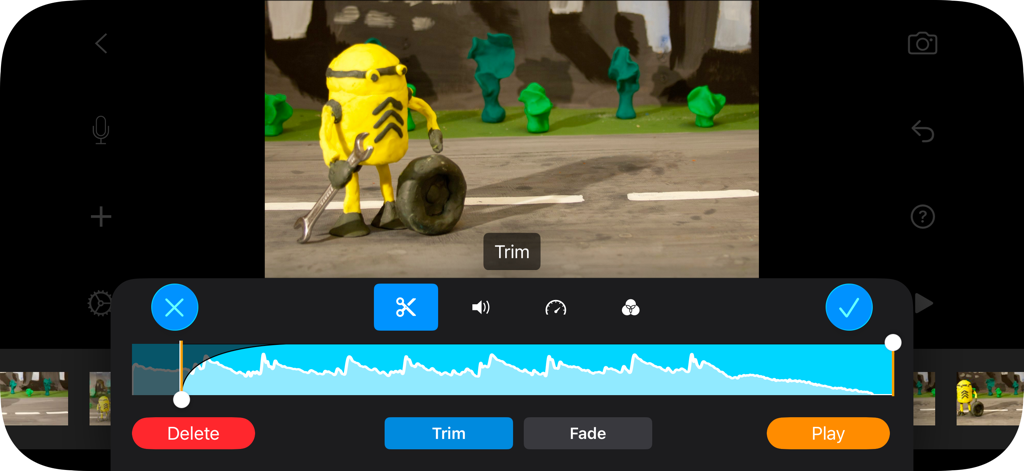
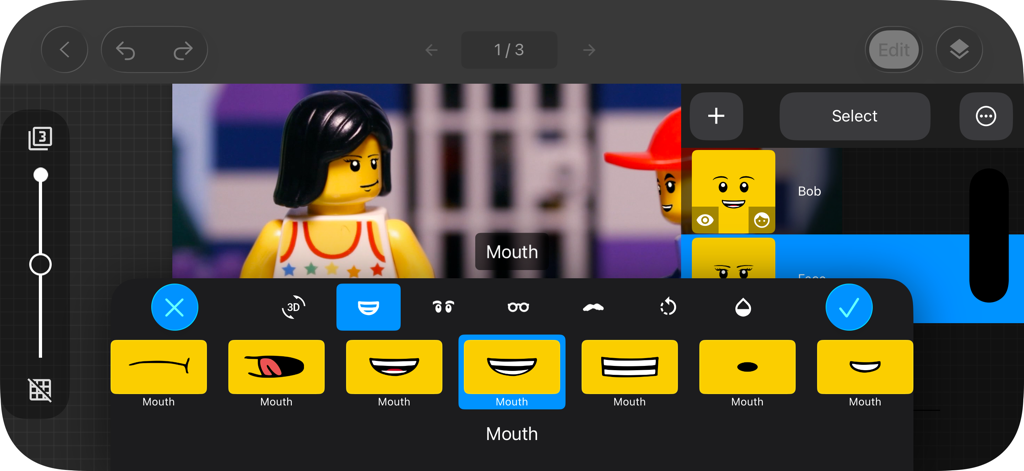
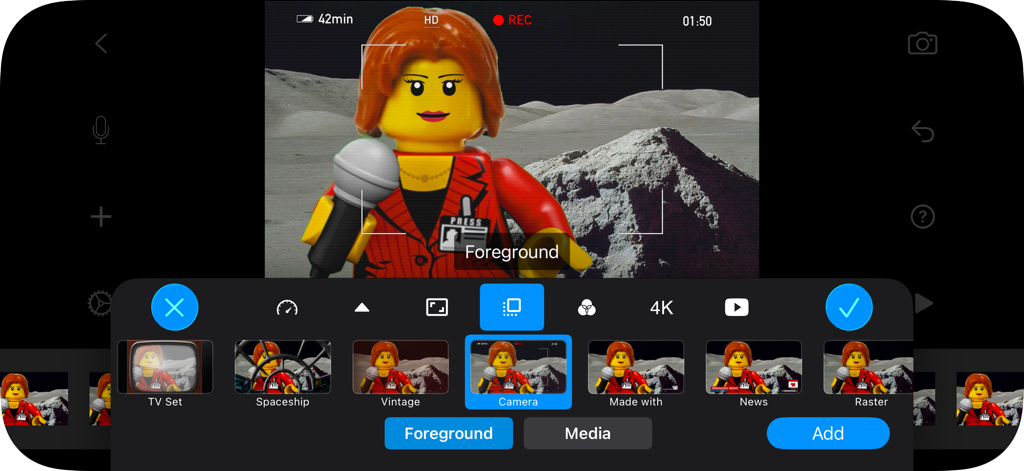
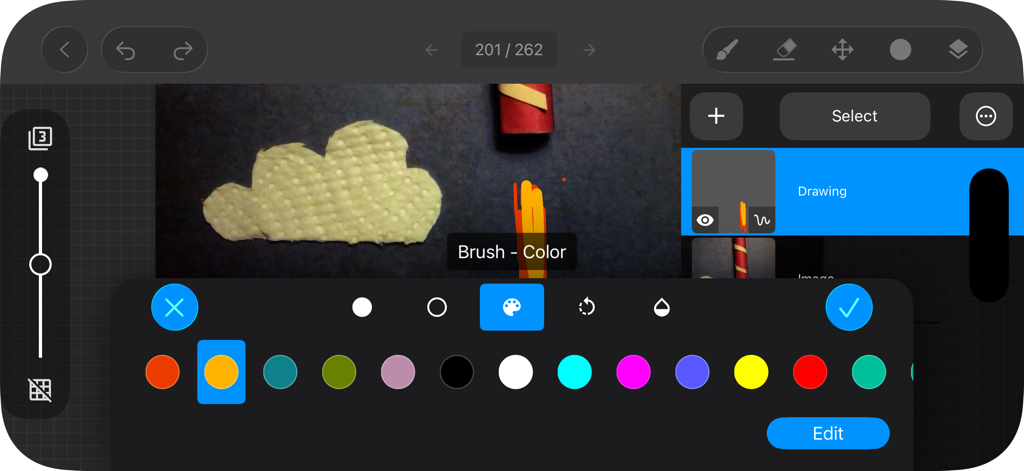
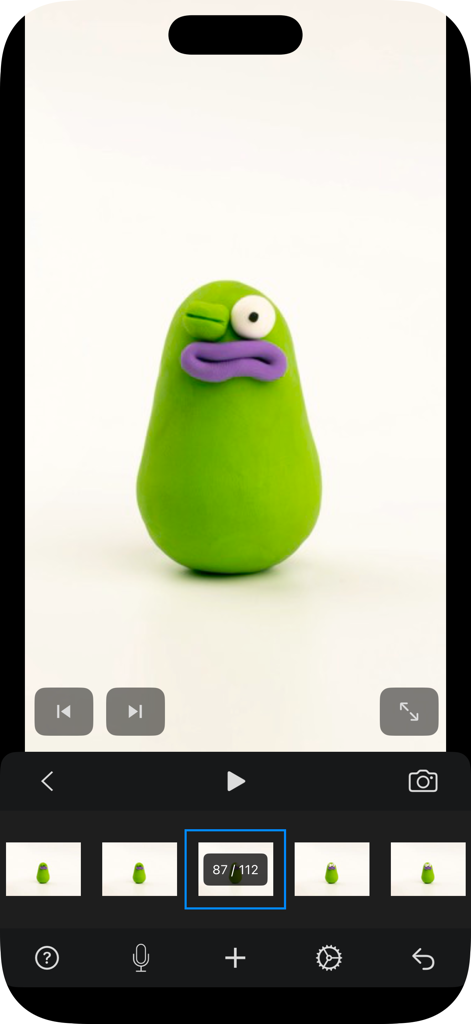
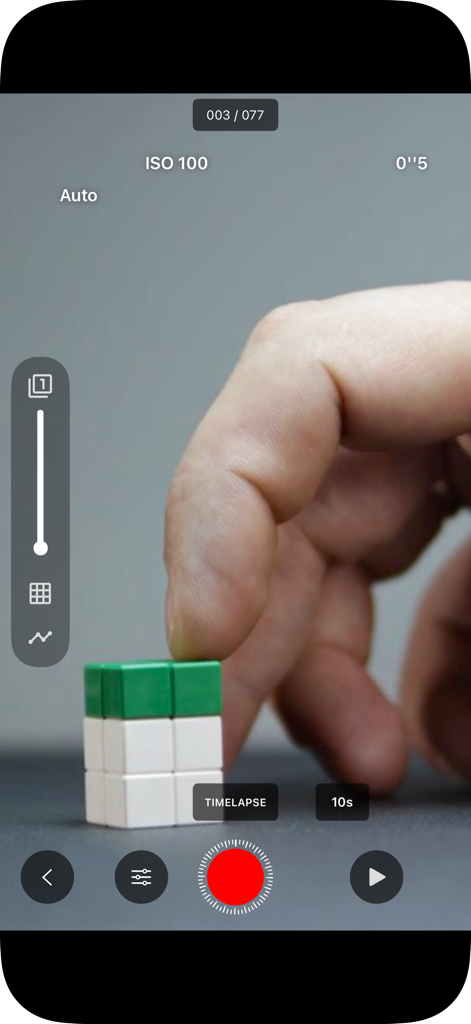
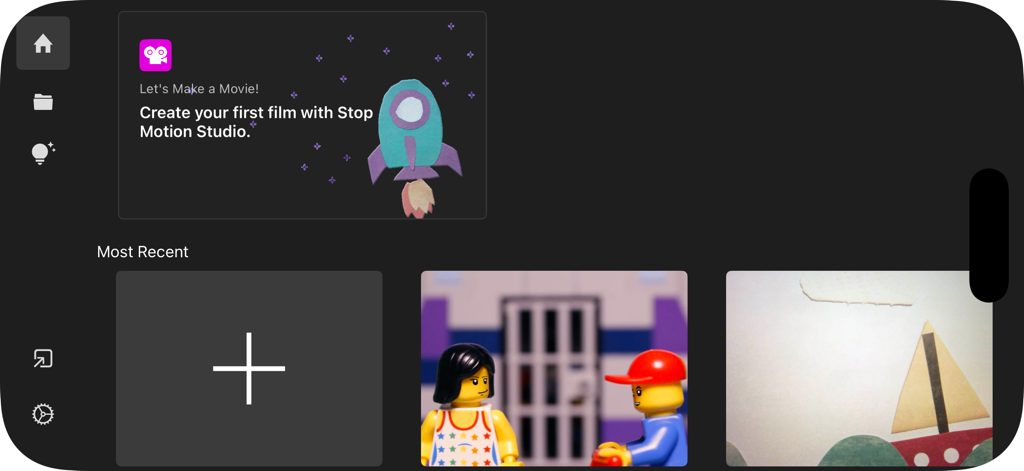
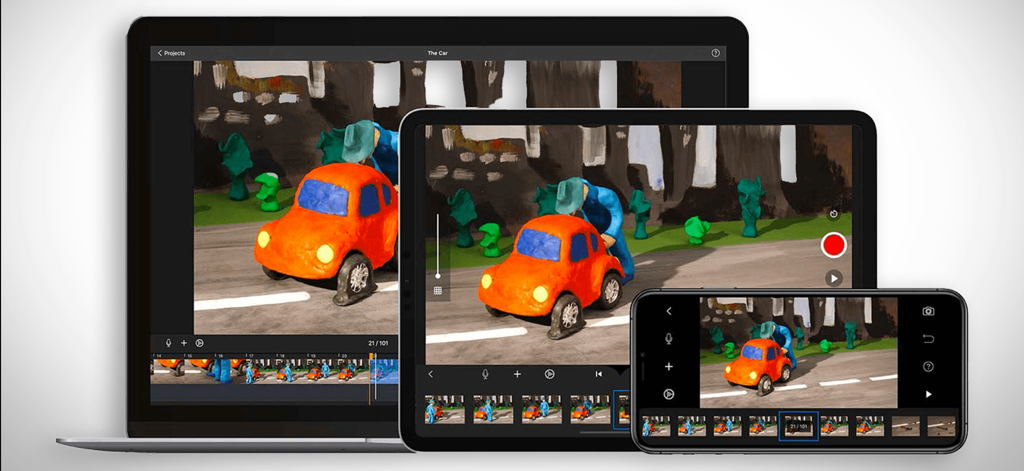
The tools that make this app stand out, trusted by 16M+ users.
Master the art of timing with onion skinning and frame-by-frame editing that makes professional-grade animation feel like second nature.
A safe haven for creators and parents: zero data tracking, no annoying ads, and no recurring fees—just pure, uninterrupted creativity.
Transport your characters anywhere with Green Screen, record custom voiceovers, and export your films in crystal-clear 4K HD for TikTok or YouTube.
Trusted by 16M+ people who love this app.
"As a parent, finding an app that is both educational and free from predatory subscriptions is rare. My son and I have spent countless hours making LEGO movies together. The onion skinning feature makes it so easy for him to understand the process, and I love that his data stays private."
"This is hands down the best stop motion tool for social media creators. The manual camera controls and 4K export allow me to produce professional-grade claymation for my TikTok channel right from my iPad. It has all the pro features I need without the monthly fees."
Everything you need to know about Stop Motion Studio.
Description
Latest Version
25.12
Size
179.4 MB
First Released
Sep 7, 2011
Join 25 million creators and start making stunning stop-motion films today. Enjoy powerful tools with no ads, no tracking, and absolutely no subscriptions.
Everything you need to know about Stop Motion Studio
Stop Motion Studio is an Apple-featured app for creating stop motion animation films. It offers powerful creative tools designed for both beginners and experienced animators.
Yes, Stop Motion Studio provides professional editing features. These include onion skinning, animation guides, an interactive timeline, frame-by-frame editing, and rotoscoping for precision.
Yes, Stop Motion Studio allows users to record voiceovers directly within the app. It also supports adding sound effects, background music, or importing audio from a personal library.
Yes, Stop Motion Studio includes green screen effects. This feature enables users to place characters or objects onto any desired background, enhancing creative possibilities.
Stop Motion Studio offers various export options. Users can export films in 4K or 1080p HD, share directly to YouTube, TikTok, or save as GIFs or iMessage stickers.
No, Stop Motion Studio explicitly states it has "no subscriptions." The app operates on a model of no ads and no tracking, focusing on user privacy.
Yes, some features in Stop Motion Studio require in-app purchases to unlock. However, all features are included without additional purchases in the Pro version of the app.
No, Stop Motion Studio affirms that it conducts "no tracking." The app prioritizes user data privacy and ensures that creativity remains private.
Yes, Stop Motion Studio supports cross-device use. Users can begin projects on an iPhone and seamlessly complete them on a Mac, as work stays in sync.
Yes, Stop Motion Studio provides resources for beginners. It includes step-by-step tutorials, creative tips, and a built-in manual for quick guidance and inspiration.
Yes, Stop Motion Studio offers tools to add facial expressions. Users can apply various expressions or layers to characters within their animation projects.
Yes, Stop Motion Studio features full manual camera controls. These controls include adjustments for focus, exposure, ISO, and white balance, allowing precise capture.
Yes, Stop Motion Studio enables users to employ an Apple Watch or another compatible device as a remote camera. This allows for convenient frame capture.
Yes, Stop Motion Studio incorporates built-in drawing tools. Additionally, it provides features like text cards and speech bubbles to enhance animated films.
Apps with similar features and user experience
ForTheLoss Games, Inc

Visual Blasters, LLC

ForTheLoss Games, Inc

CATEATER, LLC

CEM SOFTWARE COMPANY LIMITED

Trang Phi Thi

壮 董

CEM SOFTWARE COMPANY LIMITED

亮 彭