
Stop Motion Studio Pro



Join 25 million makers creating cinematic 4K films with powerful manual controls. No ads, no tracking, and no subscriptions—just your creativity, one frame at a time.
Publisher
Category
Photo & VideoDownloads
729K+User Rating
Total Ratings
12K+Locales
17Discover the interface used by 729K+ users.
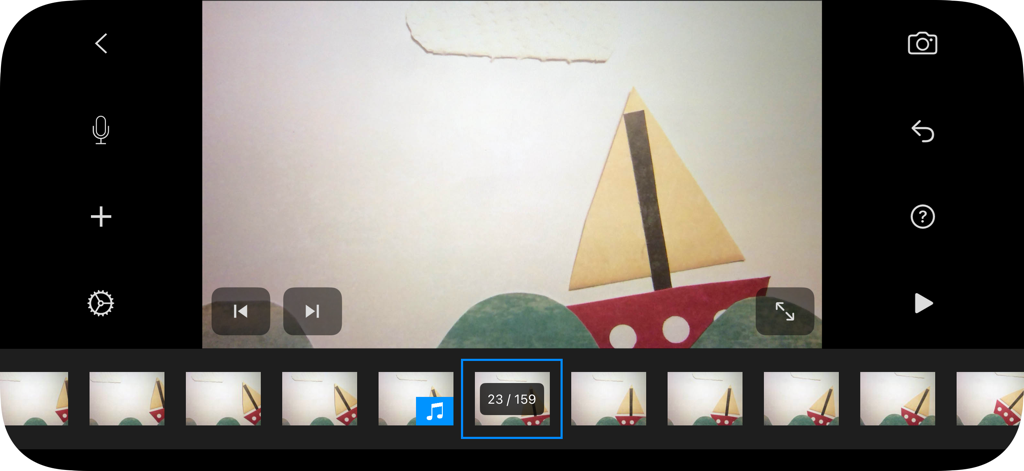
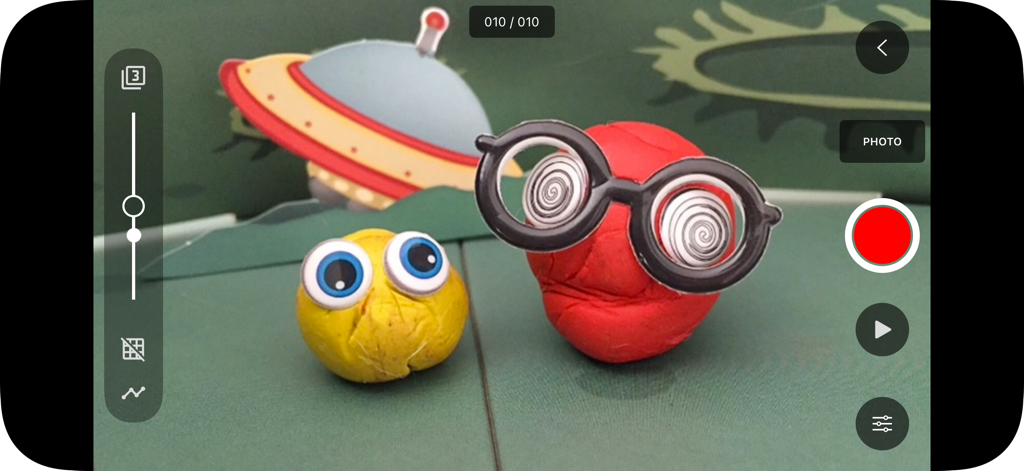
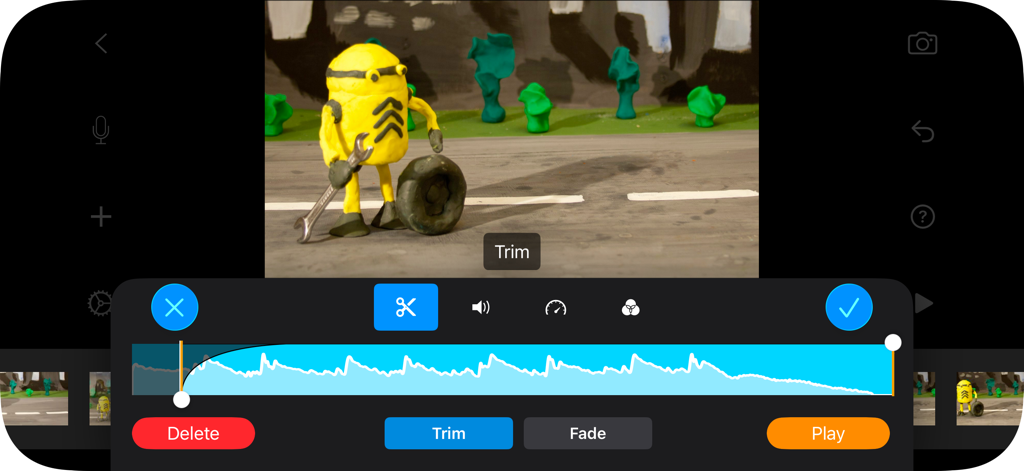
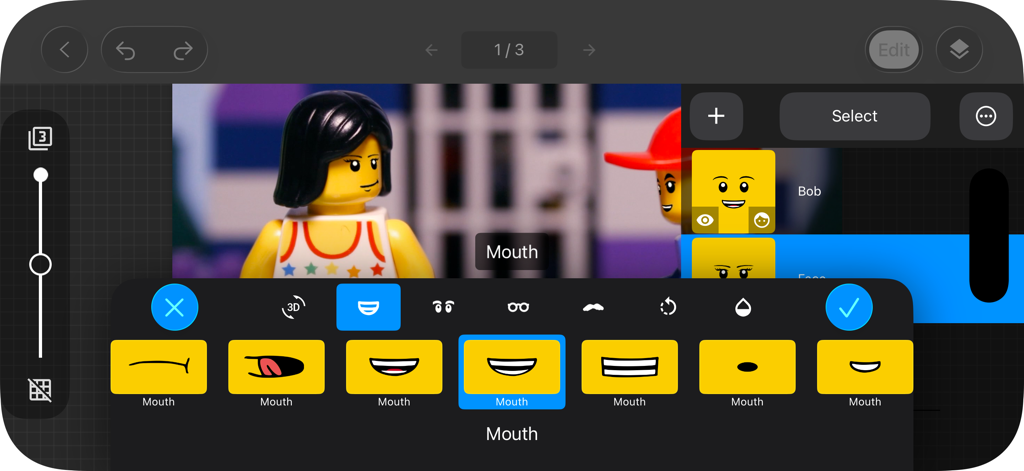
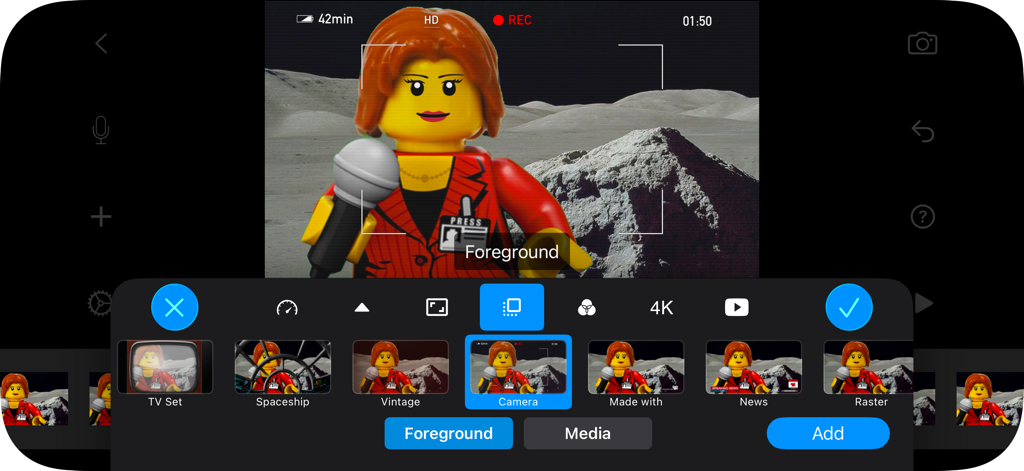
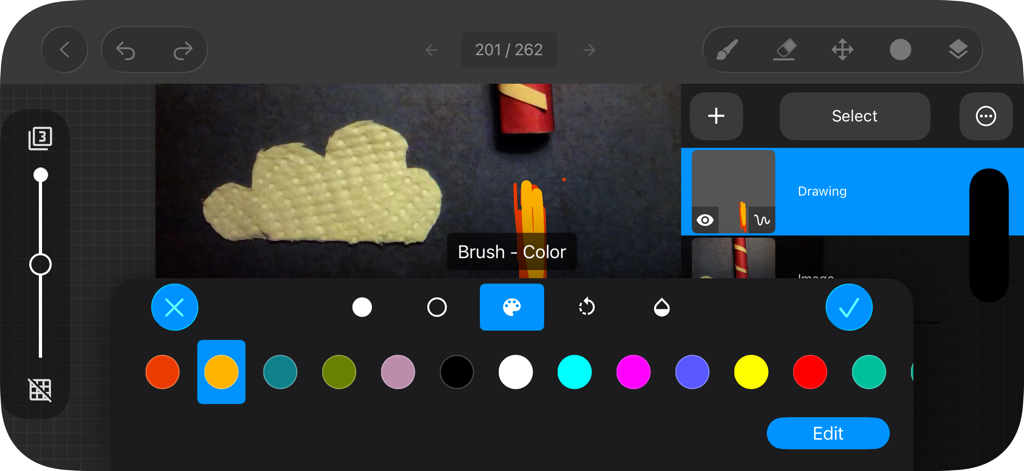
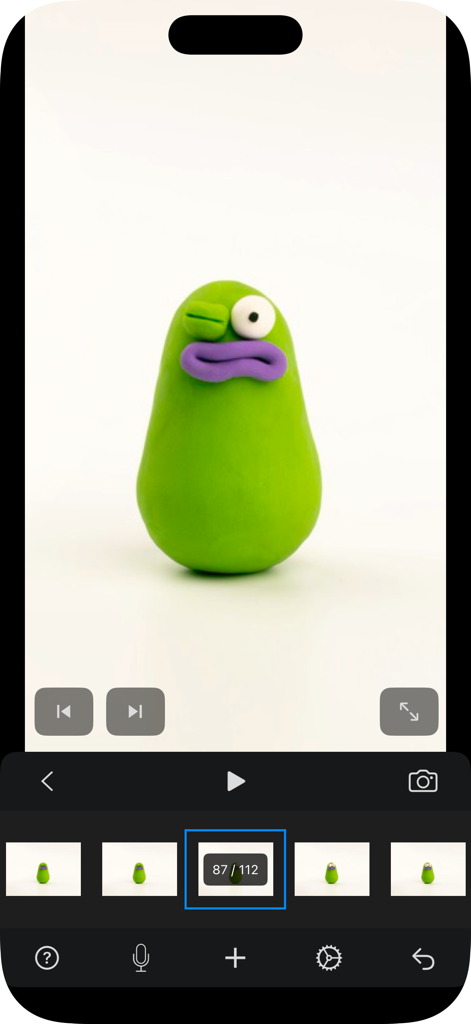
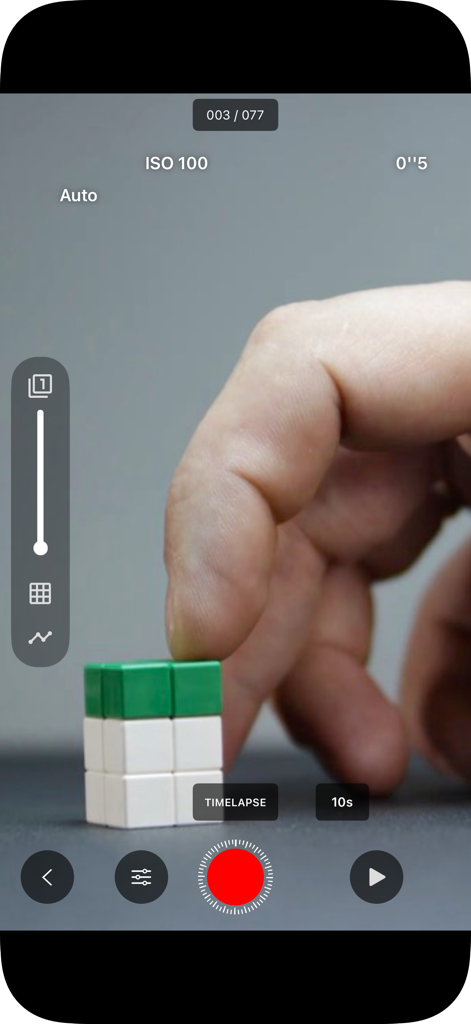
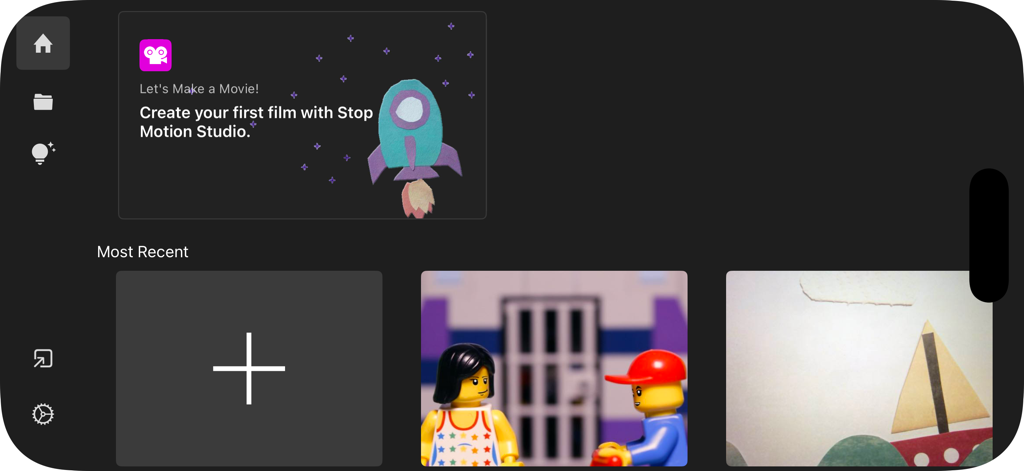
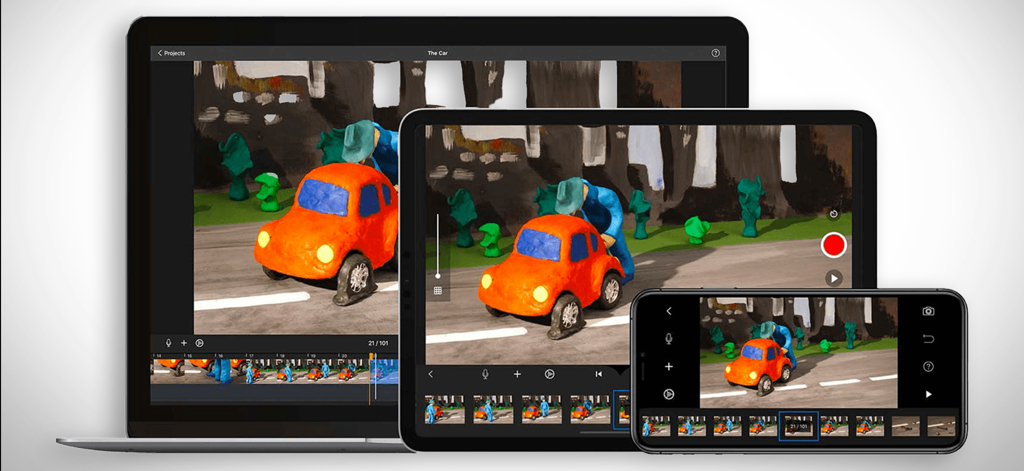
The tools that make this app stand out, trusted by 729K+ users.
Master every movement with onion skinning overlays and an interactive timeline, ensuring your LEGO or clay animations are perfectly smooth and professional.
Take total control of your set with manual ISO, focus, and white balance settings. Use your Apple Watch as a remote shutter to avoid camera bumps.
Transport your characters anywhere with green screen effects and rotoscoping tools, then export your final masterpiece in stunning 4K resolution.
Trusted by 729K+ people who love this app.
"As a LEGO enthusiast, I've tried many tools, but nothing beats the precision of Stop Motion Studio Pro. The onion skinning feature makes alignment perfect every time, and the 4K export looks professional on my YouTube channel. Best of all? No subscriptions!"
"I bought this for my daughter's science project, and we were both blown away. It's rare to find an app that is this powerful yet easy enough for a child to master. The green screen effect worked flawlessly, and I appreciate the privacy-first approach without ads."
Everything you need to know about Stop Motion Studio Pro.
Description
Latest Version
25.12
Size
179.6 MB
First Released
Jul 6, 2013
Join 25 million creators making cinematic films with LEGO, clay, and more. No subscriptions. No ads. Just pure, frame-by-frame creativity.
Everything you need to know about Stop Motion Studio Pro
Stop Motion Studio Pro is an Apple-featured app for creating stop motion animation on iPhone, iPad, and Mac. It provides powerful creative tools for both beginners and seasoned animators, designed for ease of use.
No, Stop Motion Studio Pro does not include ads, tracking, or subscriptions. The app guarantees user privacy and creative ownership, stating "No ads. No tracking. No subscriptions."
Yes, Stop Motion Studio Pro allows users to record voiceovers, add sound effects, background music, or import audio from their library. This is directly integrated into the app's editing interface.
Stop Motion Studio Pro offers full manual camera controls including focus, exposure, ISO, and white balance. It also provides a timelapse capture mode for automatic shooting.
Yes, Stop Motion Studio Pro includes green screen effects. This feature enables users to place characters or objects into different backgrounds for cinematic results directly within the app.
Yes, Stop Motion Studio Pro exports finished films in 4K or 1080p HD quality. Users can also share directly to platforms like YouTube, TikTok, or save as a GIF or iMessage sticker.
Yes, Stop Motion Studio Pro supports cross-device compatibility. Users can begin a project on their iPhone and complete it on a Mac, ensuring seamless synchronization of their work across devices.
Yes, Stop Motion Studio Pro includes step-by-step tutorials and creative tips. A built-in manual is also available for quick guidance and inspiration, assisting both beginners and experienced users.
Yes, Stop Motion Studio Pro features an interactive timeline and supports frame-by-frame editing. Users can easily copy, paste, cut, and insert individual frames to achieve precise animation.
Yes, Stop Motion Studio Pro allows users to add facial expressions or layers to characters. This is part of the app's comprehensive built-in drawing tools and editing capabilities for creating unique effects.
Apps with similar features and user experience
ForTheLoss Games, Inc

Visual Blasters, LLC

CATEATER, LLC
ForTheLoss Games, Inc

CEM SOFTWARE COMPANY LIMITED

Trang Phi Thi

壮 董

CEM SOFTWARE COMPANY LIMITED

亮 彭