Owlfiles - File Manager

Owlfiles - File Manager

Download on App Store
Spark by MWM logo
Logo of Owlfiles - File Manager
Owlfiles: The All-in-One File Manager for Power Users and Professionals

Break free from the walled garden. Access your NAS, computers, and cloud storage in one place. Stream, sync, and manage your data with total control and desktop-class performance.

Publisher

Skyjos Co., Ltd.

Category

Utilities

Downloads

2M+

User Rating

4.5/5

Total Ratings

20K+

Locales

14

Experience Total File Mastery

Discover the interface used by 2M+ users.
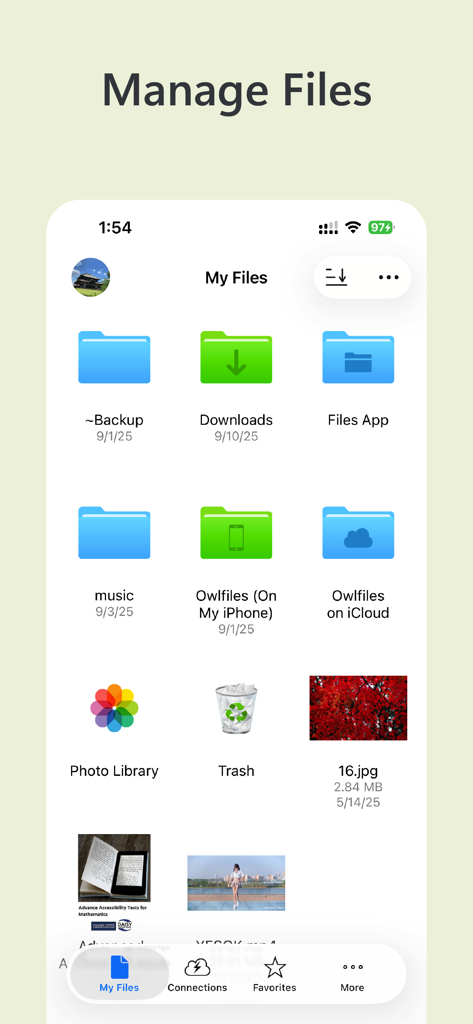
Owlfiles app dashboard showing local and cloud file folders

Owlfiles app dashboard showing local and cloud file folders

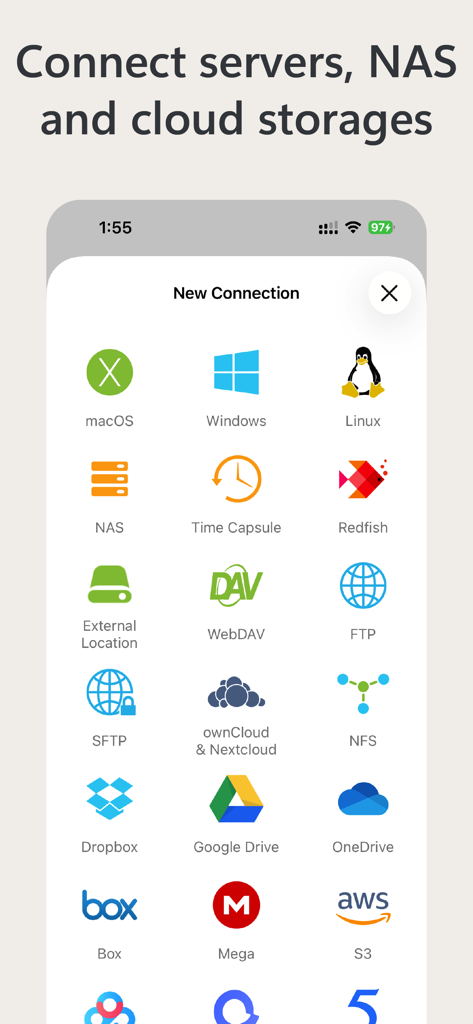
Owlfiles interface showing options to connect to servers, NAS, and various cloud storage services.

Owlfiles interface showing options to connect to servers, NAS, and various cloud storage services.

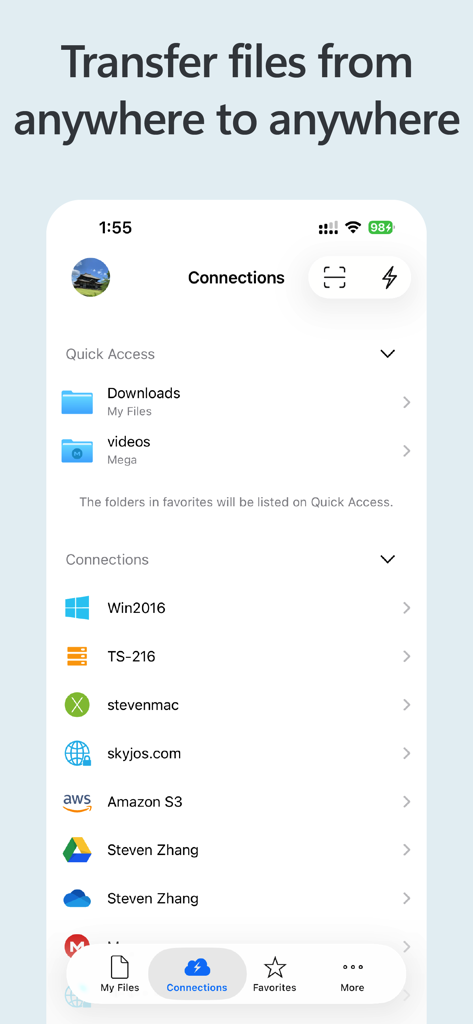
Screenshot of Owlfiles app showing various cloud and network storage connections like Amazon S3 Google Drive and NAS servers

Screenshot of Owlfiles app showing various cloud and network storage connections like Amazon S3 Google Drive and NAS servers

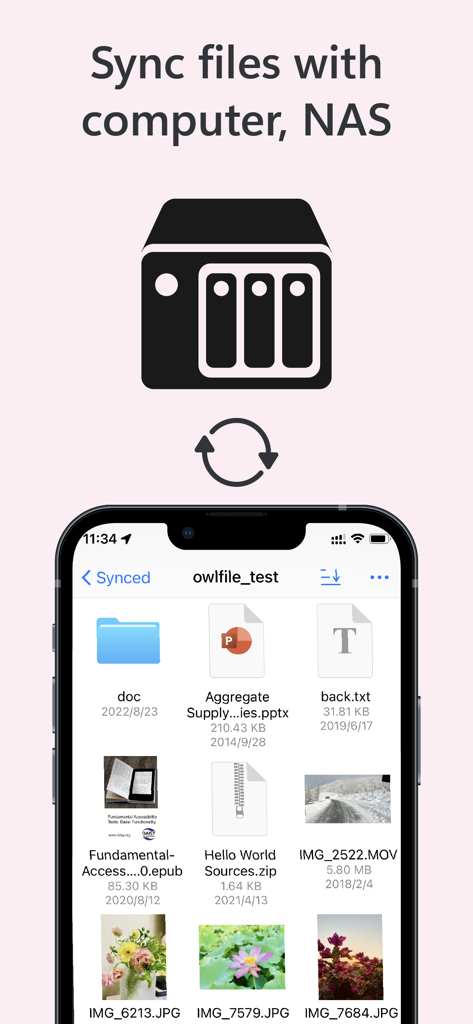
Owlfiles app interface showing file synchronization between a mobile device and a NAS server

Owlfiles app interface showing file synchronization between a mobile device and a NAS server

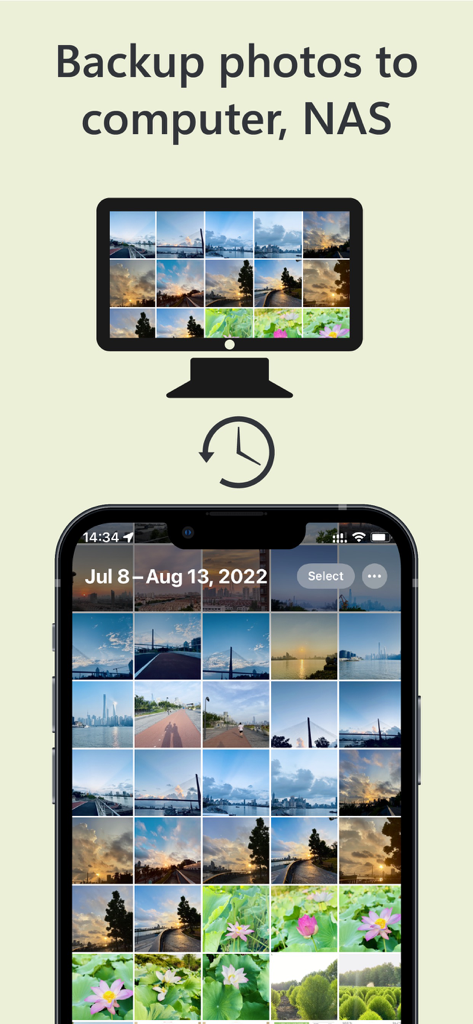
Owlfiles app interface showing the process of backing up photos from a smartphone to a computer and NAS storage

Owlfiles app interface showing the process of backing up photos from a smartphone to a computer and NAS storage

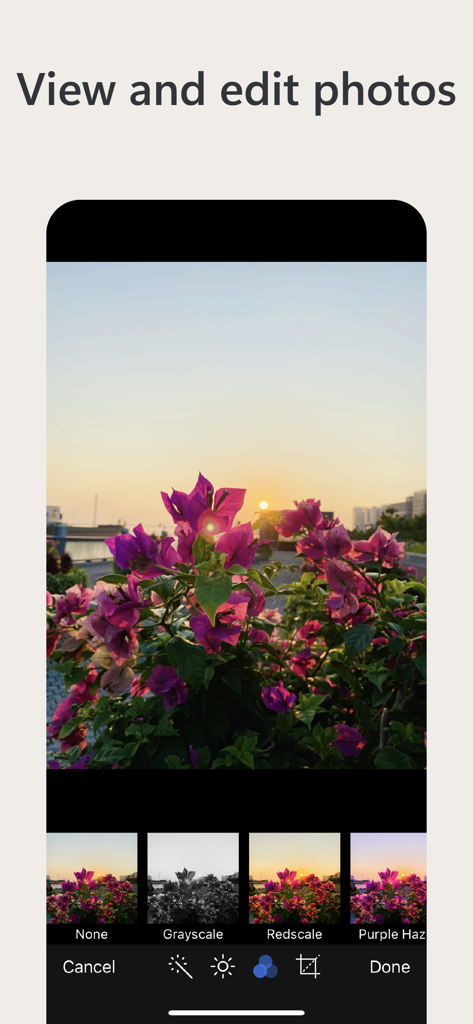
Owlfiles mobile app interface showing a photo of pink flowers at sunset with various editing filters like grayscale and redscale at the bottom.

Owlfiles mobile app interface showing a photo of pink flowers at sunset with various editing filters like grayscale and redscale at the bottom.

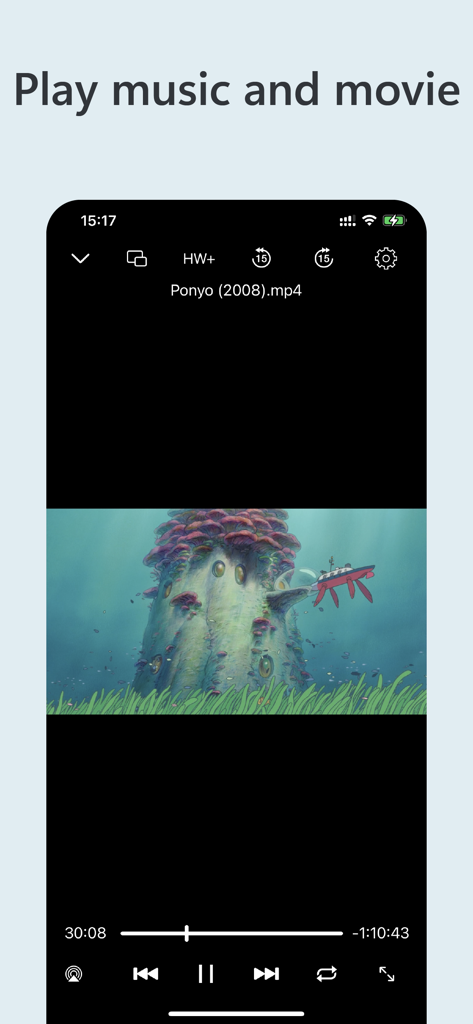
Owlfiles app video player interface playing a movie on a mobile device

Owlfiles app video player interface playing a movie on a mobile device

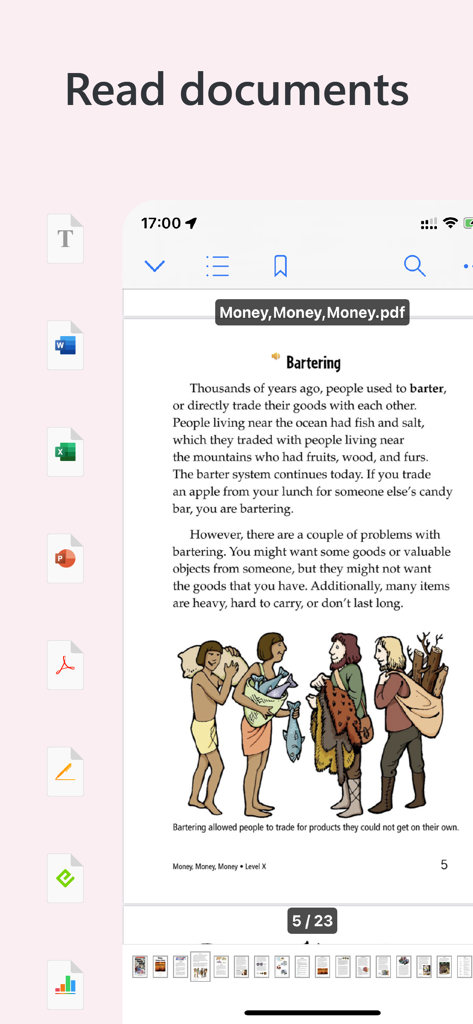
Owlfiles app interface displaying a PDF document with various file format icons on the side

Owlfiles app interface displaying a PDF document with various file format icons on the side

Master Your Entire File Ecosystem

The tools that make this app stand out, trusted by 2M+ users.

🖥️

Seamless Network Integration

Access NAS, SMB, FTP, and S3 storages instantly. Browse and manage remote files from your Mac or PC as if they were stored locally on your device.

Desktop-Class Productivity

Execute complex batch renames, automate folder syncing, and edit Office documents directly on your server using professional-grade extensions.

🎞️

Universal Media Center

Stream 4K video, browse RAW images, or read your digital library (CBZ, ePub) directly from your home network without wasting local storage space.

Loved by users worldwide

Trusted by 2M+ people who love this app.

"

"Owlfiles is the ultimate bridge for my iPad-first workflow. I can seamlessly move high-res RAW photos from my library to my home NAS without ever touching a laptop. The batch renaming and built-in PDF scanner make it an essential tool for my daily freelance business."

Sarah Jenkins, Creative Director
"

"The best technical utility I have found for iOS. Having SMB, SFTP, and Wake-on-LAN in one app is incredible. I can stream my entire movie collection from my server and manage remote backups with ease. It truly is the Swiss Army Knife of file management."

Marcus Thorne, Systems Architect

About the app

Everything you need to know about Owlfiles - File Manager.

Description

Owlfiles is a powerful file management app. It can access not only local files, but also access files on your computer, NAS and cloud. Stream movies and music to your iPhone/iPad. Directly view and manage documents, photos on your computers, NAS and cloud without downloading. FEATURES: * Access network shares on macOS, Windows, NAS via SMB protocol. * Access NFS, WebDAV, FTP and SFTP services. * Access Google Drive, OneDrive, Dropbox, Box, Amazon S3, S3 Compatible Storages, Mega Cloud. * Automatically discover computers, servers and NAS when you setup a new connection. * Video Player: Supports various video formats, subtitles and play speed adjustment. * Music Player: Supports various audio formats, playlist, LRC and play speed adjustment. * Photo Gallery: Supports JPG, PNG, WEBP, GIF, various RAW images, live photo and motion photo. * Text Editor: search text, line numbers, and syntax highlight (Swift, Objective-c, Java, C++ etc.). * ePub Book Reader * CBZ Comic Reader * supports favorites and recents. * Multiple windows on iPad * Scan documents to PDF or images. * Integrated with iOS Files app, iOS Photos app * Use Siri shortcuts to download and upload files. File Transfer: * Copy and move files among computer, NAS, cloud, iPhone and iPad. * Copy and move photos from iOS photo library to computer, NAS and cloud storages. * Transfer files by drag and drop. * Built-in FTP Server and HTTP Server for file transfer. * Nearby file transfer: Directly transfer files between two nearby iOS devices without Wi-Fi or LTE connection. Network Tools: * Ping a host * List all opened ports of a host. * List all devices on LAN * Wake-On-Lan (WOL) Features of Owlfiles Pro * Create unlimited connections with your computers, NAS and cloud storages. * Sync connections to all your devices. * Batch rename files. * Edit photos * Edit documents in Office apps, iWork apps or Acrobat Reader by using Owlfiles extension, and save back to computer, NAS after editing. * Backup photos to your computers, NAS and cloud storages. * Sync files between iOS device and computer/NAS/cloud storage. * Use Owlfiles on your mobile, desktop and TV platforms. If you purchase Owlfiles Pro, your payment will be charged to your credit card through your iTunes account. Owlfiles Pro subscription: $1.99/month, $12.99/year. Price may vary by location. Your subscription will automatically renew unless canceled at least 24 hours before the end of the current period. After purchase, manage your subscriptions in App Store Account Settings. Privacy Policy: https://www.skyjos.com/owlfiles/privacy.html Terms of Use (EULA): https://www.skyjos.com/owlfiles/terms.html ===== CONTACT US ===== Email: support@skyjos.com Twitter: @SkyjosApps Facebook: @SkyjosApp

Latest Version

14.2.1

Size

170.5 MB

First Released

Mar 28, 2012

Unify Your Digital Ecosystem Today

Join over 2 million power users who have bridged the gap between their NAS, computers, and cloud storage. Experience the ultimate desktop-class file management on your mobile device.

Download on App Store