Total files pro

Total files pro

Download on App Store
Spark by MWM logo
Logo of Total files pro

Total Files Pro: The Unified Command Center for Your Files and Clouds

Stop switching between apps. Seamlessly manage Dropbox, Google Drive, and OneDrive in one place with professional PDF editing and secure folder protection for your mobile workstation.

Publisher

App Ideas S.r.l.

Category

Utilities

Downloads

482K+

User Rating

4.6/5

Total Ratings

50K+

Locales

6

Total Control, Visualized

Discover the interface used by 482K+ users.
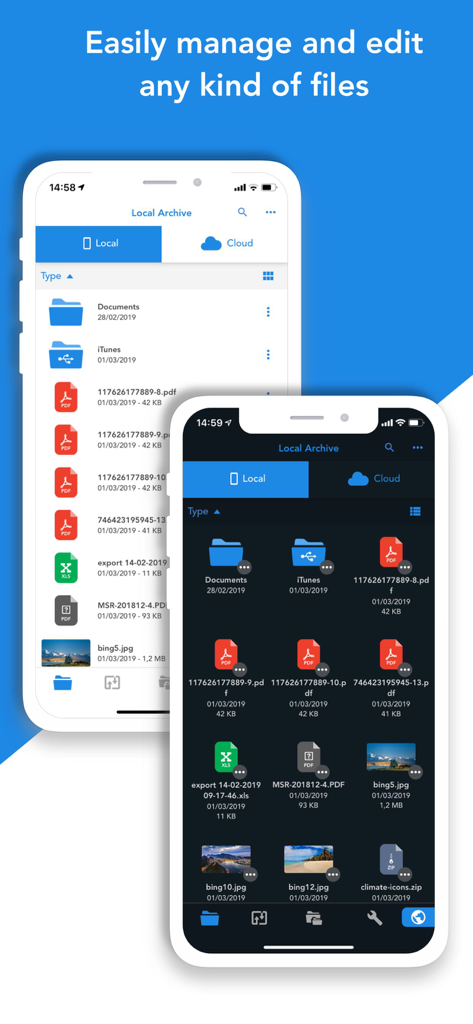
Total Files Pro app interface showing file management on iPhone in light and dark mode

Total Files Pro app interface showing file management on iPhone in light and dark mode

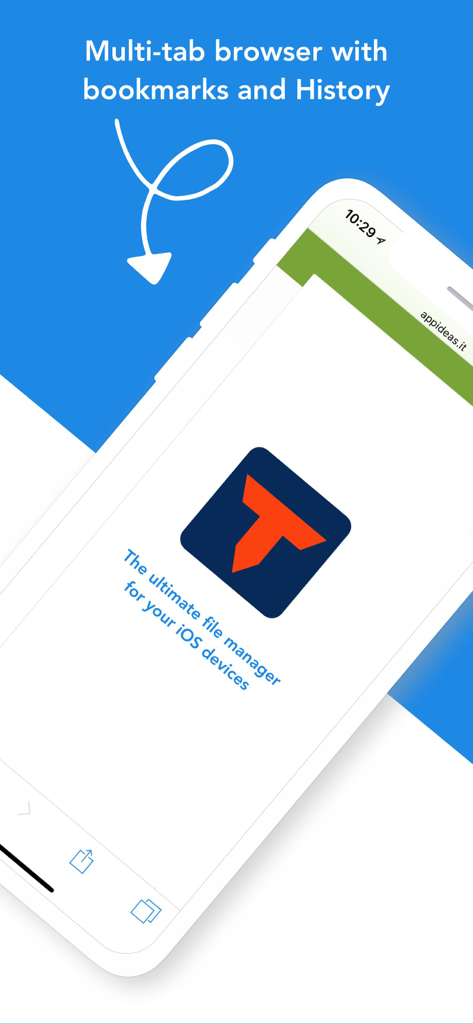
Total Files Pro app screenshot showcasing the multi tab browser with bookmarks and history features

Total Files Pro app screenshot showcasing the multi tab browser with bookmarks and history features

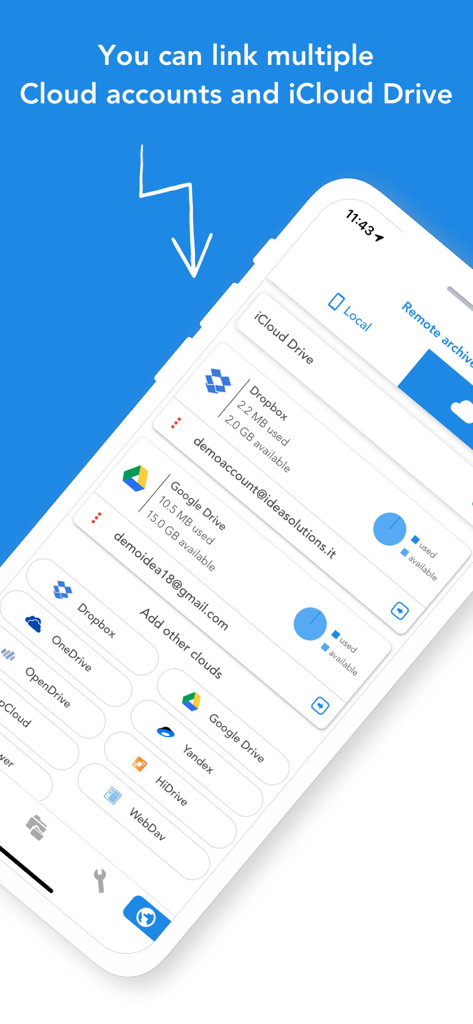
Total Files Pro app screen showing integration with multiple cloud storage services like Dropbox and Google Drive

Total Files Pro app screen showing integration with multiple cloud storage services like Dropbox and Google Drive

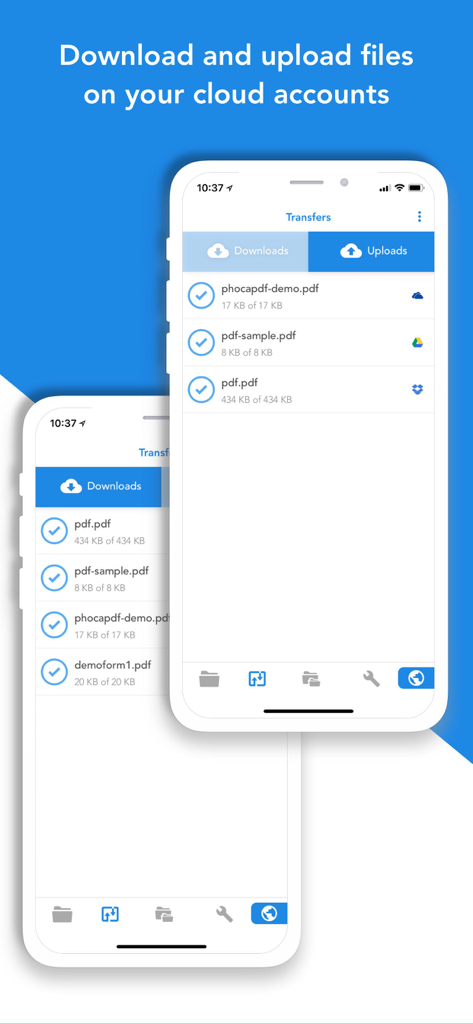
Interface of Total Files Pro app displaying cloud file downloads and uploads on an iPhone

Interface of Total Files Pro app displaying cloud file downloads and uploads on an iPhone

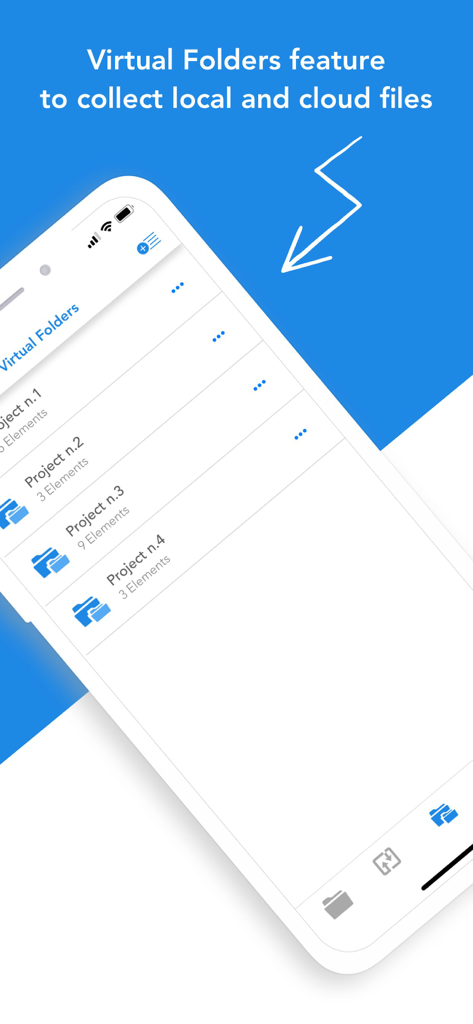
Virtual folders feature in Total Files Pro for organizing local and cloud files

Virtual folders feature in Total Files Pro for organizing local and cloud files

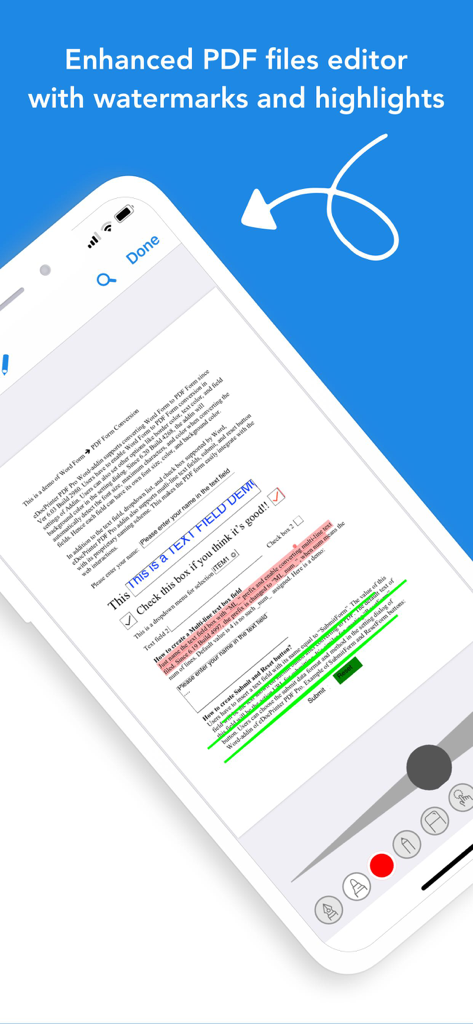
Enhanced PDF editor in Total Files Pro showing document highlights and annotation tools

Enhanced PDF editor in Total Files Pro showing document highlights and annotation tools

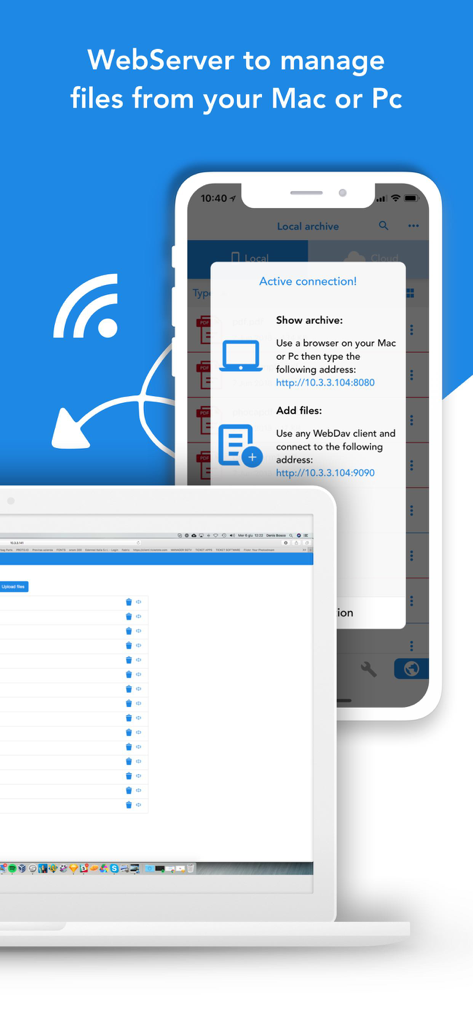
Interface of Total Files Pro showing the web server feature to manage mobile files from a Mac or PC.

Interface of Total Files Pro showing the web server feature to manage mobile files from a Mac or PC.

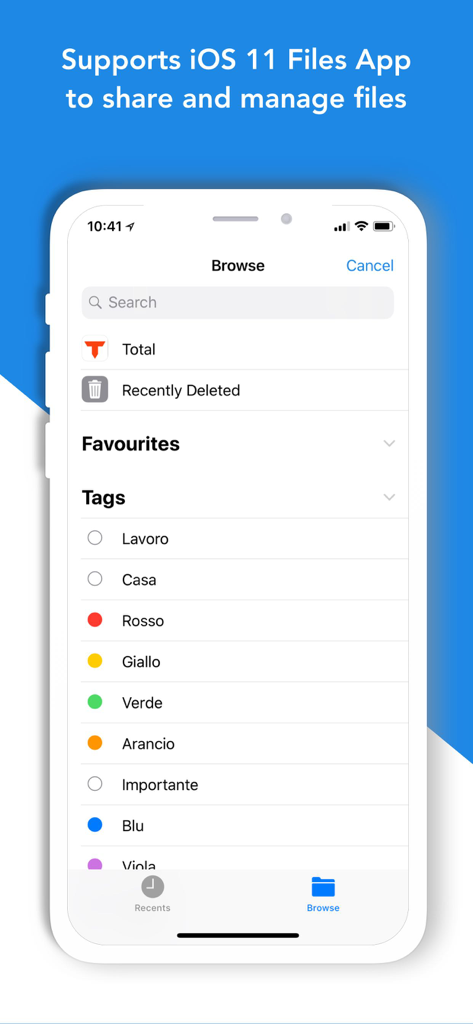
Total Files Pro app interface showing integration with the iOS Files app and file tagging system

Total Files Pro app interface showing integration with the iOS Files app and file tagging system

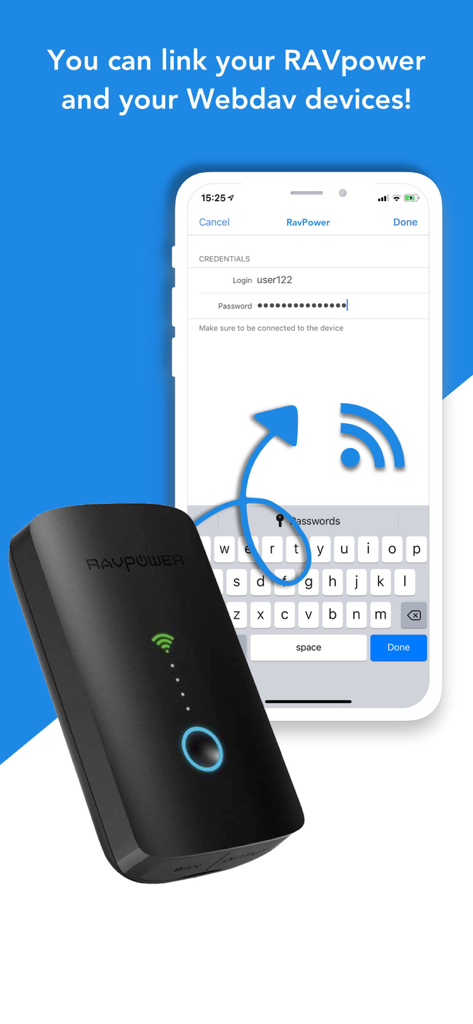
Total Files Pro app interface showing the connection setup for RAVpower and WebDAV devices.

Total Files Pro app interface showing the connection setup for RAVpower and WebDAV devices.

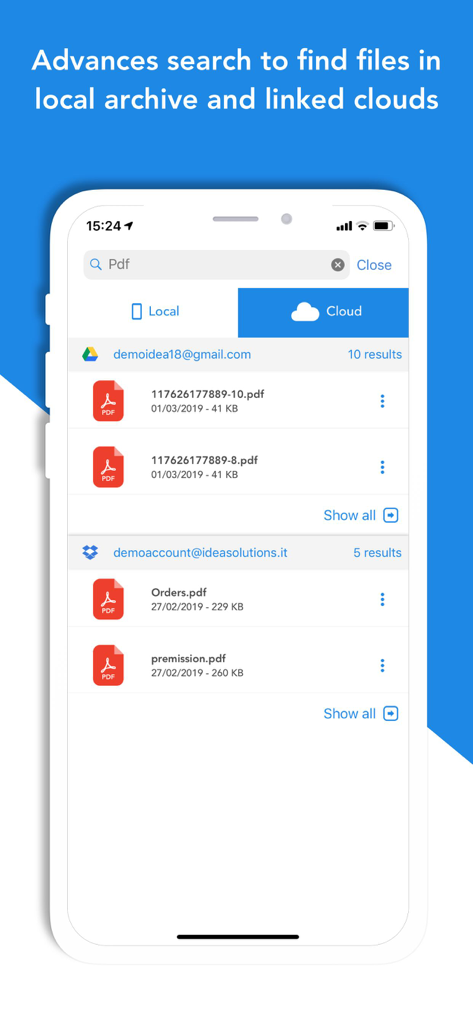
Advanced search interface in Total Files Pro displaying PDF results from linked Google Drive and Dropbox accounts

Advanced search interface in Total Files Pro displaying PDF results from linked Google Drive and Dropbox accounts

Master Your Professional Workflow

The tools that make this app stand out, trusted by 482K+ users.

☁️

Unified Cloud Workspace

Connect Dropbox, Google Drive, and OneDrive to manage all your files in one view without jumping between multiple apps.

🖊️

Powerful PDF Annotator

Highlight, annotate, and edit PDFs with desktop-level precision—perfect for reviewing contracts and study notes on the go.

🔍

Lightning-Fast Organization

Locate documents instantly with Spotlight search and keep sensitive client data secure with encrypted, PIN-protected folders.

Loved by users worldwide

Trusted by 482K+ people who love this app.

"

"As a freelance consultant juggling Dropbox, Google Drive, and OneDrive for different clients, Total Files Pro is a lifesaver. The ability to search across all my cloud accounts simultaneously and secure sensitive contracts with a PIN makes it my most essential productivity app."

Michael R.
"

"The PDF editor is phenomenal. I use my iPad for grad school, and the shape recognition and paragraph highlighting make reviewing academic papers so much faster. Plus, the virtual folders help me keep my research organized across different sources without any clutter."

Sarah J.

About the app

Everything you need to know about Total files pro.

Description

Total Files is the one stop file manager for iOS, with powerful PDF reader, cloud storage support and much more! Total Files supports DropBox, Google Drive, OneDrive and iCloud Files and offers iOS Files app integration to download and upload to any cloud from any app! You'll not need to install a separate app for each storage provider that you want to use from your device! Link all cloud accounts in Total Files and enjoy the full integration with iOS. For example, thanks to the iOS “Files” integration, you can directly save files to one of the cloud linked in Total, simply using the "Save in files” feature available in any apps on your device. Virtual folders allows to group files that come from different sources (cloud or local). The Spotlight indexing of all local contents allows to immediately find and open the file you're looking for, without opening the app! Our powerful PDF viewer offers annotation capabilities and automatically recognise common shapes and gestures to highlight paragraph Main features: - iOS 11 Files app integration for ALL clouds linked to the app in read write mode. - Supports Dropbox, GDrive, OneDrive, iCloud services for remote file storage. - Search between all contents in the app and in the linked cloud storages thanks to the advanced search - Compression and decompression features (zip) - Spotlight indexing - PDF editor with annotation, shape recognition - Simultaneous linking of multiple Cloud accounts and management of folders shared with other users. - Bookmarks and history management. - URL autocomplete - Quick search bar, and enhanced search within all cloud and local files. - PIN to hide and secure folders. - Multi-tab browser

Latest Version

3.13.11

Size

71.5 MB

First Released

May 15, 2012

Ready to Master Your Mobile Workflow?

Join 500,000+ professionals who have unified their cloud storage, PDF editing, and file management into one powerful iOS command center.

Download on App Store