
Smart Home Manager



Easily manage your Wi-Fi, protect your family with ActiveArmor security, and set downtime schedules to master your household's digital life—all in one intuitive interface.
Publisher
Category
ProductivityDownloads
15M+User Rating
Total Ratings
419K+Locales
1Discover the interface used by 15M+ users.
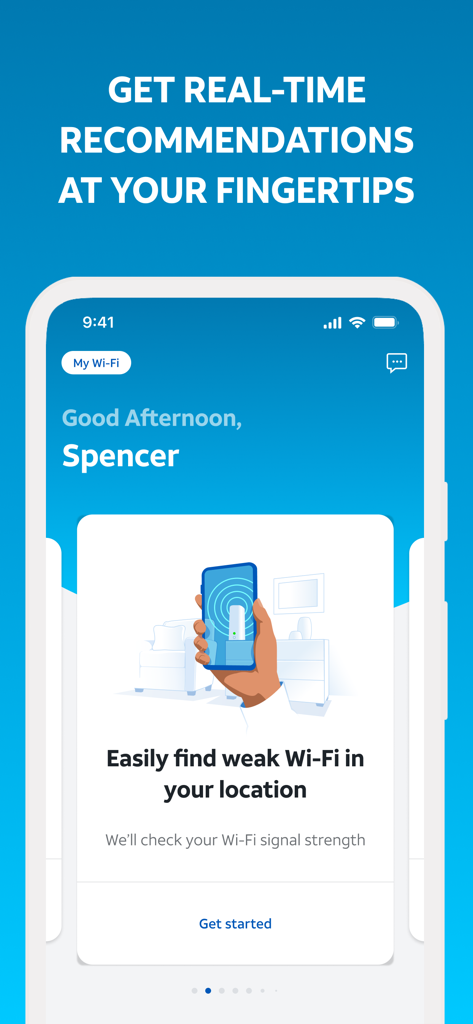
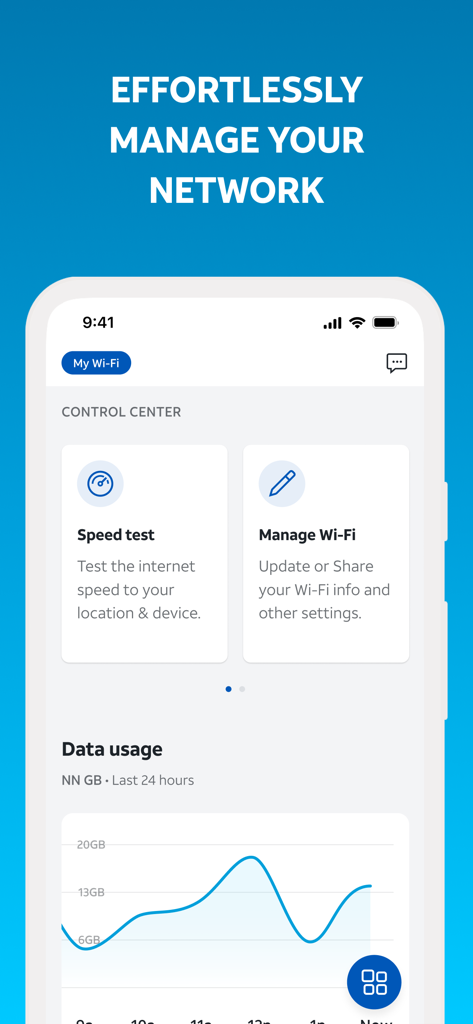
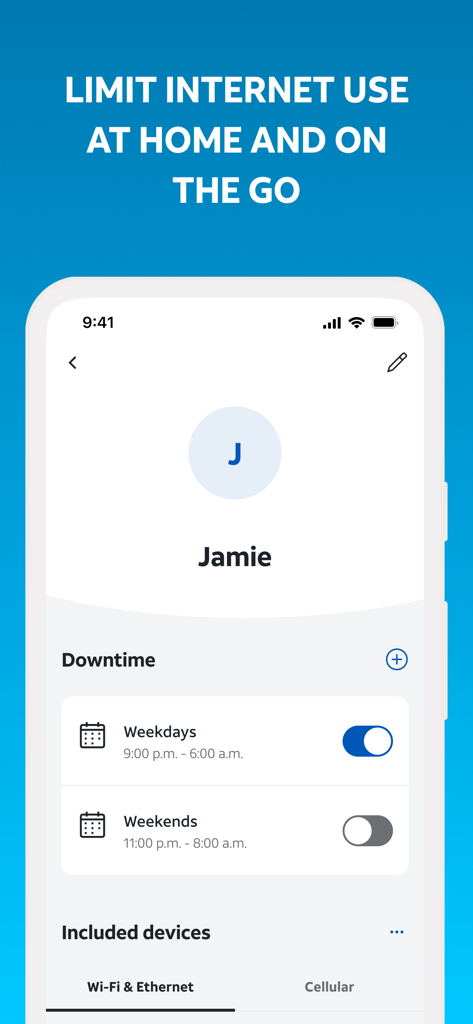
The tools that make this app stand out, trusted by 15M+ users.
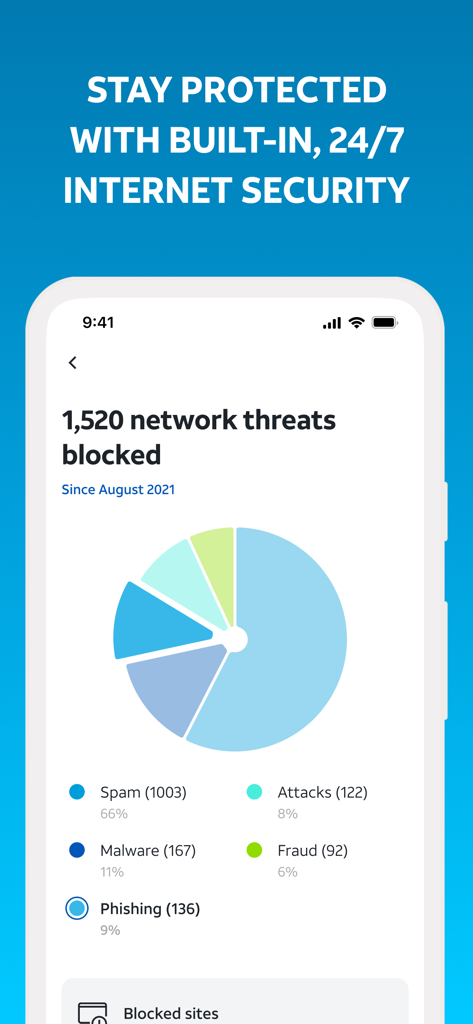
Protect your family from cyber threats and data breaches with integrated AT&T ActiveArmor security and real-time monitoring.
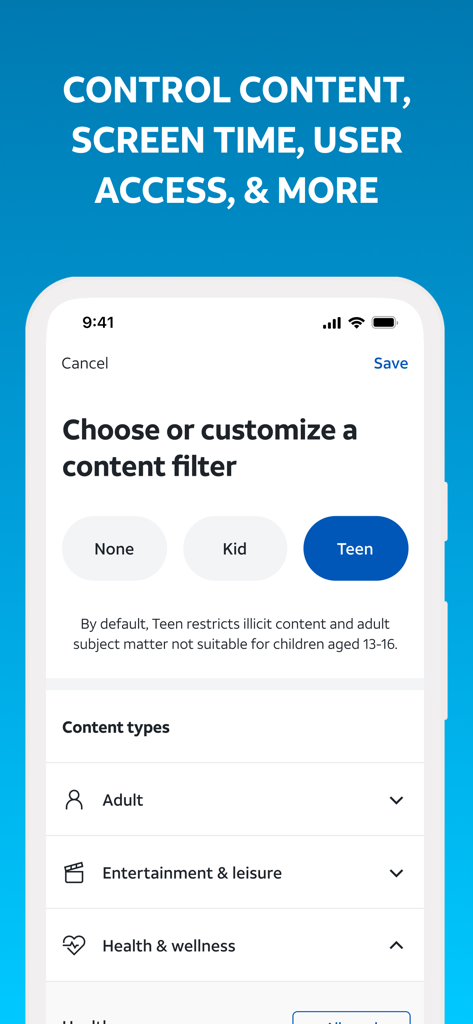
Take the stress out of screen time by setting automated downtime schedules or instantly pausing internet access on any device.
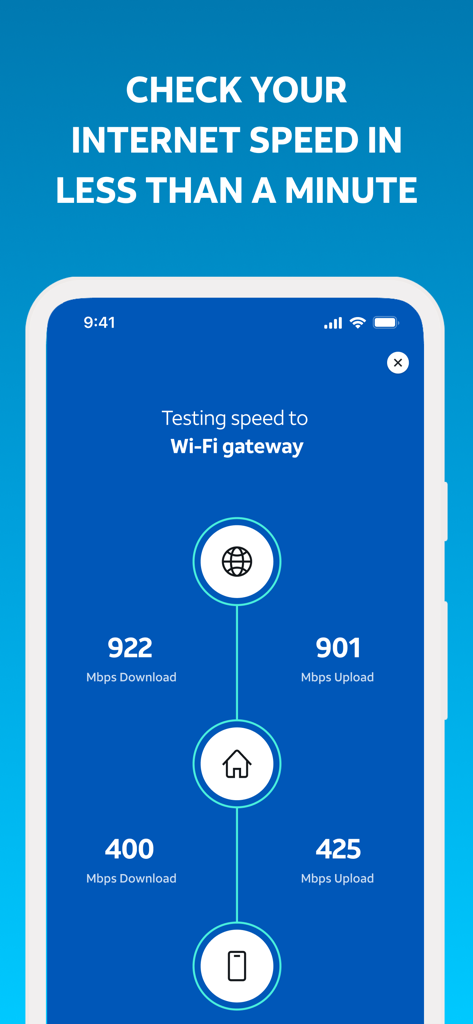
Eliminate dead zones and lag with instant speed tests, network health checks, and automated troubleshooting recommendations.
Trusted by 15M+ people who love this app.
"Finally, a way to manage family screen time without the drama. I love being able to set downtime schedules for the kids' tablets and pause the Wi-Fi for dinner with just one tap. It makes being a 'digital parent' so much easier!"
"I’m impressed by how much control I have over my network. The self-setup was incredibly fast, and I use the speed test and network health features weekly to ensure my home office is running at peak performance. Highly recommended!"
Everything you need to know about Smart Home Manager.
Description
Latest Version
2.2512.257
Size
84.6 MB
First Released
Aug 23, 2017
Join over 15 million users who manage their Wi-Fi with ease. Download the app to secure your devices, set downtime schedules, and optimize your connection in seconds.
Everything you need to know about Smart Home Manager
The AT&T Smart Home Manager app guides users through self-setup for new service and provides tools to manage their AT&T internet network. It offers Wi-Fi management, device control, and network security.
Yes, AT&T Smart Home Manager is available to AT&T Internet service customers with a compatible AT&T Wi-Fi Gateway. Feature availability depends on the specific Wi-Fi gateway model.
Yes, the AT&T Smart Home Manager app allows you to view, update, and share your Wi-Fi name and password. You can also manage other Wi-Fi settings directly within the app.
The AT&T Smart Home Manager app helps manage screen time by allowing users to set downtime schedules. You can also quickly and easily pause specific devices connected to your network.
Yes, the AT&T Smart Home Manager app includes AT&T ActiveArmor℠ internet security. It provides built-in, 24/7 device and network protection, blocking various threats like spam, malware, and phishing.
Yes, the AT&T Smart Home Manager app provides troubleshooting help and customized recommendations through its Virtual Assistant. It also helps users easily find weak Wi-Fi signals in their location.
Yes, you can check your internet speed using the AT&T Smart Home Manager app. It allows you to run speed tests to your Wi-Fi gateway and directly to connected devices.
Yes, the AT&T Smart Home Manager app includes content filtering options. Users can choose or customize filters like "Kid" or "Teen" to restrict access to specific content types.
Apps with similar features and user experience

TP-Link Systems Inc.

TP-Link Systems Inc.

eero LLC

MERCUSYS Technologies Co., Ltd.

TP-Link Systems Inc.

eero LLC

NETGEAR, Inc.

Ubiquiti Inc.

Freebox
