
T-Mobile Fiber: eero



Effortlessly manage your mesh network in minutes. From the home office to the backyard, enjoy seamless coverage for the whole family with built-in parental controls and advanced security.
Publisher
Category
LifestyleDownloads
37K+User Rating
Total Ratings
800Locales
15Discover the interface used by 37K+ users.
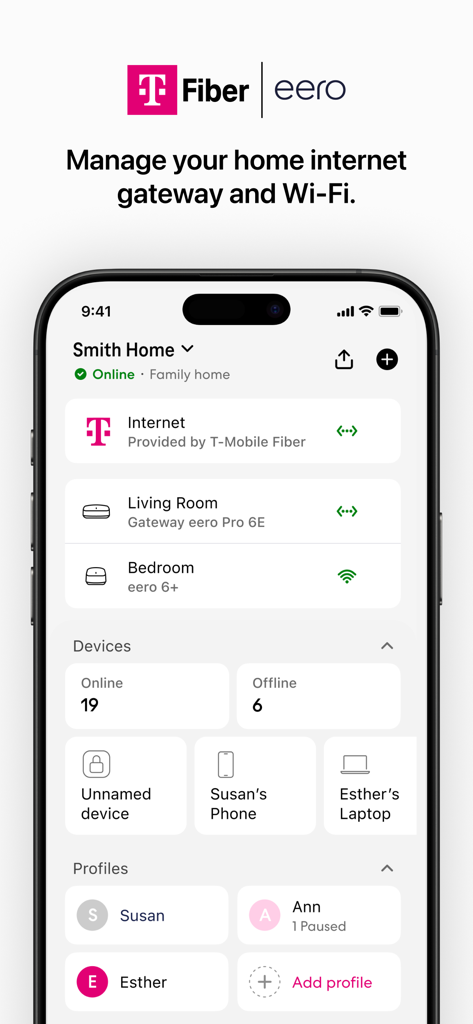
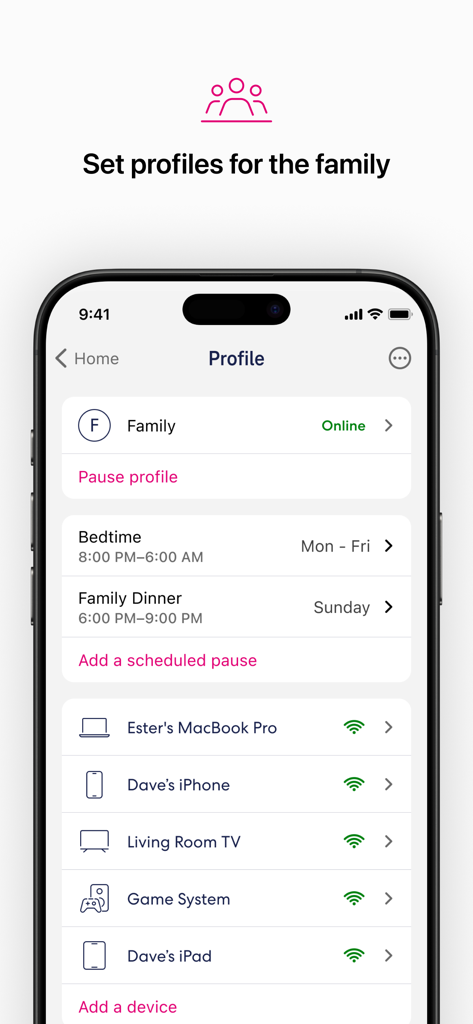
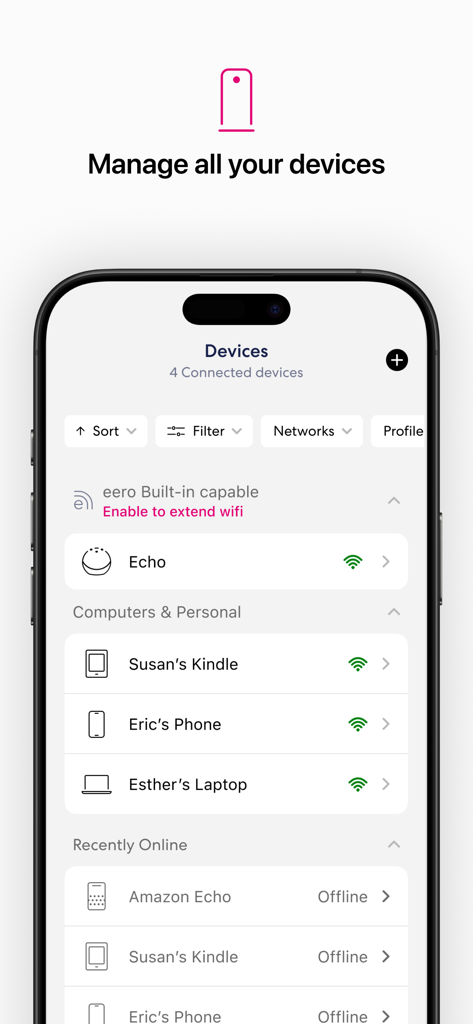
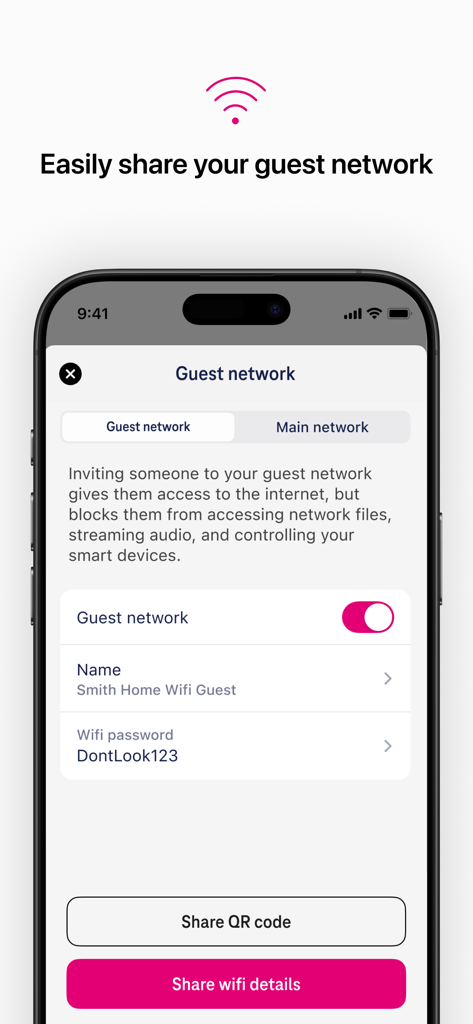
The tools that make this app stand out, trusted by 37K+ users.
Blanket your entire home in ultra-fast Fiber WiFi, ensuring a stable connection for WFH meetings and 4K streaming in every room.
Take charge of screen time by pausing internet access or setting custom schedules for the kids with just a single tap.
Stay protected with automatic software updates and real-time device monitoring to keep your network secure and your family safe.
Trusted by 37K+ people who love this app.
"As a remote consultant, reliable WiFi is non-negotiable. This app made setting up my eero system incredibly simple, and I can now work from my backyard without a single drop in speed. The ability to manage everything from my phone gives me total peace of mind."
"Finally, an app that lets me manage my family's screen time without the headache! I love being able to pause the internet for the kids during dinner and seeing every device connected to our network. It's fast, intuitive, and the coverage is perfect in every room."
Everything you need to know about T-Mobile Fiber: eero.
Description
Latest Version
26.0.1
Size
148.3 MB
First Released
Oct 13, 2025
Join over 37,000 users enjoying seamless T-Mobile Fiber coverage. Download the app today to manage screen time, boost security, and eliminate dead zones in every room.
Everything you need to know about T-Mobile Fiber: eero
The T-Mobile Fiber: eero app facilitates quick setup of your eero devices. The system blankets your home with fast, reliable WiFi, with setup typically completed in minutes.
The T-Mobile Fiber: eero app allows users to view and manage their network from anywhere. It also enables automatic updates, performance improvements, and the latest eero security standards.
Yes, the T-Mobile Fiber: eero app allows easy and secure sharing of your network with guests. A guest network provides internet access while blocking access to personal network files and smart devices.
The T-Mobile Fiber: eero app allows users to schedule or pause internet access for specific devices or profiles to manage screen time. It also enables blocking devices from using your network.
Yes, the T-Mobile Fiber: eero system receives frequent automatic software updates. These updates improve performance, add new features, and enhance security standards for your network.
Yes, the T-Mobile Fiber: eero app displays all connected devices on your network. You can view both online and offline devices, and manage them through profiles.
The eero Terms of Service are available at eero.com/legal/tos, and the Privacy Policy at eero.com/legal/privacy. T-Fiber residential Terms of Service are also at fiber.t-mobile.com/legal/residential-terms.
Apps with similar features and user experience

TP-Link Systems Inc.

AT&T Services, Inc.

TP-Link Systems Inc.
eero LLC

MERCUSYS Technologies Co., Ltd.

TP-Link Systems Inc.

NETGEAR, Inc.

Ubiquiti Inc.

TP-Link Systems Inc.