
Step Counter Maipo - Pedometer



No setup required—just put your iPhone in your pocket and start walking. Effortlessly monitor your steps, distance, and calories with a beautiful, battery-efficient design.
Publisher
Category
Health & FitnessDownloads
2M+User Rating
Total Ratings
193K+Locales
2Discover the interface used by 2M+ users.
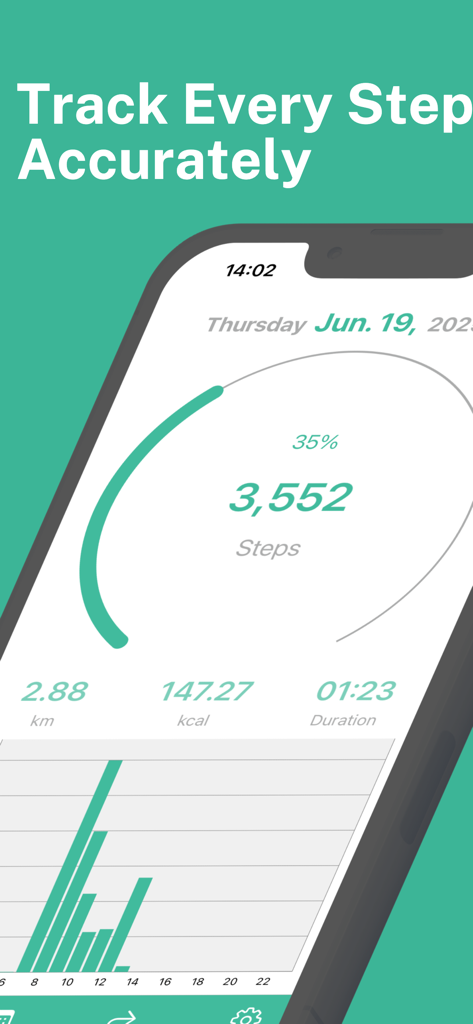
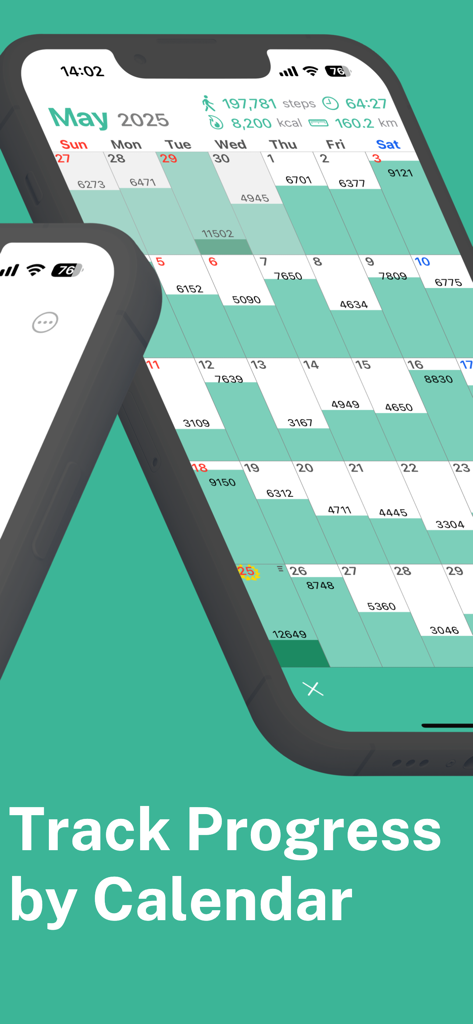
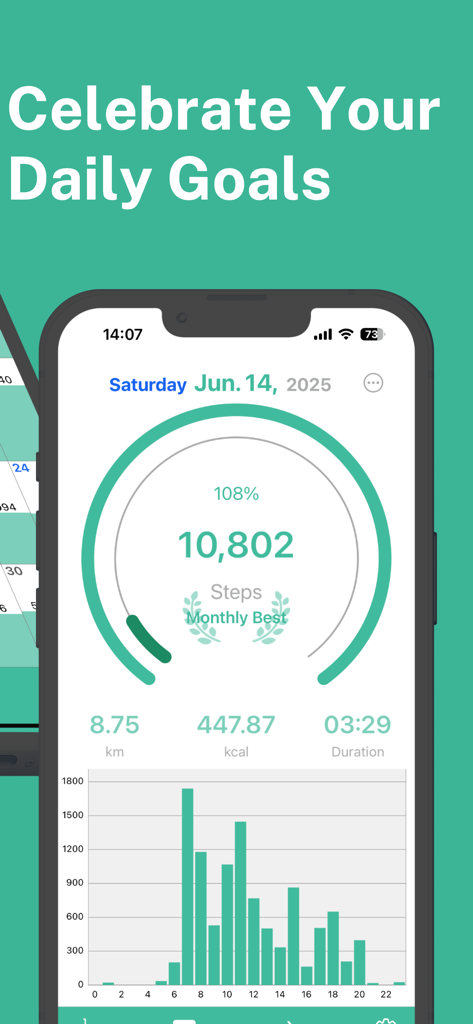
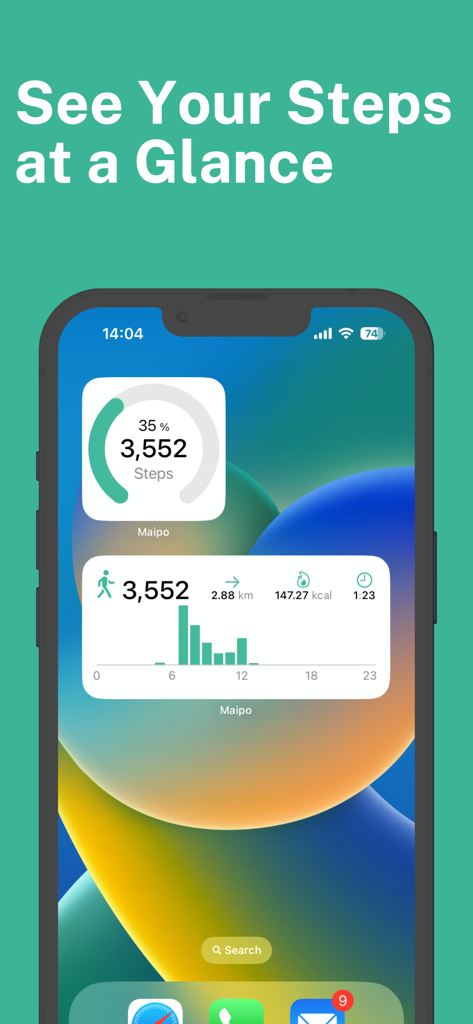
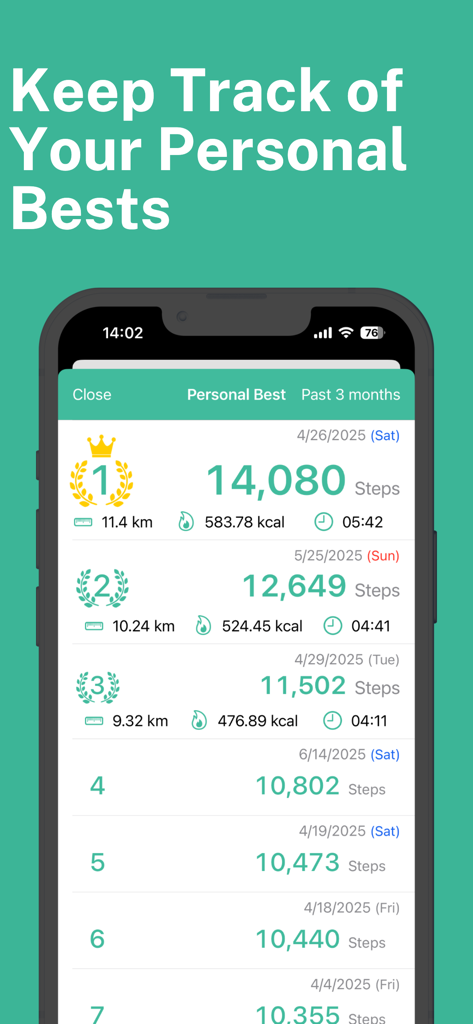
The tools that make this app stand out, trusted by 2M+ users.
No setup or 'start' button required. Simply carry your phone to automatically track steps, distance, and calories burned while you focus on your day.
Stay motivated with an intuitive calendar view and hourly graphs that turn your daily walks into a rewarding visual history of your health journey.
Enjoy high-precision tracking without draining your battery. Maipo syncs seamlessly with Apple Health to keep your data secure and your phone charged.
Trusted by 2M+ people who love this app.
"I have tried so many fitness apps that drained my battery or were just too complicated to navigate. Maipo is exactly what I was looking for. It tracks my daily commute and errands automatically without me ever having to manually start a workout. The home screen widgets are perfect for a quick glance at my progress during a busy workday!"
"As someone who is not very tech-savvy, I really appreciate how simple and intuitive this app is. There was no account setup or confusing menus to deal with. I use the daily notes feature to track how I am feeling after my morning walks, and seeing my streaks on the calendar view keeps me motivated every single day."
Everything you need to know about Step Counter Maipo - Pedometer.
Description
Latest Version
1.17.1
Size
38.7 MB
First Released
Dec 8, 2015
Join over 2 million users who simplify their health with automatic, battery-efficient tracking. No setup required—just put your phone in your pocket and start walking.
Everything you need to know about Step Counter Maipo - Pedometer
Step Counter Maipo automatically tracks steps, distance, calories burned, and walking time. It operates without setup, requiring only installation to begin monitoring your activity.
Yes, the Step Counter Maipo app is free to download and use for its core step tracking functionalities. A premium version is available to remove ads and unlock advanced features.
Yes, Step Counter Maipo integrates with Apple Health. This feature allows users to import historical step data, including measurements from an Apple Watch, directly into the app.
Yes, Step Counter Maipo offers a calendar view. This feature allows users to easily review daily step counts, track achievement levels, and see monthly totals, weekly trends, and their best walking day.
Step Counter Maipo provides Home & Lock Screen Widgets for iOS 16+ users. These widgets offer a quick way to check today’s step count and other activity data directly from your device's screen.
Step Counter Maipo offers iCloud Backup & Restore as a premium feature. This functionality enables users to seamlessly transfer their data to a new device or recover it if needed.
Yes, premium users of Step Counter Maipo can export their data. The app allows daily steps, distance, calories, and time to be exported in CSV format for compatibility with other applications.
No, the Step Counter Maipo app is designed for battery efficiency. It minimizes power consumption while ensuring full compatibility with the latest iOS versions for optimal performance.
Apps with similar features and user experience

Leap Health Fitness Limited

Leap Health Fitness Limited
StepsApp GmbH

ITO Technologies Inc.

Appenvision Ltd
Company Next Leap

AK Apptuitive GmbH

MUTLU ISLER TEKNOLOJI VE ILETISIM HIZMETLERI TICARET LTD STI

Year of Code, LLC