
SuperLive Plus



Secure what matters most with industrial-grade control. Access high-definition live streams, manage multi-channel views, and take full command of your security systems from the palm of your hand.
Publisher
Category
BusinessDownloads
3M+User Rating
Total Ratings
24K+Locales
33Discover the interface used by 3M+ users.
The tools that make this app stand out, trusted by 3M+ users.
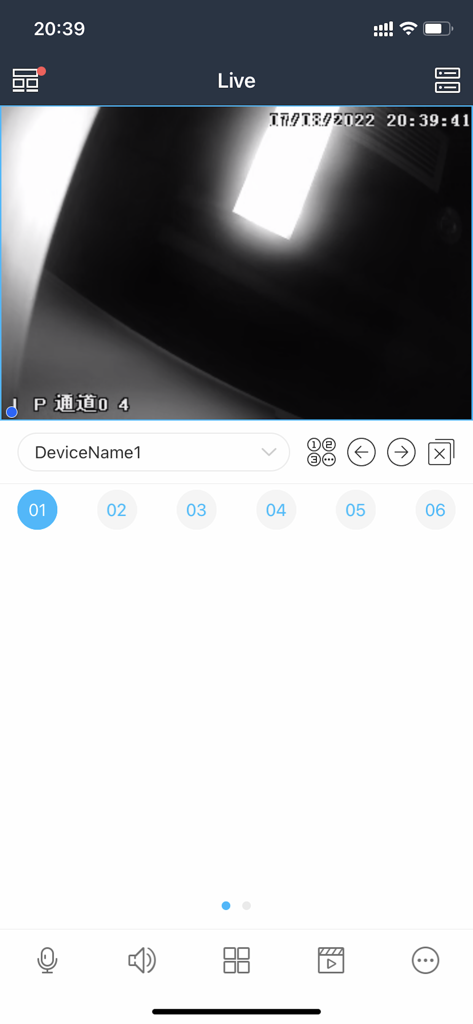
Stay informed with live high-definition video streaming that lets you react to events the second they happen.
Take total control of your environment by remotely panning, tilting, and zooming your cameras for a 360-degree perspective.
Seamlessly switch between home and business feeds or view multiple channels at once for comprehensive property oversight.
Trusted by 3M+ people who love this app.
"As a retail store owner, reliability is everything. SuperLive Plus lets me monitor all eight of my shop cameras simultaneously in high definition. I can check on deliveries and store safety right from my iPhone, whether I'm at home or on the road. It is the most stable professional surveillance tool I have used."
"I switched from a subscription-based camera system to a professional NVR setup, and SuperLive Plus is the perfect companion. The Pan-Tilt-Zoom controls are incredibly responsive, and the iPad interface is crystal clear. I finally feel in complete control of my home security without the monthly fees."
Everything you need to know about SuperLive Plus.
Description
Latest Version
1.16.7
Size
123.8 MB
First Released
Feb 22, 2016
Join over 3 million homeowners and business owners who trust SuperLive Plus for reliable, real-time surveillance. Download now to keep a watchful eye on what matters most.
Everything you need to know about SuperLive Plus
SuperLive Plus is monitoring software specifically developed for the iPhone. It enables users to view real-time video streaming and perform control operations directly from their iPhone.
Yes, SuperLive Plus allows customers to view real-time video streaming. The app's main "Live" screen displays ongoing video feeds from connected devices.
No, SuperLive Plus is specifically developed as monitoring software for the iPhone. The official description does not indicate support for Android.
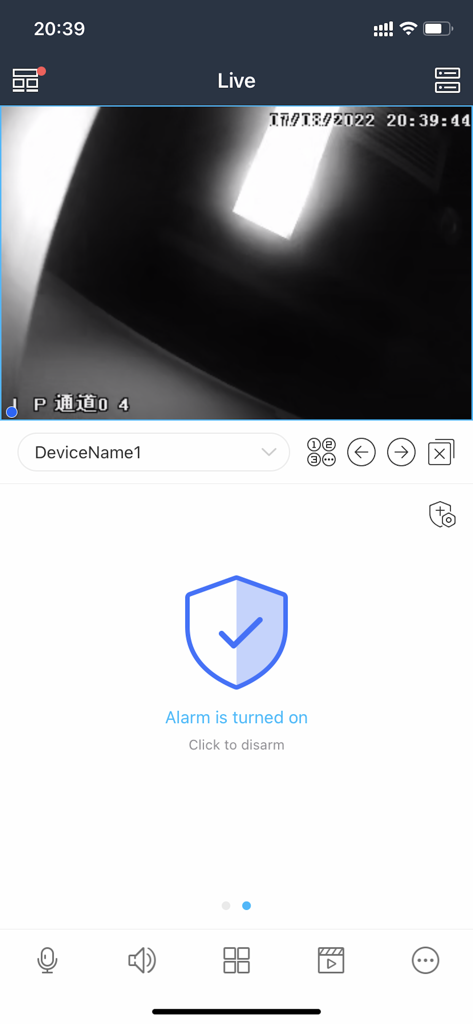
Yes, SuperLive Plus features an alarm function. Users can see the status, such as "Alarm is turned on," and disarm it within the application interface.
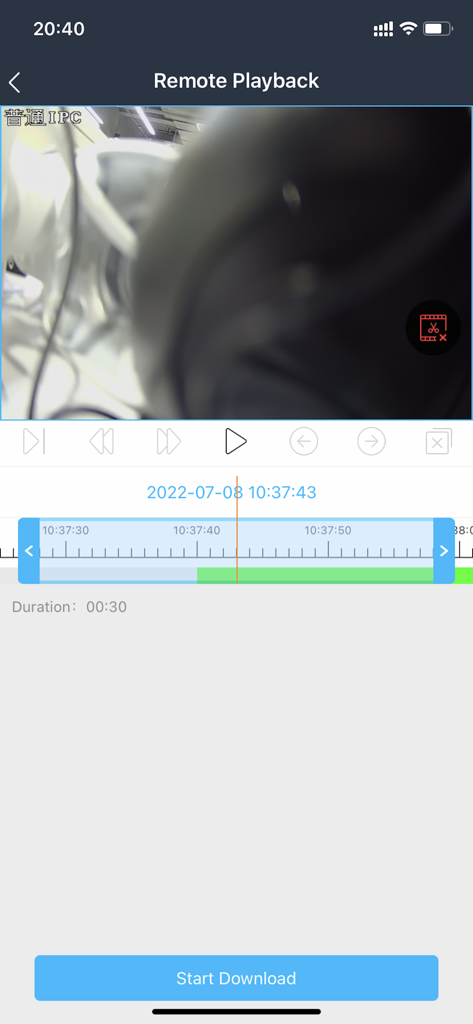
Yes, SuperLive Plus supports remote playback of recorded video. The app provides a dedicated "Remote Playback" section with a timeline to navigate and view recorded footage.
Yes, SuperLive Plus allows users to download recorded files. The "Remote Playback" interface includes a "Start Download" button for this purpose.
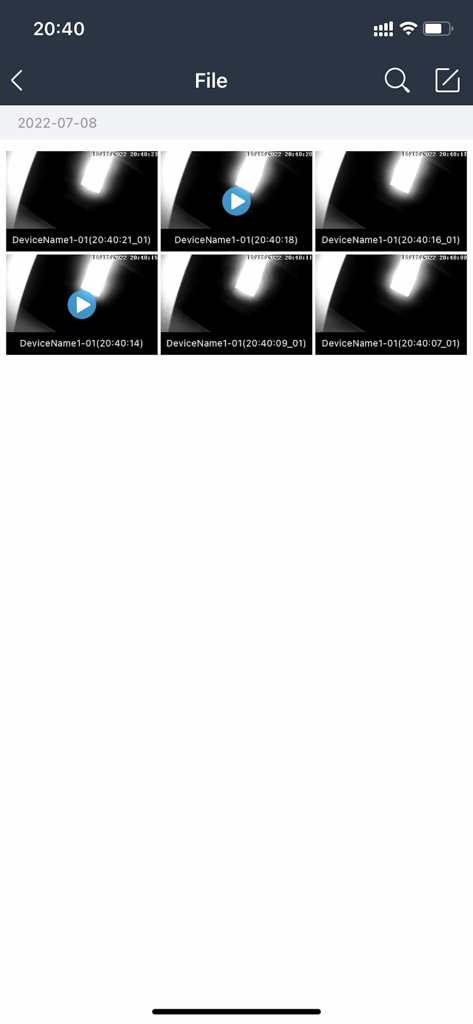
Users access recorded files through the "File" section in SuperLive Plus. This section displays individual video clips, identified by device name and timestamp, ready for playback.
Apps with similar features and user experience

Hangzhou Dong Bin Information Technology Co., Ltd.

Shenzhen Jooan Technology Company

PHOTON SAIL TECHNOLOGIES PTE. LTD.

洪波 王

SimpliSafe, Inc.

JFL Equipamentos Eletronicos Industria e Comercio Ltda.

Shenzhen Weixi Technology Co., Ltd

Bot Home Automation, INC

Hangzhou Hikvision Digital Technology Co., Ltd.
