
Teleprompter for Video




The all-in-one studio for the digital-first professional. Deliver perfect scripts with AI eye-contact enhancement, automatic captions, and studio-quality editing tailored for LinkedIn, TikTok, and YouTube.
Publisher
Category
Photo & VideoDownloads
4M+User Rating
Total Ratings
74K+Locales
7Discover the interface used by 4M+ users.
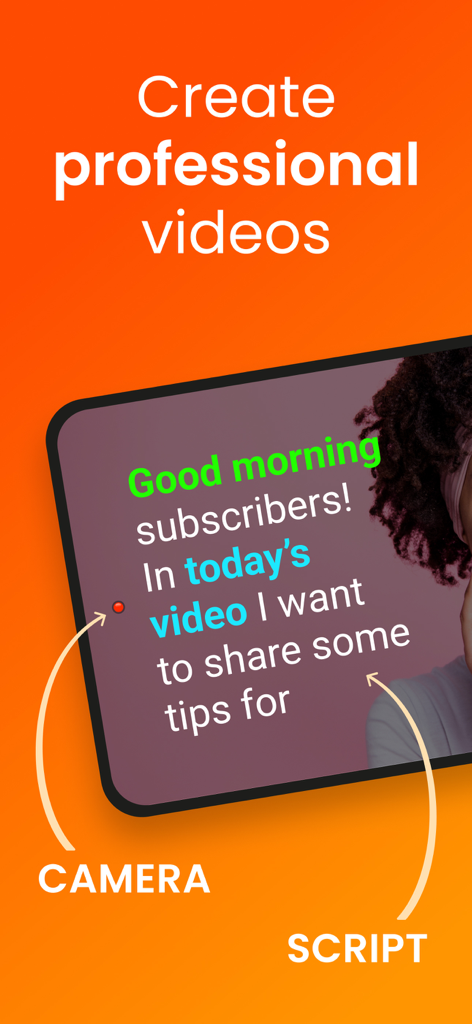
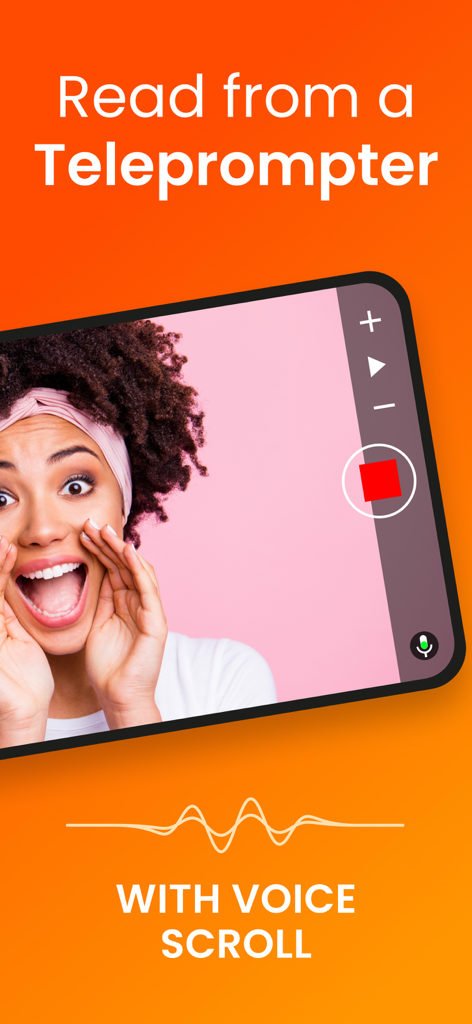
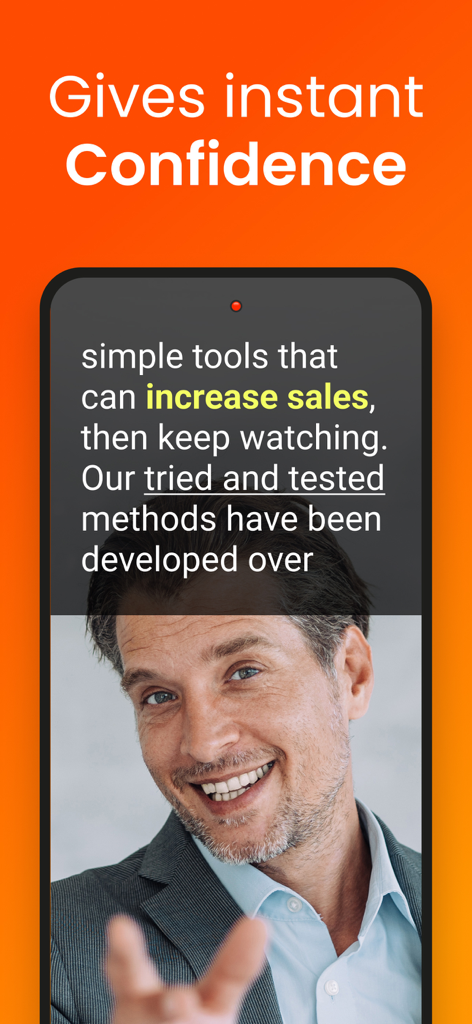
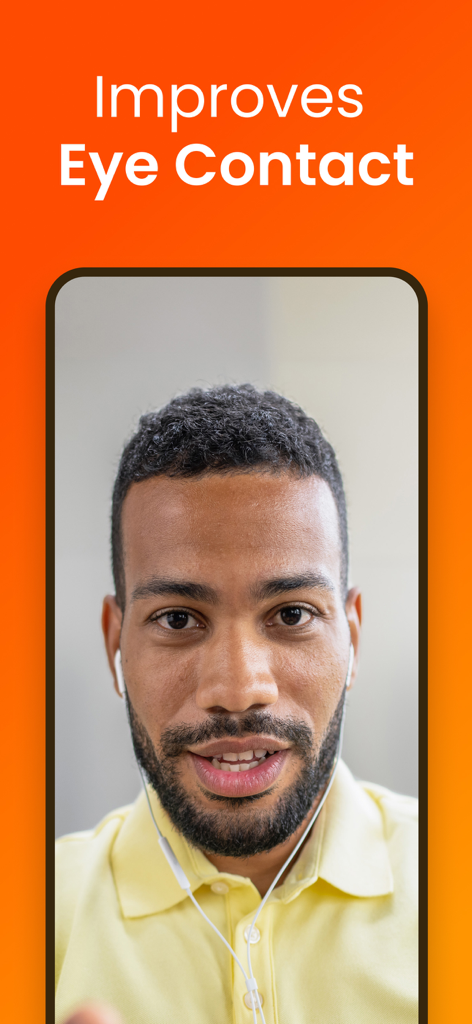
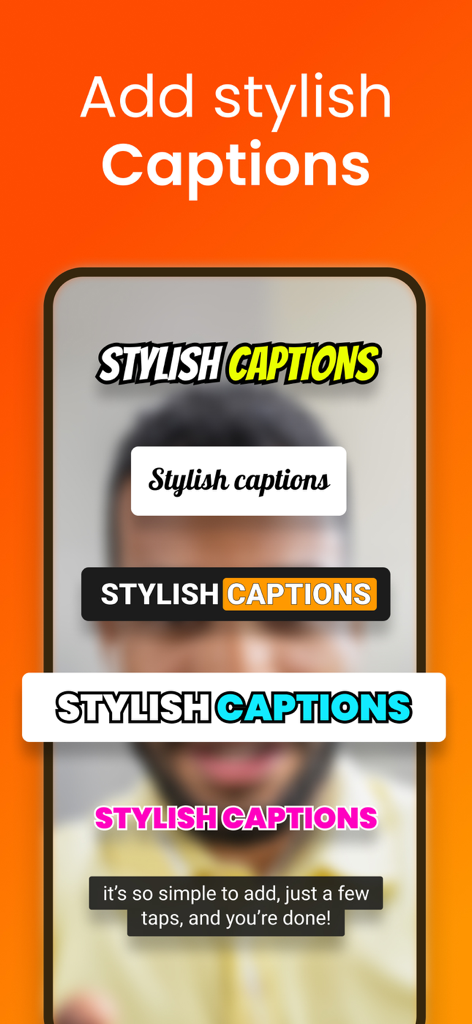
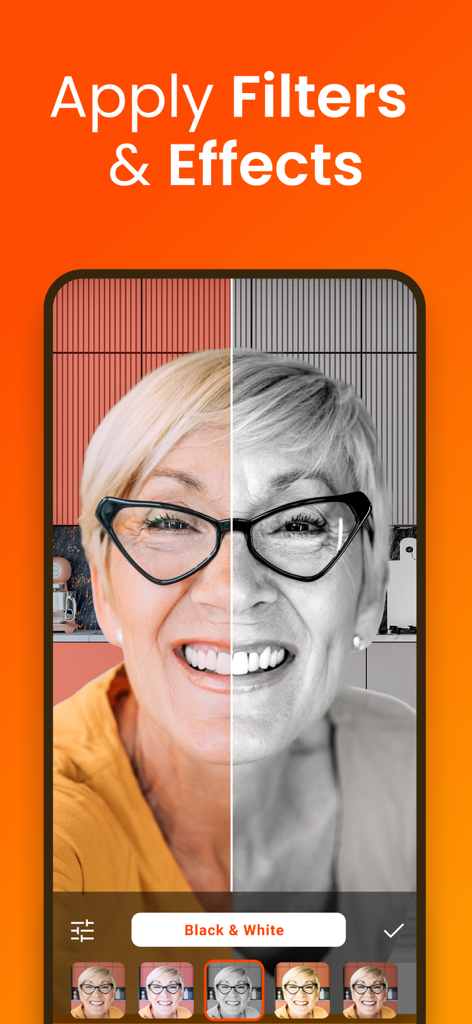
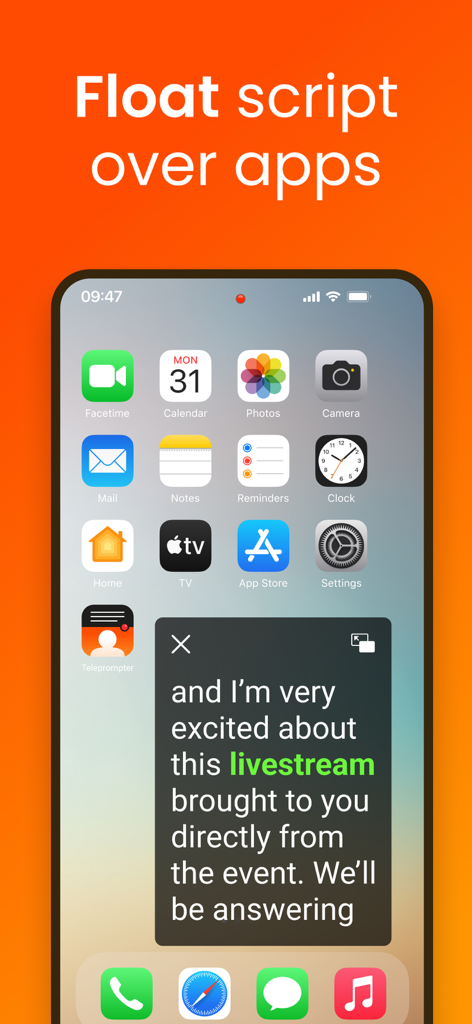
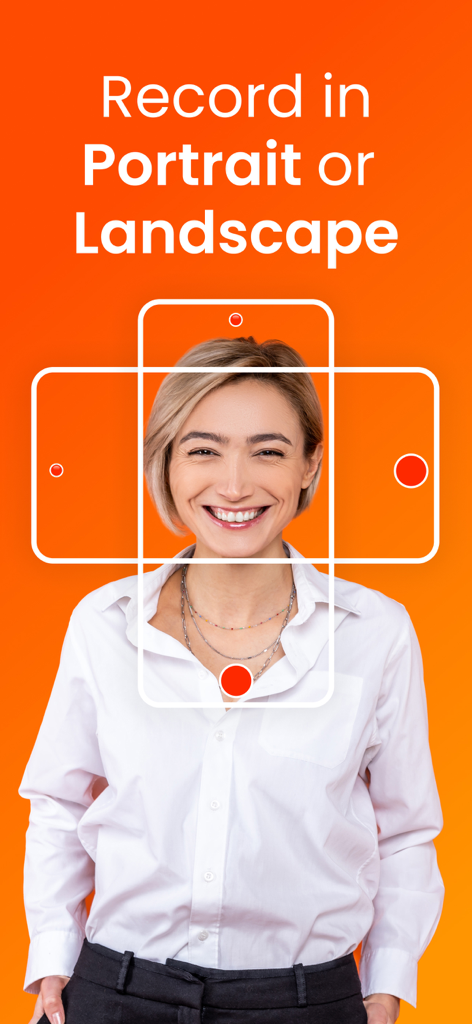
The tools that make this app stand out, trusted by 4M+ users.
Read your script directly next to the camera lens to maintain perfect eye contact, ensuring you look confident and authoritative in every take.
Our AI listens to you. The text automatically scrolls as you speak and pauses when you do, allowing for a natural, conversational delivery.
Save hours of editing with automatic captions, instant social media resizing, and professional branding tools that get your content live faster.
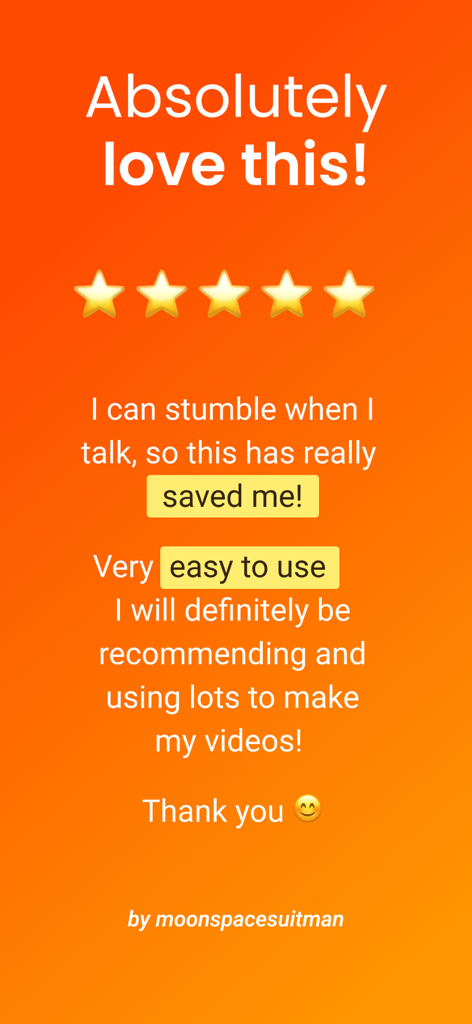
Trusted by 4M+ people who love this app.
"This app is an absolute game-changer for my real estate market updates. The script scrolls perfectly next to the lens, ensuring I maintain natural eye contact with my clients. I have cut my recording time in half and the automatic captions look incredibly professional for my LinkedIn feed."
"As a solo content creator, I used to spend hours on post-production. Now, I use the AI script writer to draft my talking points and the voice-assisted scrolling handles the rest. The eye contact enhancement is pure magic—it is like having a professional studio in my pocket."
Everything you need to know about Teleprompter for Video.
Description
Latest Version
9.2.1
Size
150.8 MB
First Released
Oct 12, 2016
Stop memorizing scripts and start engaging your audience. Download the #1 teleprompter app to record, edit, and caption your videos in minutes—all from your pocket studio.
Everything you need to know about Teleprompter for Video
Teleprompter for Video is an app that enables users to record professional videos on iPhone or iPad while reading a scrolling script, making it easy to maintain eye contact with the audience.
Yes, Teleprompter for Video features a 'floating' mode. This mode overlays the script on other apps, allowing users to read the teleprompter while live streaming on social media platforms.
Yes, Teleprompter for Video includes post-recording video editing features. These include adding logos, resizing for social media, green screen effects, text, automatic captions, and background music.
Yes, Teleprompter for Video is free for scripts up to 750 characters, which equals approximately one minute of video, without watermarks. Additional advanced editing features require in-app purchases.
Teleprompter for Video can be controlled using external devices. Supported input methods include a Bluetooth remote control, wireless keyboard, foot pedal, or an Apple Watch, managing both recording and script scrolling.
Teleprompter for Video imports scripts from cloud services such as Dropbox, Google Drive, OneDrive, or iCloud. It supports various file formats including .doc, .docx, .txt, .rtf, and .pdf.
Yes, Teleprompter for Video allows users to change the video background after recording. It utilizes a smart green screen or chroma key filter feature for this purpose, enhancing video production.
Yes, Teleprompter for Video supports recording videos in both landscape and portrait orientations. This provides users with flexibility to create content suitable for various platforms and viewing preferences.
Apps with similar features and user experience

Teleprompter Apps Ltd

BIGVU INC

Teleprompter LLC

Starii Tech Pty Ltd

Hangzhou Gaishi Technology Co., Ltd.

晨铭 李

Verba Creative Inc.

志威 王

Liudmyla Yeromenko
