TV Cast: Nero Streaming Player

TV Cast: Nero Streaming Player

Download on App Store
Spark by MWM logo
Logo of TV Cast: Nero Streaming Player
TV Cast: Nero Streaming Player – The Ultimate Universal Hub for Your Home Media

Effortlessly stream 4K videos, high-res photos, and music from your iPhone, PC, or NAS directly to your Smart TV, Roku, or Sonos. Bring your personal library to the big screen with the professional reliability you expect from Nero.

Download on App Store

Publisher

Nero AG

Category

Utilities

Downloads

936K+

User Rating

4.0/5

Total Ratings

1K+

Locales

15

Media Mastery at a Glance

Discover the interface used by 936K+ users.
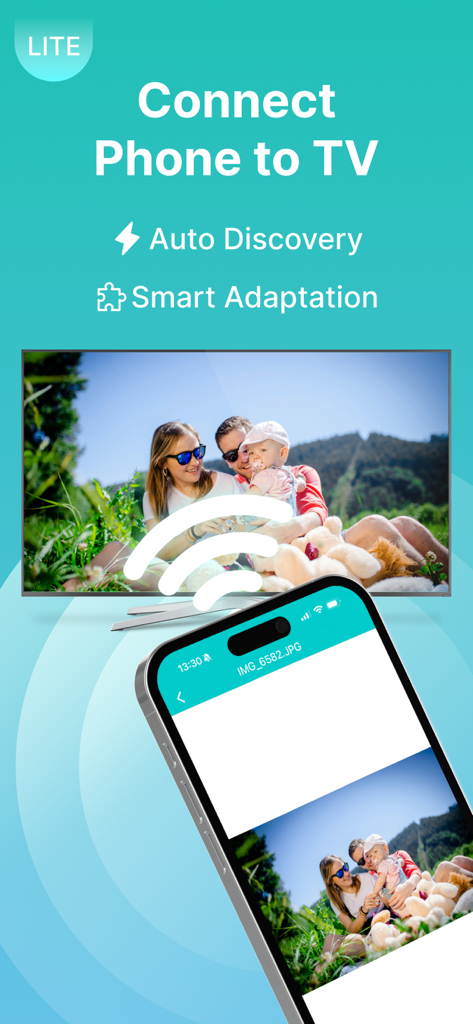
Smartphone wirelessly casting a family photo to a smart TV screen

Smartphone wirelessly casting a family photo to a smart TV screen

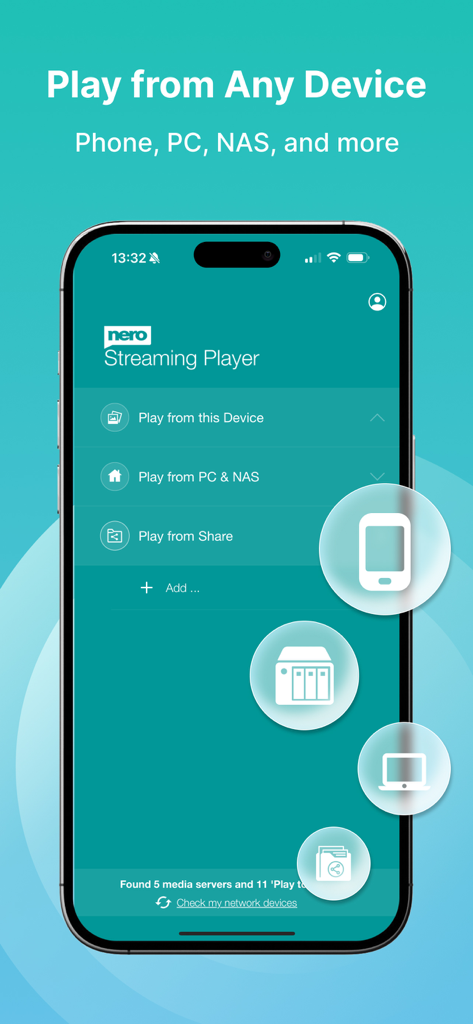
Nero Streaming Player mobile app showing how to cast media from a phone PC or NAS to a TV

Nero Streaming Player mobile app showing how to cast media from a phone PC or NAS to a TV

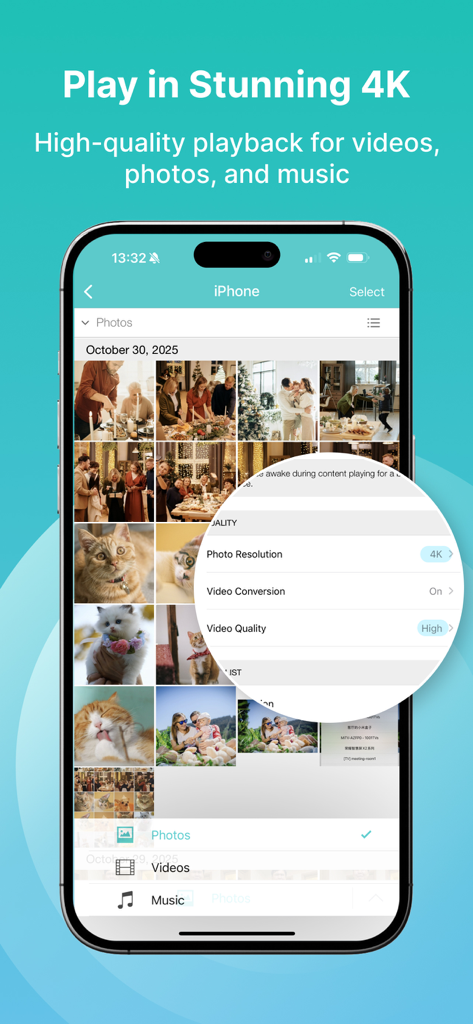
Nero TV Cast app interface showing 4K photo resolution and high video quality settings for streaming.

Nero TV Cast app interface showing 4K photo resolution and high video quality settings for streaming.

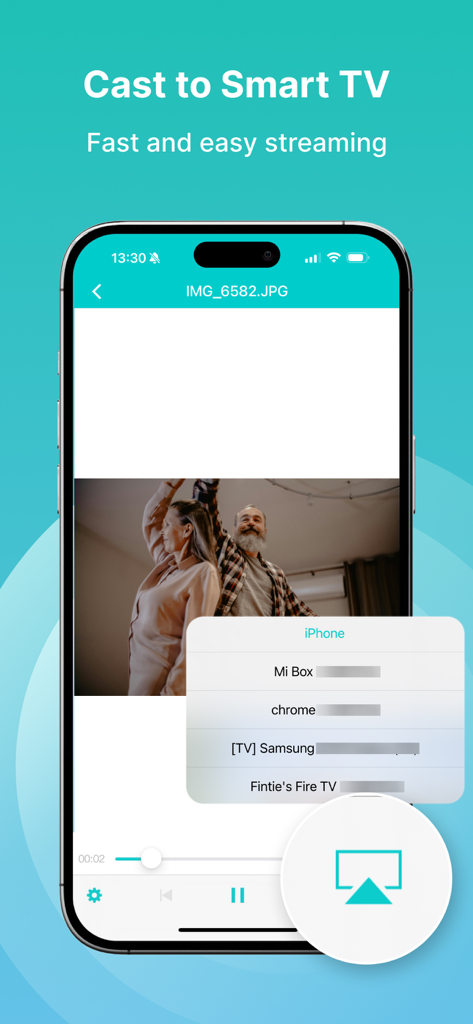
Nero Streaming Player app interface showing how to cast a video from an iPhone to a Smart TV

Nero Streaming Player app interface showing how to cast a video from an iPhone to a Smart TV

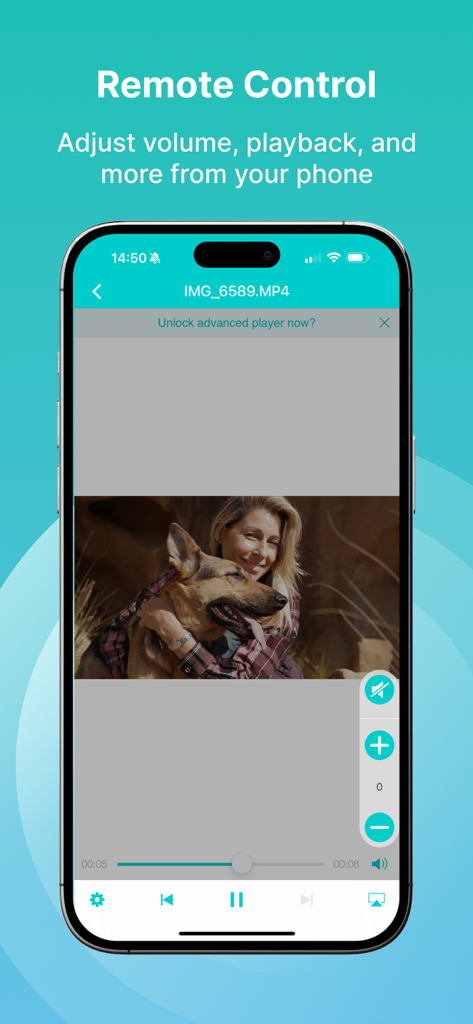
A smartphone displaying the Nero TV Cast remote control interface for video playback and volume adjustment

A smartphone displaying the Nero TV Cast remote control interface for video playback and volume adjustment

Your Entire Media Library, Unleashed

The tools that make this app stand out, trusted by 936K+ users.

📺

Universal Smart Home Casting

Bridge the gap between your iPhone and any device. Effortlessly stream to Samsung, LG, Sony, Roku, Fire TV, or Sonos without hardware limits.

💎

Stunning 4K Visuals

Don't settle for a small screen. Leverage your TV's full potential by casting personal videos and photos in crystal-clear Ultra HD resolution.

🏠

Direct PC & NAS Streaming

Access your private archives on PC or NAS drives via SMB. Save phone storage while keeping your media secure and organized on your local network.

Loved by users worldwide

Trusted by 936K+ people who love this app.

"

"Finally, a reliable way to get my 4K family videos from my Synology NAS to the living room TV without any lag. It's become our go-to for holiday slideshows. The interface is intuitive, and it discovered my media server instantly."

David Richardson
"

"I have a mix of tech—an iPhone, a Sony TV, and Sonos speakers—and this app is the only 'universal remote' that actually works for all of them. Being able to cast iCloud photos directly to the big screen while using my phone to control the volume is incredibly convenient."

Sarah Miller

About the app

Everything you need to know about TV Cast: Nero Streaming Player.

Description

• Music streaming: play your favorite songs or playlists on your TV or connected speakers via WiFi. • Photo casting: display your photos on the big TV screen – single or slideshow – with 4K support. • Video casting: enjoy videos in Full HD & 4K quality on Smart TVs, Chromecast, Roku, Fire TV, and more. • Stream from PC & NAS: access and play photos, HD movies, and TV shows stored on your computer or NAS – no phone storage used. • Stream from SMB share: cast network-stored photos, movies, and music from SMB drives – easy setup. The easiest casting app for your media – music, photos, videos, and more! • New! SMB Sharing lets you stream files from network folders directly to your Smart TV. • Supports Chromecast, Chromecast Audio, Sonos, and many more devices. • Stream by category: select all files from a location or multiple albums at once. • Cast iCloud media directly to your TV. • Launch other Nero mobile apps from Nero Streaming Player. • Send feedback easily for improvements and issues. • Use your iPhone/iPad as a remote control: play, pause, stop, skip, and adjust volume. • Zoom & rotate photos with intuitive two-finger gestures while casting. • Sort your music by artists, songs, albums, or genres and stream to Sonos or supported devices. Supported devices: • Smart TVs from Samsung, Sony, LG, TCL, Panasonic, Sharp, and more • AV devices from Yamaha, Onkyo, Sonos, Bose, Pioneer, and others • Chromecast and other compatible streaming devices • Media servers from Plex, Serviio, Subsonic, Twonky, Windows Media Player, and more • NAS from Western Digital, Netgear, Synology, QNAP, Seagate, and more How it works: Install Nero Streaming Player to cast photos, videos & music from your iPhone/iPad to your Smart TV. No HDMI cable, cast hardware, or additional apps required. Connect your iPhone, PC/NAS, and Smart TV to the same WiFi network. Open the app, select media, tap the TV icon, and choose a target device to enjoy content on the big screen or audio system. PC & NAS streaming: Launch your media server on PC/NAS. Nero Streaming Player displays all available servers. Select one and stream all your media to your TV. No media server yet? Download and install Nero MediaHome (2016 or later) on PC. With one touch in Nero Streaming Player, access the timeline of your photos & videos. Enhanced features include: • Face recognition for viewing family & friends • Explore places you’ve visited • Browse your personal movie & TV show collection with poster thumbnails • Listen to favorite songs & playlists Note: Your mobile device, PC/NAS, and Smart TV must be on the same WiFi network. Use only in private, secure networks.

Latest Version

1.11.8

Size

50.9 MB

First Released

Sep 1, 2015

Unlock the Full Potential of Your Home Media

Join over 1 million users who trust Nero to bridge the gap between their iPhone and any Smart TV. Start streaming your 4K memories and local NAS files instantly—no cables, no lag, just pure entertainment.

Download on App Store