
Google Authenticator



Secure your banking, crypto, and professional accounts with the gold standard of protection. Generate codes instantly, stay safe offline, and sync seamlessly across all your devices.
Publisher
Category
UtilitiesDownloads
134M+User Rating
Total Ratings
4M+Locales
32Discover the interface used by 134M+ users.
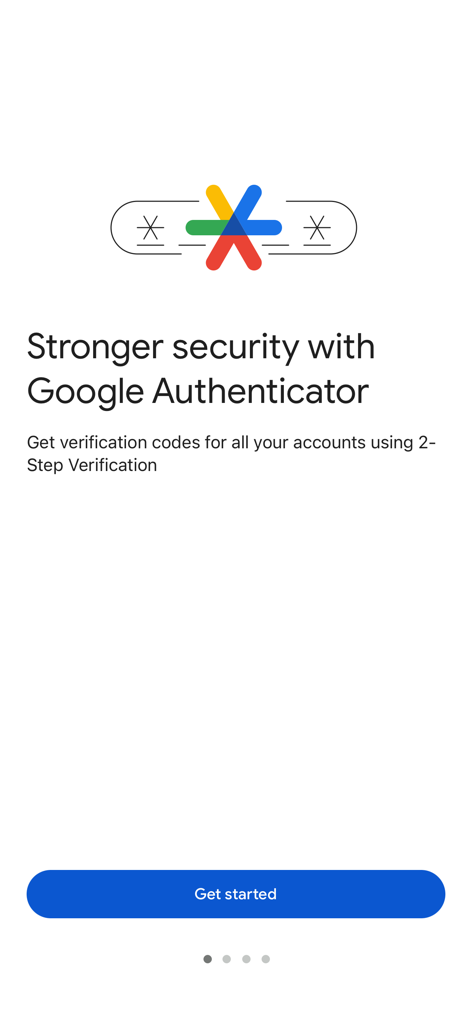
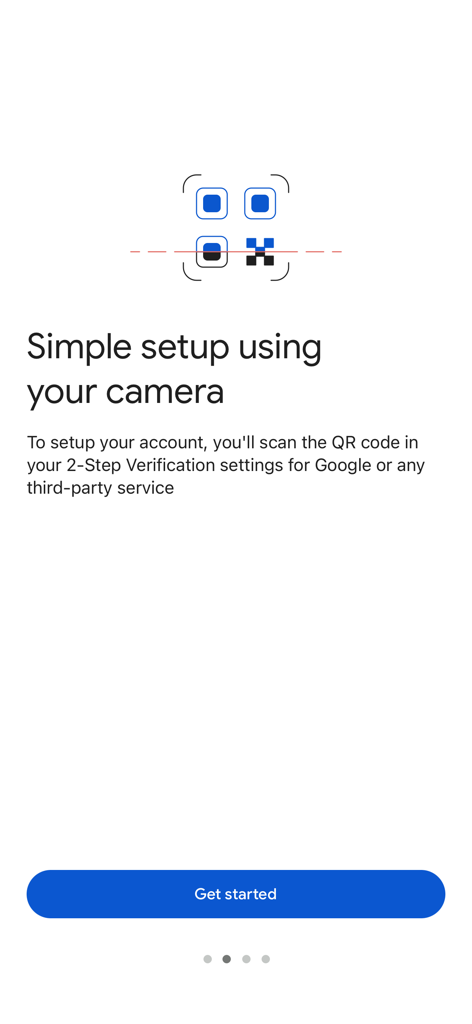
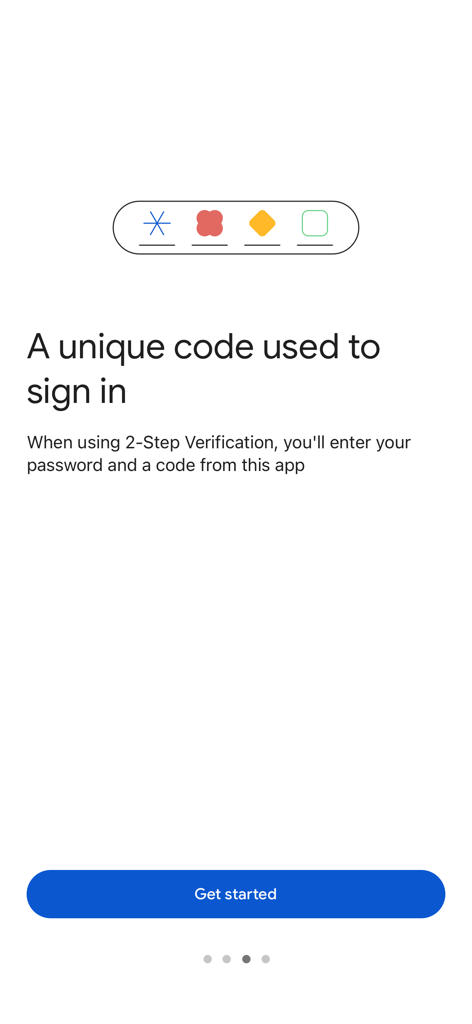
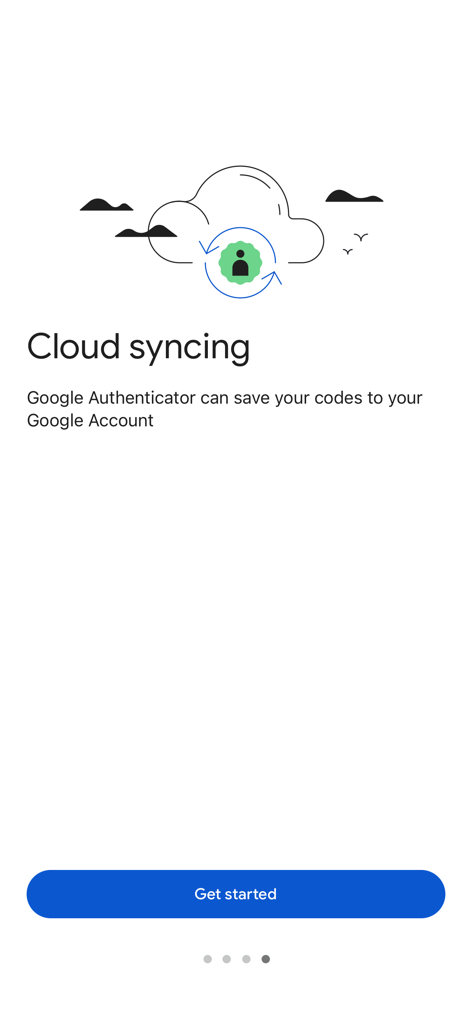
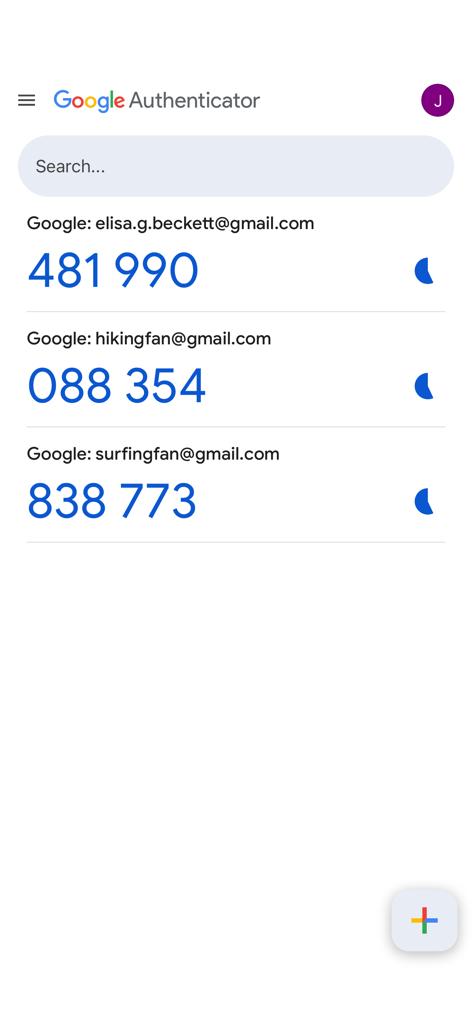
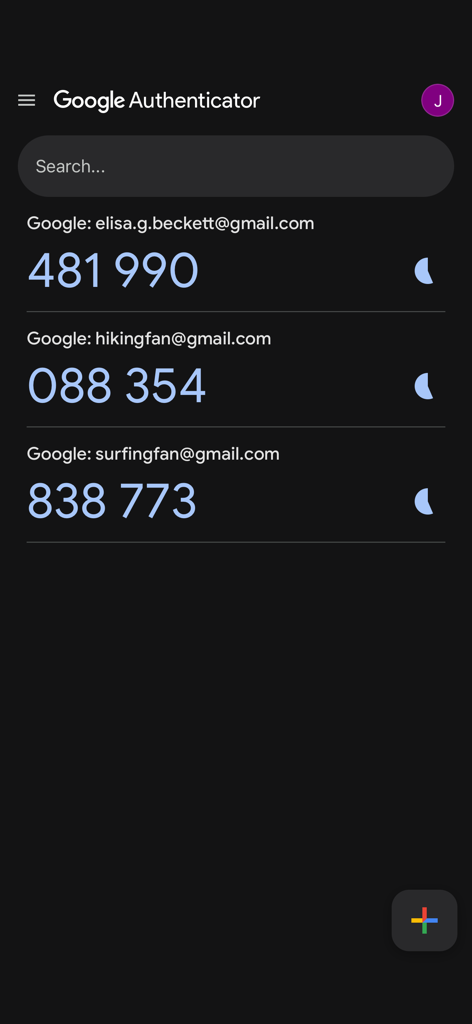
The tools that make this app stand out, trusted by 134M+ users.
Never worry about being locked out. Your codes are securely backed up to your Google Account and synced across all your devices for total peace of mind.
Secure new accounts in seconds. Simply scan a QR code to link your most important apps, from crypto exchanges to corporate Slack and GitHub.
Stay secure even when traveling or off the grid. Generate verification codes instantly without needing a cellular or internet connection.
Trusted by 134M+ people who love this app.
"The latest update with Google Account sync is exactly what I needed. I no longer have to fear losing access to my professional accounts if I upgrade my phone. It's fast, works offline, and the QR code setup makes adding new services incredibly seamless."
"Google Authenticator is my go-to for securing my crypto wallets and banking apps. It provides a much higher level of security than SMS codes, and I love that I can access it across my iPhone and iPad simultaneously. Simple and essential."
Everything you need to know about Google Authenticator.
Description
Latest Version
5.0.0
Size
37.6 MB
First Released
Sep 20, 2010
Join millions of users who trust Google Authenticator for seamless, offline-ready 2-step verification. Download now to sync your codes across devices and eliminate the risk of being locked out.
Everything you need to know about Google Authenticator
Google Authenticator adds an extra layer of security to online accounts. It generates a unique verification code on your phone, which you enter in addition to your password during sign-in for 2-Step Verification.
Yes, Google Authenticator generates verification codes on your phone even if you do not have a network or cellular connection. This ensures continuous access to your codes.
Yes, Google Authenticator syncs your verification codes to your Google Account. This feature allows you to access your codes across all your devices, even if you lose your phone.
You can set up Google Authenticator accounts automatically by scanning a QR code with your camera. This method is quick, easy, and ensures correct setup within your 2-Step Verification settings.
Yes, Google Authenticator supports multiple accounts. You can manage several accounts within the app, eliminating the need to switch between different applications for sign-ins.
Yes, Google Authenticator allows you to transfer accounts between devices. You can use a QR code for this process, which provides a convenient way to move your accounts to a new device.
Yes, Google Authenticator provides stronger security by adding a second step of verification to your online accounts. It requires a unique code generated by the app in addition to your password.
Apps with similar features and user experience

Duo Security LLC

APPLY DIJITAL HIZMETLER TICARET LIMITED SIRKETI

Mustafa Uz

Thales DIS (Singapore) Pte Ltd

Tatra banka, a.s.

Brilliant App Limited

UNIVERSE DIJITAL HIZMETLER LIMITED SIRKETI

XSOFT GLOBAL LIMITED

Stefan Philipsen
