uMake: 3D CAD Modeling, Design



Transform your ideas into industrial-grade 3D models on the go. The award-winning iPad app for architects and designers, now supercharged with AI rendering and AR visualization.
Publisher
Category
Graphics & DesignDownloads
3M+User Rating
Total Ratings
11K+Locales
14Discover the interface used by 3M+ users.

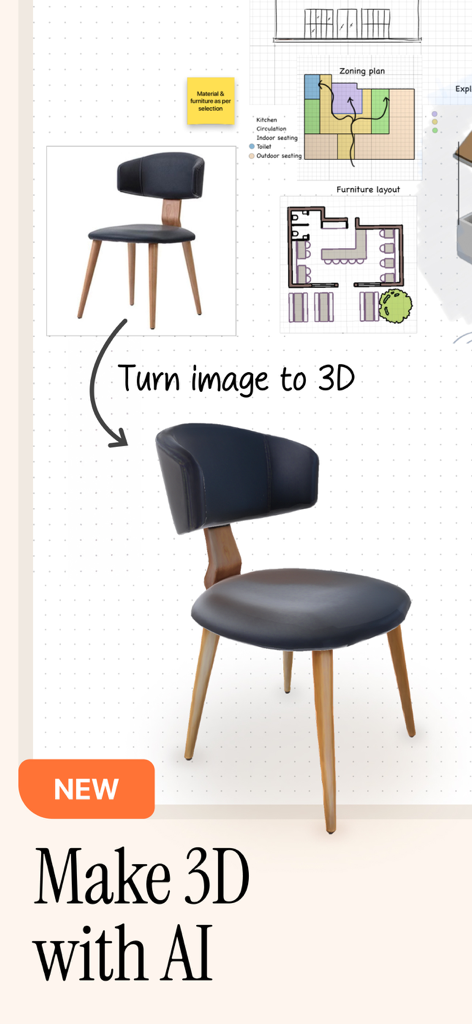

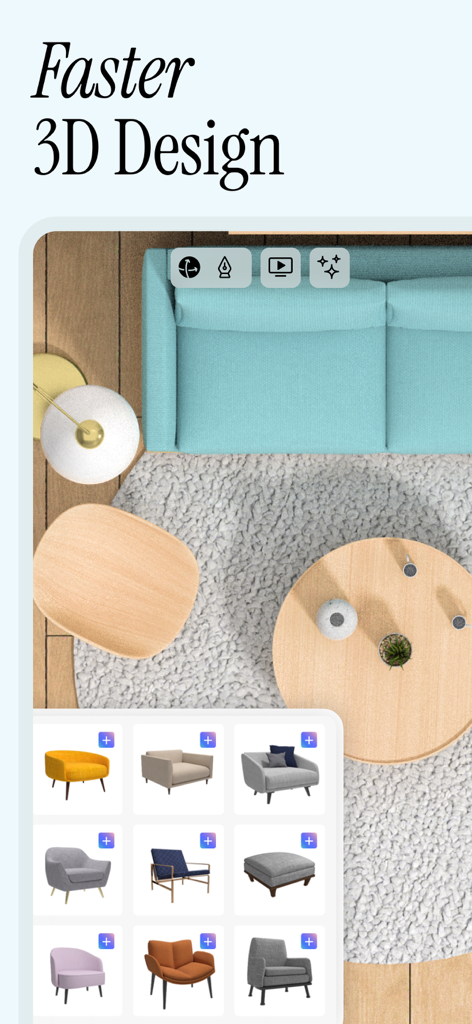

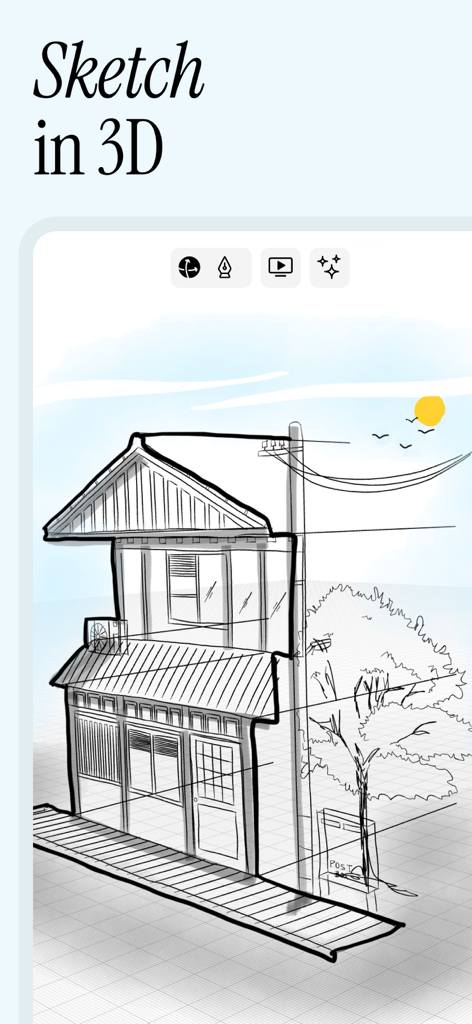
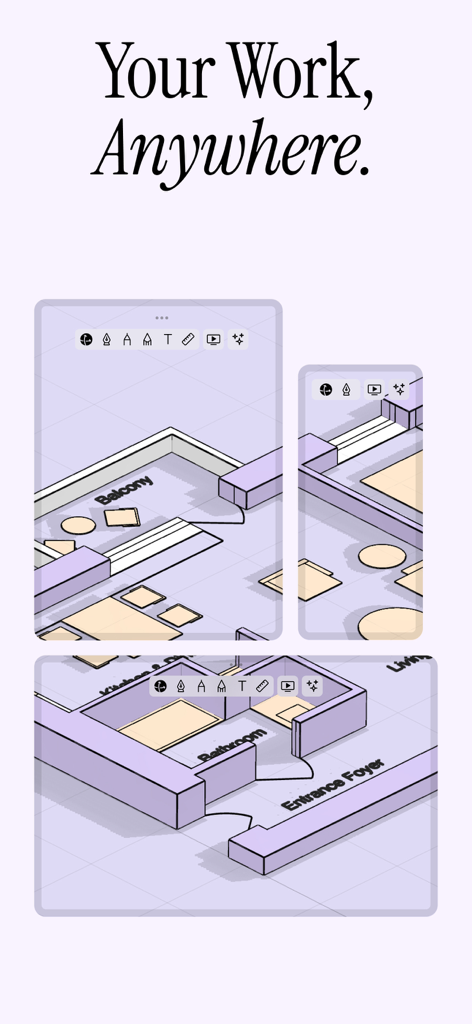


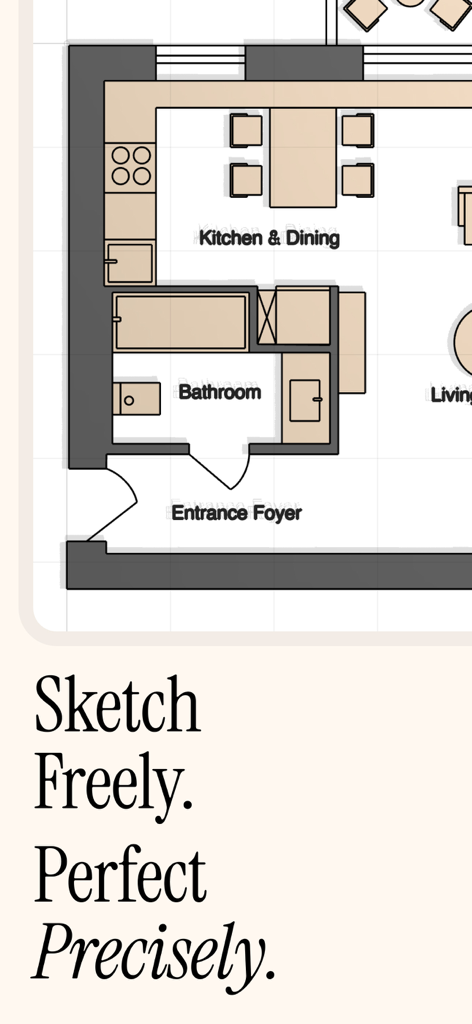
The tools that make this app stand out, trusted by 3M+ users.
Create industrial-grade 3D models using professional tools like boolean operations, extrusion, and exact dimensioning, all optimized for Apple Pencil.
Transform 2D sketches into 3D objects instantly and generate photorealistic renderings in seconds to impress clients and speed up your workflow.
Export to STEP, OBJ, and SketchUp to integrate with Rhino or AutoCAD, and use Augmented Reality to visualize your designs in real-world spaces.
Trusted by 3M+ people who love this app.
"uMake has transformed my interior design workflow. The ability to sketch in 3D with the Apple Pencil and then show clients the results in AR right in their own homes is a total game-changer for my business."
"As a product engineer, I need precision. uMake's NURBS engine provides professional-grade modeling on my iPad that I can easily export to Rhino or SolidWorks. It's the most powerful mobile CAD tool I've ever used."
Insights from user reviews.
Sentiment Score
Summary
The app receives predominantly negative feedback, primarily due to its aggressive and often perceived as dishonest subscription model. Many users report being unable to test basic functionality without being forced to pay, facing unexpected yearly charges, and experiencing difficulties with refunds. Beyond the payment issues, significant concerns include frequent app crashes, connectivity problems, and a steep learning curve exacerbated by outdated tutorials and an unintuitive user interface. While some users praise its potential for 3D design and specific features like the "spaces/whiteboard," there are also requests for essential missing features such as dark mode, multi-device support, and PCB design tools.
Common Themes
Everything you need to know about uMake: 3D CAD Modeling, Design.
Description
Latest Version
3.54
Size
311.9 MB
First Released
Nov 10, 2015
Join over 3 million professionals and creators. Start modeling with industrial-grade precision and AI-powered speed on your iPad or iPhone today.
Everything you need to know about uMake: 3D CAD Modeling, Design
uMake is an award-winning 3D CAD modeling app for iPad and iPhone. It enables professionals to create architectural designs, product concepts, and professional 3D models using industrial-grade NURBS technology on the go.
Yes, uMake facilitates architectural designs. It offers a complete 3D design toolkit, precision CAD tools with accurate measurements, and a professional rendering engine for architectural visualization and AR.
Yes, uMake incorporates powerful AI design tools. Users can apply unique styles to sketches or models, turn 2D images into 3D objects, and generate stunning styled renderings rapidly within the app.
uMake supports CAD file import and export for STEP, IGES, OBJ, STL, and USDz formats. It also integrates with SketchUp (SKP) and major CAD software like SolidWorks, Fusion 360, and AutoCAD.
Yes, uMake provides Apple Pencil support for 3D modeling. This feature enables precise 3D sketching with intelligent construction planes and accurate dimensioning tools within the application.
Yes, uMake allows conversion of 2D images into 3D objects. Its AI features enable users to transform flat images into three-dimensional models, which can then be placed into dynamic scenes.
Yes, uMake includes ready-to-use design resources. These comprise professional CAD templates, an extensive 3D model library for interior design, architectural elements, and product design starter kits.
The uMake app targets architects, interior designers, product designers, engineers, CAD professionals, 3D modelers, and students. It provides powerful professional CAD tools optimized for mobile use.
uMake subscriptions automatically renew at the end of each period. Payment charges to the iTunes Account upon purchase. Users manage or cancel auto-renewal within iTunes Account Settings at least 24 hours prior.
Yes, uMake offers comprehensive learning resources. These include professional CAD tutorials, 3D modeling guides, architecture and design workflows, product design techniques, and a detailed knowledge base for users.
Apps with similar features and user experience