DWG FastView Pro-CAD viewer

DWG FastView Pro-CAD viewer

Download on App StoreDownload on Google Play
Spark by MWM logo
Logo of DWG FastView Pro-CAD viewer

DWG FastView Pro: Professional CAD Viewing and Editing Without the Friction

The go-to solution for architects and field engineers. Open 2D/3D DWG drawings instantly with no registration and full offline support—speed and precision at your fingertips.

Publisher

Gstarsoft Co., Ltd

Category

Productivity

Downloads

277K+

User Rating

3.6/5

Total Ratings

300

Locales

13

Precision in Your Hands

Discover the interface used by 277K+ users.
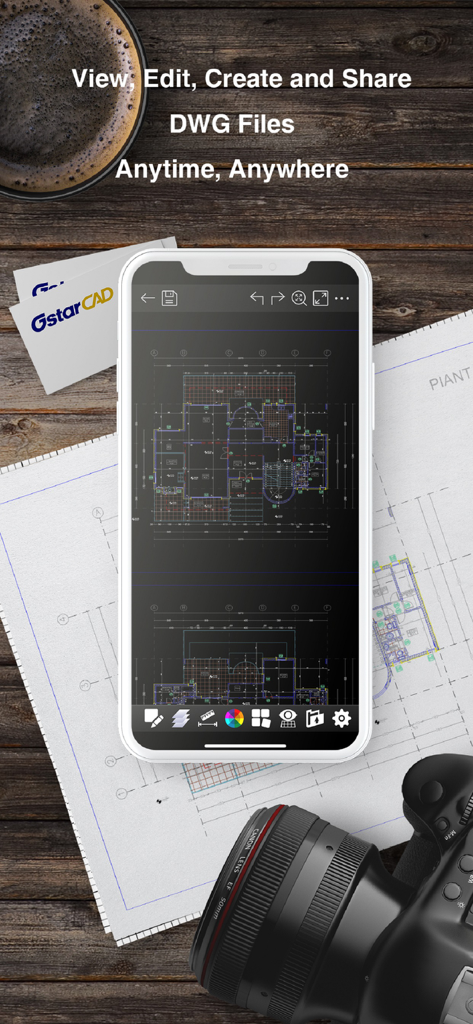
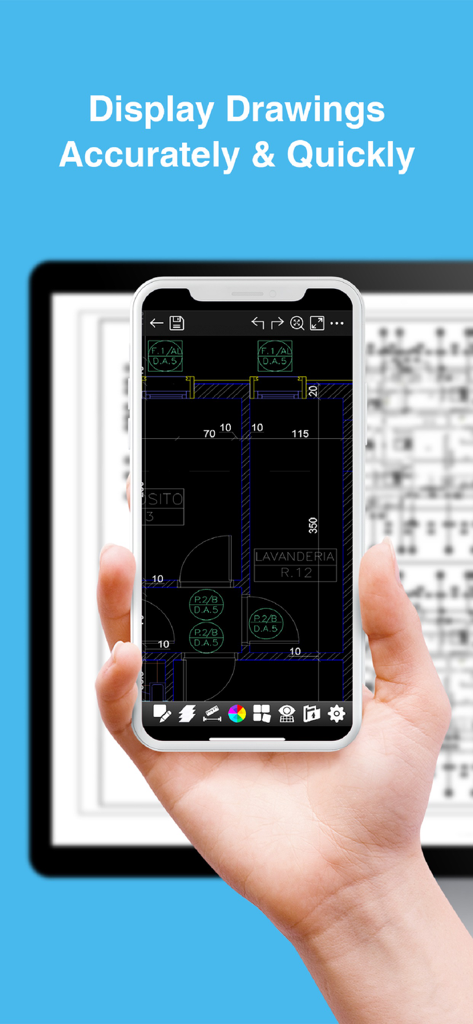
DWG FastView Pro app showing a CAD floor plan on a smartphone screen over technical blueprints

DWG FastView Pro app showing a CAD floor plan on a smartphone screen over technical blueprints

Smartphone and tablet displaying detailed CAD drawings using DWG FastView Pro

Smartphone and tablet displaying detailed CAD drawings using DWG FastView Pro

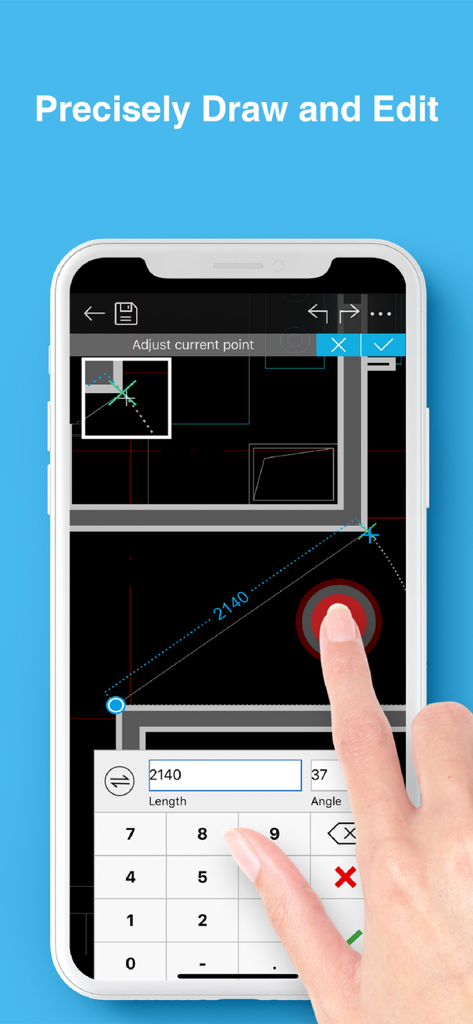
Precisely editing architectural CAD drawings on a smartphone with DWG FastView Pro.

Precisely editing architectural CAD drawings on a smartphone with DWG FastView Pro.

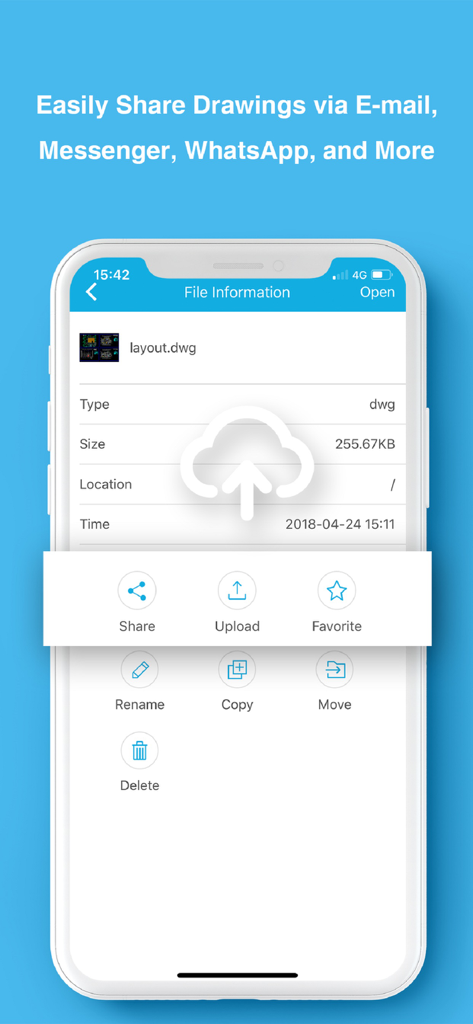
DWG FastView Pro app interface showing file sharing and management options for CAD drawings

DWG FastView Pro app interface showing file sharing and management options for CAD drawings

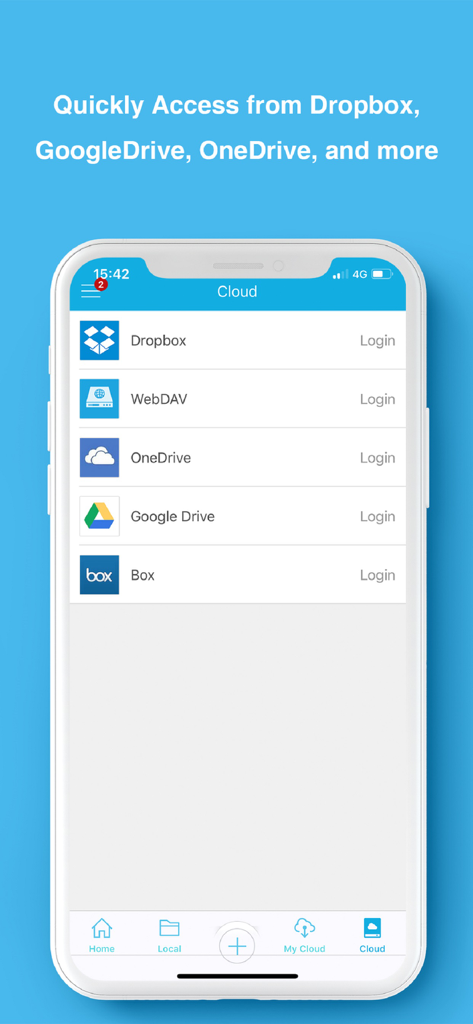
DWG FastView Pro mobile app interface showing cloud storage options including Dropbox and Google Drive

DWG FastView Pro mobile app interface showing cloud storage options including Dropbox and Google Drive

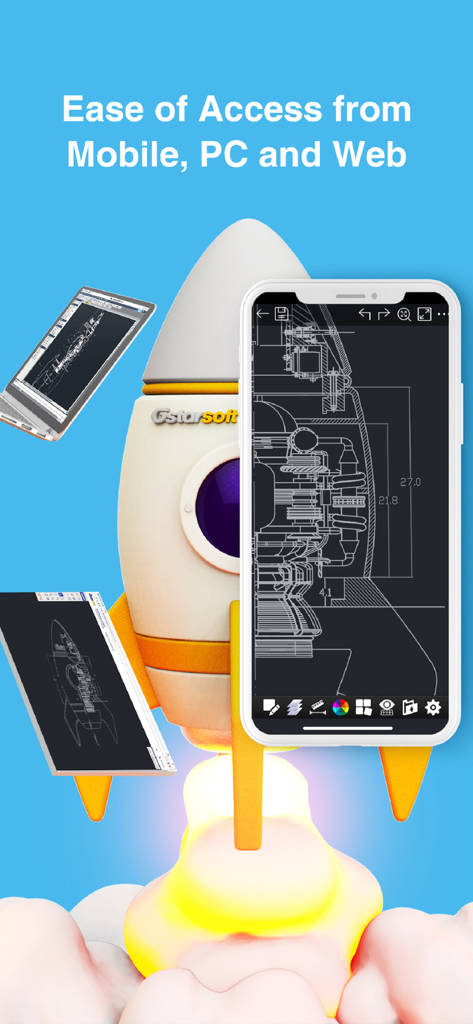
DWG FastView Pro app interface displayed on mobile smartphone tablet and laptop screens next to a rocket ship illustration

DWG FastView Pro app interface displayed on mobile smartphone tablet and laptop screens next to a rocket ship illustration

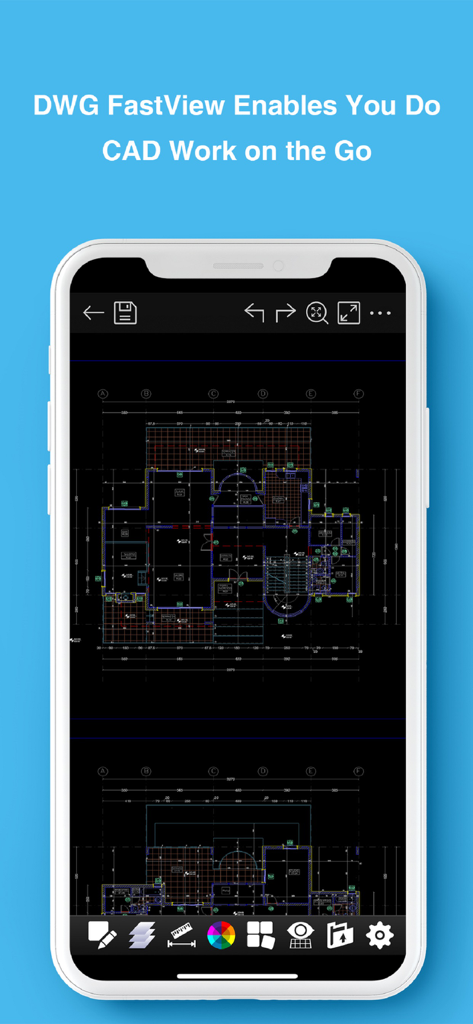
A smartphone displaying a detailed technical floor plan drawing on the DWG FastView Pro mobile app interface

A smartphone displaying a detailed technical floor plan drawing on the DWG FastView Pro mobile app interface

Professional CAD Tools Built for the Field

The tools that make this app stand out, trusted by 277K+ users.

Zero-Friction Startup

Forget mandatory logins and account setups. Download and start working on your DWG files instantly with no registration required.

🏗️

Reliable Offline Performance

Perfect for construction sites and remote dead zones. View and edit your blueprints with zero internet dependency and total data privacy.

📐

Dual-Mode Versatility

Toggle between a lightning-fast View Mode for quick measurements and a professional Edit Mode for precise on-the-go drafting.

Loved by users worldwide

Trusted by 277K+ people who love this app.

"

"As a site supervisor, I'm often in basements or remote locations with zero connectivity. The fact that this app works perfectly offline and doesn't force me to log in just to view a drawing is a game-changer. It loads massive DWG files faster than any other mobile CAD tool I've used, allowing me to verify measurements on the spot without any friction."

Marcus Thorne, Civil Engineer
"

"I use DWG FastView Pro on my iPad for all my client consultations. The ability to toggle between a clean View Mode for presentations and a powerful Edit Mode for quick on-site adjustments is brilliant. Being able to export my markups directly to PDF and email them before I even leave the meeting has significantly streamlined my workflow."

Sarah Jenkins, Principal Architect

Review Analysis

Insights from user reviews.

Sentiment Score

25%
Negative

Summary

The mobile app receives predominantly negative feedback from users, largely due to significant functional issues and misleading pricing practices. Many users report an inability to open DWG files, persistent login problems, and poor compatibility with certain file versions or cloud services. Despite being a paid application, numerous reviews highlight that its features are no better than free alternatives, often requiring additional payments for 'Pro' functionalities or offering no discernible improvements, leading to frequent refund requests. While some users appreciate its capability as a basic viewer for large plans and for adding simple graphic objects, the app is widely criticized for being outdated, lacking developer support since 2018, and suffering from bugs like inaccurate measurements and overall instability.

Common Themes

Basic Editing Tools(3)
DWG Viewer Functionality(2)
Ad-Free Experience(2)
Pricing & Value(2)
App Stability(1)
Login & Account Management(1)

About the app

Everything you need to know about DWG FastView Pro-CAD viewer.

Description

DWG FastView Pro is fully compatible with 2D/3D DWG drawings, which can smoothly open DWG drawings from GstarCAD, AutoCAD and other CAD platforms, also can view CAD design in .dxf format etc. Let’s see its 5 highlights: (1) Creating, browsing and editing are totally free; There is no limit to how large the file is. Directly browse documents of local storage from DWG FastView. Also, it’s free to create new drawings. (2) No registration & Offline drawings Do you find it boring and time-wasting that some other CAD APPs ask you to register and log in? Now, simply download DWG FastView and use it immediately with no NO REGISTRATION needed. Besides, without internet, you are able to save your masterpieces in the local workspace. At the same time, drawings from E-mail or Network Disk like Dropbox or WebDAV can be opened, viewed, edited, shared as well with Internet. (3) Support export to PDF, BMP, JPG and PNG, and share it to anyone freely. Transfer CAD drawings into PDF format and customize its paper size, orientation, color and so on. You can also convert CAD drawings to image format-BMP, JPG, PNG. And all of them can be viewed and shared by DWG FastView. (4)View Mode and Edit Mode satisfy diverse needs; To satisfy your SIMPLY NEED to OPEN and VIEW .dwg, we create View Mode, providing simple tools for FASTER VIEW .dwg. Besides, Edit Mode is better at professional and practical drawing. (5)Helpful and responsive technical support. There are four ways to get technical support 1. Click the “Rate” button to share your valuable comments and suggestions with us 2. Click the “Feedback” button to send your tech problem to us via email 3. Directly send email to support.mc@gstarcad.net to let us know your technical question 4. Follow the latest news or contact us through Facebook, Twitter and Linkedin Facebook: https://www.facebook.com/DWGFastView Twitter: https://twitter.com/DWGFastView Linkedin: https://www.linkedin.com/company/suzhou-gstarsoft-co-ltd

Latest Version

2.5.0

Size

148.2 MB

First Released

Sep 18, 2012

Start Working Instantly—No Registration Required

Join 277,000+ professionals using the fastest offline 2D/3D CAD viewer. Take your drawings from the office to the field with total freedom.

Download on App StoreDownload on Google Play