WatchChat 2: Chat on Watch

WatchChat 2: Chat on Watch

Download on App Store
Spark by MWM logo
Logo of WatchChat 2: Chat on Watch

WatchChat 2: The Full Power of WhatsApp on Your Apple Watch

Experience the ultimate freedom of messaging. Chat, send voice notes, and view HD media directly from your wrist with a full QWERTY keyboard and total privacy.

Publisher

XAN Software GmbH & Co. KG

Category

Social Networking

Downloads

12M+

User Rating

4.3/5

Total Ratings

62K+

Locales

10

A Glimpse at Convenience

Discover the interface used by 12M+ users.
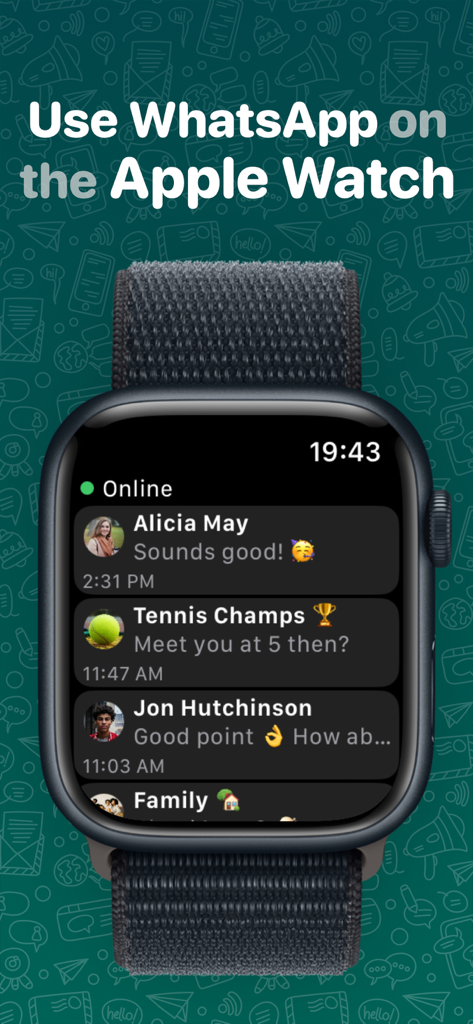
WatchChat 2 app showing a list of WhatsApp chat conversations on an Apple Watch screen

WatchChat 2 app showing a list of WhatsApp chat conversations on an Apple Watch screen

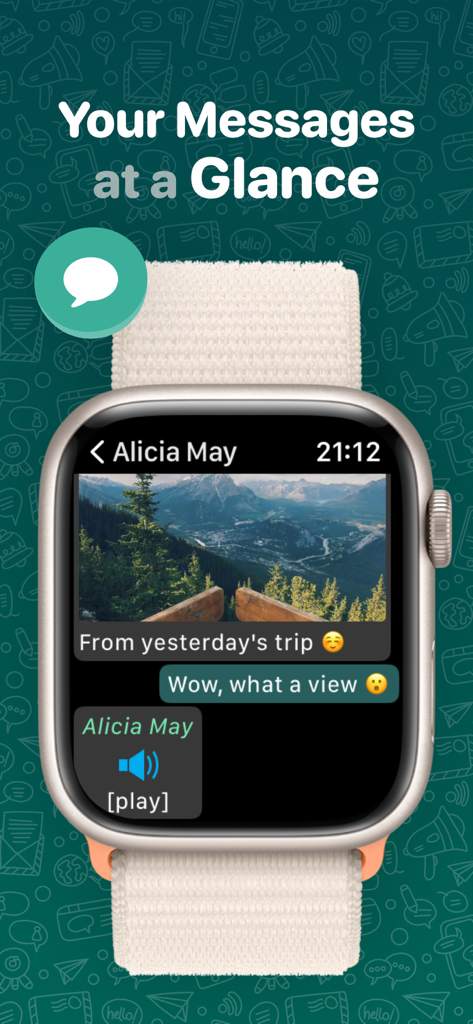
The WatchChat 2 app interface on an Apple Watch displaying a chat conversation with a photo and a voice note.

The WatchChat 2 app interface on an Apple Watch displaying a chat conversation with a photo and a voice note.

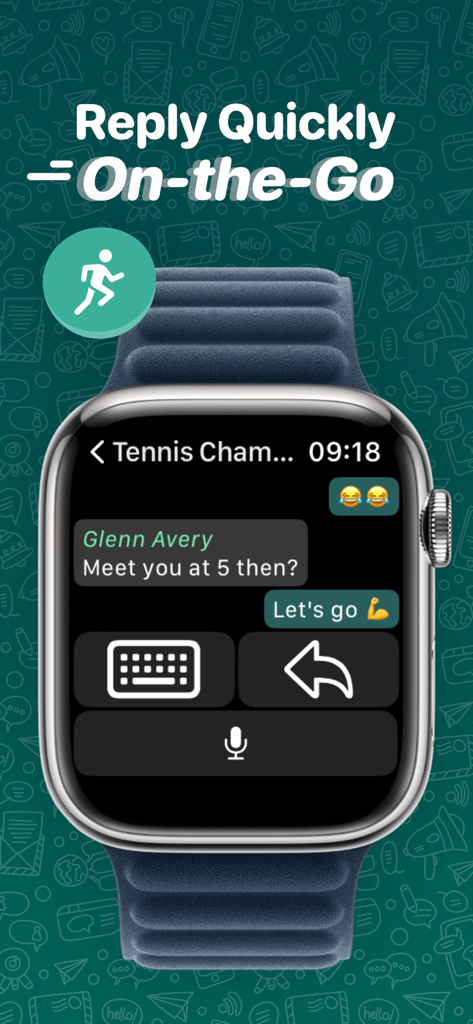
WatchChat 2 app on Apple Watch showing quick reply options with keyboard and dictation on a messaging interface

WatchChat 2 app on Apple Watch showing quick reply options with keyboard and dictation on a messaging interface

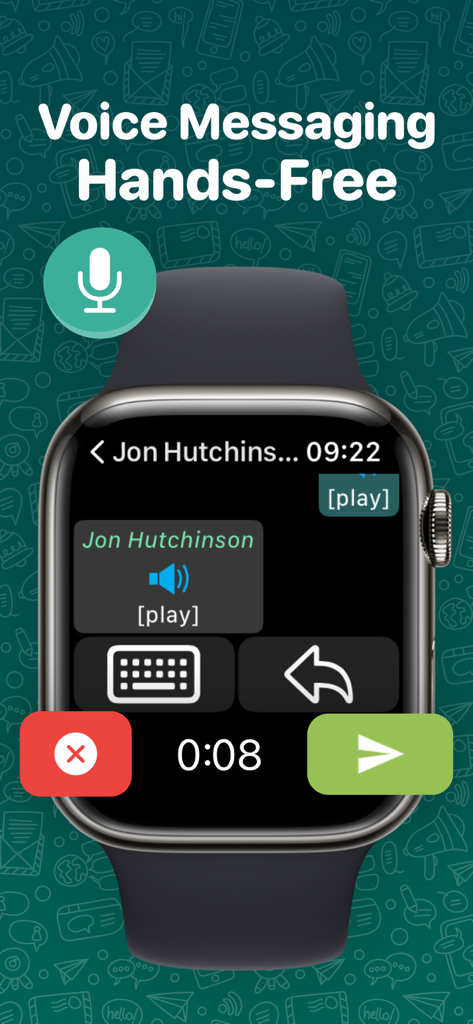
Apple Watch displaying a hands free voice messaging screen

Apple Watch displaying a hands free voice messaging screen

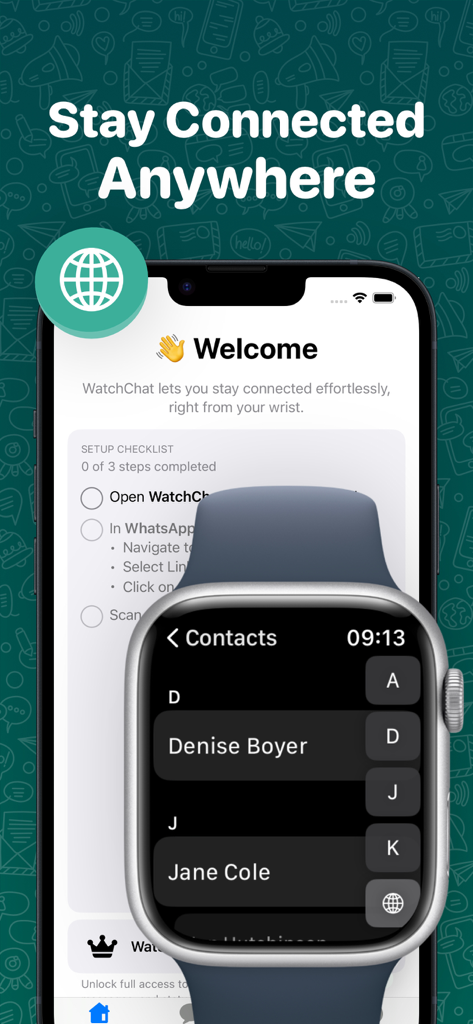
WatchChat 2 app interface showing setup checklist on an iPhone and a contacts list on an Apple Watch

WatchChat 2 app interface showing setup checklist on an iPhone and a contacts list on an Apple Watch

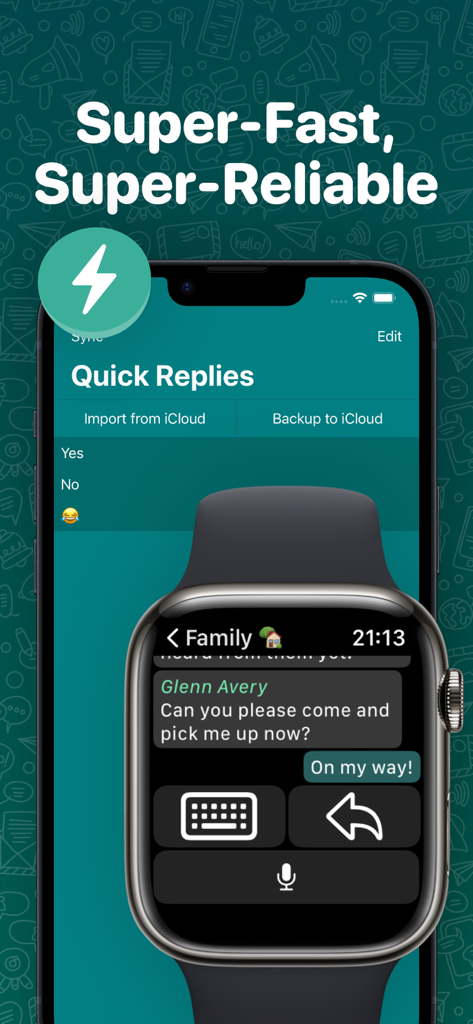
WatchChat 2 app displaying quick reply options on an iPhone and a message reply interface on an Apple Watch.

WatchChat 2 app displaying quick reply options on an iPhone and a message reply interface on an Apple Watch.

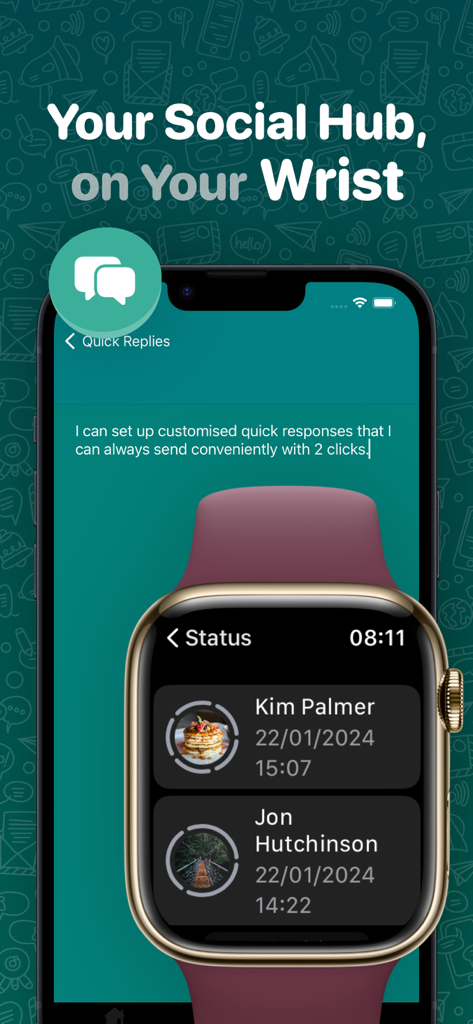
WatchChat 2 interface showing quick replies configuration on iPhone and contact status updates on Apple Watch

WatchChat 2 interface showing quick replies configuration on iPhone and contact status updates on Apple Watch

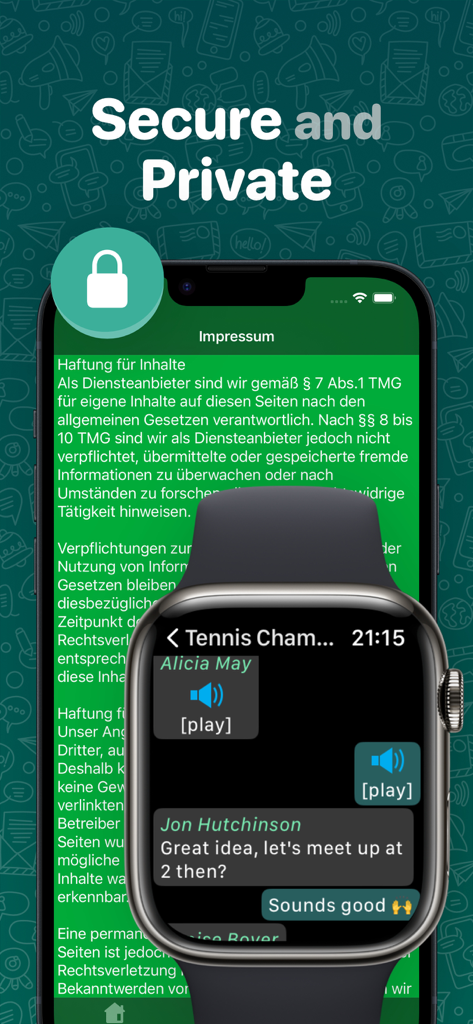
An Apple Watch displaying a chat conversation with voice notes and text over a background emphasizing secure and private messaging

An Apple Watch displaying a chat conversation with voice notes and text over a background emphasizing secure and private messaging

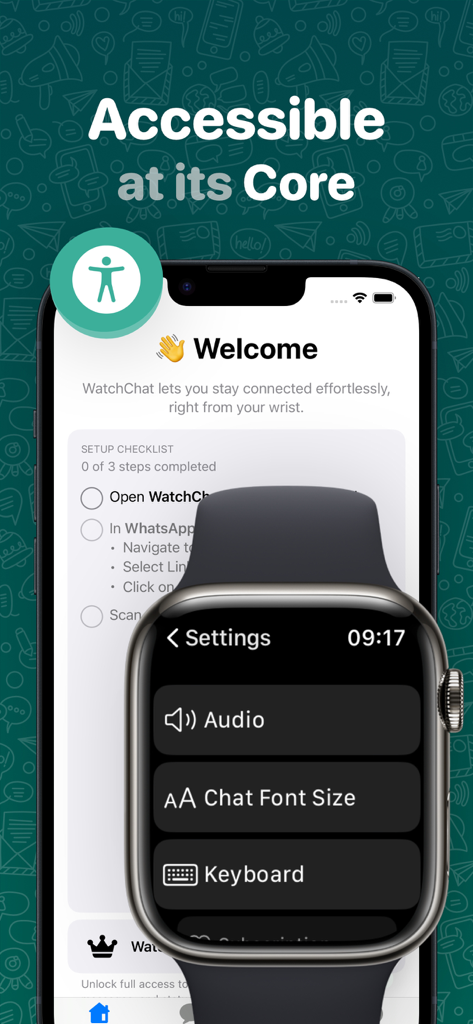
WatchChat 2 app interface showing accessibility settings on Apple Watch and iPhone setup screen

WatchChat 2 app interface showing accessibility settings on Apple Watch and iPhone setup screen

The Full WhatsApp Experience on Your Wrist

The tools that make this app stand out, trusted by 12M+ users.

⌨️

Full Keyboard & Easy Replies

Type naturally with QWERTY, QWERTZ, or AZERTY layouts, or use dictation and scribble to respond to any chat or group instantly.

🎧

Voice Notes & Rich Media

Listen to incoming voice messages and view HD photos or videos in full resolution without ever opening your phone.

🛡️

Privacy-First Connectivity

Communicate with confidence. WatchChat 2 is private by design, collecting zero personal data while keeping you connected on the go.

Loved by users worldwide

Trusted by 12M+ people who love this app.

"

"WatchChat 2 is a total game-changer for my daily commute. I can finally reply to WhatsApp messages using the full keyboard without having to pull my iPhone out on a crowded train. The voice note feature works flawlessly!"

David S., Software Engineer
"

"As a fitness enthusiast, I love leaving my phone in the locker. This app lets me stay connected during my workouts, allowing me to view photos and respond to group chats directly from my Apple Watch. It is private, fast, and incredibly intuitive."

Elena M., Personal Trainer

About the app

Everything you need to know about WatchChat 2: Chat on Watch.

Description

Stay connected from your wrist! Chat, send voice messages, view photos and videos, and reply using dictation, keyboards, or scribble - right on your Apple Watch! - View and reply to all chats and groups - Send and receive voice notes - Use customizable keyboards (QWERTY, QWERTZ, AZERTY, and more) - Watch videos, view HD images and statuses - Customize font size and quick replies Free to use forever, with optional upgrades for Contacts and Status. Private by design - WatchChat collects no personal data. Trusted by 100,000+ users since 2017. Got feedback or feature ideas? We’d love to hear from you! Terms of Use: https://www.apple.com/legal/internet-services/itunes/dev/stdeula/

Latest Version

2.0.116

Size

77.8 MB

First Released

Oct 27, 2017

Ready to Upgrade Your Wrist?

Join over 100,000 users who have unlocked the full WhatsApp experience on their Apple Watch. Download WatchChat 2 today and stay connected without ever reaching for your phone.

Download on App Store
FAQ

Frequently Asked Questions

Everything you need to know about WatchChat 2: Chat on Watch

What is WatchChat 2 for Apple Watch?

WatchChat 2 enables users to access WhatsApp features directly on their Apple Watch. It supports chat, voice messages, photo/video viewing, and replies via dictation, keyboards, or scribble.

Is WatchChat 2 a free application?

Yes, WatchChat 2 is free to use indefinitely. Optional upgrades are available for additional features like Contacts and Status functionality.

Does WatchChat 2 collect user data?

No, WatchChat 2 adheres to a private by design principle. The application does not collect any personal data from its users.

Can I send voice messages with WatchChat 2 on my Apple Watch?

Yes, WatchChat 2 allows users to send and receive voice messages directly from their Apple Watch. This feature enables hands-free communication.

What types of keyboards does WatchChat 2 support for replies?

WatchChat 2 supports various customizable keyboards for replies, including QWERTY, QWERTZ, and AZERTY. This provides flexible input options.

Can WatchChat 2 display WhatsApp statuses?

Yes, WatchChat 2 allows users to view WhatsApp statuses directly on their Apple Watch. This extends the social hub functionality to the wrist.

How do I reply to messages in WatchChat 2?

Users reply to messages in WatchChat 2 using dictation, customizable keyboards, or scribble input. Quick replies are also available for fast responses.

Does WatchChat 2 offer font size customization?

Yes, WatchChat 2 provides options to customize the font size for chat messages. This feature enhances readability on the Apple Watch.