
WatchsApp - Chat on Watch


Stay connected to your global network with lightning-fast sync, voice-to-text, and full chat history—perfect for meetings, workouts, and life on the go.
Publisher
Category
Social NetworkingDownloads
91K+User Rating
Total Ratings
100Locales
17Discover the interface used by 91K+ users.
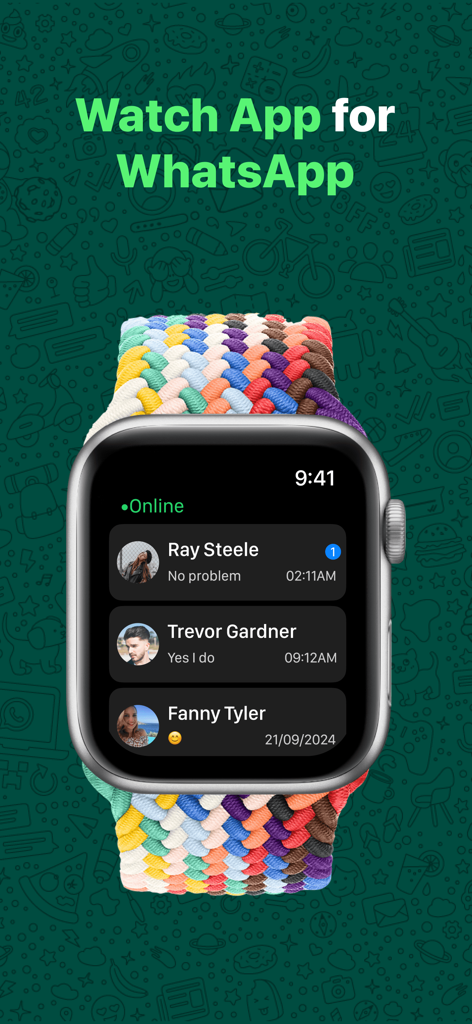
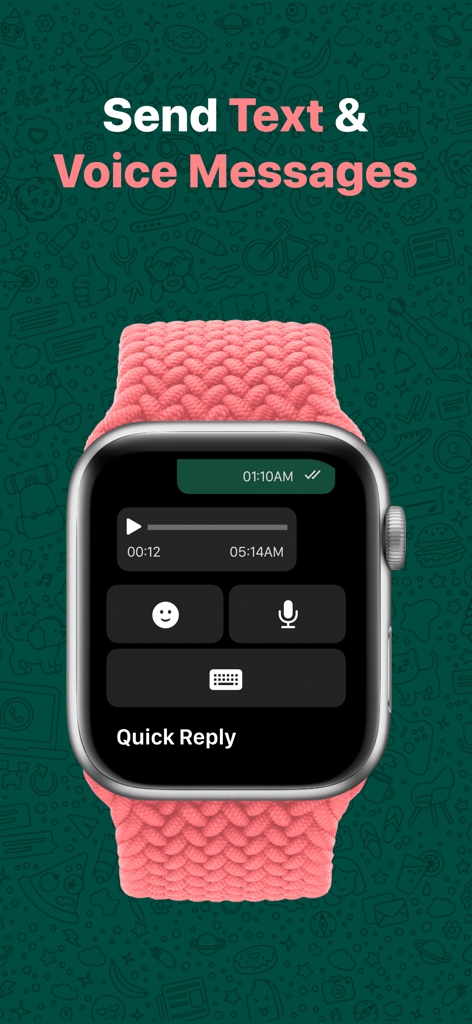


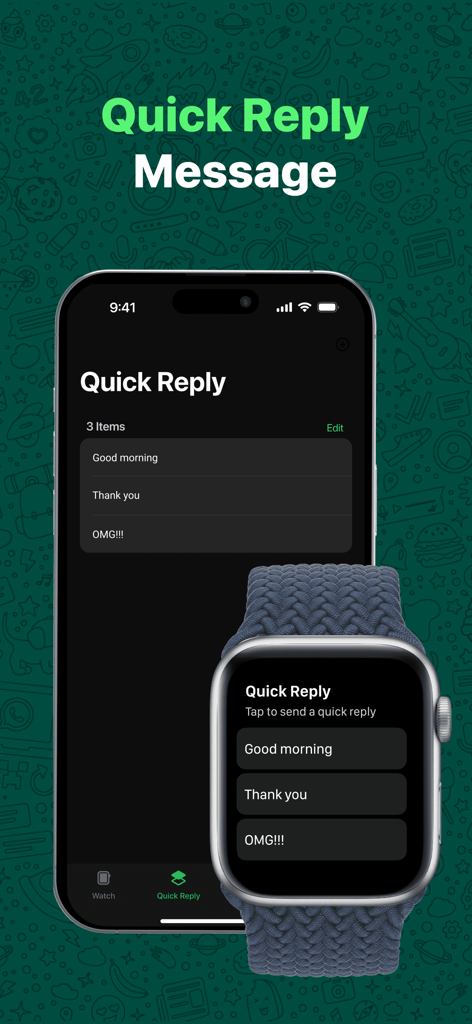
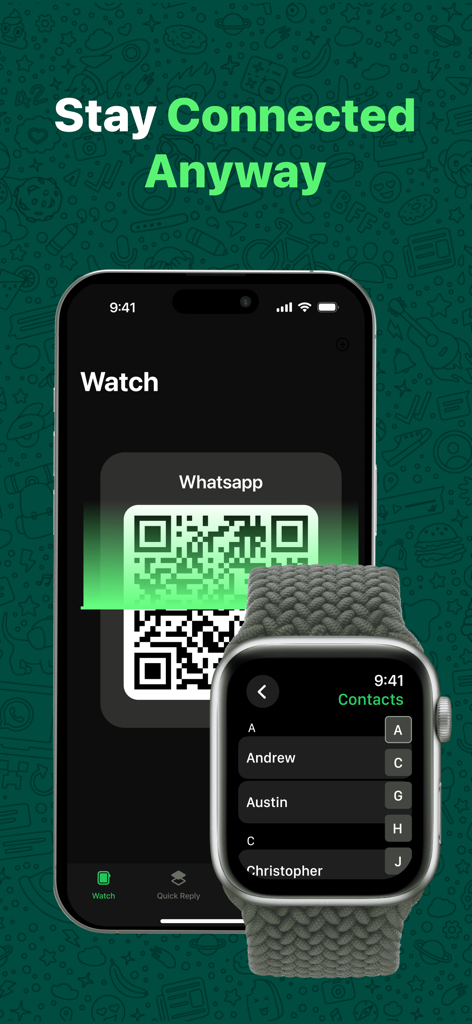
The tools that make this app stand out, trusted by 91K+ users.
Enjoy lightning-fast 0.4-second message delivery. Your chats are perfectly mirrored between your devices for a seamless experience without ever reaching for your phone.
Go beyond basic notifications. Use voice input, handwriting, or custom quick-replies to start new chats and manage your global connections on the go.
Communicate with total peace of mind. Our advanced sync technology ensures your personal chats and sensitive data stay secure and never leave your private ecosystem.
Trusted by 91K+ people who love this app.
"As someone who works with international teams, I can't always reach for my iPhone during back-to-back meetings. This app is a game-changer. The sync speed is incredible—I get my messages instantly on my wrist. It is the full WhatsApp experience I have been waiting for on my Apple Watch."
"I love leaving my phone in the locker while I am at the gym, and now I do not have to miss important family chats. Voice-to-text works perfectly for quick replies while I am on the treadmill. Setup took seconds, and the interface is incredibly smooth and intuitive."
Everything you need to know about WatchsApp - Chat on Watch.
Description
Latest Version
1.2.5
Size
46.7 MB
First Released
Apr 15, 2025
Join over 91,000 users who never miss a beat. Experience lightning-fast, secure messaging during meetings, workouts, and on the go—no iPhone required.
Everything you need to know about WatchsApp - Chat on Watch
WatchChat is a leading application for WhatsApp messaging on your Apple Watch. It enables users to send and receive WhatsApp messages directly from their wrist, syncing seamlessly with their iPhone without needing the phone.
Yes, WatchChat supports sending and receiving WhatsApp messages directly from your Apple Watch. This feature ensures instant communication, allowing users to stay in touch without using their iPhone.
To set up WatchChat, open the app on your Apple Watch. Then, launch WhatsApp on your iPhone, go to WhatsApp Settings > Linked Devices > Link a Device, and scan the QR code displayed on your Apple Watch.
Yes, WatchChat offers quick reply capabilities. Users can respond to messages using voice, text input, or choose from pre-set responses directly on their Apple Watch for faster communication.
WatchChat provides core Apple Watch features for free. Advanced functionalities, including unlimited chats, full contact access, HD photos/videos, and handwriting/voice input, require a paid Premium subscription.
Premium WatchChat features include unlimited chats, full contact access, HD photos and videos, handwriting and voice input, and an ad-free experience. These advanced options are available via paid subscription.
WatchChat demonstrates lightning-fast performance. It achieves 2.3-second pairing with WhatsApp and 0.4-second message delivery between your Apple Watch and iPhone, ensuring smooth operation.
No, WatchChat explicitly states it protects user privacy. The app does not collect personal data such as chats, phone numbers, or any other sensitive information from its users.
No, WatchChat is not officially associated with WhatsApp. It functions as a third-party application developed to integrate WhatsApp messaging features with the Apple Watch.
Yes, WatchChat supports viewing photos and videos on your Apple Watch. This capability is part of the premium subscription, providing HD quality for media viewing directly on your wrist.
Apps with similar features and user experience

BEYLER SAGLIK BILISIM SAVUNMA DANISMANLIK SANAYI VE TICARET LIMITED SIRKETI

RBT Digital LLC

Kokila Ukani
Sudhir Donga

Bitsbaker LLC.

ALL RADIO DEVELOPMENT TECHNOLOGY JOINT STOCK COMPANY

XAN Software GmbH & Co. KG

Jennifer Kirby

Michael Knochen