
Whats Messenger App



Bridge the gap between your devices. Seamlessly sync your iPhone chats, media, and files to your iPad to enjoy full messaging functionality—including voice notes, video, and PDF support—on the big screen.
Publisher
Category
Social NetworkingDownloads
2M+User Rating
Total Ratings
1K+Locales
14Discover the interface used by 2M+ users.
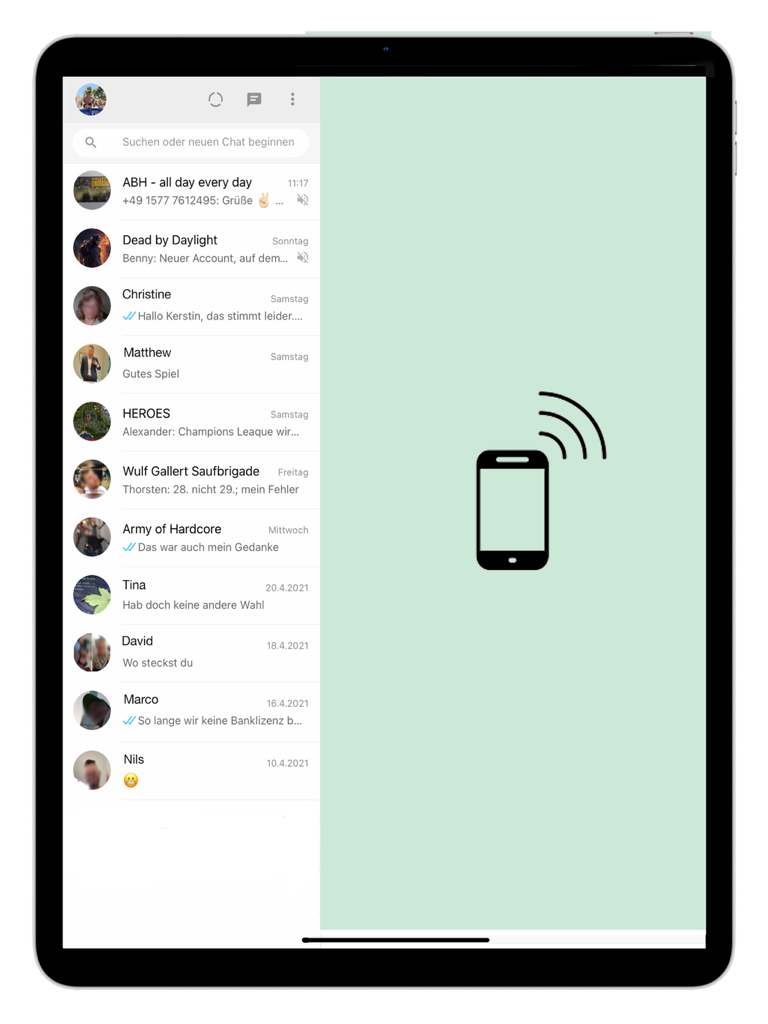
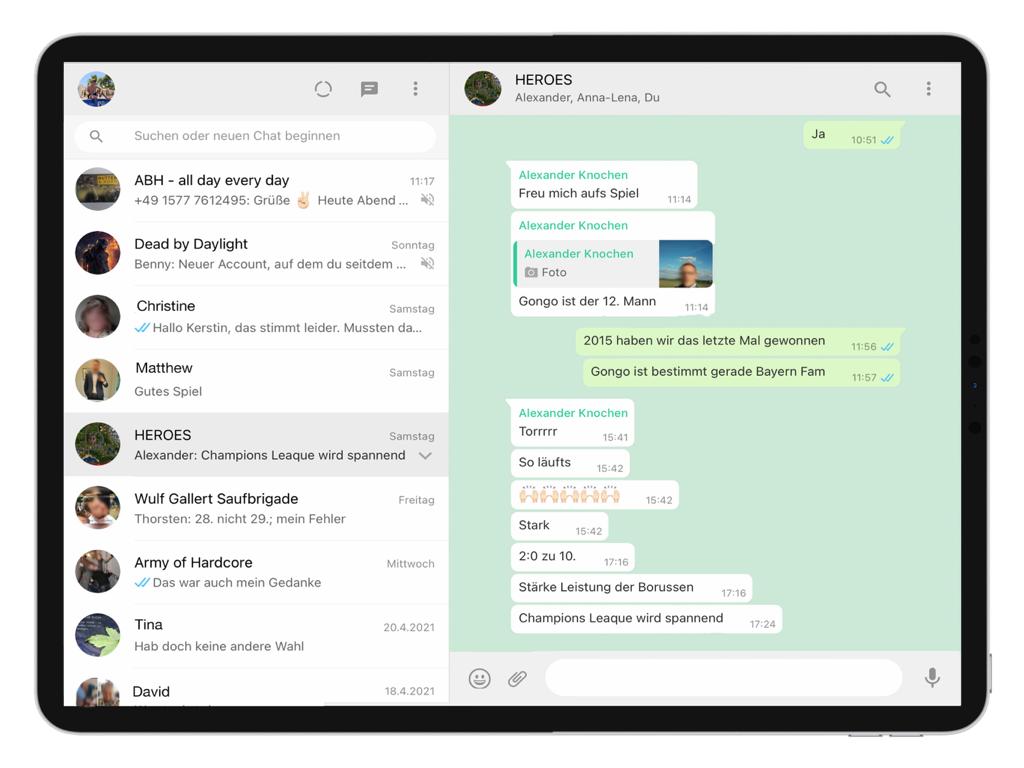
The tools that make this app stand out, trusted by 2M+ users.
Instantly access all your iPhone chats, contacts, and media history on your iPad for a continuous conversation flow that matches your mobile lifestyle.
Handle professional workflows with ease by viewing and saving PDFs, documents, and media directly into your iPad's Files app for effortless organization.
Never compromise on functionality with complete support for voice messages, high-resolution video playback, and camera integration optimized for the larger screen.
Trusted by 2M+ people who love this app.
"This app is an absolute lifesaver for my workflow. As a remote freelancer, I spend my day on my iPad. Being able to sync all my professional WhatsApp chats and handle PDF documents directly through the Files app without constantly reaching for my iPhone has boosted my productivity significantly."
"Perfect for staying in touch with my family overseas. I love viewing the photos and videos they send on the larger iPad screen instead of squinting at my phone. The setup took less than a minute, and every feature—even voice notes—works perfectly. Highly recommended for any iPad owner!"
Insights from user reviews.
Sentiment Score
Summary
This app receives overwhelmingly negative feedback, primarily due to persistent issues with frequent logouts and disconnections requiring constant relinking to a phone. Users are also highly frustrated by excessive and intrusive advertisements, with many reporting that ads continue even after purchasing a paid version. Core functionalities like reliable message sending, notifications, and video/voice calls are frequently reported as broken or missing. Overall, the app is criticized for poor performance, including crashes and slow loading, leading to an unreliable and frustrating experience on the iPad, despite a few users acknowledging the convenience of having WhatsApp on their device.
Common Themes
Everything you need to know about Whats Messenger App.
Description
Latest Version
3.083
Size
69.9 MB
First Released
Apr 30, 2021
Stop reaching for your phone. Join over 2 million users and enjoy seamless messaging, high-res media, and easy file management directly on your iPad.
Everything you need to know about Whats Messenger App
The Whats Messenger App enables users to access web versions of popular messengers directly on their iPad, synchronizing chats, contacts, and media from their iPhone or smartphone.
Yes, the Whats Messenger App supports all functions, including the camera, voice messages, pictures, videos, and PDF documents, on the iPad.
To set up Whats Messenger App, launch it on your iPad. On your iPhone/Smartphone, open the messenger, select "Settings" -> Web/Desktop, then hold the camera on the iPad to scan the code.
Yes, Whats Messenger App transfers all chats, contacts, and media from your iPhone to your iPad, making your conversation history accessible.
PDF documents saved using the Whats Messenger App are stored within the Files App, specifically under the path "On my iPad -> Messenger Pro".
Apps with similar features and user experience

BEYLER SAGLIK BILISIM SAVUNMA DANISMANLIK SANAYI VE TICARET LIMITED SIRKETI

RBT Digital LLC

Kokila Ukani
Sudhir Donga

芳 王

Bitsbaker LLC.

ALL RADIO DEVELOPMENT TECHNOLOGY JOINT STOCK COMPANY

XAN Software GmbH & Co. KG

Jennifer Kirby