
Blur Photo - Background & Face



Elevate your aesthetic with AI-powered background blurring. Transform any photo into a professional masterpiece, hide distractions, and protect privacy instantly.
Publisher
Category
Graphics & DesignDownloads
387K+User Rating
Total Ratings
1K+Locales
21Discover the interface used by 387K+ users.
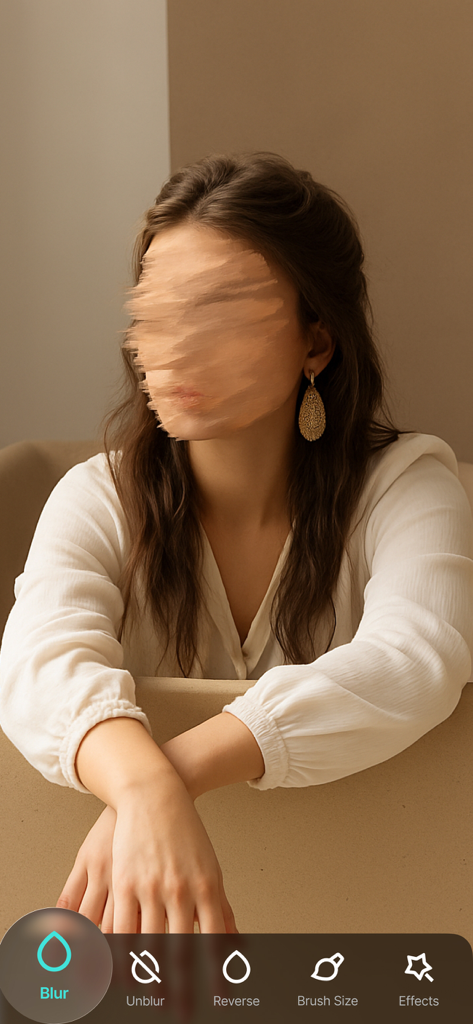
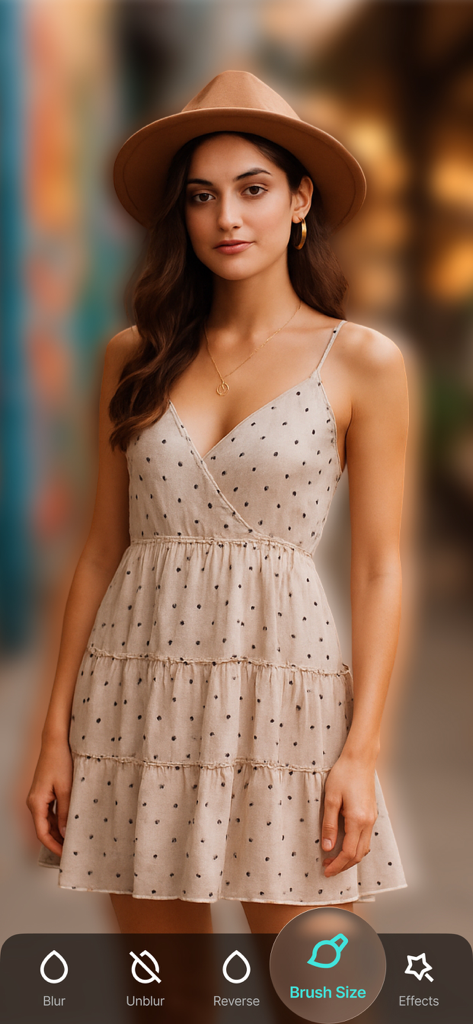
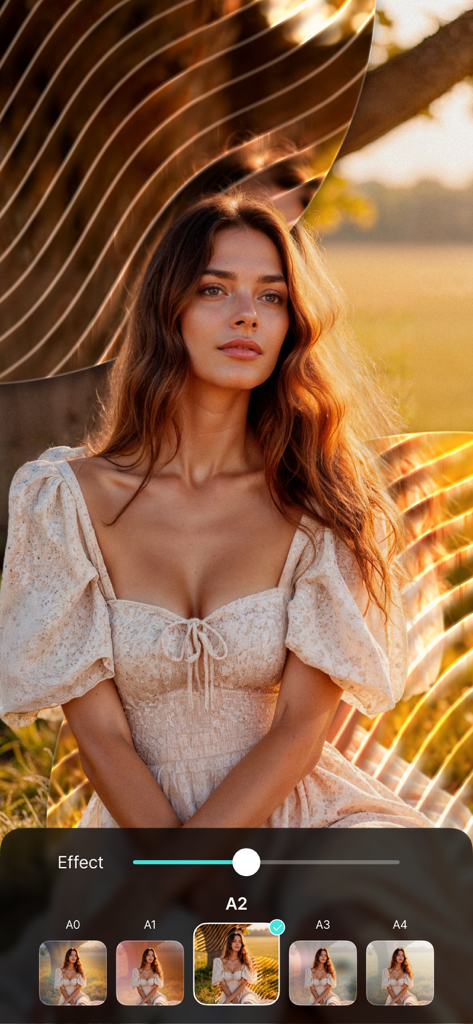
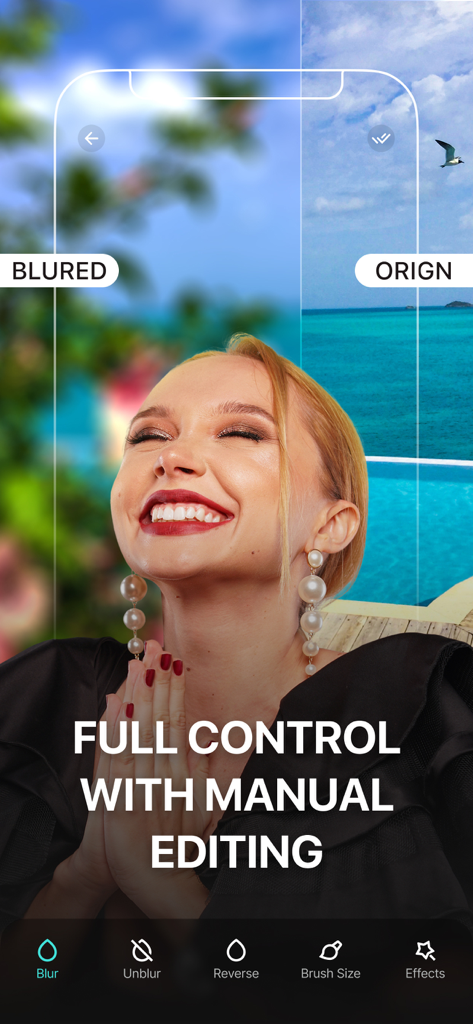
The tools that make this app stand out, trusted by 387K+ users.
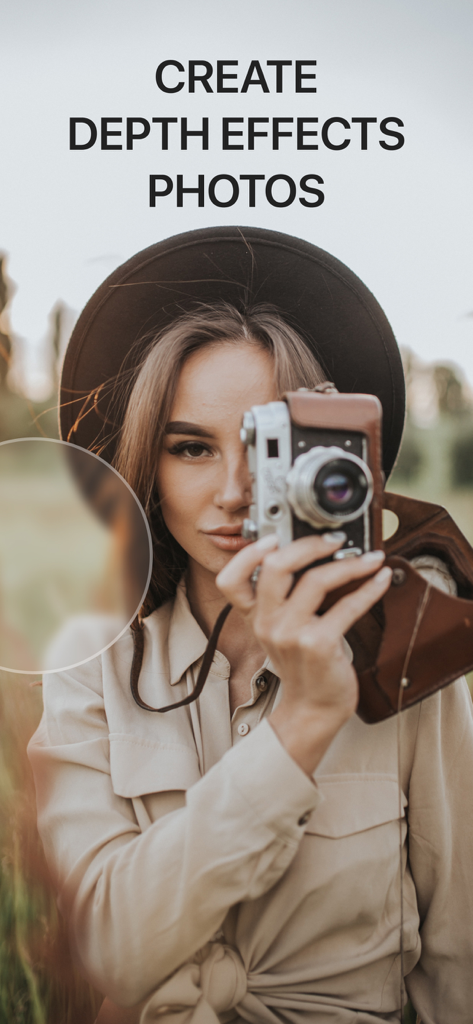
Achieve that professional DSLR look automatically. Perfect for making your portraits pop against any background.
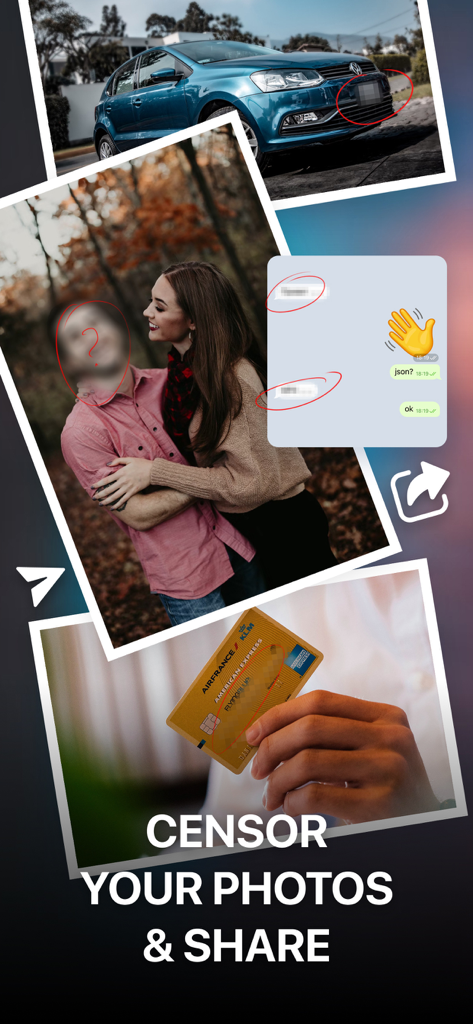
Protect your privacy or hide strangers in the background with precision. One tap keeps your content safe and focused.
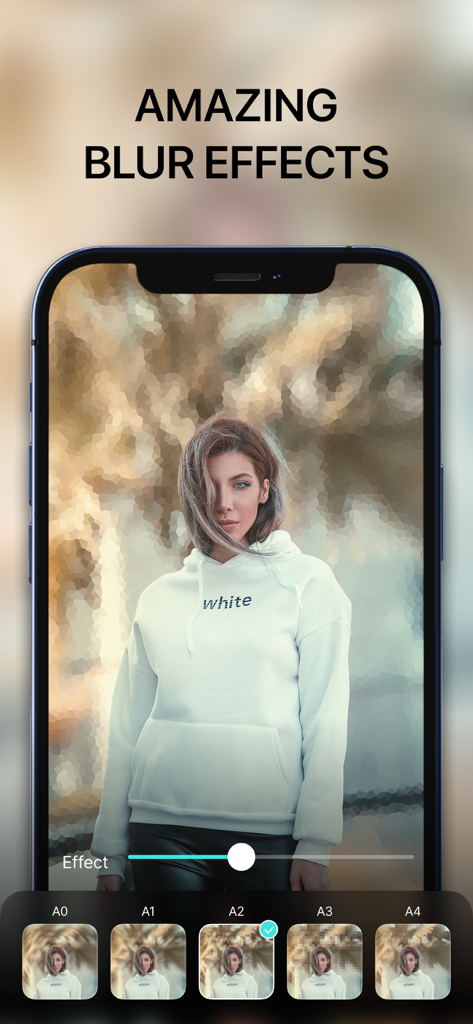
Choose from pre-made templates and filters to enhance your aesthetic instantly. No professional design skills required.
Trusted by 387K+ people who love this app.
"This app is a game-changer for my Instagram feed! I can get that professional DSLR bokeh effect in seconds. It's so much easier than using complex editing software, and the automatic background detection is surprisingly accurate."
"I love using this to keep my kids' privacy safe when I post family photos. It's also great for blurring out messy backgrounds or random people in the city. Super simple to use and the one-touch feature works perfectly every time."
Everything you need to know about Blur Photo - Background & Face.
Description
Latest Version
1.0.29
Size
121.6 MB
First Released
Sep 11, 2022
Join over 387,000 creators using one-touch professional blur tools to polish their feed and protect their privacy. Start your 3-day free trial today and turn every photo into a masterpiece.
Everything you need to know about Blur Photo - Background & Face
Yes, Blur Photo allows users to blur any image with one touch. It includes options for automatic background blurring, manual blurring, and censoring specific photo elements.
Yes, Blur Photo enables users to blur faces within images. The app provides tools for manual blurring and censoring, suitable for both privacy and artistic facial modifications.
Yes, Blur Photo offers various blur effects and pre-made templates. Users can also create depth effects photos and apply filters to enhance their images professionally.
Blur Photo provides three subscription plans: a weekly plan with a 3-day trial, a monthly plan, and an annual plan. Payment processes through your Apple ID account.
Blur Photo offers a 3-day free trial for its weekly subscription. The subscription automatically renews after the trial unless canceled at least 24 hours prior to its conclusion.
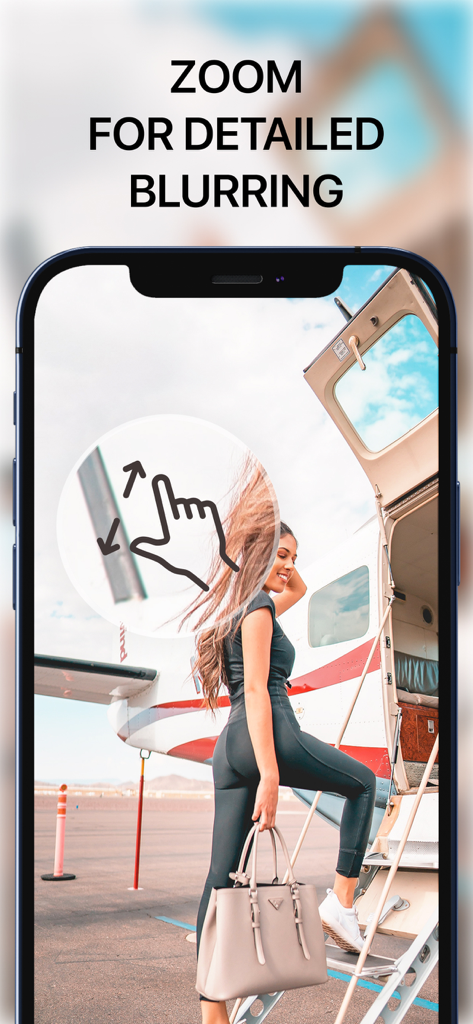
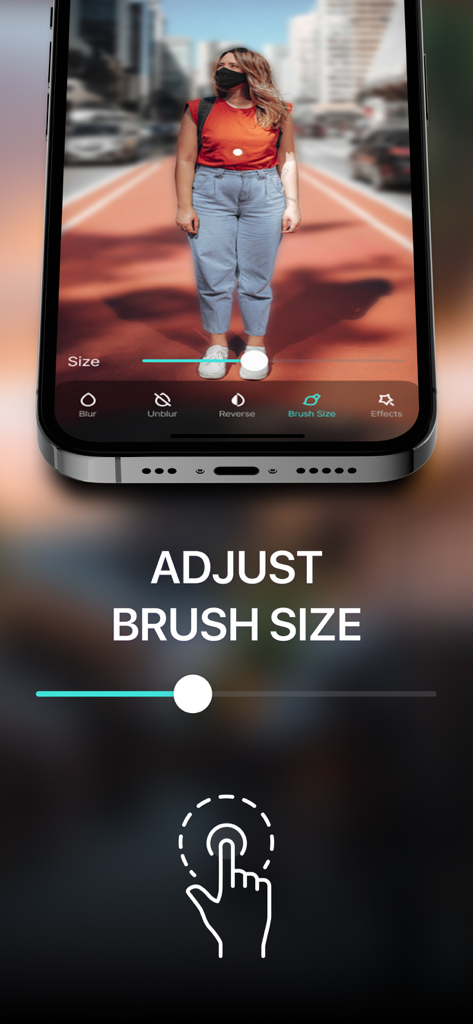
Yes, Blur Photo allows users to adjust the brush size for blurring. This feature enables precise manual editing and exact application of blur effects to specific areas.
Yes, Blur Photo can censor sensitive information in photos. Users can blur specific details such as faces, license plates, credit card numbers, or chat messages before sharing.
Yes, Blur Photo supports full control with manual editing for blur effects. This functionality allows users to precisely apply blur to chosen areas of an image.
The privacy policy for Blur Photo is accessible via its official website. The direct link is https://appalenrom.eu/privacy.html.
Apps with similar features and user experience

Shiho Sadamizu

Honk Honk Punch Pty Ltd

Sohel Ibna Saad

Ryoichi Fukugawa

Daria Khalitova

Viacheslav Khakhulin
AI Photo Editor Lab SRL
SUNWOONG JANG

Appenvision Ltd