
Blur Photo Editor


Achieve DSLR-quality bokeh for your social feed or instantly censor sensitive info with AI-powered face and object blurring—all in one powerful app.
Publisher
Category
Photo & VideoDownloads
4M+User Rating
Total Ratings
43K+Locales
33Discover the interface used by 4M+ users.
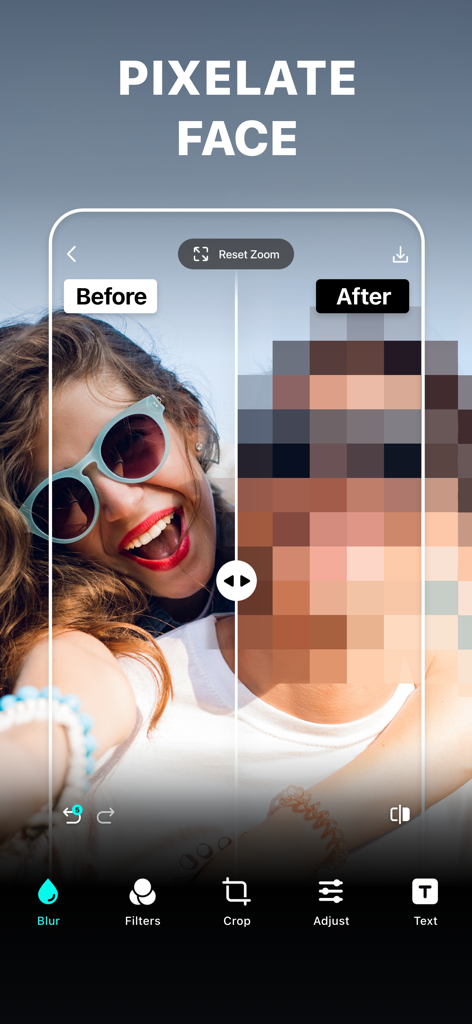
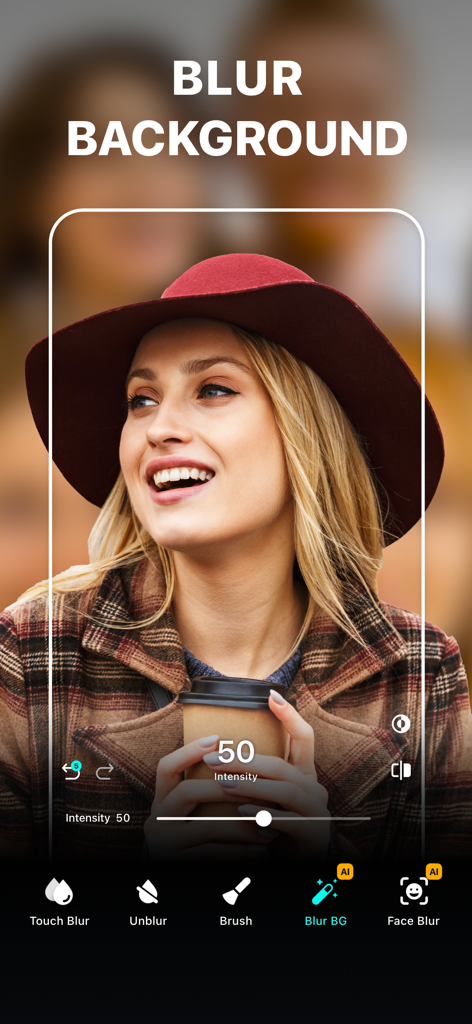
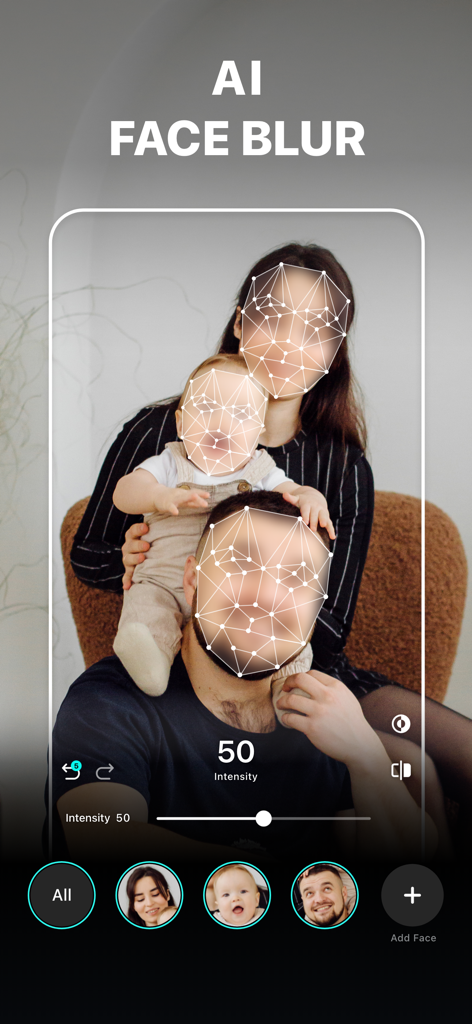
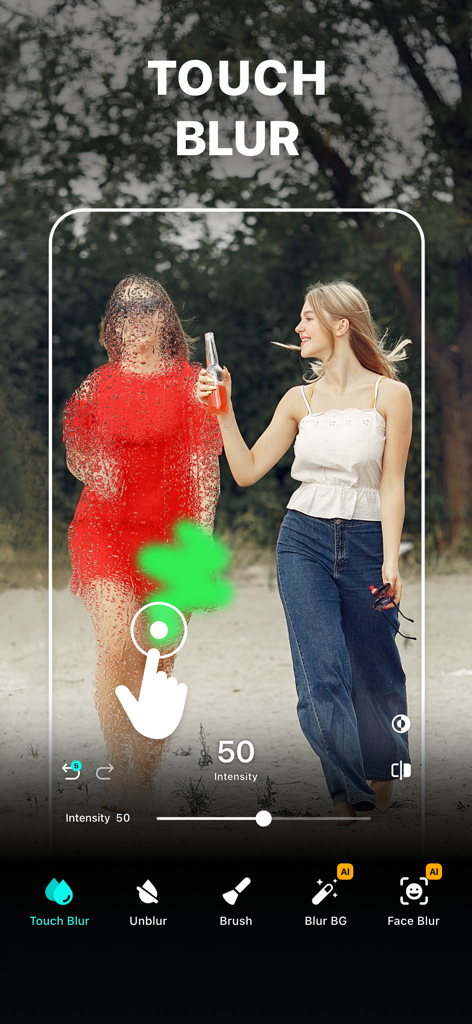
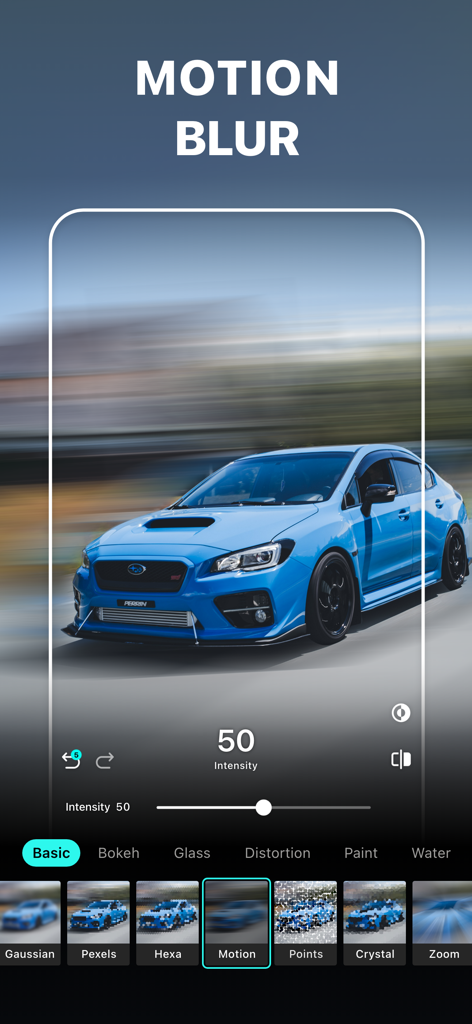
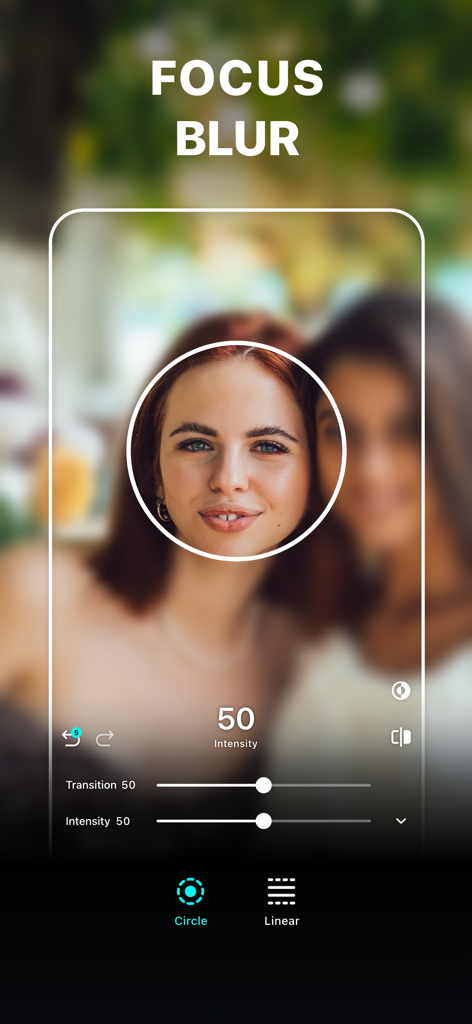
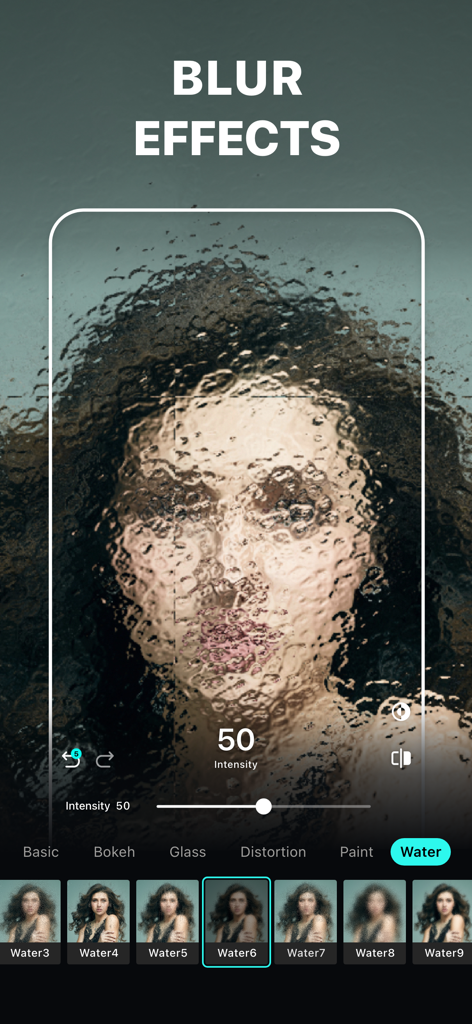
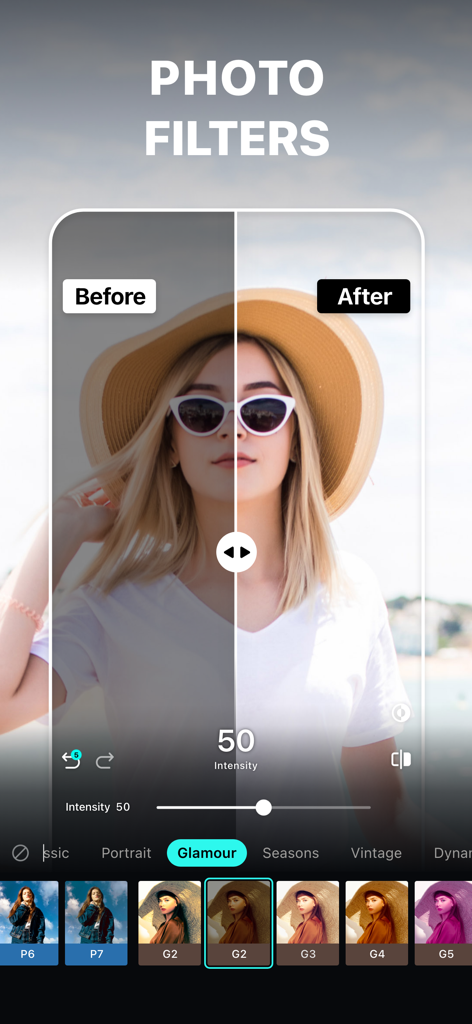
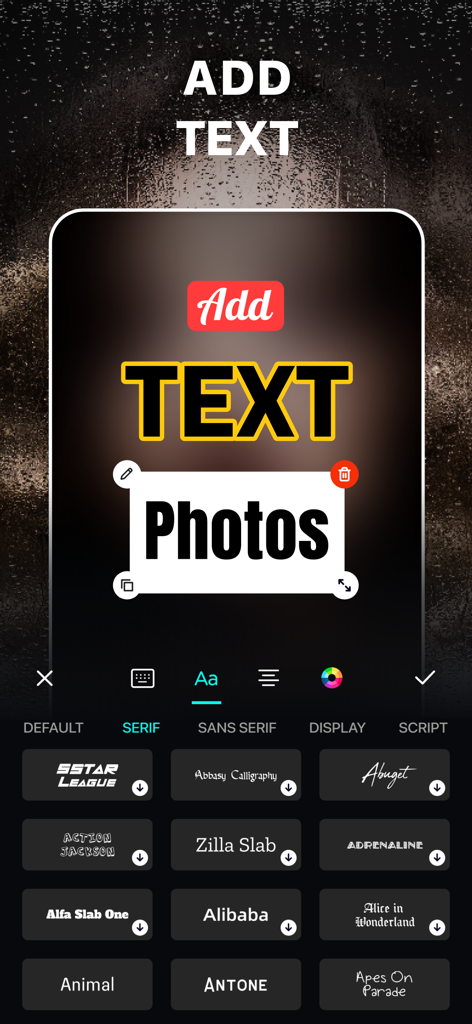
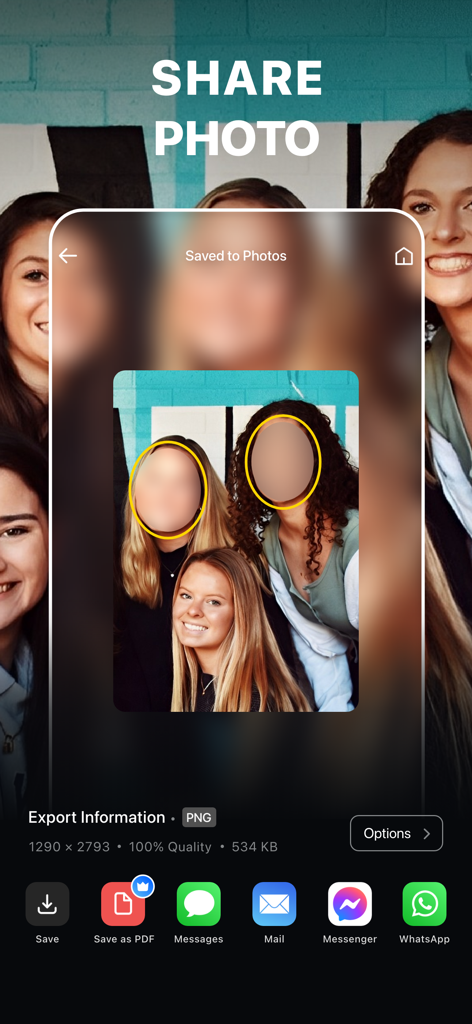
The tools that make this app stand out, trusted by 4M+ users.
Transform ordinary shots into professional portraits using high-end bokeh, motion, and lens blur tools.
Keep sensitive data safe by instantly censoring faces, license plates, and private info with AI-powered pixelation.
Achieve total accuracy with zoom-in editing and manual unblur brushes to highlight exactly what you want.
Trusted by 4M+ people who love this app.
"I've tried so many apps to get that perfect bokeh effect, but this one is the best. The precision tools let me fix edges that Portrait Mode usually misses, making my feed look like it was shot on a professional DSLR. Total game changer for my Instagram content!"
"As a parent, I love sharing memories but I'm very careful about my kids' privacy. The AI face censoring is fast and looks much cleaner than a sticker. I also use it to blur license plates on Facebook Marketplace—it's an essential tool for digital safety."
Everything you need to know about Blur Photo Editor.
Description
Latest Version
5.8.7
Size
244.3 MB
First Released
Nov 13, 2015
Join over 4 million creators using Blur Photo Editor to achieve professional DSLR-quality effects and secure sensitive information in just one tap.
Everything you need to know about Blur Photo Editor
Blur Photo Editor is an iOS app that blurs backgrounds, pixelates faces, hides objects, and applies various blur effects and filters to photos. It is designed for precise photo editing on iPhone and iPad.
Yes, Blur Photo Editor allows precise blurring of specific areas like backgrounds, faces, license plates, or credit card numbers. It includes features such as touch blur and AI-powered tools for targeted edits.
Yes, Blur Photo Editor offers AI-powered features. These include AI-powered face censoring and one-tap background blurring, which simplify and enhance the photo editing process for users.
To blur a picture, open Blur Photo Editor, tap the (+) button to select a photo, tap Blur, swipe your finger across the photo, choose an effect, adjust intensity, and then save the photo.
Blur Photo Editor provides diverse effects including Gaussian, bokeh, motion, mosaic, water, glass, distortion, and paint blurs. It also features lens blur options like circle and linear, and shape blurs.
Yes, Blur Photo Editor allows users to apply various photo filters, such as B&W, sepia, and vintage. It also enables adding custom text to photos with different fonts, colors, and styles.
No, Blur Photo Editor is free to download, but it requires an auto-renewing subscription to unlock and access the app's full functionality and all its advanced features.
Blur Photo Editor offers weekly and yearly auto-renewable subscription options. These subscriptions include a free trial period, which automatically converts to a paid plan if not cancelled at least 24 hours prior.
Yes, Blur Photo Editor includes an unblurring feature. This tool allows users to precisely restore or unblur specific parts of an image that may have been accidentally blurred during editing.
Yes, Blur Photo Editor features a photo collage maker. It provides multiple layouts, allowing users to combine various images into a single collage directly within the application.
Apps with similar features and user experience
Shiho Sadamizu
Honk Honk Punch Pty Ltd

Alenrom sp. z o.o.
Ryoichi Fukugawa

Daria Khalitova
Viacheslav Khakhulin
AI Photo Editor Lab SRL
SUNWOONG JANG

Appenvision Ltd