Motion Blur Photo Editor

Motion Blur Photo Editor

Download on App Store
Spark by MWM logo
Logo of Motion Blur Photo Editor

Motion Blur Photo Editor: Elevate Your Aesthetic with Dreamy Effects

Achieve professional DSLR-level depth and glamorous motion blur in just one tap. Perfect your social feed with sophisticated effects designed for the modern creator.

Publisher

Daria Khalitova

Category

Graphics & Design

Downloads

1M+

User Rating

4.5/5

Total Ratings

11K+

Locales

1

Your Aesthetic, Perfected

Discover the interface used by 1M+ users.
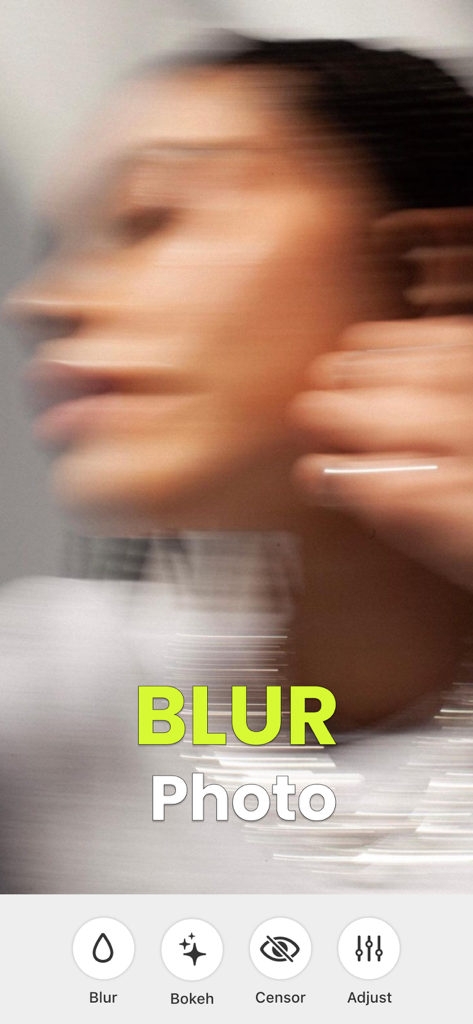
Interface of the Motion Blur Photo Editor app showing a dreamy blurred portrait with editing tools for Bokeh and Censor

Interface of the Motion Blur Photo Editor app showing a dreamy blurred portrait with editing tools for Bokeh and Censor

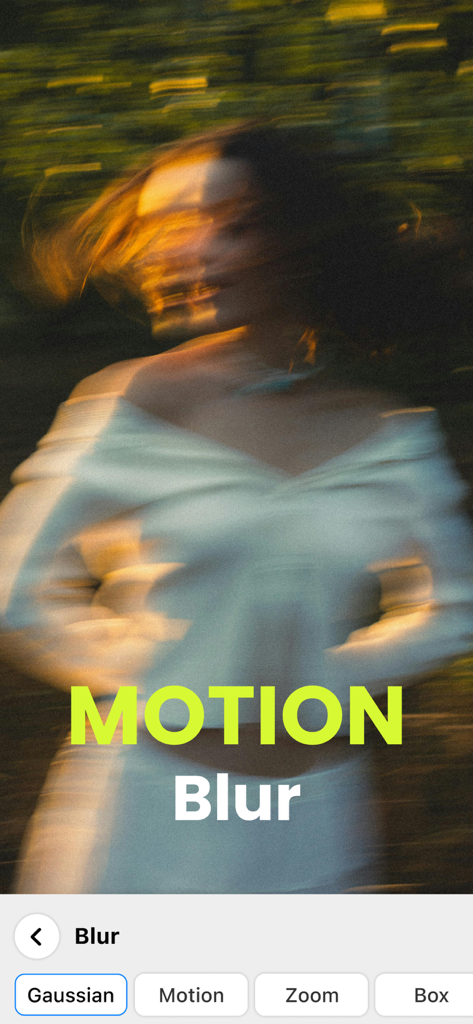
A portrait of a woman with an artistic motion blur effect showing the photo editing app interface

A portrait of a woman with an artistic motion blur effect showing the photo editing app interface

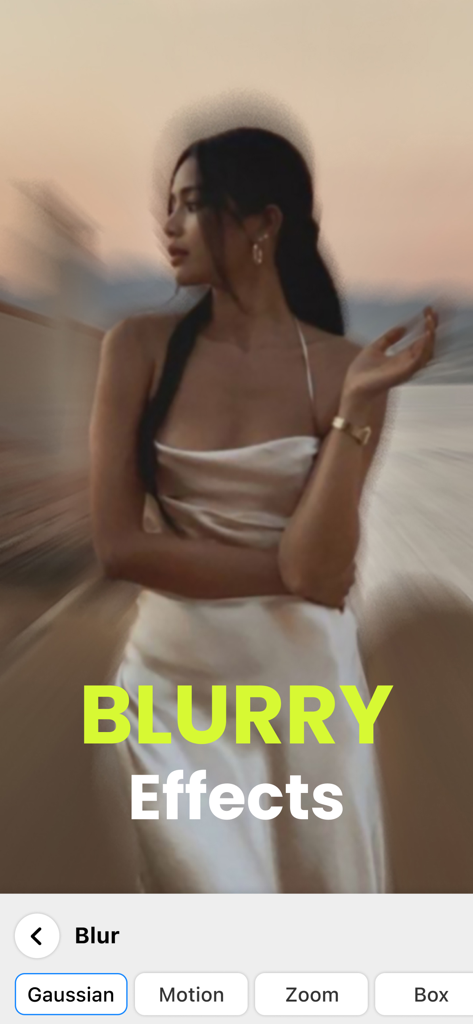
A woman in a white dress with a creative motion blur effect applied via a mobile photo editing app interface showing different blur types like Gaussian and Zoom

A woman in a white dress with a creative motion blur effect applied via a mobile photo editing app interface showing different blur types like Gaussian and Zoom

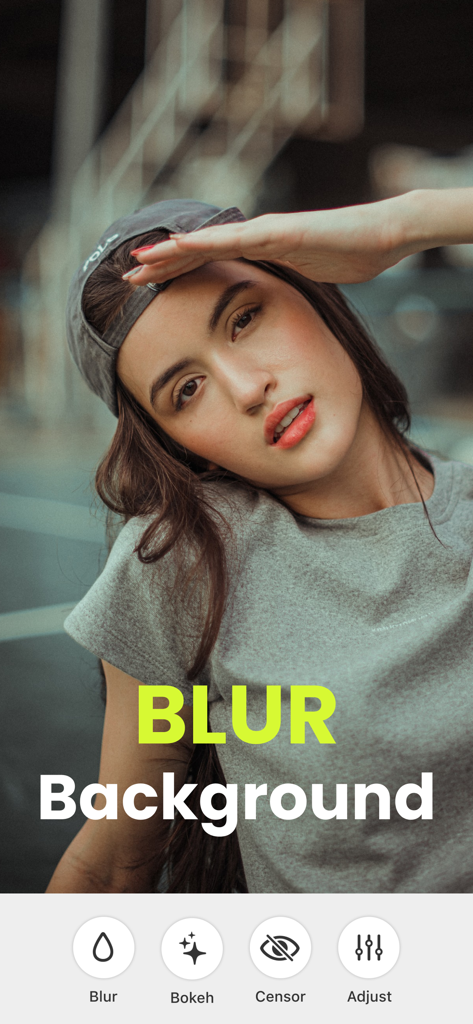
Portrait of a young woman with a professional blurred background in the Motion Blur Photo Editor app

Portrait of a young woman with a professional blurred background in the Motion Blur Photo Editor app

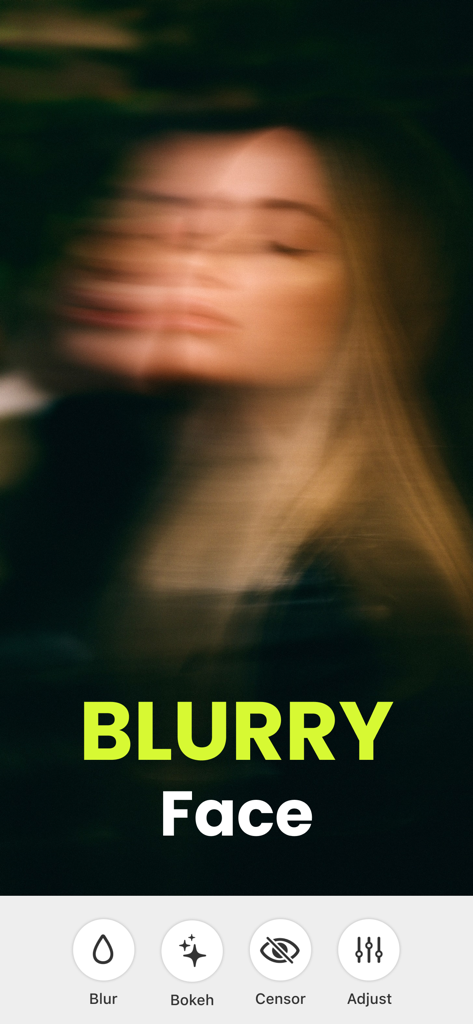
Aesthetic motion blur effect applied to a woman's face in the Motion Blur Photo Editor app

Aesthetic motion blur effect applied to a woman's face in the Motion Blur Photo Editor app

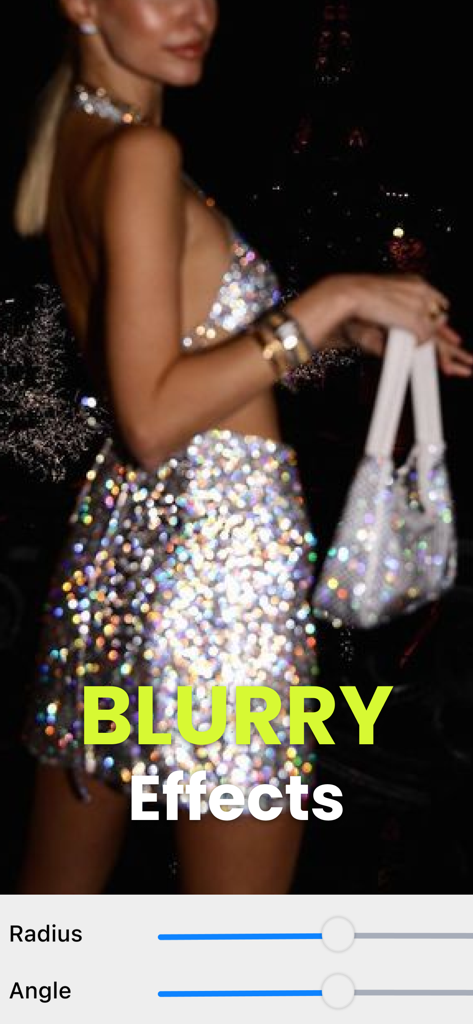
A woman in a glamorous sparkly dress with a motion blur effect and editing sliders for radius and angle.

A woman in a glamorous sparkly dress with a motion blur effect and editing sliders for radius and angle.

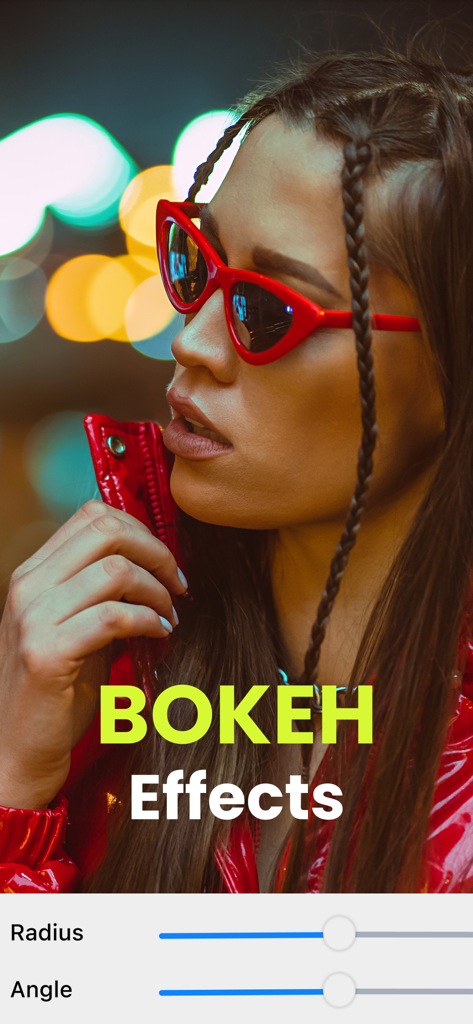
Portrait of a woman with red sunglasses featuring professional bokeh background blur effects

Portrait of a woman with red sunglasses featuring professional bokeh background blur effects

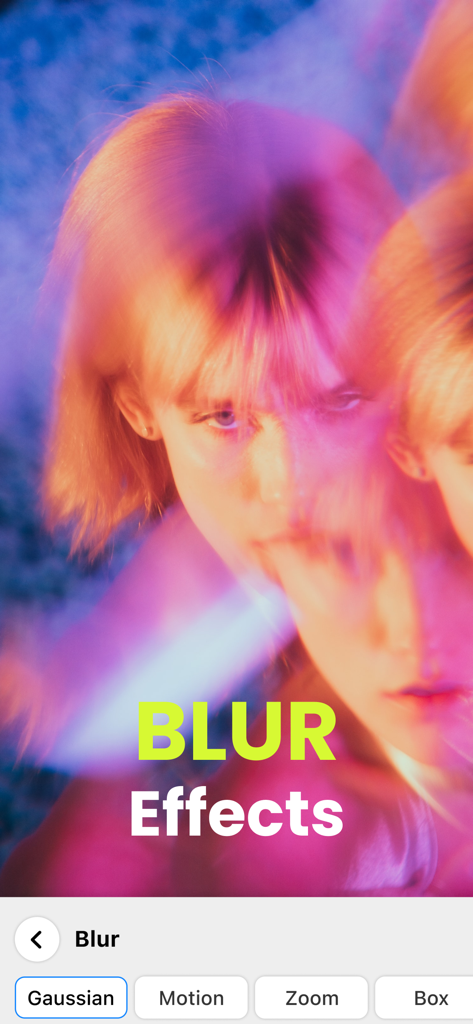
A woman's face with a dreamy motion blur effect in the Motion Blur Photo Editor app interface with options for Gaussian and Motion blur

A woman's face with a dreamy motion blur effect in the Motion Blur Photo Editor app interface with options for Gaussian and Motion blur

Aesthetic Magic at Your Fingertips

The tools that make this app stand out, trusted by 1M+ users.

Viral Motion Effects

Capture the 'main character' vibe with dynamic blur styles that add energy, nostalgia, and a touch of elegance to any shot.

📸

Instant DSLR Depth

Achieve that expensive-looking blurred background without the heavy gear. Perfect for portraits that need to stand out from the crowd.

🪄

Seamless Background Cleanup

Instantly hide busy streets or messy rooms. Blur out the noise and keep the focus exactly where it belongs: on you.

Loved by users worldwide

Trusted by 1M+ people who love this app.

"

"This app is a total game-changer for my Instagram feed! I can get that professional DSLR background blur in literally one tap. It makes all my outfit photos look so high-end and aesthetic without needing a fancy camera."

Chloe M.
"

"I love how easy it is to add a dreamy motion blur vibe to my city shots. It is perfect for hiding busy crowds in the background while keeping the focus on me. It is my go-to app before I post anything to my Stories!"

Jordan R.

Review Analysis

Insights from user reviews.

Sentiment Score

32%
Negative

Summary

This app receives predominantly negative feedback, primarily due to widespread issues with its monetization strategy. Many users report being charged immediately despite advertising a "free 3-day trial," with significant difficulty in obtaining refunds or canceling subscriptions. Frequent and excessive ads also render the app unusable for many, hindering photo uploads and general functionality. While some users praise its easy-to-use controls, one-tap effects, and ability to enhance visual appeal with various blur and artistic touches, these positive aspects are largely overshadowed by critical concerns regarding deceptive billing practices and poor app performance.

Common Themes

Deceptive Billing(22)
Refund & Cancellation Issues(14)
Editing Quality/Features(9)
Ease of Use(8)
Excessive Ads(6)
App Performance(5)

About the app

Everything you need to know about Motion Blur Photo Editor.

Description

Make Your Photos Beautifully Blurred with Ease! Motion Blur App is here to bring effortless aesthetic to your photos. Add a touch of elegance, hide what you don't want seen, or simply create stunning blurred effects—all with just one tap! It's the fastest, simplest way to make your photos shine with beauty and sophistication. Why You'll Love Motion Blur App: - Instant Beauty Touch: One-tap blur magic to give any photo a soft, glamorous look in seconds. - Dreamy Blur Styles: Gaussian, Zoom, Motion blur—explore beautiful effects that make your photos stand out. - Extra Glam Effects: Get creative with Bokeh, overlays, and drip effects to add sparkle and style. - DSLR-Level Depth: Create that professional background blur effect like a DSLR, right from your phone. - Perfect Control: Adjust the blur intensity easily to keep what matters in focus and blur the rest. - Share Your Creations: Ready to show off your stunning photos? Share directly to Instagram, Facebook, Twitter, and more! Whether you want a soft, aesthetic vibe or a glamorous touch to your selfies, Motion Blur App is perfect for making your photos beautiful without the fuss. Thousands of users already love how easy it is to add elegance to their shots—now it's your turn! Download Motion Blur App today and give your photos the glow they deserve. Privacy Policy: https://motion-blur.app/privacy Terms of Use: https://motion-blur.app/terms

Latest Version

2.6

Size

63.1 MB

First Released

Jan 9, 2022

Ready to Give Your Photos the Glow They Deserve?

Join over 1 million creators and transform your feed with effortless, professional blur effects in just one tap.

Download on App Store
FAQ

Frequently Asked Questions

Everything you need to know about Motion Blur Photo Editor

What is Motion Blur App?

Motion Blur App adds effortless aesthetic to photos by applying various blur effects, creating stunning visuals with ease and sophistication.

What blur styles does Motion Blur App provide?

Motion Blur App offers dreamy blur styles including Gaussian, Zoom, and Motion blur effects to make photos stand out.

Can I adjust blur intensity in Motion Blur App?

Yes, Motion Blur App provides perfect control, allowing users to easily adjust the blur intensity to keep important elements in focus.

Does Motion Blur App feature Bokeh effects?

Yes, Motion Blur App includes Bokeh effects, overlays, and drip effects to add extra glam, sparkle, and style to your photos.

How can I share photos from Motion Blur App?

Yes, Motion Blur App allows users to share their stunning photo creations directly to social media platforms like Instagram, Facebook, and Twitter.

Does Motion Blur App create DSLR-quality background blur?

Yes, Motion Blur App creates professional DSLR-level background blur effects directly from your phone, enhancing photo depth.

Can I apply motion blur effects with Motion Blur App?

Yes, the Motion Blur App offers specific motion blur effects, allowing users to add dynamic blurred aesthetics to their images with one tap.