
Blur Photo Background



Join 5 million+ users who transform everyday shots into studio-quality portraits. Effortlessly hide messy backgrounds, protect your privacy, and create the perfect aesthetic for your social feed in seconds.
Publisher
Category
Photo & VideoDownloads
5M+User Rating
Total Ratings
50K+Locales
15Discover the interface used by 5M+ users.
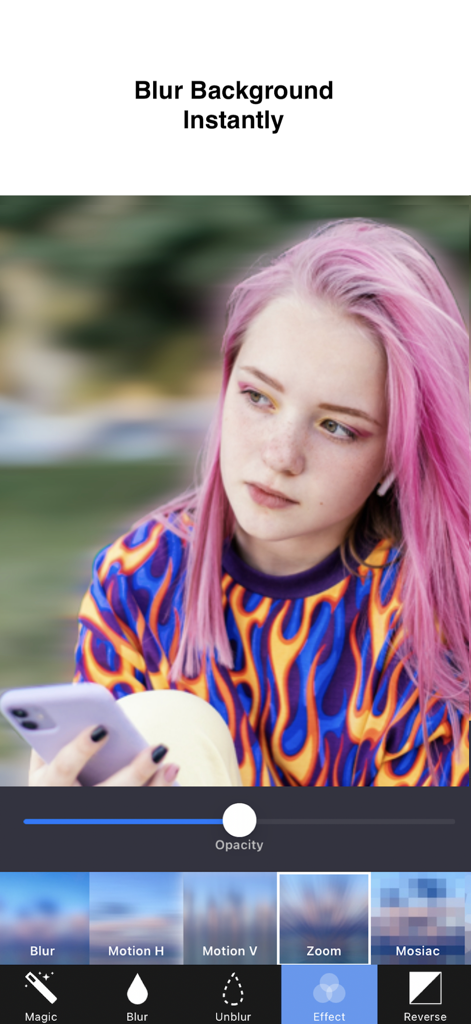
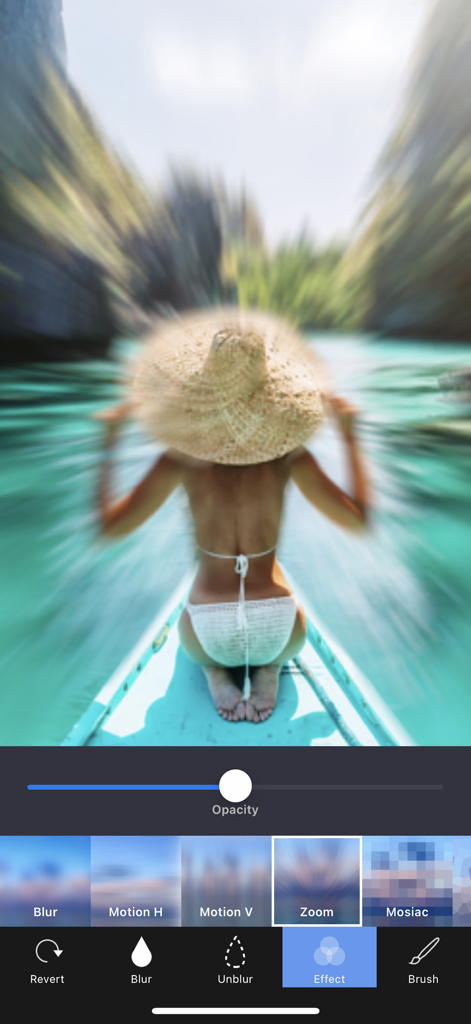
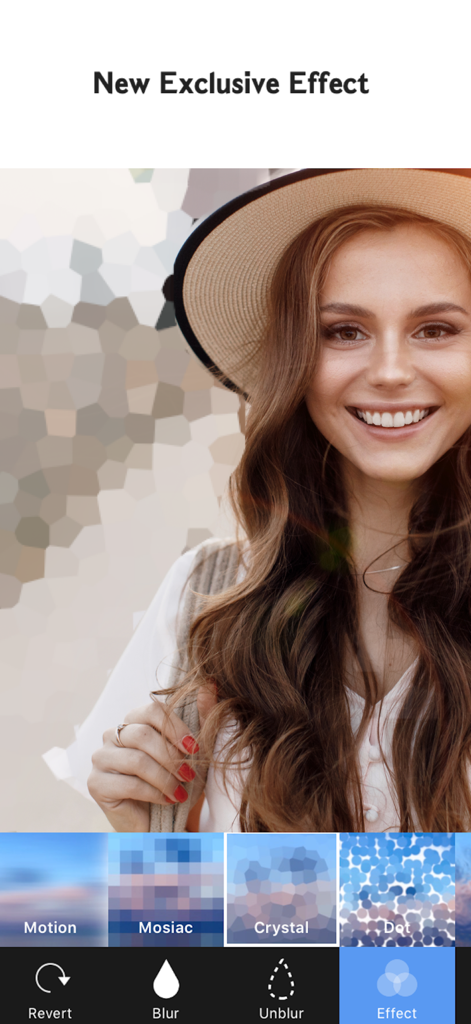
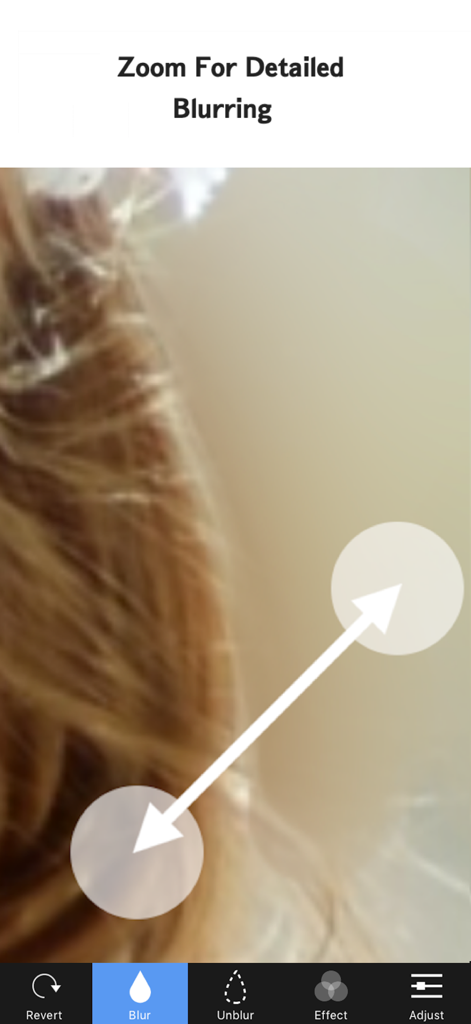
The tools that make this app stand out, trusted by 5M+ users.
Turn any photo into a professional portrait by blurring messy backgrounds and making your subject stand out with precision.
Safely share your life by using the mosaic and pixel tools to hide faces, license plates, or home details with a single tap.
Go beyond basic blur with motion, zoom, and glass effects to add a dynamic, high-end aesthetic to your social media posts.
Trusted by 5M+ people who love this app.
"I've tried dozens of editing apps, but this is my go-to for that perfect DSLR bokeh look. The Motion Blur effect adds such a high-end vibe to my street style shots, and it’s so much easier than using complex desktop software!"
"The Mosaic tool is a lifesaver for my online listings. I can quickly blur out house details or sensitive info on packages in seconds. Plus, it's perfect for hiding strangers' faces in my family vacation photos before posting them."
Insights from user reviews.
Sentiment Score
Summary
This app receives overwhelmingly negative feedback, primarily due to a sudden shift to a mandatory subscription model that often doesn't honor previous one-time purchases, leading to significant user frustration and reported automatic debits. While a small number of users appreciate its core blurring functionality when it works, this is overshadowed by pervasive issues. Many reviewers report excessive and intrusive ads, alongside significant app bugs such as unresponsive 'X' buttons on payment screens, freezing, crashing, and difficulty with basic editing like zooming. Additionally, several users noted concerns about the low quality or ineffectiveness of the blur feature itself.
Common Themes
Everything you need to know about Blur Photo Background.
Description
Latest Version
2.1.2
Size
22.4 MB
First Released
Apr 29, 2016
Join over 5 million creators who transform messy backgrounds into professional masterpieces in seconds. Download Blur Photo Background today and start standing out.
Everything you need to know about Blur Photo Background
Blur Photo Background is an app that blurs the background of any picture with a few taps. It helps users blur unwanted objects, faces, or anything in an image quickly and easily.
Blur Photo Background offers unique blur effects including Gaussian Blur, Zoom Blur, and Motion Blur. It also includes a dedicated Blur Tool for blurring or unblurring specific areas as desired.
Yes, Blur Photo Background includes various mosaic effects. These are Pixel Effect, Crystalize Effect, Dots Effect, and Glass Effect, which can be applied to enhance photo backgrounds.
Yes, Blur Photo Background is completely free to use for its basic features. Users can access additional benefits and an ad-free experience through a BlurBackground Pro subscription.
A Blur Photo Background Pro monthly subscription costs $2.99 per month. A Pro yearly subscription is available for $11.99 per year, offering a cost-effective annual option.
To cancel a Blur Photo Background Pro subscription, turn off auto-renewal in your iTunes Account Settings. This must be done at least 24 hours before the current payment period ends.
Yes, the Blur Photo Background app allows users to zoom and rotate images for detailed blurring. This feature enables precise application of blur or unblur effects to specific areas.
Blur Photo Background allows users to share edited images to their Camera Roll, Instagram, Facebook, Twitter, other apps, or send them via email, offering multiple export options.
Yes, the free version of Blur Photo Background adds a watermark to edited images. Upgrading to a BlurBackground Pro subscription removes this watermark and provides an ad-free experience.
Apps with similar features and user experience

Shiho Sadamizu

Honk Honk Punch Pty Ltd

Sohel Ibna Saad

Alenrom sp. z o.o.

Ryoichi Fukugawa

Daria Khalitova

Viacheslav Khakhulin

AI Photo Editor Lab SRL

Appenvision Ltd