
Camo Camera


Elevate your video calls, streams, and recordings with cinematic bokeh, manual adjustments, and auto-framing. The Apple Design Award-recognized solution for high-performing professionals who refuse to settle for grainy laptop webcams.
Publisher
Category
UtilitiesDownloads
1M+User Rating
Total Ratings
13K+Locales
13Discover the interface used by 1M+ users.
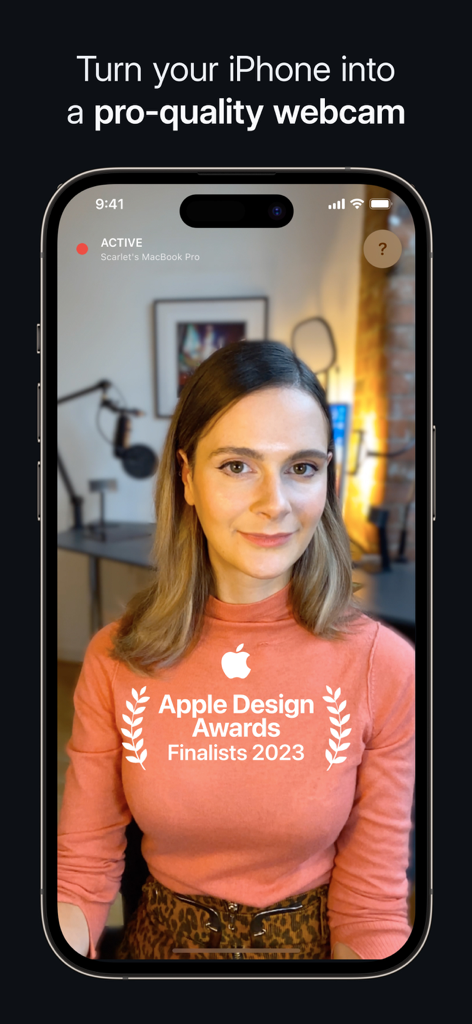
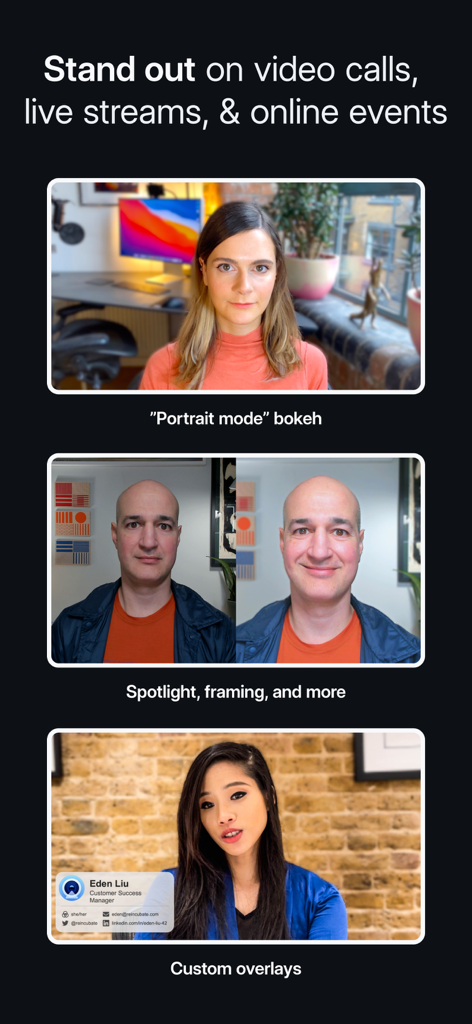
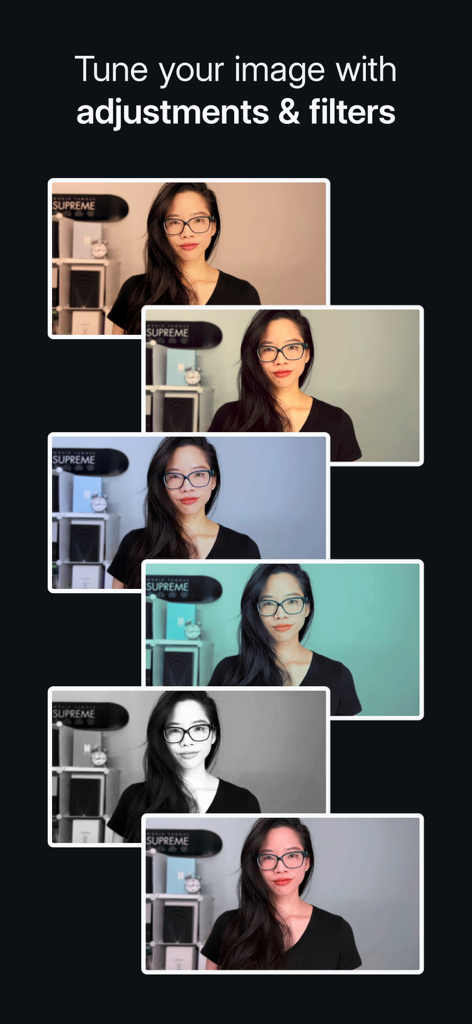
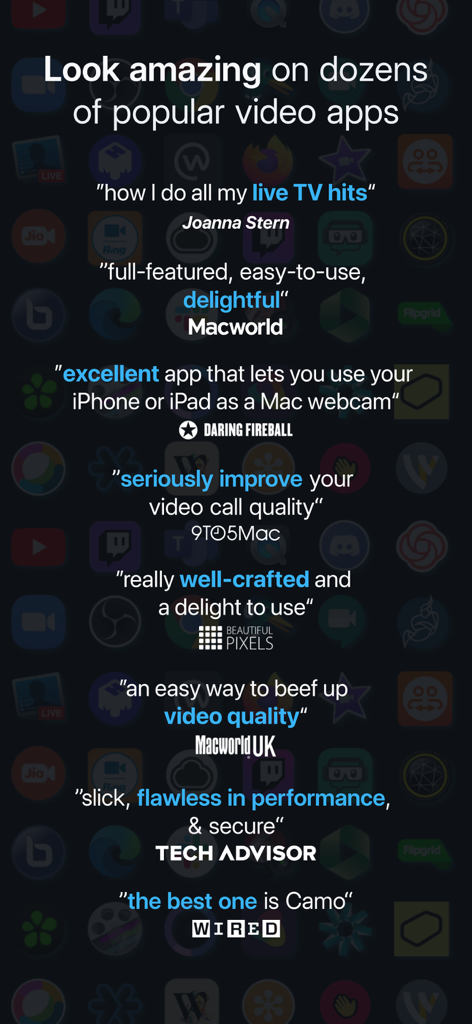
The tools that make this app stand out, trusted by 1M+ users.
Look your best in any lighting. Effortlessly blur your background and brighten your appearance for a polished, high-end look that stands out in meetings.
Stay centered and professional without staying still. Our smart framing keeps you perfectly in shot as you present or move, ensuring you are always the focus.
Take full command of your video. Adjust exposure, manual focus, and apply cinematic LUTs to match your personal brand across Zoom, Teams, and 40+ other apps.
Trusted by 1M+ people who love this app.
"Camo turned my iPhone into a professional-grade studio. I no longer feel 'tech-shame' during board meetings. The wireless setup is seamless, and the Portrait bokeh effect is so clean it looks like I’m using a thousand-dollar DSLR."
"As an emerging creator, I was about to drop $1,000 on a mirrorless camera until I found Camo. The manual controls and LUT support let me dial in my look perfectly. The auto-framing keeps me centered even when I’m moving around my studio."
Everything you need to know about Camo Camera.
Description
Latest Version
2.3.3
Size
73.4 MB
First Released
Jul 16, 2020
Join 10 million professionals who've upgraded to pro-quality video. No extra hardware, no cluttered desk—just you, looking your best on every call.
Everything you need to know about Camo Camera
Camo Camera is an Apple Design Awards Finalist 2023 app. It transforms your iPhone into a pro-quality webcam, enabling professional video for meetings, streaming, or recording on your Mac or PC.
Camo Camera connects to your Mac or PC using either a wireless Wi-Fi connection or a traditional USB cable. Both options provide flexibility and ease of setup.
Yes, Camo Studio provides comprehensive control over your video. Users can adjust lenses, exposure, colors, contrast, zoom, crop, and focus precisely to achieve desired image quality.
Yes, Camo Camera includes 18 bespoke filters for cinematic styling and color grading. It also supports custom Cube, 3DL, and LUT files for expanded creative options.
Spotlight is a Camo Camera feature that compensates for poor lighting. It brightens the user against the background, making them stand out in backlit or under-lit environments.
Yes, Camo Camera offers 'Replace,' a virtual green screen for swapping backgrounds, and 'Privacy,' which creates a diffused image effect to obscure surroundings. Both foreground clarity effectively.
Yes, Camo Camera integrates seamlessly with over 40 applications. These include popular platforms like Zoom, Google Meet, Microsoft Teams, Safari, FaceTime, and OBS Studio.
Yes, Camo Camera prioritizes privacy and security. It does not capture or transmit your video feed and routes it directly from your iPhone to your computer.
Yes, Camo Camera offers native support for iPadOS, allowing iPad users to leverage their device's camera. It also features a beautiful Dark Mode throughout the application.
Camo Studio requires macOS 10.13 or a later version, or Windows 10 or a later version to function. These are the minimum operating system requirements.
Yes, Camo Camera features auto-framing functionality. This ensures the user remains centered and proportioned on screen, even when moving during a call or presentation.
No, Camo Camera offloads all video processing to your iOS device. This design ensures your computer remains cool and fast, preserving its performance during use.
Apps with similar features and user experience

Remote Sunrise LTD

DEV47 APPS LTD.

datronicsoft Technology GmbH

俊红 柴

耀 阮

Touchbits Inc.

Human Things, Inc

Astro HQ LLC

horhe dor