
iVCam Webcam



Transform your iPhone or iPad into a high-definition Windows webcam. Upgrade your video calls and streams with low-latency video, studio-grade background effects, and effortless wireless connectivity.
Publisher
Category
UtilitiesDownloads
4M+User Rating
Total Ratings
73K+Locales
24Discover the interface used by 4M+ users.
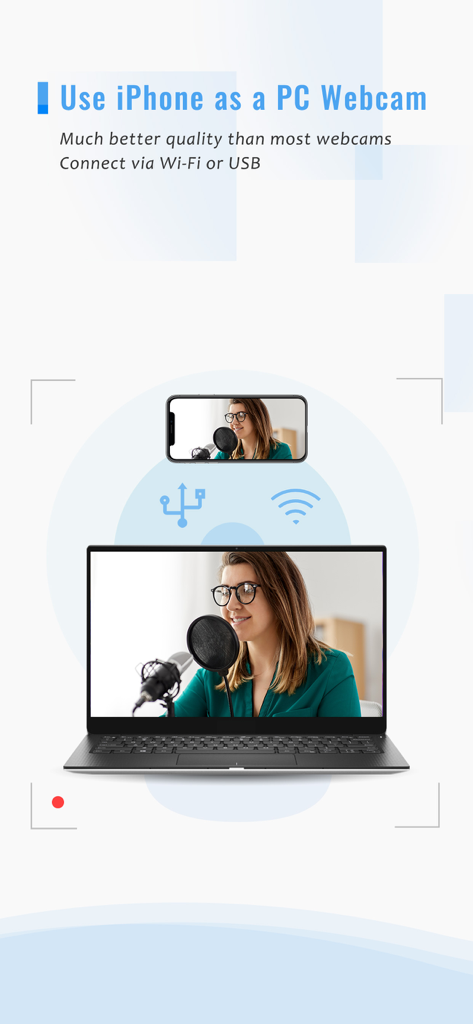
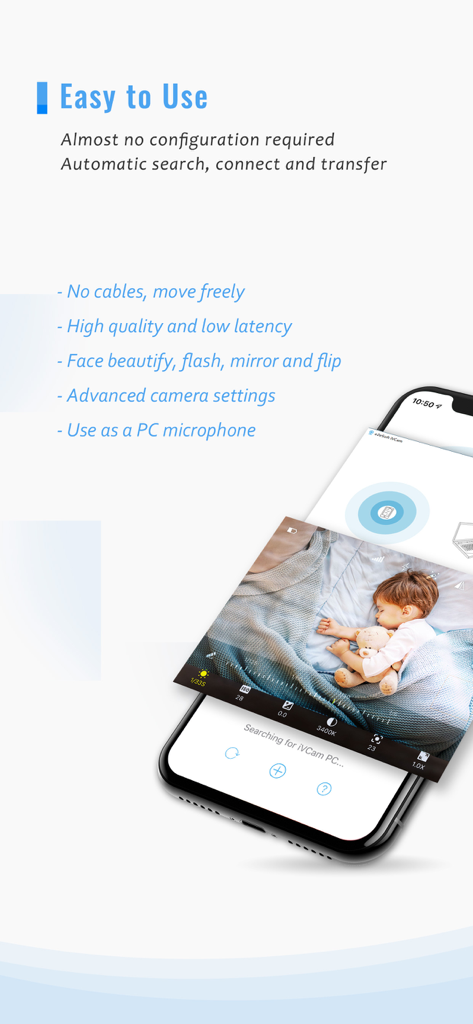
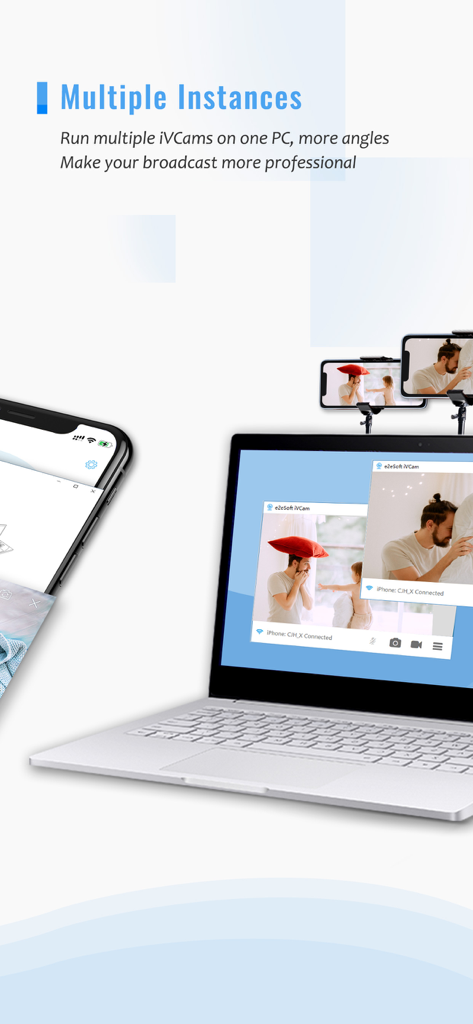
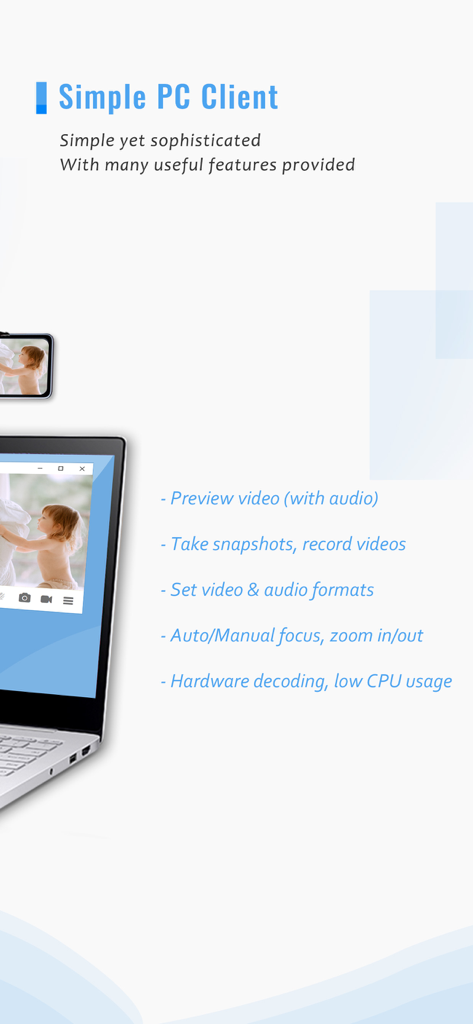
The tools that make this app stand out, trusted by 4M+ users.
Experience crystal-clear video that outclasses any built-in laptop camera, perfect for making a professional impression.
Ditch the cables with automatic Wi-Fi pairing or use USB for ultra-stable, low-latency performance in seconds.
Enhance your look with real-time background bokeh, beautify filters, and manual camera settings for total creative control.
Trusted by 4M+ people who love this app.
"The video quality is night and day compared to my laptop's built-in camera. Setting it up on my Windows PC took seconds, and now I look professional in every client meeting. The background bokeh effect is surprisingly good, giving me that high-end DSLR look without the expensive gear."
"I use iVCam as a secondary 4K camera for my tutorial recordings. The low latency via USB is incredible, and being able to control the ISO and exposure directly from the app gives me total creative control. It’s the perfect solution for anyone who already owns an iPhone and wants top-tier video."
Everything you need to know about iVCam Webcam.
Description
Latest Version
7.3.2
Size
18.7 MB
First Released
Nov 15, 2016
Join 4 million+ users who have ditched their grainy laptop cameras. Download iVCam now to turn your iPhone into a high-definition, low-latency webcam for your Windows PC in seconds.
Everything you need to know about iVCam Webcam
iVCam Webcam connects to your Windows PC automatically. It supports connections via both Wi-Fi and USB, requiring no manual configuration for setup.
Yes, iVCam Webcam supports connecting multiple iOS devices to a single PC at the same time. This allows for multiple camera angles and enhanced broadcasting.
iVCam Webcam supports a wide range of video sizes including 4K, 2K, 1080p, 720p, 480p, and 360p. Users can configure the video frame rate, quality, and encoder.
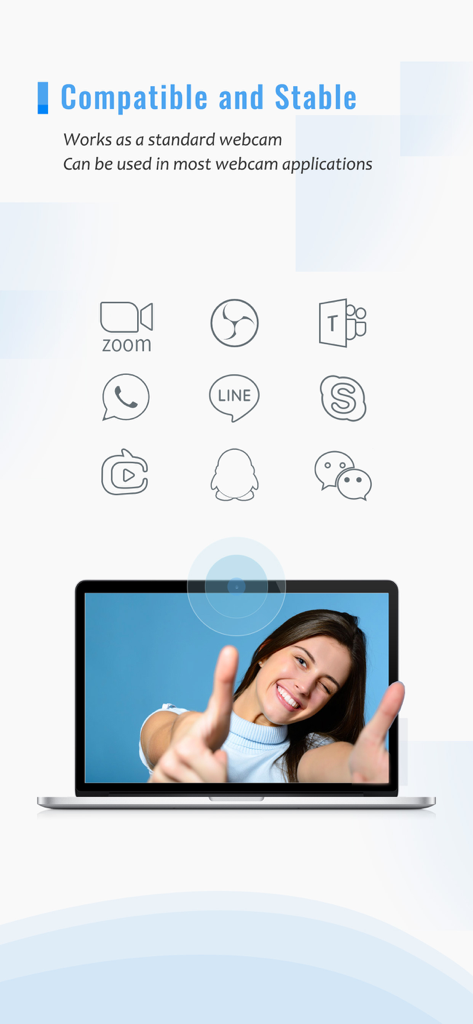
Yes, iVCam Webcam completely replaces old USB or integrated webcams. It works as a standard webcam and is compatible with most applications that use a webcam.
Yes, iVCam Webcam provides advanced camera settings. These include AE/AF, ISO, EC, WB, zooming, face beautify, flash, manual/auto focus, and video flip/mirror.
Yes, iVCam Webcam supports audio and allows users to utilize their smartphone as a wireless microphone for their PC. This feature is integrated with the webcam functionality.
Yes, iVCam Webcam is compatible with most applications that use a webcam. It works with popular platforms like Zoom, Microsoft Teams, and Skype.
Yes, the iVCam Windows client software allows users to preview video, take pictures, and record video files directly to their PC. It functions as a remote video recorder.
Apps with similar features and user experience

Remote Sunrise LTD

Reincubate Ltd

DEV47 APPS LTD.

datronicsoft Technology GmbH

耀 阮

Touchbits Inc.

Human Things, Inc

Astro HQ LLC

horhe dor