
spacedesk - USB Display for PC



Turn your iPad or iPhone into a high-performance second display or professional drawing tablet. Boost your productivity with seamless USB or Wi-Fi connectivity for a lag-free experience—no extra hardware required.
Publisher
Category
ProductivityDownloads
3M+User Rating
Total Ratings
13K+Locales
4Discover the interface used by 3M+ users.
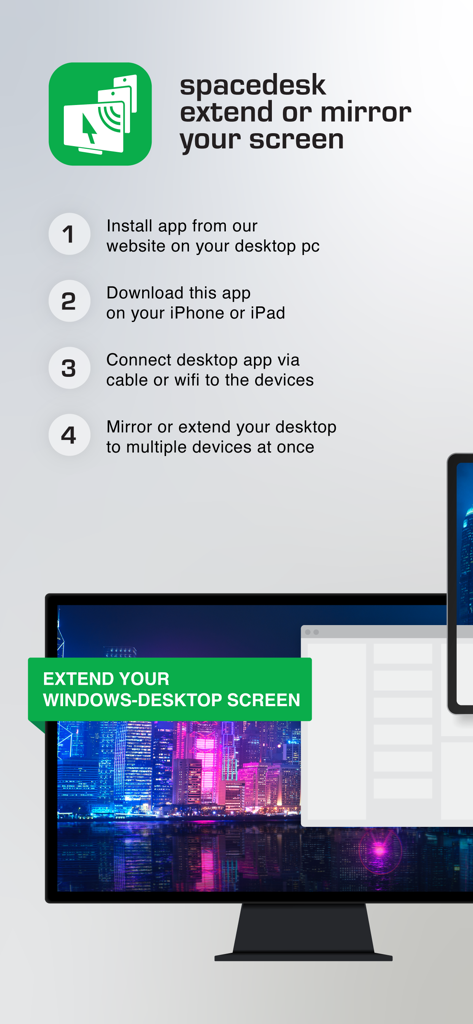
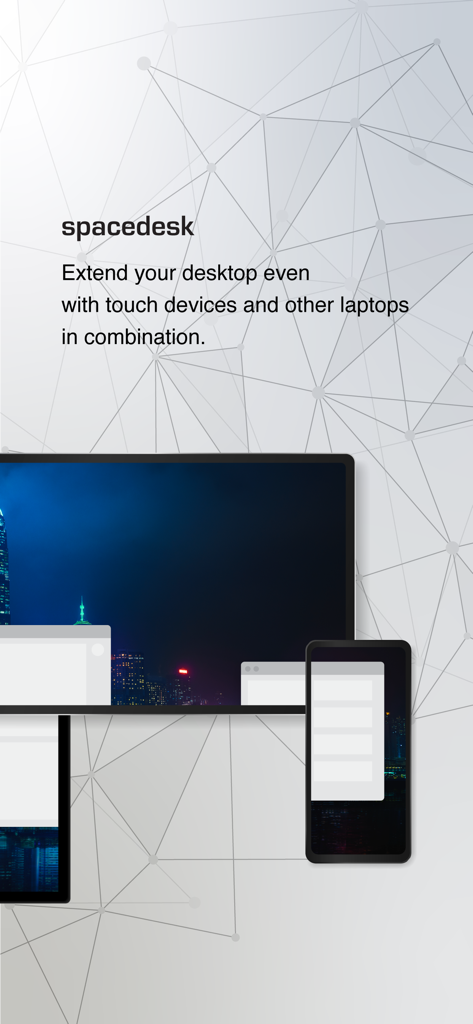
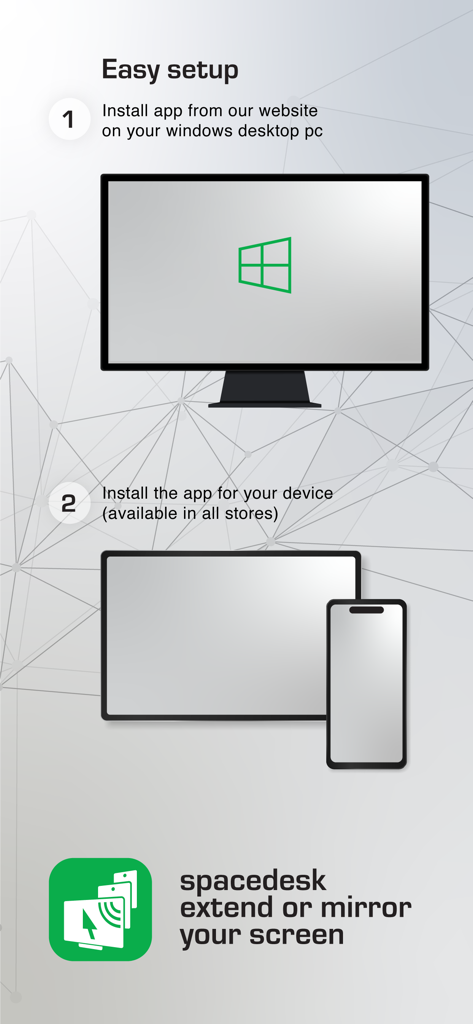
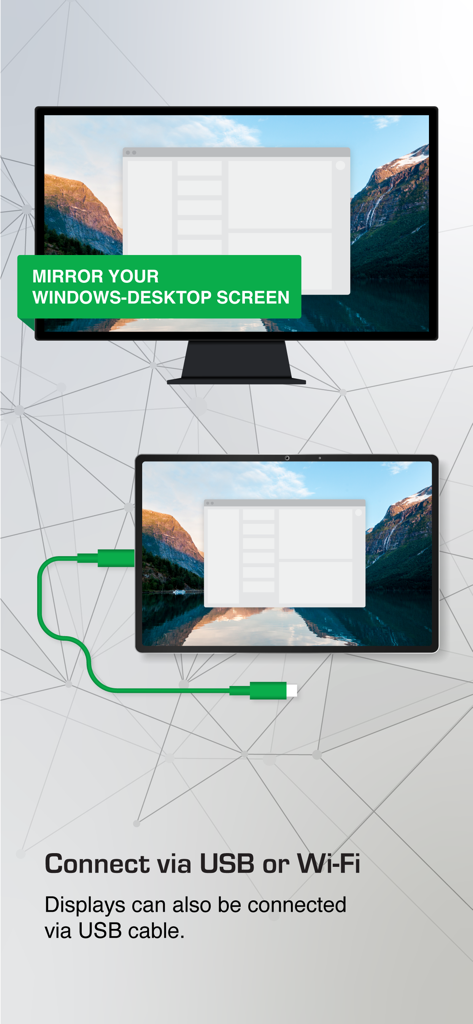
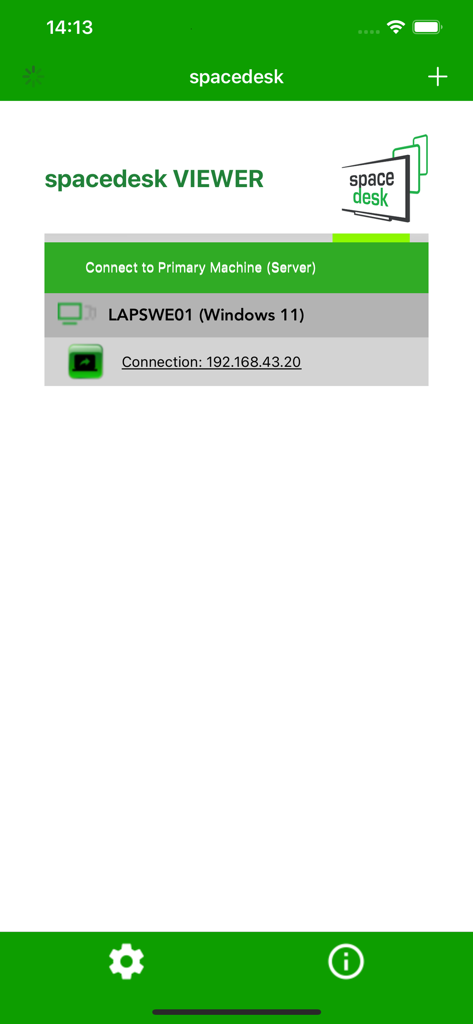
The tools that make this app stand out, trusted by 3M+ users.
Break out of the Apple ecosystem. Get the dual-monitor productivity you love by turning your iPad into a seamless extension of your Windows desktop.
Turn your iPad and Apple Pencil into a pressure-sensitive Windows drawing tablet. Sketch, paint, and design in Photoshop or GIMP with zero-cost hardware.
Connect via USB or LAN for lightning-fast performance and crystal-clear display quality. Perfect for power users, gamers, and remote professionals.
Trusted by 3M+ people who love this app.
"As a software developer who travels frequently, I missed having a second monitor for my Windows laptop. Spacedesk turned my iPad into a flawless extension with zero lag over USB. It is basically the 'Sidecar' for Windows that I have been waiting for."
"I needed a drawing tablet for my design classes but did not want to spend hundreds on new gear. Spacedesk lets me use my Apple Pencil and iPad with Windows Photoshop perfectly. The pressure sensitivity is spot on, and the setup was incredibly easy!"
Everything you need to know about spacedesk - USB Display for PC.
Description
Latest Version
2.1.3
Size
16.7 MB
First Released
Jan 5, 2018
Join over 3 million users and transform your iPad or iPhone into a high-performance second screen for your Windows PC. Get the desktop real estate you need without the extra hardware.
Everything you need to know about spacedesk - USB Display for PC
spacedesk is a tool that extends, mirrors, and remotes your Windows computer desktop, turning your iOS device into an advanced secondary display. It supports various applications like screen casting and remote control.
To set up spacedesk, install the spacedesk DRIVER software for your Windows PC first. Then, install the spacedesk Viewer app on your iOS device. Finally, open the Viewer app and connect to your Windows Primary PC.
The spacedesk primary machine supports Windows 11, Windows 10, and Windows 8.1. Apple Macs are not supported as primary machines for the spacedesk driver software.
Yes, you can use an iPad, iPhone, or any device running the spacedesk iOS app as a secondary machine or device to extend or mirror your Windows desktop.
No, spacedesk does not require an internet connection to function. It connects via USB, LAN, or WLAN, provided the driver and viewer are on the same local network.
spacedesk supports connections via USB, LAN (Local Area Network, including Ethernet), and WLAN (Wireless Local Area Network). A TCP/IP network protocol is required for network connections.
Yes, spacedesk offers remote access over USB, WiFi, and LAN. It also provides remote control capabilities, including touchscreen, touchpad, mouse, keyboard, and pressure-sensitive stylus input.
No, spacedesk does not support Apple Macs as primary computers. The primary machine running the spacedesk driver must be a Windows PC with Windows 11, 10, or 8.1.
Yes, spacedesk allows you to use your iOS tablet as a drawing tablet, supporting pressure-sensitive stylus pens for drawing and painting directly on your Windows PC.
To achieve optimal performance and zero lag with spacedesk, use a cable connection over USB or Local Area Network. Configuring your Windows PC or iOS device as a WiFi Access Point for direct connection also helps.
Apps with similar features and user experience

Remote Sunrise LTD

Reincubate Ltd

DEV47 APPS LTD.

俊红 柴

耀 阮

Touchbits Inc.

Human Things, Inc

Astro HQ LLC

horhe dor
