
Remote Mouse


Join 20 million users and transform your phone into a powerful mouse, keyboard, and touchpad. Effortlessly control media, master presentations, and sync clipboards across devices with the world’s most trusted remote app.
Publisher
Category
UtilitiesDownloads
3M+User Rating
Total Ratings
60K+Locales
19Discover the interface used by 3M+ users.
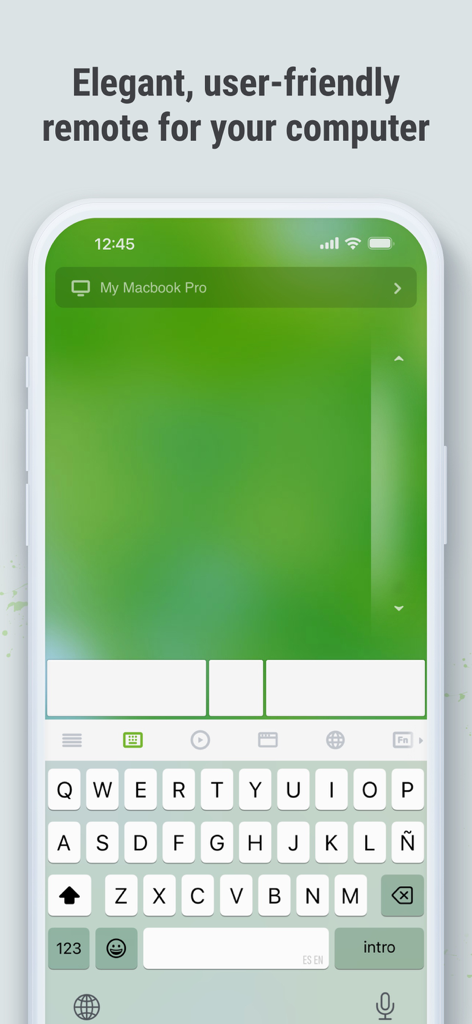
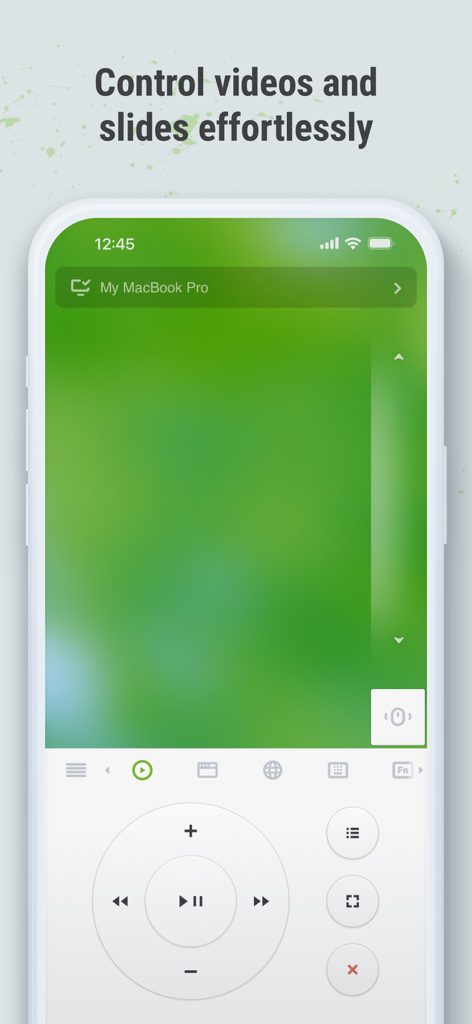
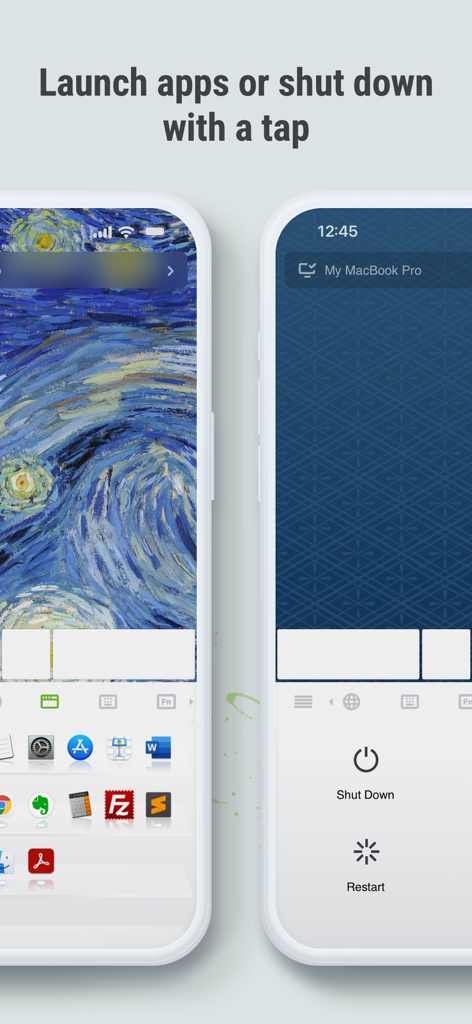
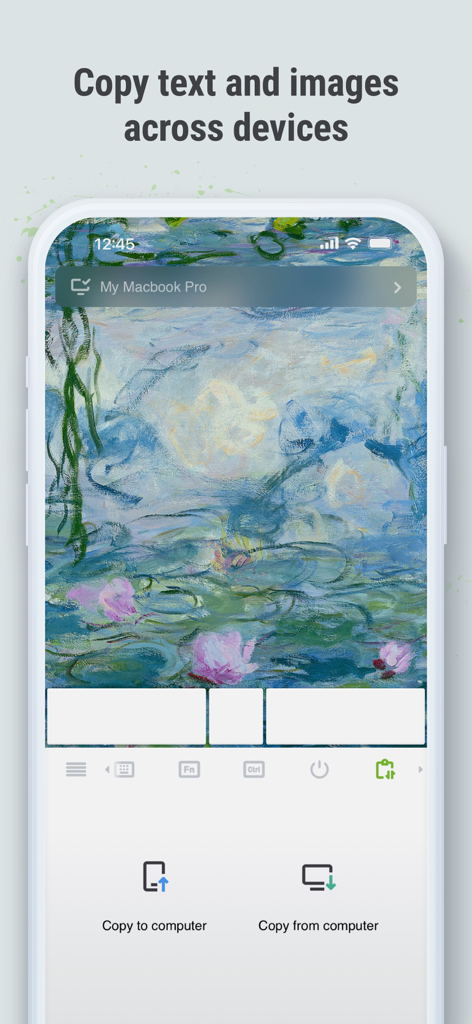
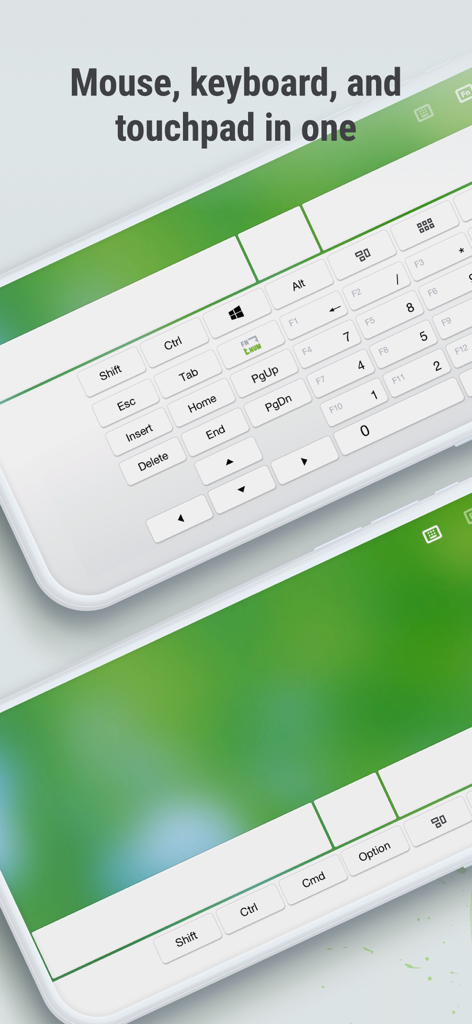
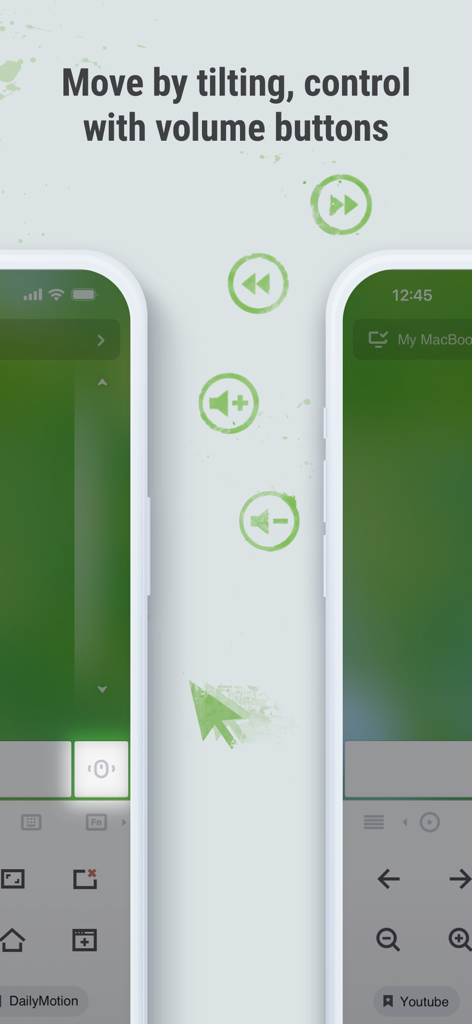
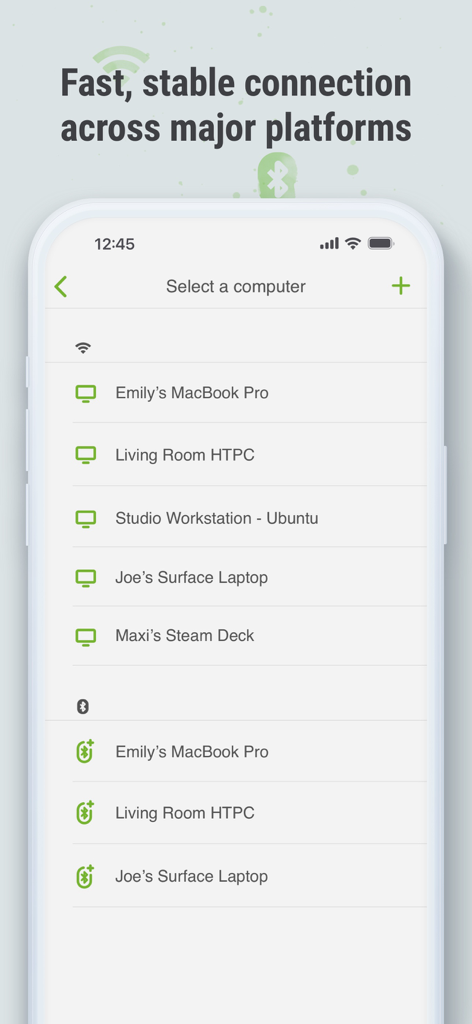
The tools that make this app stand out, trusted by 3M+ users.
Experience seamless navigation with multi-touch gestures and gyro-sensor support. Control your cursor with the fluidity of a high-end trackpad directly from your phone.
Ditch the clicker and dominate the room. Dedicated panels for Keynote and PowerPoint allow you to switch slides and manage your presentation with professional ease.
Bridge the gap between your devices. Instantly copy and paste text or images between your computer and mobile device to supercharge your multi-tasking workflow.
Trusted by 3M+ people who love this app.
"I use my laptop as a media center in my studio apartment, and Remote Mouse has been a complete game-changer. Being able to browse Netflix or adjust the volume from my bed without getting up is the ultimate convenience. The touchpad gestures are incredibly responsive and feel as smooth as my actual laptop trackpad."
"As a consultant who gives frequent presentations, this app is my secret weapon. The Gyro mouse mode allows me to control slides naturally like a professional clicker, and the cross-device clipboard is a lifesaver for moving screenshots from my iPhone to my PC instantly during meetings. It's an essential part of my workflow."
Everything you need to know about Remote Mouse.
Description
Latest Version
5.310
Size
90.3 MB
First Released
Aug 24, 2010
Join over 20 million users and turn your mobile device into the ultimate wireless remote. Whether you're presenting in the boardroom or streaming from the couch, download Remote Mouse to take command today.
Everything you need to know about Remote Mouse
Remote Mouse transforms your mobile phone or tablet into a versatile remote control for your computer. It functions as a wireless mouse, keyboard, and touchpad, offering specialized control panels for various operations.
Remote Mouse supports Windows, Mac OSX, and Linux operating systems. It functions across these major platforms, providing versatile computer control.
Yes, Remote Mouse allows you to use the physical volume buttons on your mobile device for remote control actions. This feature enhances intuitive operation.
Remote Mouse connects to your computer via Wi-Fi or Bluetooth. You can establish a connection using an IP address, QR code, or through your connection history.
Yes, Remote Mouse includes a cross-device clipboard feature. This enables seamless transfer of text and images between your computer and your mobile device.
Yes, Remote Mouse provides Power Options that allow you to remotely shut down, sleep, restart, or log off your computer directly from your mobile device.
Remote Mouse's Media Remote supports popular players like iTunes, VLC, Windows Media Player, Keynote, PowerPoint, and Windows Photo Viewer. More applications will be supported.
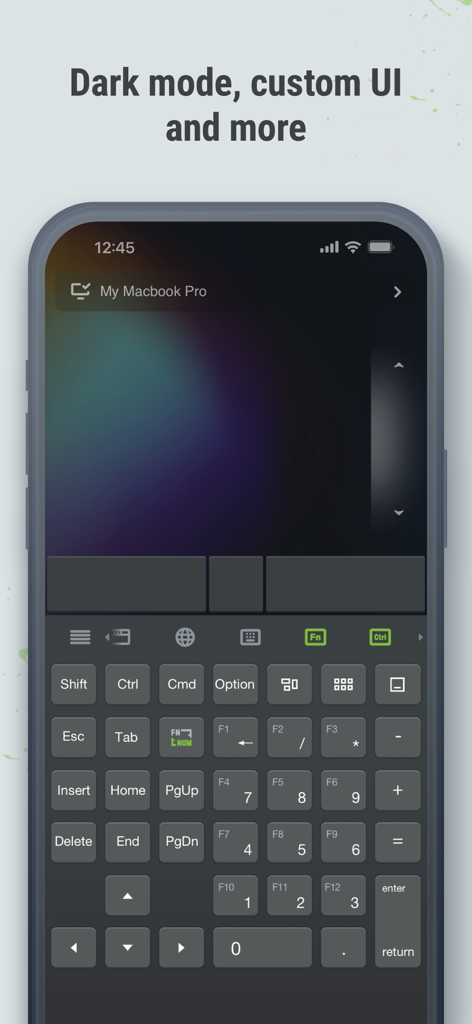
Yes, Remote Mouse offers a dark mode option. The application also provides custom UI capabilities and customizable wallpaper to personalize your experience.
To begin, visit remotemouse.net on your computer to download and install the server software. Then, connect your mobile device to the same Wi-Fi network or use Bluetooth.
Yes, Remote Mouse simulates the Apple Magic Trackpad and supports multi-touch gestures. This provides an intuitive and familiar control experience.
Apps with similar features and user experience

Remote Sunrise LTD

Reincubate Ltd

DEV47 APPS LTD.

datronicsoft Technology GmbH

俊红 柴

Touchbits Inc.

Human Things, Inc

Astro HQ LLC

horhe dor