
CheX(チェクロス)



Empower your site teams with lag-free access to complex blueprints. Record hand-written memos, pin site photos directly to plans, and sync every update instantly across mobile and desktop to eliminate rework and keep projects on schedule.
Publisher
Category
BusinessDownloads
46K+User Rating
Total Ratings
0Locales
3Discover the interface used by 46K+ users.
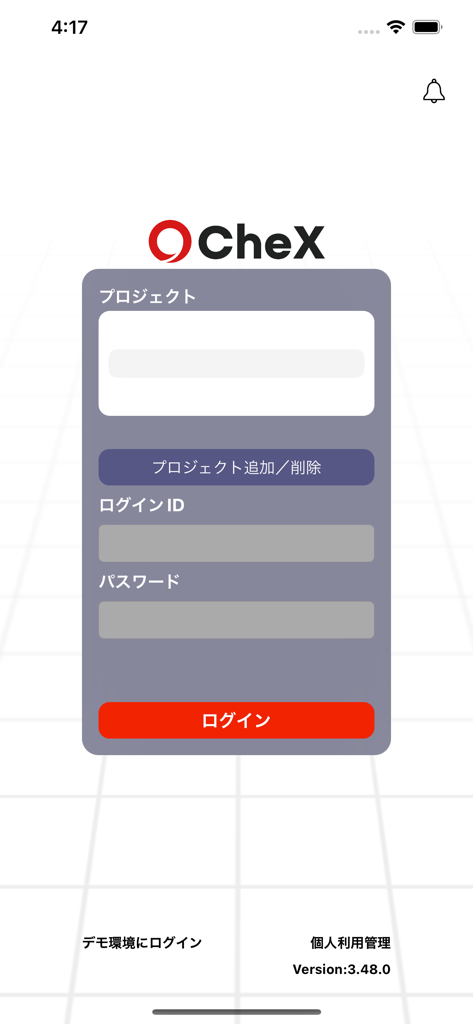
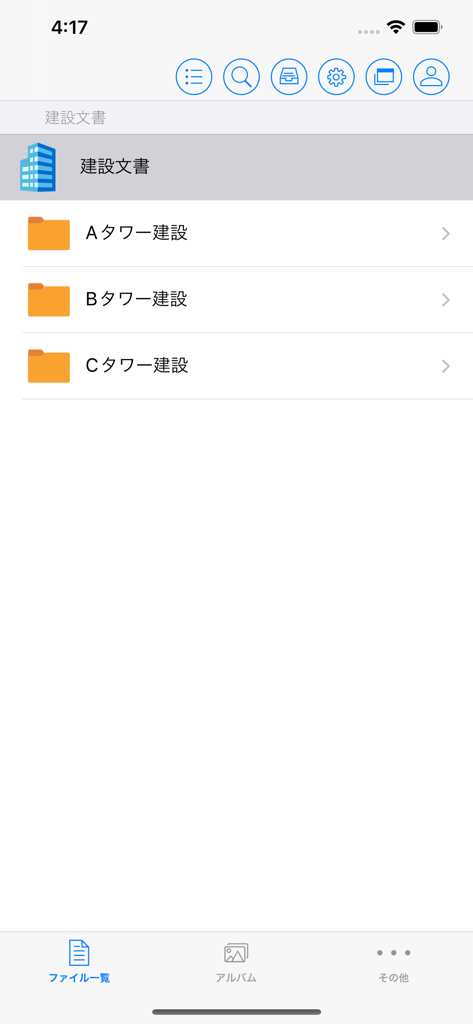
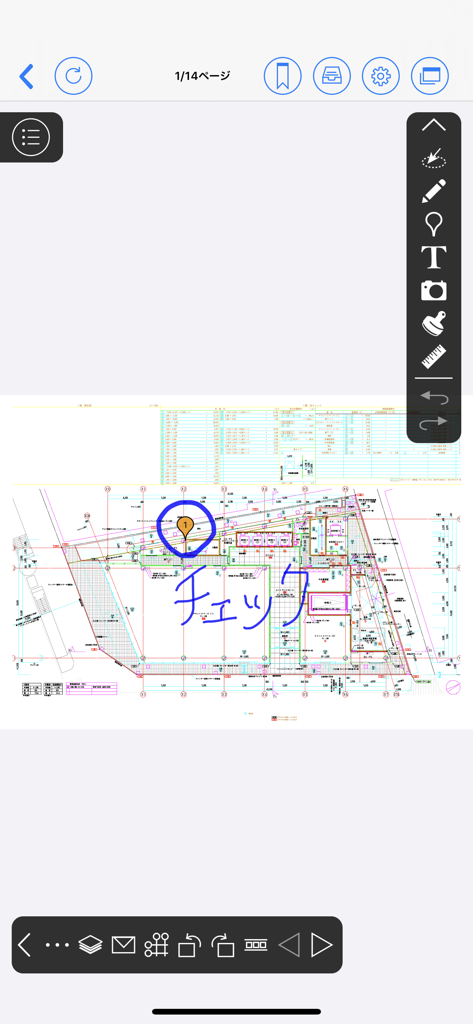
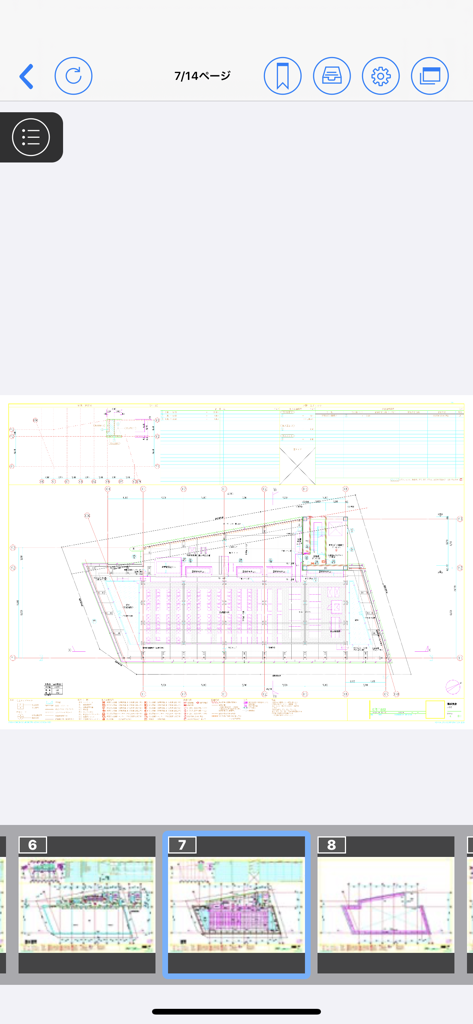
The tools that make this app stand out, trusted by 46K+ users.
Render massive high-resolution PDFs and MEP drawings instantly. Spend your time building, not waiting for files to load.
Snap and pin site photos directly onto specific blueprint coordinates. Create a visual audit trail that eliminates communication errors.
Synchronize redlines and markups across iOS, Windows, and Mac seamlessly. Ensure every stakeholder is working from the latest version.
Trusted by 46K+ people who love this app.
"CheX has completely changed how I manage my daily site walks. The high-speed viewing is no joke—large, detailed blueprints load without any lag, which was always my biggest frustration with other apps. Being able to pin photos directly to coordinates on the plan makes our punch lists so much clearer for the subcontractors."
"Maintaining a single source of truth is vital for our multi-million dollar projects. CheX ensures that every hand-written memo and site update is instantly synced between the field iPads and our office workstations. It has significantly reduced our rework costs by ensuring no one is ever working off an outdated version of a drawing."
Everything you need to know about CheX(チェクロス).
Description
Latest Version
3.61.3
Size
63.4 MB
First Released
Dec 8, 2017
Experience zero-lag blueprint viewing and instant field-to-office syncing. Download CheX now and put the power of high-speed construction document management in your pocket.
Everything you need to know about CheX(チェクロス)
CheX is a mobile application for quickly browsing and managing construction documents. It allows users to record handwritten memos and photos directly onto blueprints or manuals and share them, keeping field information up to date.
Yes, CheX provides high-speed viewing for detailed blueprints, ensuring a stress-free display experience. This feature directly addresses the time-consuming nature of displaying blueprints with other apps.
Yes, CheX is compatible with office documents. It displays construction instructions, reports, and schedules the same way they appear on a computer, preserving the original layout.
CheX allows you to add handwritten notes and text notes directly onto blueprints and manuals. This note function facilitates easy and clear information conveyance.
Yes, CheX enables users to select a location on a blueprint, take a picture on the scene, and save it directly there. You can then share these pictures of the construction condition.
Yes, CheX supports cross-platform viewing. Users can see recorded notes and photos from both Windows and Mac clients, ensuring broad accessibility.
CheX allows for user restriction by setting various permissions, such as browse or edit access, for each user. This functionality is managed using Windows/Mac clients.
Yes, to use CheX, you need to pay a fee and create a CheX user ID. However, if you already possess a user ID, you can continue using the app without additional fees.
Yes, CheX helps keep all plans up to date by allowing users to place blueprints on a dedicated server. This prevents errors caused by old blueprints and facilitates sharing.
Top-ranked apps in the same category

Microsoft Corporation

Zoom Communications, Inc.

WhatsApp Inc.

Indeed Inc.

LinkedIn Corporation

Adobe Inc.

Tencent Technology (Shenzhen) Company Limited

Beijing China Product Bo Farce Network Technology Co., Ltd.

DingTalk Technology Co., Ltd.