
Adobe Acrobat Reader: Sign PDF



Go beyond just viewing. Use the power of AI to summarize complex files, chat with your documents for instant insights, and sign or edit any PDF from anywhere.
Publisher
Category
BusinessDownloads
156M+User Rating
Total Ratings
2M+Locales
19Discover the interface used by 156M+ users.
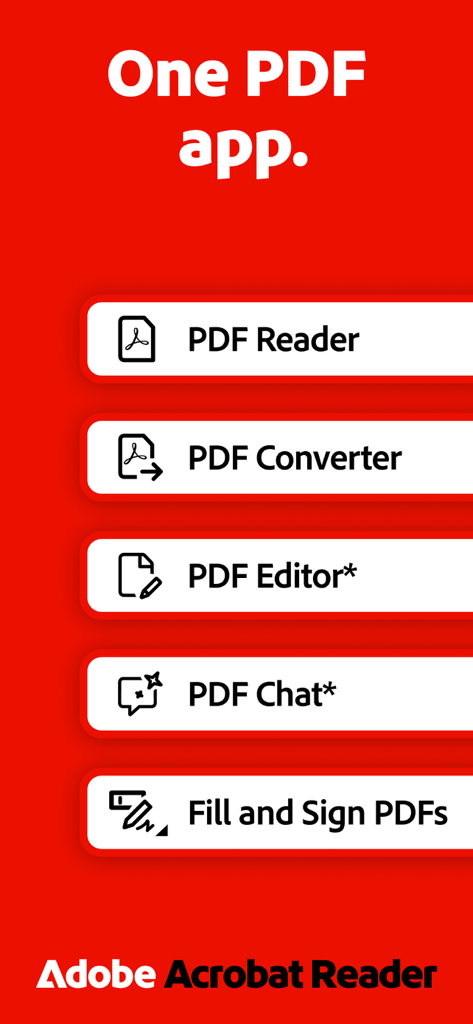
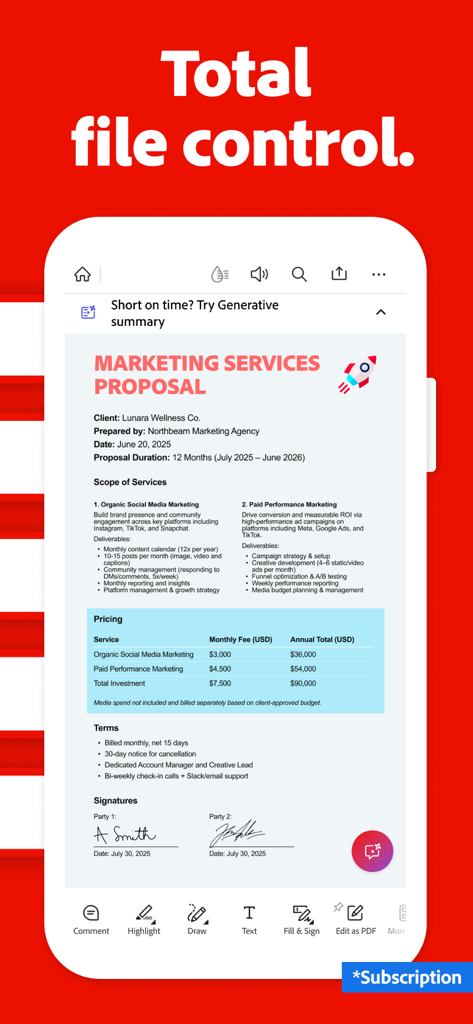
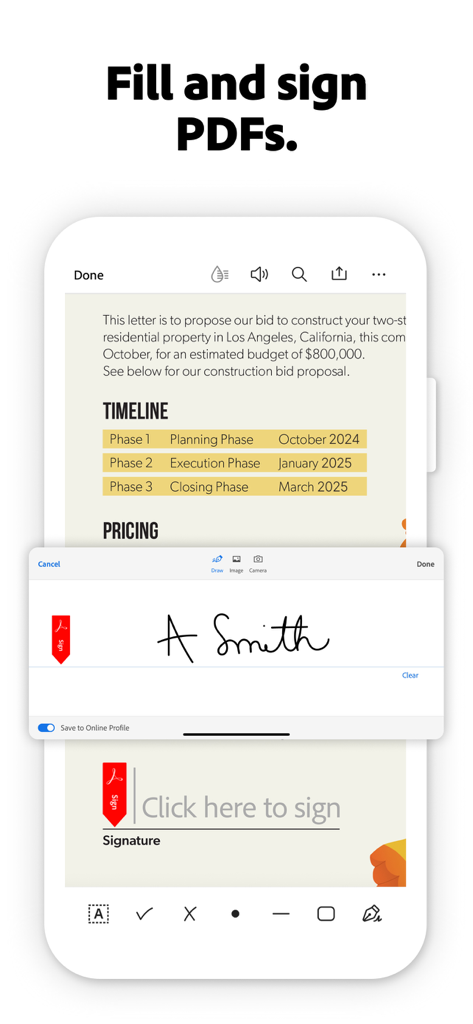
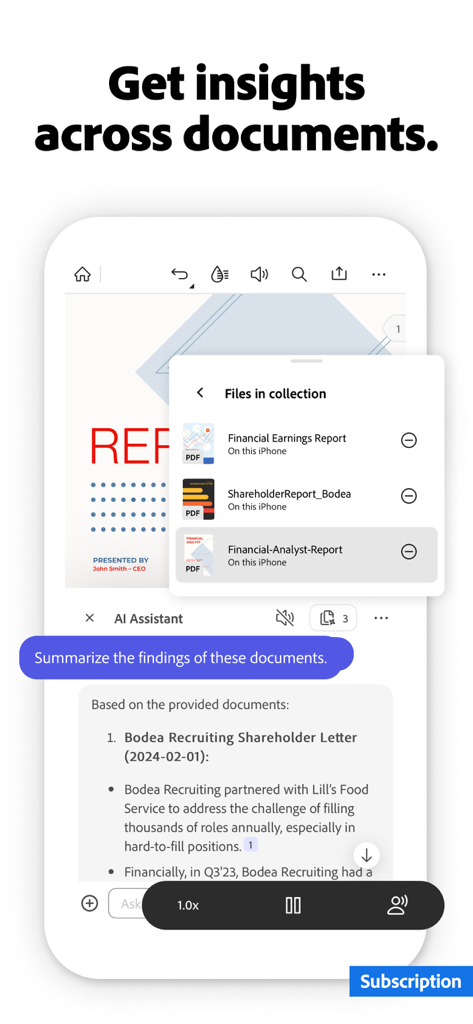
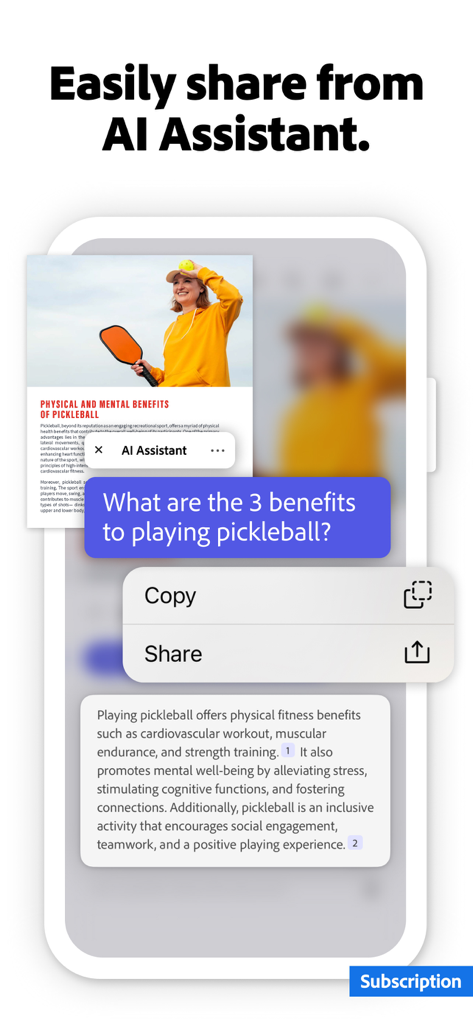
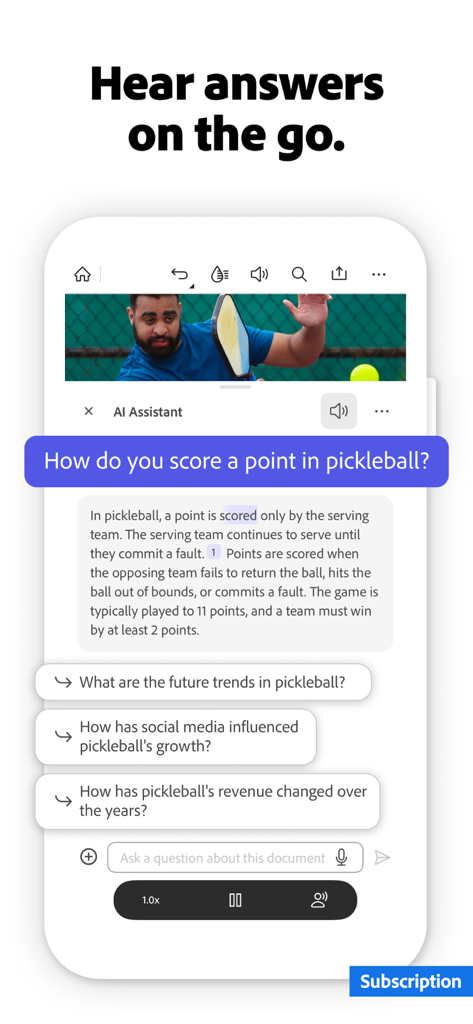
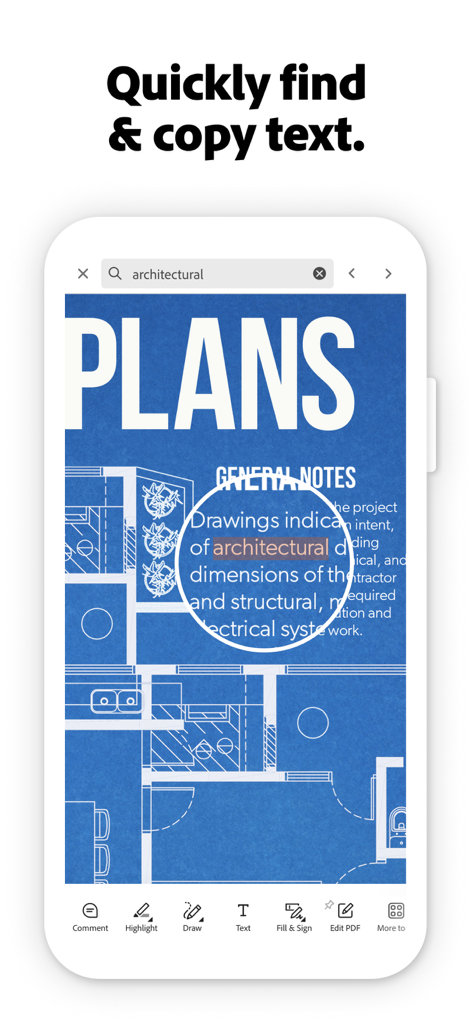
The tools that make this app stand out, trusted by 156M+ users.
Save hours of reading with instant summaries and cited answers to your questions about complex documents and reports.
Close deals on the go by signing contracts and filling out forms with a few taps—no printer or scanner required.
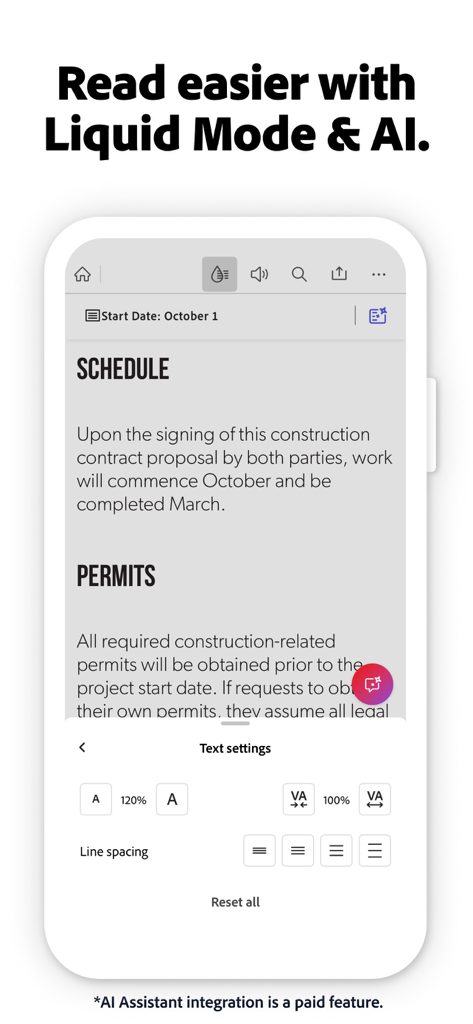
Stop pinching and zooming with an AI-powered viewing experience that reformats PDF text to fit your mobile screen perfectly.
Trusted by 156M+ people who love this app.
"The new AI Assistant is a total game-changer for my workflow. I can summarize a 50-page project brief in seconds while commuting, which saves me hours of manual reading every week. It is truly my portable office."
"I live in Liquid Mode—it makes reading dense research papers on my iPhone actually enjoyable. Plus, being able to sign and return contracts instantly via the cloud integration keeps my business moving without a printer."
Everything you need to know about Adobe Acrobat Reader: Sign PDF.
Description
Latest Version
25.12.00
Size
448.3 MB
First Released
Oct 17, 2011
Join 635 million professionals who sign, edit, and summarize documents in seconds. Put the power of Adobe AI in your pocket and start your free trial today.
Everything you need to know about Adobe Acrobat Reader: Sign PDF
Adobe Acrobat Reader: Sign PDF is a trusted mobile app for viewing, sharing, annotating, commenting, and signing PDF documents. It offers advanced editing, conversion, and AI features with a subscription for total file control.
Yes, Adobe Acrobat Reader provides a 7-day free trial. This trial grants access to all premium features, allowing users to experience the full capabilities of the app before subscribing.
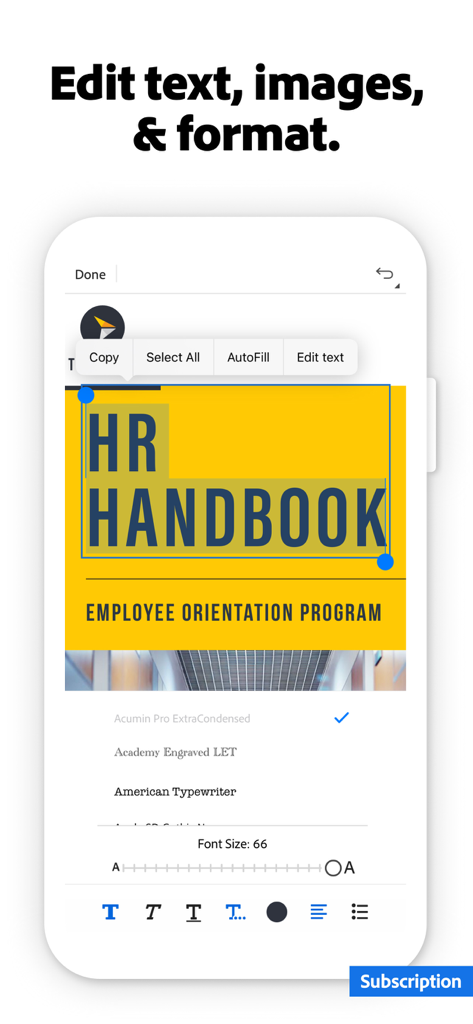
Yes, Adobe Acrobat Reader allows you to edit text and images directly in your PDF on mobile devices. Features like fixing typos or adding paragraphs are available with a paid subscription.
The Adobe Acrobat AI Assistant is a paid feature. It uses AI across multiple files in PDF Spaces for questions, cited answers, generative summaries, and content creation from your documents.
No, the Adobe Acrobat AI Assistant is a paid feature. It is currently available free for a limited time. An add-on plan is required for Acrobat Individual customers.
Adobe Acrobat Reader includes a free "Fill & Sign" feature. This allows users to fill out, sign, and send PDF documents directly within the application without a subscription.
Yes, Adobe Acrobat Reader supports Optical Character Recognition (OCR) as a paid feature. OCR converts scanned PDFs into searchable, editable text for use in other formats.
Yes, Adobe Acrobat Reader's paid PDF converter feature allows splitting or combining multiple files into one PDF. You can also organize pages by inserting, deleting, rotating, cropping, and reordering.
Adobe Acrobat Reader enables you to convert and export PDFs to formats like Microsoft Word, Excel, PowerPoint, or various image files. This export functionality is accessible with a subscription.
Yes, Adobe Acrobat Reader includes the ability to compress PDF files. This feature is part of the paid subscription, facilitating easier saving and sharing of documents.
Yes, Adobe Acrobat Reader offers a read-aloud function for PDFs. Users can listen to documents with free voices or upgrade for high-quality voice options, a feature included with a subscription.
Yes, Adobe Acrobat Reader integrates with cloud storage services. Users can link accounts like Microsoft OneDrive, Dropbox, or Google Drive for seamless file storage and management within the app.
Liquid mode in Adobe Acrobat Reader offers an optimized PDF reading experience. It is a free feature allowing users to search, navigate, and adjust font size or spacing to fit their screen.
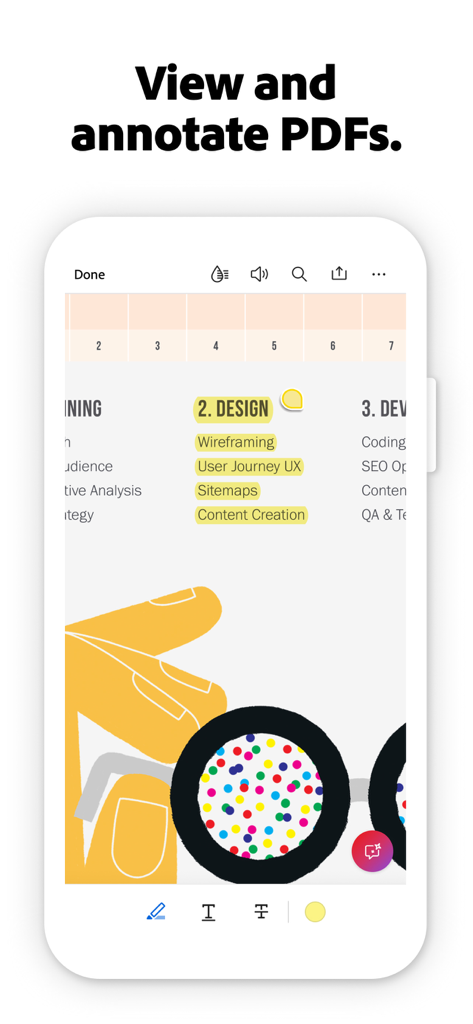
Yes, Adobe Acrobat Reader provides free annotation features. Users can add sticky notes, comments, and highlight text within their PDF documents for review and collaboration.
Adobe Acrobat Reader offers a 7-day free trial. After the trial, access to premium features like AI Assistant, advanced editing, and conversion requires a paid subscription.
Apps with similar features and user experience

Balzo srl

NEXT K.U.M. LTD

INTSIG Information Co., Ltd

Adobe Inc.

KINGSOFT OFFICE SOFTWARE CORPORATION LIMITED

ILOVEPDF S.L.

The Grizzly Labs

Microsoft Corporation

INDY MOBILE APP COMPANY LIMITED
