
DeskIn Remote Desktop




Unlock 4K 144FPS streaming and 4:4:4 true-color design on your iPhone or iPad. Enjoy ultra-low latency for gaming and professional productivity with the most secure, free remote access tool available.
Publisher
Category
ProductivityDownloads
393K+User Rating
Total Ratings
600Locales
7Discover the interface used by 393K+ users.
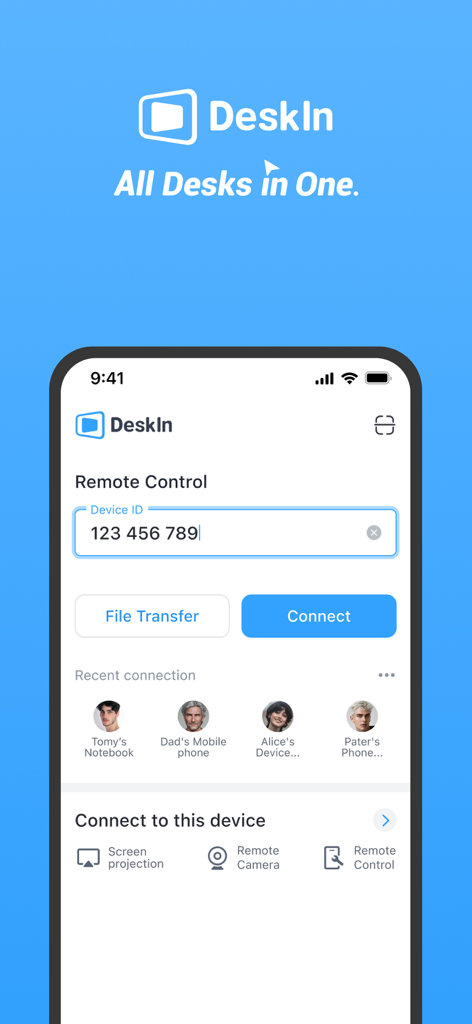
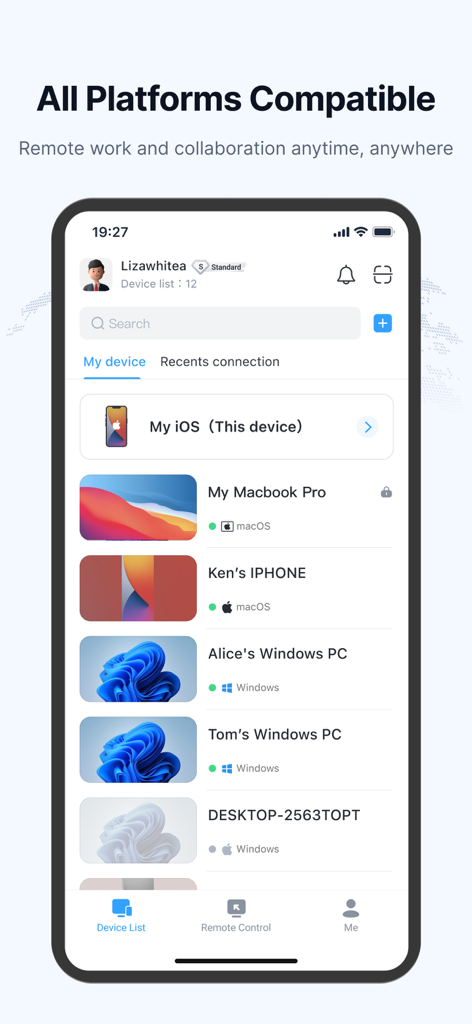
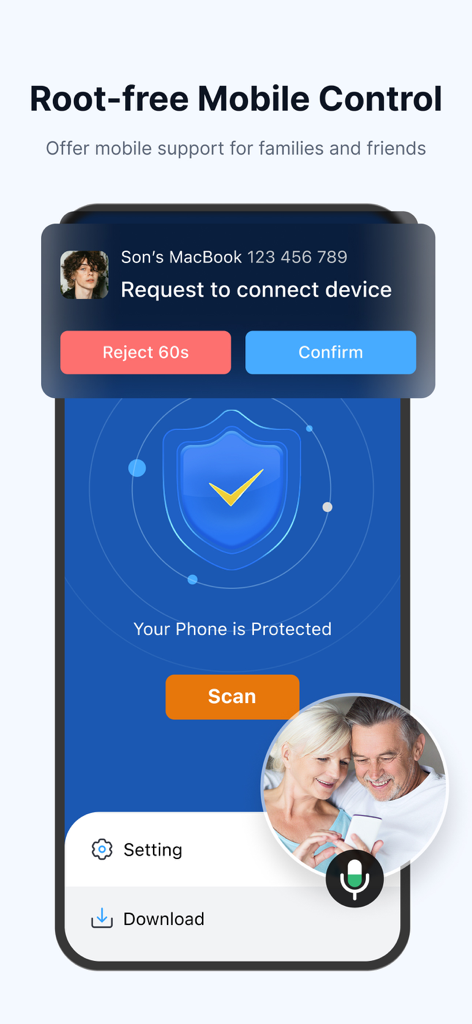
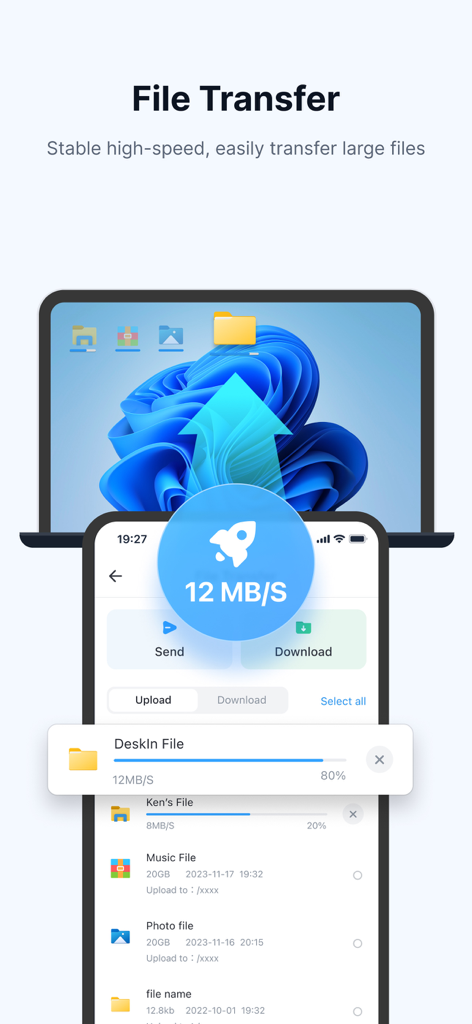
The tools that make this app stand out, trusted by 393K+ users.
Stream at 4K resolution and 144FPS with ultra-low 40ms latency. Includes 4:4:4 true-color support and Apple Pencil compatibility for seamless creative work and AAA gaming.
Break free from your desk with seamless multi-session support and file transfers up to 12MB/s. Turn your iPad into a second screen or a full Windows/Mac desktop replacement.
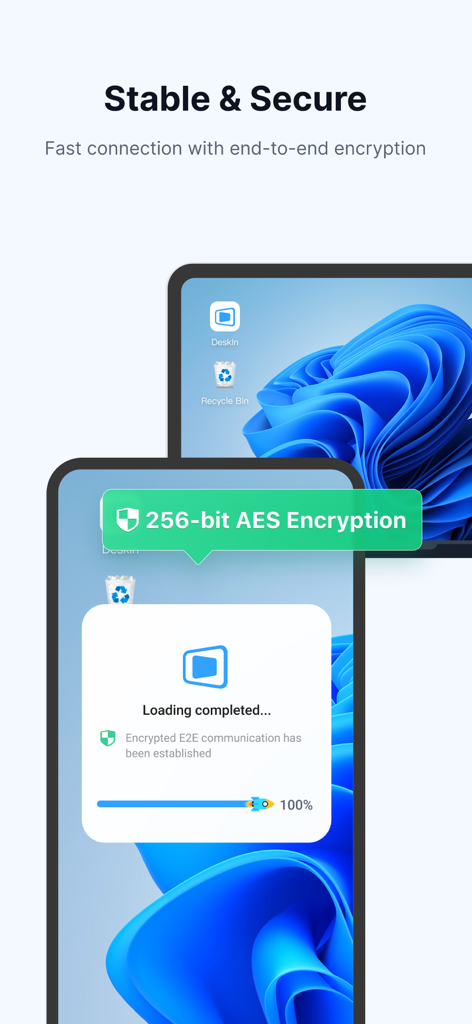
Connect to your remote devices anytime with bank-level E2E encryption and two-factor authentication. Control your PC or Mac securely even when no one is there to accept the connection.
Trusted by 393K+ people who love this app.
"As a freelance designer, DeskIn is a total game-changer. The 4:4:4 true-color display ensures my edits are precise, and the digital pen support on my iPad Pro feels like I'm working directly on my studio workstation. It's the first remote desktop tool that actually keeps up with my creative workflow without any lag or color compression."
"I've tried every remote play app out there, but nothing matches the 144FPS performance of DeskIn. I can stream AAA titles from my gaming rig to my iPhone with zero noticeable latency. Plus, the unattended access and file transfer features make it my go-to for both gaming in bed and managing my home server while I'm traveling."
Everything you need to know about DeskIn Remote Desktop.
Description
Latest Version
3.3.33
Size
113.2 MB
First Released
Jul 5, 2022
Join over 393,000 users and turn your iPhone or iPad into a high-performance workstation. Unlock 4K resolution, ultra-low latency, and bank-level security—anywhere you go.
Everything you need to know about DeskIn Remote Desktop
DeskIn is a free remote desktop app for personal use, providing fast, secure, and stable remote access. It allows control of one or multiple remote devices from an iPad or iPhone.
Yes, DeskIn is free for both personal and commercial use. An advanced Enterprise Edition is also available for additional features.
Yes, DeskIn ensures secure remote access with bank-level E2E encryption and two-factor authentication. It also supports custom passwords for unattended connections.
DeskIn supports remote access across major operating systems including Windows, macOS, iOS, and iPadOS. It offers seamless linking to these devices.
Yes, DeskIn allows quick file transfer between phones and PCs. It supports documents, images, or videos without format or size limits.
Yes, DeskIn supports remote play for Steam or PC games on iPhone or iPad. It offers a low-latency experience with customizable keyboard/gamepad support.
Yes, DeskIn supports secure unattended access. Users can set passwords for unattended connections and activate privacy mode to hide remote screens.
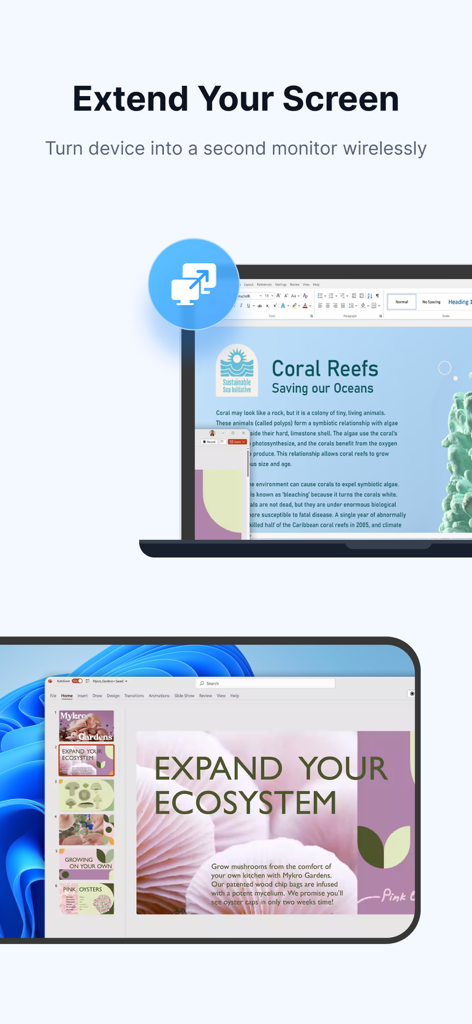
Yes, DeskIn offers screen extension functionality. It allows turning your device into a second monitor wirelessly, ideal for presentations or second-screen use.
Yes, DeskIn enables controlling mobile devices remotely via virtual phone or app remote functions. This feature is root-free and supports IT support.
To connect with DeskIn, install the app on both devices, sign in, and enter the remote device's ID and password. The connection then establishes.
Apps with similar features and user experience

Shanghai best oray information s&t co.,ltd

Guangzhou NetEase Computer System Co.Ltd

AWERAY PTE. LTD.

AnyDesk Software GmbH

TeamViewer Germany GmbH

Hainan Youqu Technology Co., Ltd.

Termius Corporation

RealVNC Limited

GoTo Group, Inc.
