LogMeIn Pro & Central

LogMeIn Pro & Central

Download on App StoreDownload on Google Play
Spark by MWM logo
Logo of LogMeIn Pro & Central

LogMeIn Pro & Central: Your Entire Office, Anywhere You Go

Securely access your PC or Mac from your iPad or iPhone. Run any desktop application, edit files, and manage your systems with professional-grade remote control and HD clarity.

Download on App Store

Publisher

GoTo Group, Inc.

Category

Business

Downloads

787K+

User Rating

4.6/5

Total Ratings

34K+

Locales

13

Desktop Power in Your Pocket

Discover the interface used by 787K+ users.

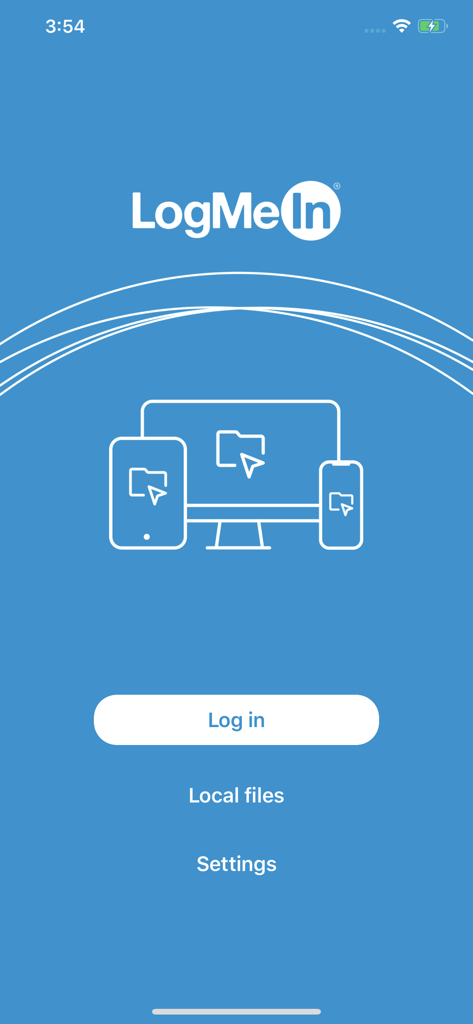
LogMeIn Pro mobile app login screen featuring remote access icons for desktop and mobile devices

LogMeIn Pro mobile app login screen featuring remote access icons for desktop and mobile devices

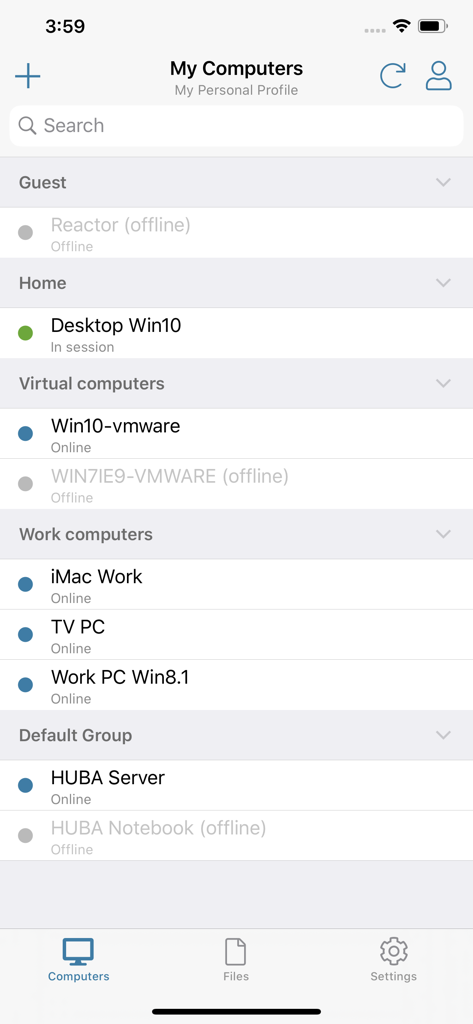
A list of remote computers categorized by groups like Home and Work showing their online or offline status in the LogMeIn Pro app.

A list of remote computers categorized by groups like Home and Work showing their online or offline status in the LogMeIn Pro app.

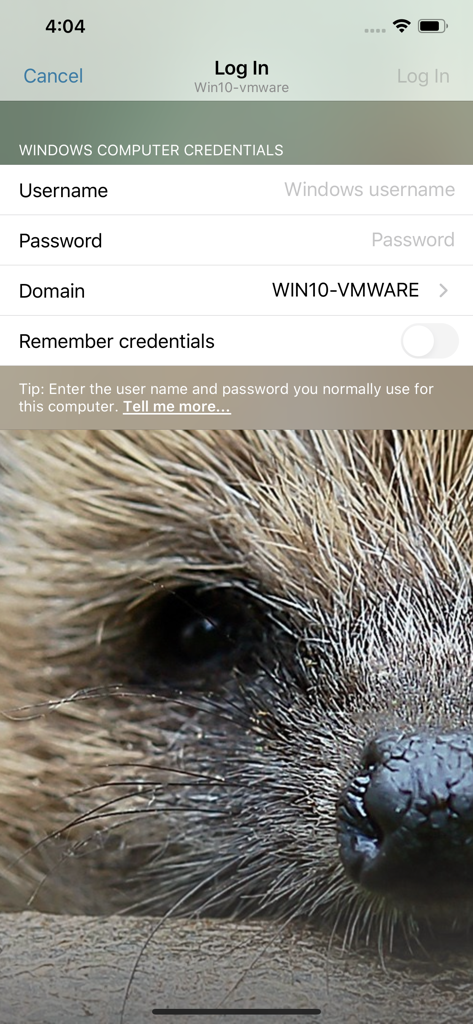
Login screen for remote desktop access showing windows computer credentials fields

Login screen for remote desktop access showing windows computer credentials fields

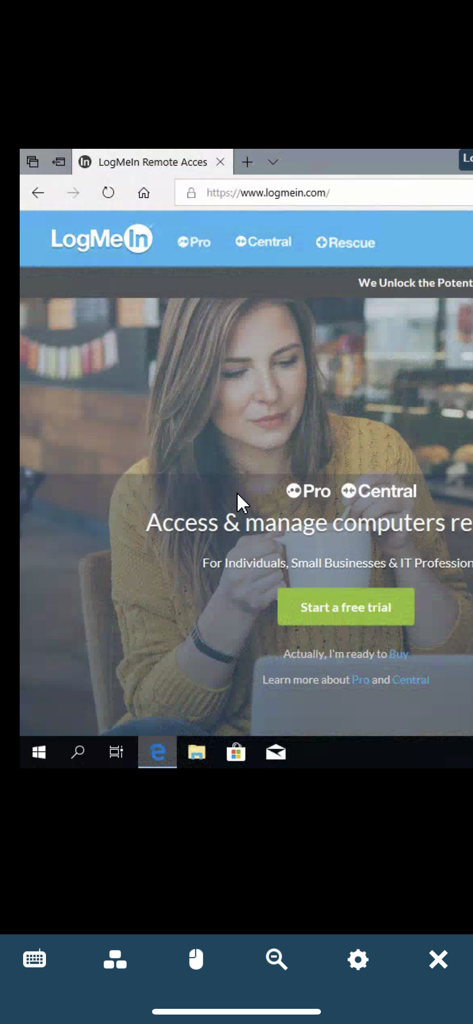
LogMeIn Pro app displaying a remote desktop session on a mobile screen

LogMeIn Pro app displaying a remote desktop session on a mobile screen

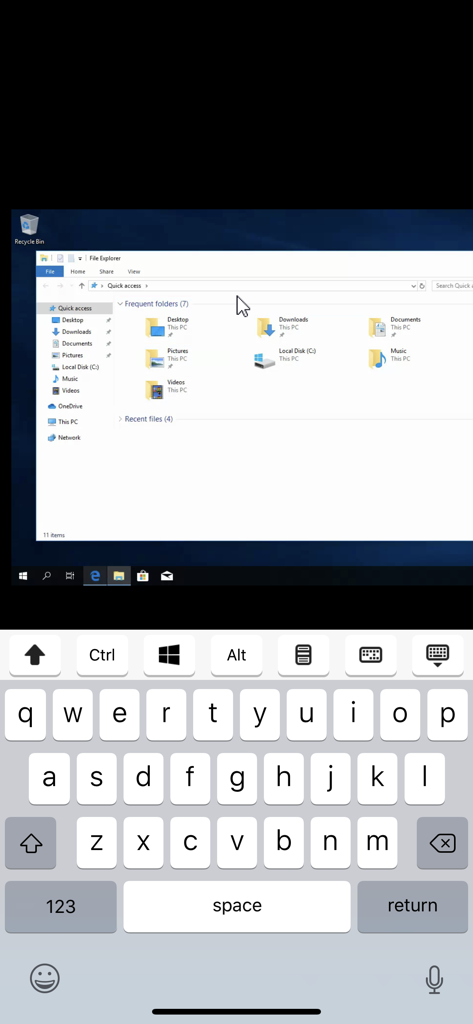
Remote Windows desktop access on an iPhone using the LogMeIn Pro app

Remote Windows desktop access on an iPhone using the LogMeIn Pro app

LogMeIn app interface displaying a high definition video of a space shuttle launch via remote desktop connection.

LogMeIn app interface displaying a high definition video of a space shuttle launch via remote desktop connection.

Your Entire Desktop, Reimagined for Mobile

The tools that make this app stand out, trusted by 787K+ users.

🖥️

Full Desktop Productivity

Run your most demanding desktop software—from heavy media suites to specialized CRM tools—directly on your iPad or iPhone with zero lag.

📂

Advanced File Management

Access, move, and copy files between devices effortlessly. Save critical documents to your mobile device for uninterrupted offline productivity.

📱

Multi-Monitor Precision

Navigate your entire workstation setup with ease. Switch between monitors or use the magnifying glass for pixel-perfect control on a smaller screen.

Loved by users worldwide

Trusted by 787K+ people who love this app.

"

"As an IT consultant managing dozens of remote machines, this app is a literal lifesaver. I can troubleshoot server issues and manage system updates from my iPad while I'm out in the field. The multi-monitor view is incredibly smooth, and it gives me the freedom to leave my heavy laptop behind without worrying about being unreachable."

David Stevens, Senior IT Consultant
"

"I often need to access resource-heavy design software that only runs on my office workstation. LogMeIn Pro allows me to bridge that gap perfectly from my iPad Pro. The HD video streaming and file manager make it feel like I'm sitting right at my desk, whether I'm at a coffee shop or traveling for a client meeting."

Elena Rodriguez, Creative Director

About the app

Everything you need to know about LogMeIn Pro & Central.

Description

Get secure anytime, anywhere access to your computers from your iPad or iPhone. LogMeIn Pro & Central gives LogMeIn Pro and Central subscribers remote access to PCs and Macs over Wi-Fi or mobile data. Note: to use this free app you must first have a LogMeIn subscription on the computer(s) you want to access. **************** How to use: 1. Install the app 2. Go to the PC or Mac you want to access and install the LogMeIn software. 3. Launch the app from your iPhone or iPad to access your computer For detailed step-by-step instructions, please read the LogMeIn Getting Started Guide. With LogMeIn Pro & Central you can: • Access your home and work computers on the go • Control your Mac or PC as if you’re sitting right in front of it • Get to your computer files and edit them from your iPad/iPhone • Remotely run any application on your computer from your iPad/iPhone Features include: • Mouse and screen settings – choose your preferred method of remote control with scroll mode • Magnifying glass and zoom slider – zoom by mouse, slide or with your fingers • Quick access to your files with File Manager – save files directly to your iPhone or iPad so you can work on them offline, or move and copy files between devices. • Change display color, resolution and network speed to maximize remote control performance. • HD video and sound – watch videos located on your computer in HD and sound stream remotely • Photo App Management – easily access and transfer photos • Attach any number of files, including photos and emails • Multi-monitor view – shake your device or three-finger swipe to switch between monitors **************** We love your feedback! X/Twitter: @GoTo

Latest Version

4.1.9371

Size

26.0 MB

First Released

Dec 22, 2011

Your Entire Office, Right in Your Pocket

Stop commuting back for forgotten files or frozen servers. Join over 780,000 professionals who rely on LogMeIn Pro for secure, high-performance remote access from any iPad or iPhone.

Download on App StoreDownload on Google Play