
RealVNC Viewer: Remote Desktop



Securely control your Mac, Windows, and Linux computers from anywhere with the industry-leading reliability and end-to-end encryption of the original VNC technology.
Publisher
Category
ProductivityDownloads
2M+User Rating
Total Ratings
70K+Locales
1Discover the interface used by 2M+ users.
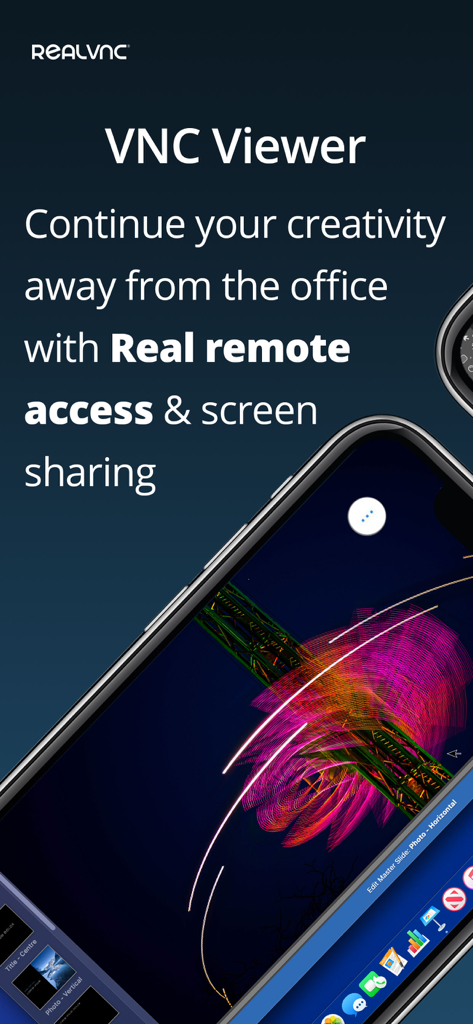
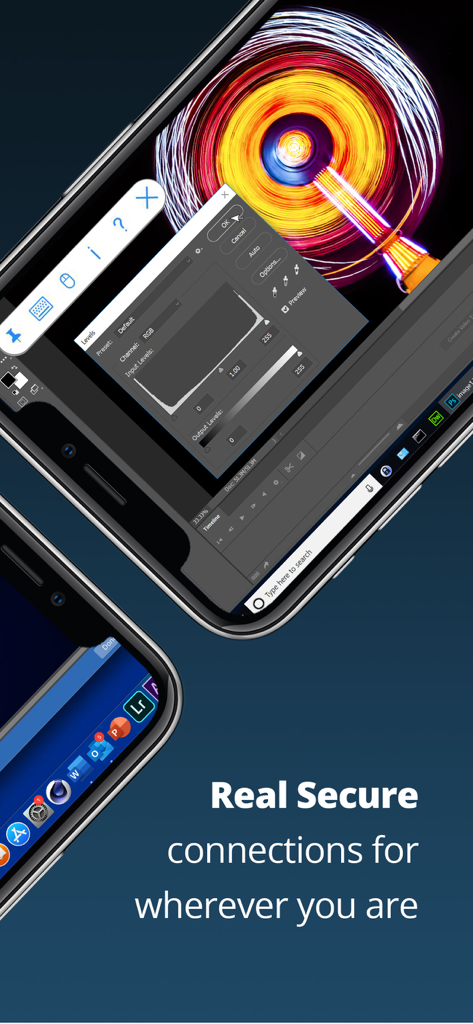
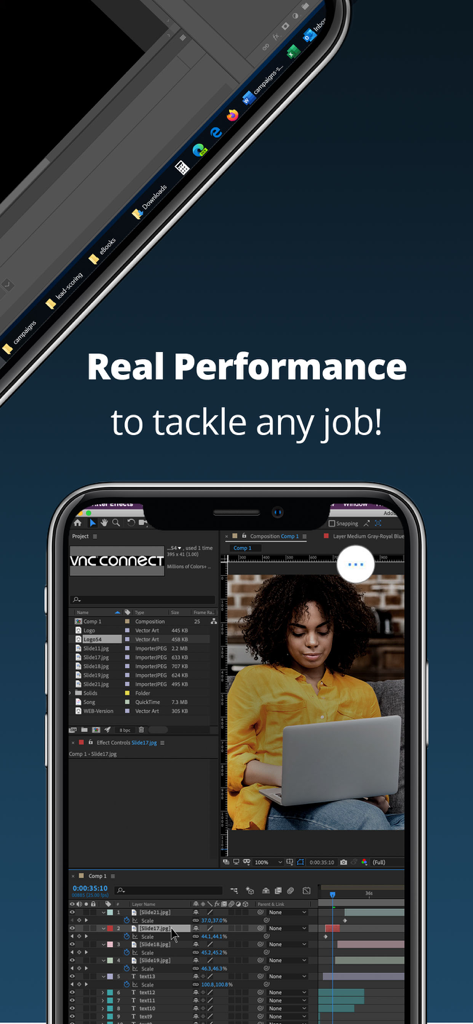
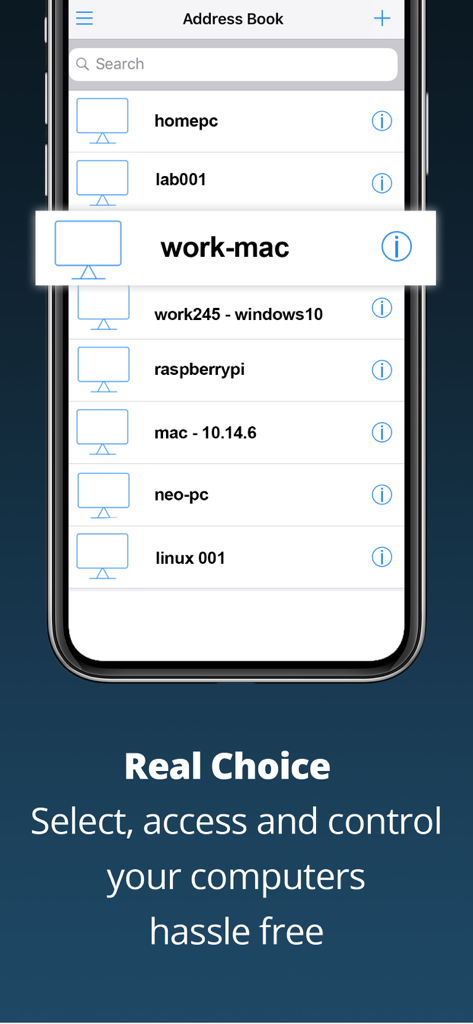
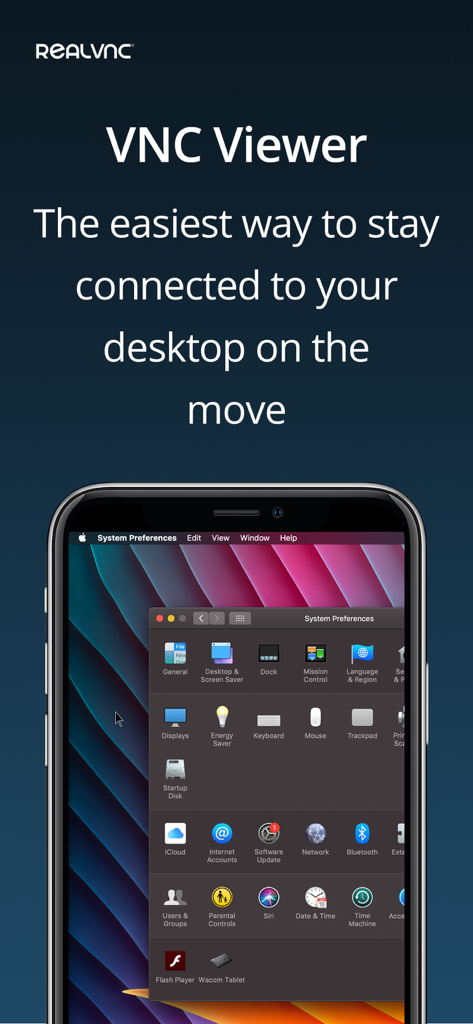
The tools that make this app stand out, trusted by 2M+ users.
Protect your infrastructure with end-to-end encryption and robust password protection, ensuring your remote sessions remain private and secure.
Master your workstation with a dedicated bar for advanced keys like Command and Windows, plus full support for external Bluetooth keyboards.
Connect instantly via our global cloud service and sync your entire list of remote computers automatically across all your mobile devices.
Trusted by 2M+ people who love this app.
"RealVNC Viewer is an essential tool for my daily workflow as a Systems Administrator. The ability to manage Linux servers and Windows desktops with full keyboard support from my iPhone is unmatched. It is reliable, secure, and incredibly easy to set up across all my devices."
"This app transformed my iPad into a true mobile workstation. I can access my high-powered desktop from anywhere in the world with zero lag. The mouse precision and Bluetooth keyboard support make it feel like I never left my desk. It is a must-have for any remote professional."
Everything you need to know about RealVNC Viewer: Remote Desktop.
Description
Latest Version
4.9.3
Size
9.2 MB
First Released
Feb 2, 2010
Join over 2 million professionals using the industry standard for secure, encrypted remote access. Download the original VNC Viewer today and bridge the gap between your mobile device and your workstations.
Everything you need to know about RealVNC Viewer: Remote Desktop
RealVNC Viewer provides instant remote access to Mac, Windows, and Linux computers. It enables users to view the desktop and control the mouse and keyboard from another device, offering comprehensive remote management.
RealVNC Viewer is compatible with Mac, Windows, and Linux operating systems for remote access. It allows users to control these diverse computer environments from their mobile device.
To set up a connection, install RealVNC Connect on the target computer. Then, sign in to RealVNC Viewer on your device with your RealVNC account credentials. Connected computers automatically appear for selection.
Yes, RealVNC Viewer is a secure remote desktop application. It password-protects each computer by default and requires login credentials. All remote sessions are encrypted end-to-end for privacy.
Yes, RealVNC Viewer controls a remote computer's mouse and keyboard. Your device's touch screen functions as a trackpad for precise cursor movement, supporting in-app gestures for specific actions.
Yes, RealVNC Viewer offers special keyboard features. A virtual keyboard includes a scrolling bar with advanced keys like Command/Windows. It also provides full support for external Bluetooth keyboards.
RealVNC Viewer synchronizes connections across multiple devices by signing in with your RealVNC account. This feature backs up and syncs your saved connections, making them accessible on all your logged-in devices.
Apps with similar features and user experience

Shanghai best oray information s&t co.,ltd

Guangzhou NetEase Computer System Co.Ltd

AWERAY PTE. LTD.

AnyDesk Software GmbH

TeamViewer Germany GmbH

Hainan Youqu Technology Co., Ltd.

ZULER TECHNOLOGY PTE. LTD.

Termius Corporation

GoTo Group, Inc.
