TeamViewer Remote Control

TeamViewer Remote Control

Download on App Store
Spark by MWM logo
Logo of TeamViewer Remote Control

TeamViewer Remote Control: Your Entire Desktop in Your Pocket

Experience the freedom of secure, high-performance remote access. Manage files, provide instant support, and control your office PC from anywhere with industry-grade 256-bit encryption.

Publisher

TeamViewer Germany GmbH

Category

Productivity

Downloads

21M+

User Rating

4.7/5

Total Ratings

318K+

Locales

28

Control in Your Palm

Discover the interface used by 21M+ users.

Promotional banner for TeamViewer Remote Control showing diverse professionals using remote access on various mobile devices.

Promotional banner for TeamViewer Remote Control showing diverse professionals using remote access on various mobile devices.

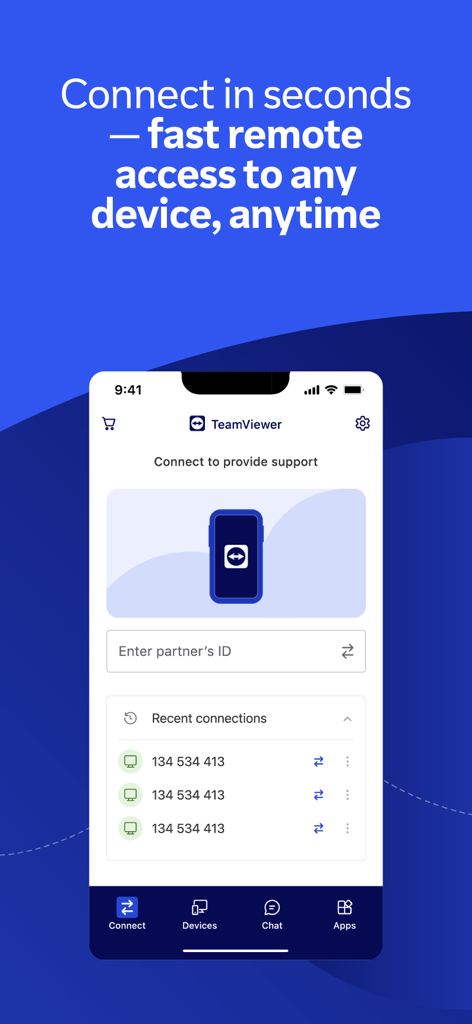
Main interface of TeamViewer Remote Control app showing remote connection options and recent devices list

Main interface of TeamViewer Remote Control app showing remote connection options and recent devices list

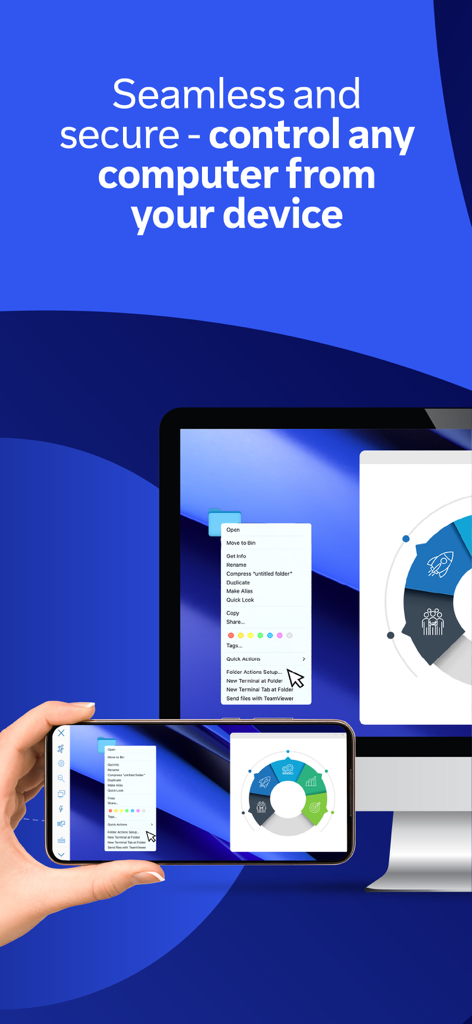
A hand holding a smartphone mirroring and controlling a desktop computer screen using TeamViewer Remote Control

A hand holding a smartphone mirroring and controlling a desktop computer screen using TeamViewer Remote Control

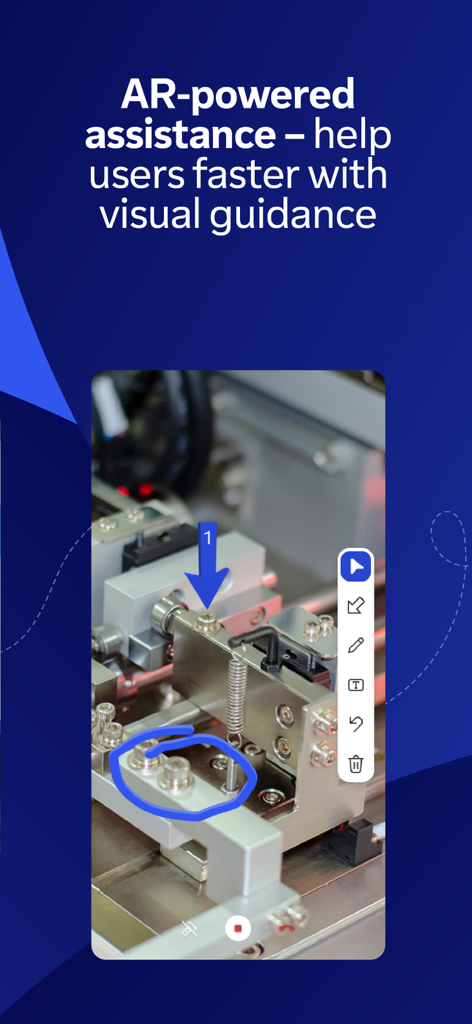
TeamViewer Assist AR feature showing visual guidance with 3D markers for remote technical support

TeamViewer Assist AR feature showing visual guidance with 3D markers for remote technical support

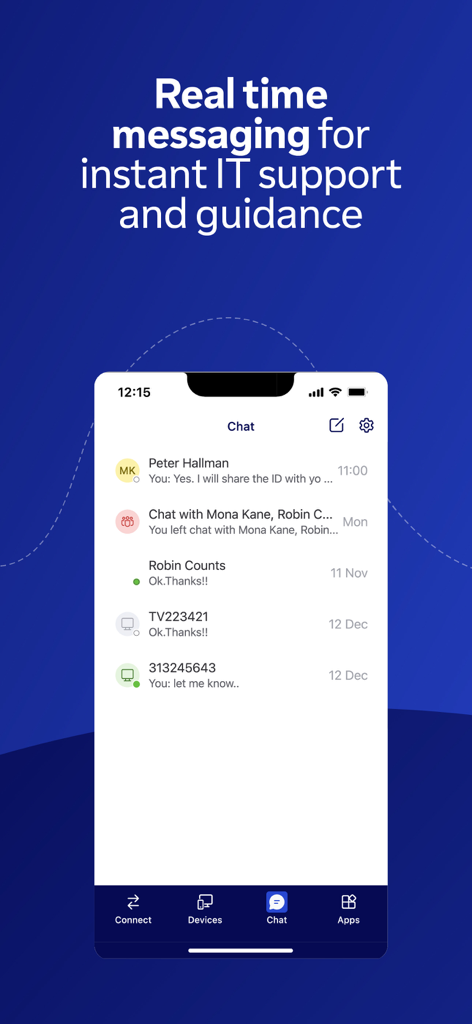
TeamViewer Remote Control app screenshot showing the real time messaging interface for IT support

TeamViewer Remote Control app screenshot showing the real time messaging interface for IT support

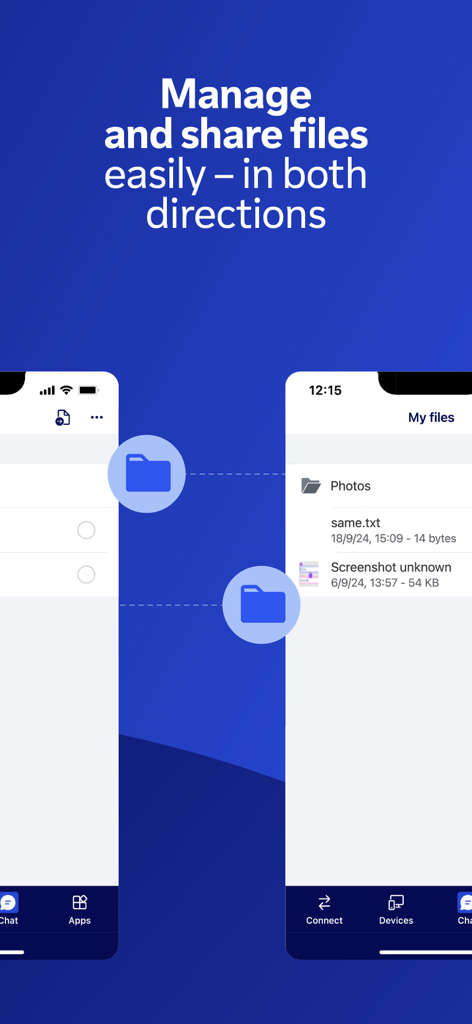
TeamViewer Remote Control app interface showing bidirectional file management and sharing features

TeamViewer Remote Control app interface showing bidirectional file management and sharing features

Command Your Workspace From Anywhere

The tools that make this app stand out, trusted by 21M+ users.

🖱️

Seamless Remote Control

Access your PC, Mac, or Linux desktop with intuitive touch gestures and HD video transmission, giving you full control as if you were sitting right in front of your desk.

🔒

Industry-Grade Security

Operate with total peace of mind thanks to 256-bit AES encryption and secure authentication, ensuring your sensitive corporate data stays protected across all connections.

🛠️

Visual AR Assistance

Resolve physical issues remotely using Assist AR to place 3D markers in the real world, allowing you to guide field technicians or family members through complex repairs.

Loved by users worldwide

Trusted by 21M+ people who love this app.

"

"TeamViewer is an absolute lifesaver for my IT workflow. Whether I am at a coffee shop or on the train, I can securely access our servers and resolve issues in minutes. The 256-bit encryption gives me the peace of mind I need when handling sensitive company data on the go."

Marcus T., Network Engineer
"

"The Assist AR feature is a total game-changer for my field service team. I can place 3D markers in their environment to guide them through complex repairs in real-time. It has significantly reduced our travel costs and improved our response times across all our locations."

Elena R., Operations Manager

About the app

Everything you need to know about TeamViewer Remote Control.

Description

Control your desktop, manage files, and support devices—from anywhere, anytime. Whether you’re on the move, traveling, or in the field, the TeamViewer Remote Control app gives you fast, secure remote access right from your iPhone or iPad. What's inside: • Securely access your devices as if you were right in front of them • Provide instant support or manage unattended devices like servers or digital signage or Point of Sale and virtual machines • Make Assist AR calls for live, visual support with augmented reality — guide users by placing 3D markers in their environment • Use your iPhone and iPad to work on your remote desktop while traveling • Share and transfer files easily between devices — in both directions • Chat in real time for questions, updates, or guidance during a session • Enjoy smooth screen sharing with sound and HD video transmission Key Features: • Full remote control and screen sharing • Intuitive touch gestures and controls • File transfer in both directions • Real-time chat • High-quality sound and video • Effortlessly access computers behind firewalls and proxy servers • Multi-monitor support • Sound and video transmission in real-time • Wake-On-LAN: switch on your computer remotely • Industry-grade security: 256-bit AES encryption • Works across all operating systems. How to get started: 1. Install this app on your iPhone or iPad. 2. On the device you want to connect to, install the TeamViewer QuickSupport app 3. Open both apps, enter the ID or Session code from QuickSupport, and connect Optional Access Permissions: • Camera – To Scan QR codes • Microphone – To transmit audio or record sessions (You can use the app without these permissions; adjust them anytime in Settings) Want to allow remote access to this device instead? Download the TeamViewer QuickSupport app. TeamViewer subscriptions purchased from the app will be charged to your iTunes account and will automatically renew within 24 hours prior to the end of the current subscription period, unless auto-renewal is turned off, after purchase, go to your iTunes account settings. A subscription cannot be cancelled during the active subscription period. Privacy Policy: https://www.teamviewer.com/apps-privacy-policy Terms of Use: https://www.teamviewer.com/eula/

Latest Version

15.73.1

Size

107.9 MB

First Released

Oct 2, 2013

Stay in Control, No Matter Where You Are

Experience the freedom of secure, high-performance remote access. Download TeamViewer now and turn your iPhone or iPad into a powerful mobile workstation.

Download on App Store
FAQ

Frequently Asked Questions

Everything you need to know about TeamViewer Remote Control

How do I connect to a remote device using the TeamViewer Remote Control app?

To connect, install the TeamViewer Remote Control app on your iPhone or iPad and the TeamViewer QuickSupport app on the target device. Open both, enter the ID or Session code from QuickSupport, then connect.

Can I transfer files with the TeamViewer Remote Control app?

Yes, the TeamViewer Remote Control app allows users to easily share and transfer files between devices in both directions. This feature is integral for managing remote systems.

Does TeamViewer Remote Control offer augmented reality support?

Yes, the TeamViewer Remote Control app includes Assist AR calls for live, visual support. It enables users to guide others by placing 3D markers in their environment.

Is the TeamViewer Remote Control app secure?

Yes, the TeamViewer Remote Control app provides industry-grade security with 256-bit AES encryption. It offers secure remote access as if you were physically present.

What are the main features of the TeamViewer Remote Control app?

Key features include full remote control, screen sharing, real-time chat, two-way file transfer, multi-monitor support, Wake-On-LAN, and AR-powered assistance, all secured with 256-bit AES encryption.

Can I use the TeamViewer Remote Control app to chat during a session?

Yes, the TeamViewer Remote Control app allows real-time chat. Users can chat during a session for questions, updates, or guidance, enhancing instant IT support.

How does TeamViewer Remote Control support unattended devices?

The TeamViewer Remote Control app provides instant support or management for unattended devices such as servers, digital signage, Point of Sale systems, and virtual machines from your iPhone or iPad.

Does the TeamViewer Remote Control app support multiple monitors?

Yes, the TeamViewer Remote Control app offers multi-monitor support. This feature allows users to efficiently manage and control remote systems with multiple displays.

How do I enable remote access to my iPhone/iPad using TeamViewer?

To allow remote access to your iPhone or iPad, you must download the separate TeamViewer QuickSupport app on that device. The TeamViewer Remote Control app is for controlling other devices.

Are TeamViewer subscriptions auto-renewing?

Yes, TeamViewer subscriptions purchased from the app automatically renew within 24 hours before the end of the current period, unless auto-renewal is turned off in iTunes account settings.