
Focos


Unleash professional-grade bokeh effects and 3D lighting on any photo. Re-focus after the fact and transform your mobile shots into cinematic masterpieces with the power of computational photography.
Publisher
Category
Photo & VideoDownloads
32M+User Rating
Total Ratings
326K+Locales
34Discover the interface used by 32M+ users.
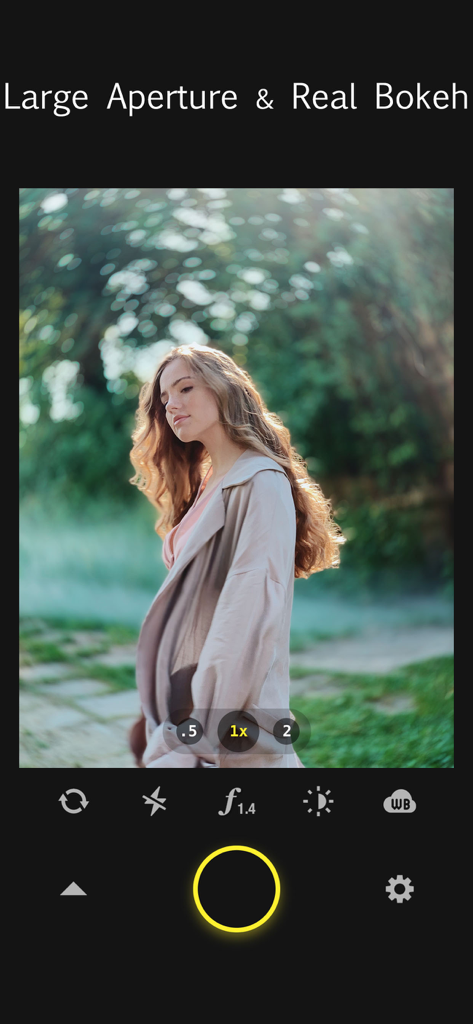
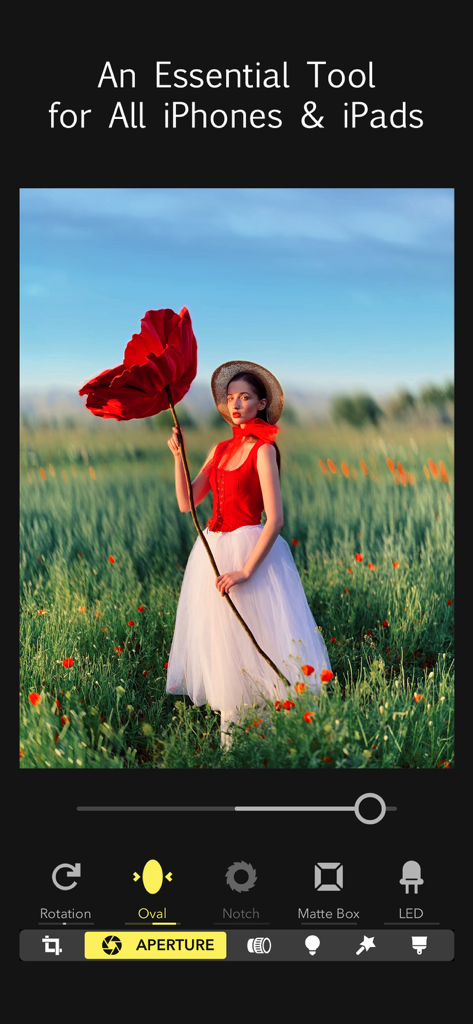
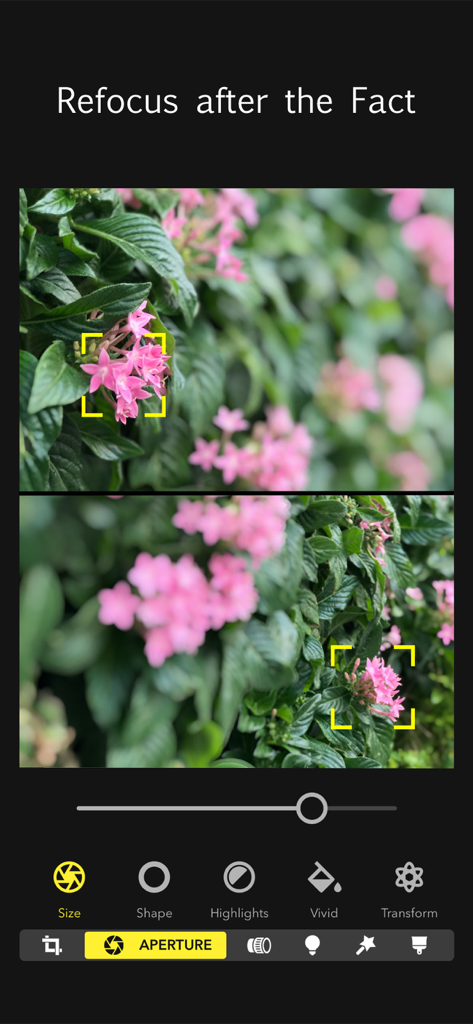
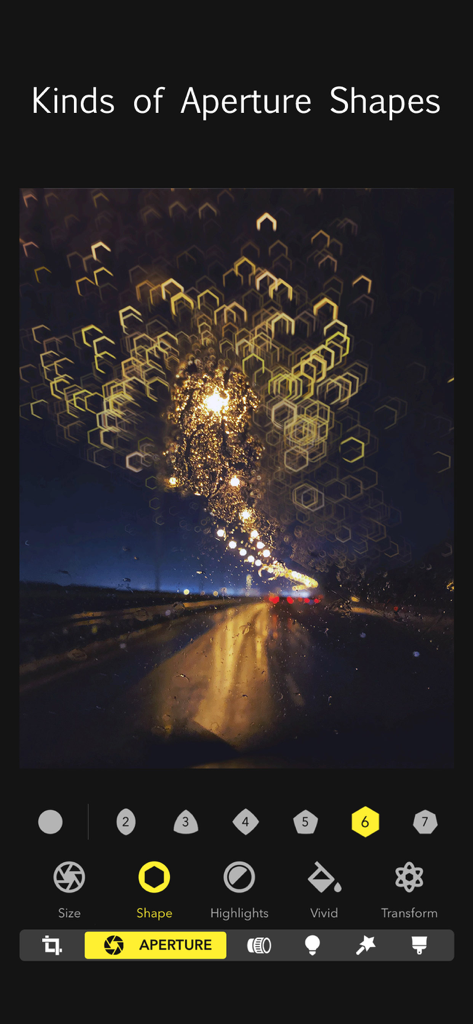
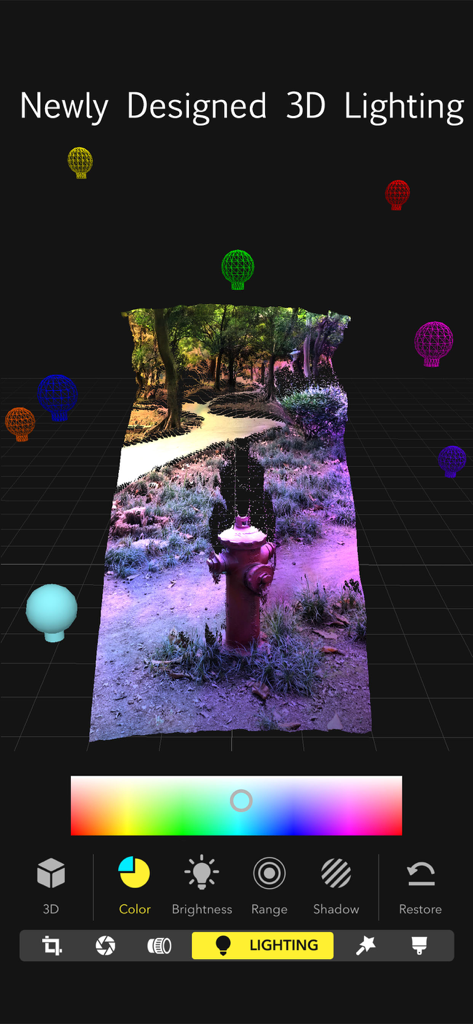
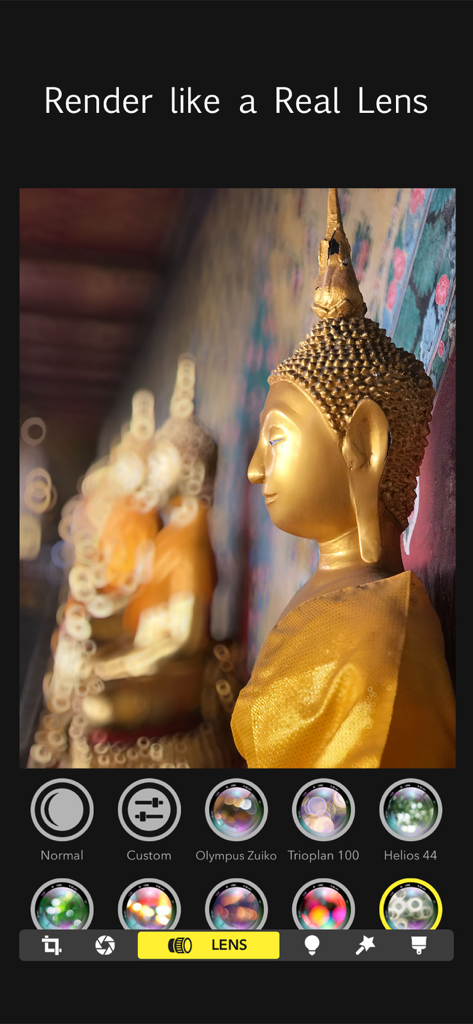
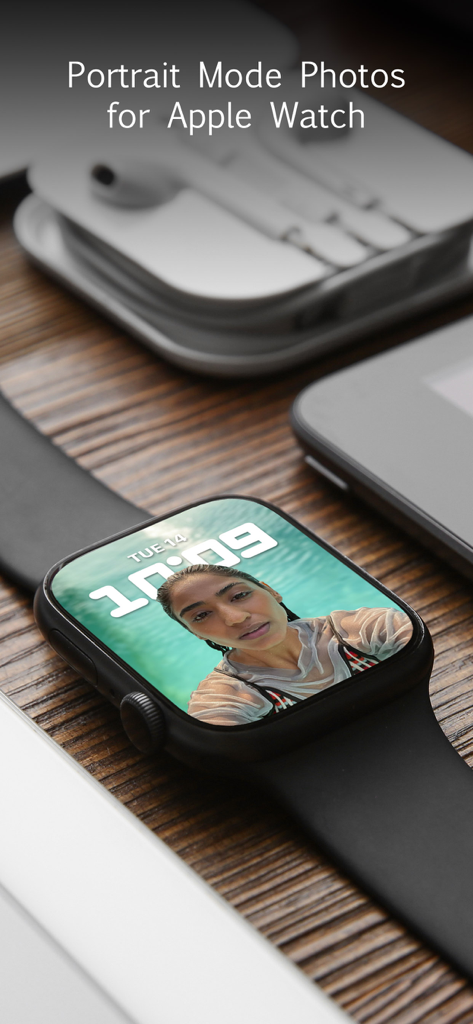
The tools that make this app stand out, trusted by 32M+ users.
Never lose a moment to a blurry subject. Use our light-field technology to change the focus point of any photo long after it's been captured.
Ditch the heavy lenses. Simulate large apertures and professional lens characteristics to create creamy, artistic background blur instantly.
Go beyond flat filters. Add multiple light sources in a true 3D space to highlight your subjects and fix lighting gaps with professional precision.
Trusted by 32M+ people who love this app.
"As a professional photographer, I used to carry my heavy DSLR everywhere just for that shallow depth of field. Focos has completely changed my workflow. The ability to adjust the aperture and lens characteristics after the shot is mind-blowing. It is the only app that truly simulates the creamy bokeh of a high-end prime lens."
"I love how I can take any old photo and turn it into a professional portrait in seconds! The 3D lighting feature is a total game-changer for my Instagram feed, letting me add highlights exactly where I need them. It makes my iPhone shots look like they were taken in a professional studio."
Insights from user reviews.
Sentiment Score
Summary
General feedback for the app is overwhelmingly negative, primarily driven by a drastic shift in its monetization model from free or one-time purchase to expensive, mandatory subscriptions for core functionality and even saving photos. Many users lament the loss of previously free features and report various critical bugs, such as distorted editing tools when zooming, inaccurate touch recognition (especially after iOS 26 updates), and exported images saving at reduced resolution or without proper depth maps. Several users also reported billing and refund issues, including being charged after cancellation or having lifetime purchases invalidated. Despite these significant drawbacks, a limited number of users still commend the app for its effective and high-quality depth focus editing capabilities, when they function correctly.
Common Themes
Everything you need to know about Focos.
Description
Latest Version
2.11.36
Size
329.8 MB
First Released
Oct 31, 2017
Join over 32 million creators and turn your iPhone into a DSLR. Download Focos to unlock pro-grade bokeh, 3D lighting, and the magic of focusing after the fact.
Everything you need to know about Focos
Focos is a computational photography app bringing DSLR-like photography to iPhone and iPad Pro. It enables beautiful bokeh effects, focus adjustment after the fact, and multi-light 3D space editing. The app offers unlimited changes to photos.
Yes, Focos allows users to re-focus portrait photos that have already been taken with a simple tap. It provides the capability to adjust focus after the fact, exceeding traditional editing limits.
Yes, Focos's AI engine automatically calculates depth of field for all photos. This feature enables users to achieve shallow depth of field without manual painting or selections.
Yes, Focos allows users to choose from various simulated aperture diaphragms to generate different bokeh spot effects. The app features multiple aperture shapes for creative control.
Yes, Focos enables users to add multiple lights in a 3D space. Users can intuitively adjust the color, brightness, and other properties for each individual light source.
Yes, Focos is compatible with iPad Pro. It is possible to precisely patch the depth map on iPad using an Apple Pencil, enhancing editing capabilities and workflow.
Yes, Focos offers professional options to simulate real lens characteristics. These include creamy, bilinear, swirly, and reflex effects, replicating qualities found in expensive lenses like Olympus Zuiko or Helios 44.
Yes, Focos is designed as an essential tool for all iPhones and iPads. It extends powerful computational photography and editing features across these Apple mobile devices.
Apps with similar features and user experience

TRUESIGHT PTE. LTD.

Bergen Co.

Lens Distortions, LLC

Mathaeus Jagielski

Polarr Inc

Apple Inc.

Canon Inc.

Google LLC

Beijing Kwai Technology Co., Ltd.
