Photomator – Photo Editor

Photomator – Photo Editor

Download on App Store
Spark by MWM logo
Logo of Photomator – Photo Editor
Photomator: Professional Photo Editing Powered by AI

Experience desktop-grade RAW editing on your iPhone, iPad, and Mac. Enhance your shots with intelligent tools, seamless iCloud sync, and powerful AI features designed for the modern creator.

Publisher

Apple Inc.

Category

Photo & Video

Downloads

1M+

User Rating

4.5/5

Total Ratings

8K+

Locales

11

The Pro Studio, Redefined

Discover the interface used by 1M+ users.
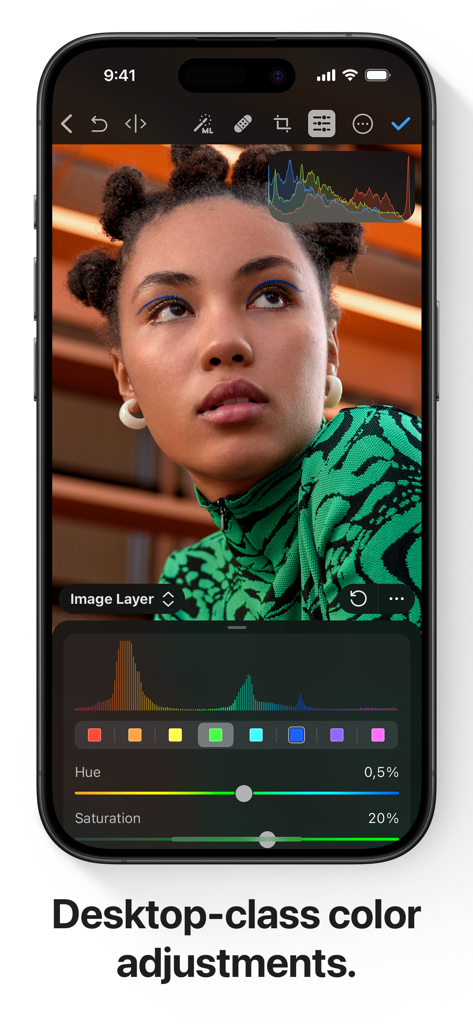
iPhone screen showing professional color adjustment tools and a portrait in Photomator.

iPhone screen showing professional color adjustment tools and a portrait in Photomator.

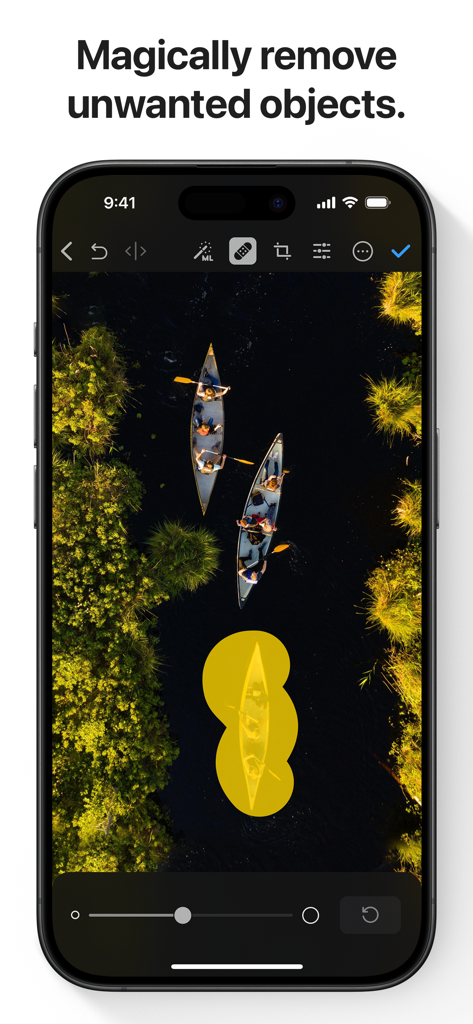
A screenshot of the Photomator app showing the AI-powered object removal tool being used on an aerial photo of canoes.

A screenshot of the Photomator app showing the AI-powered object removal tool being used on an aerial photo of canoes.

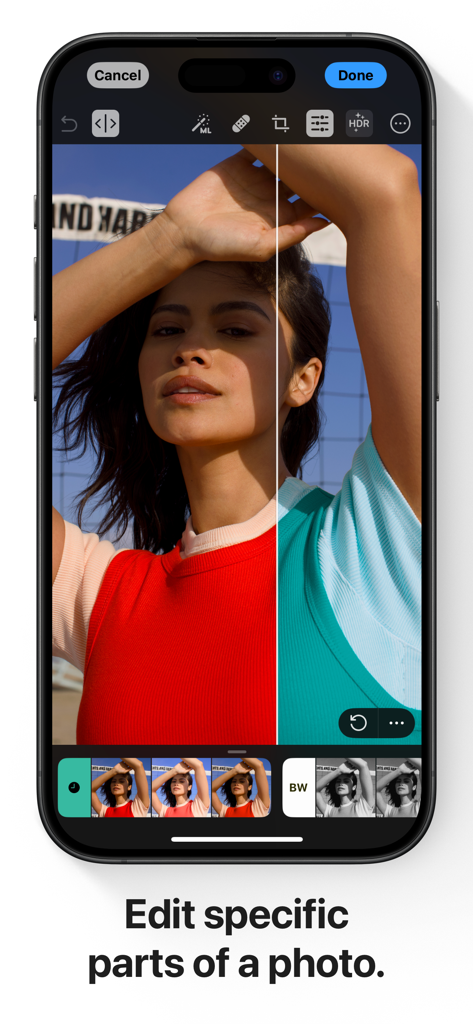
iPhone screen showing a split view demonstration of selective color editing in the Photomator app

iPhone screen showing a split view demonstration of selective color editing in the Photomator app

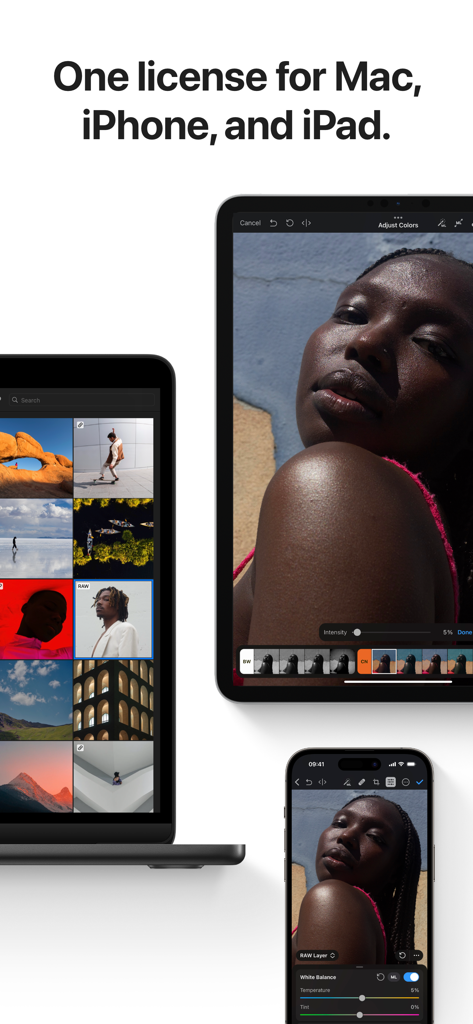
Photomator app interface shown on MacBook iPad and iPhone

Photomator app interface shown on MacBook iPad and iPhone

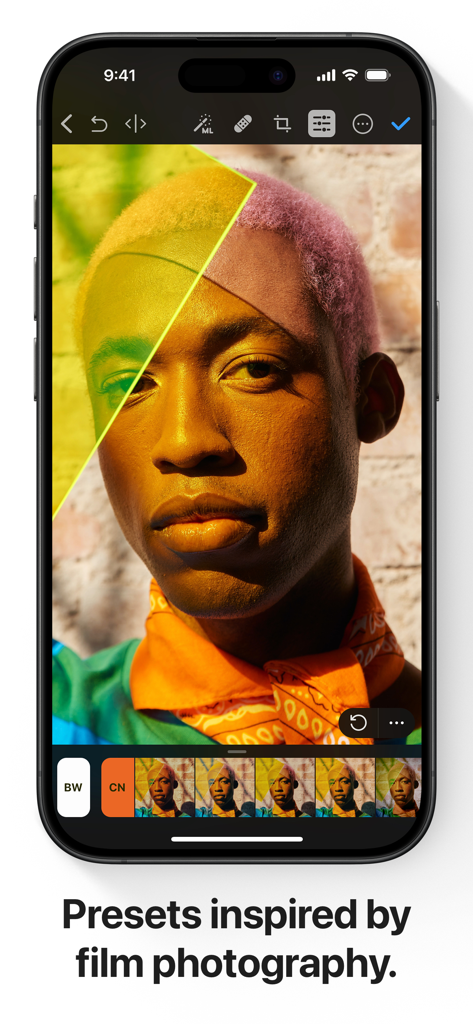
Photomator app interface on iPhone displaying professional film-inspired presets for portrait editing

Photomator app interface on iPhone displaying professional film-inspired presets for portrait editing

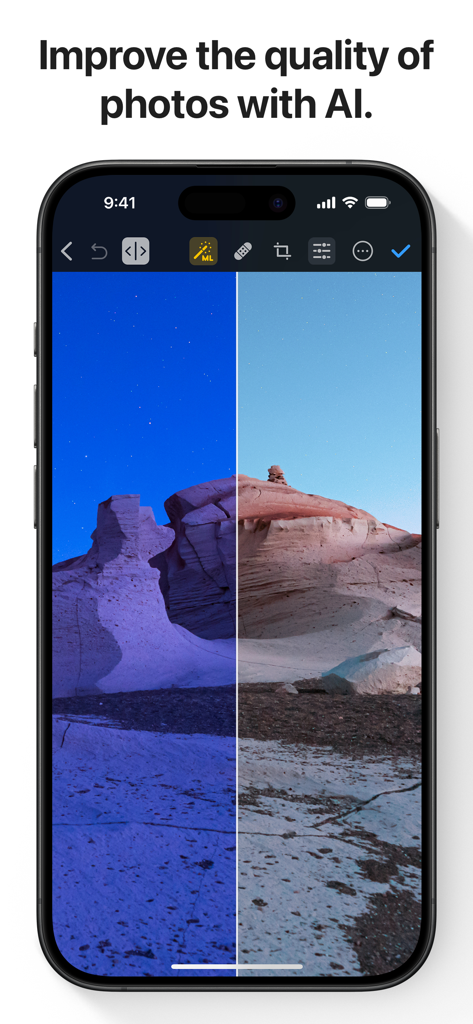
A before and after comparison of a desert landscape being improved by AI in the Photomator app.

A before and after comparison of a desert landscape being improved by AI in the Photomator app.

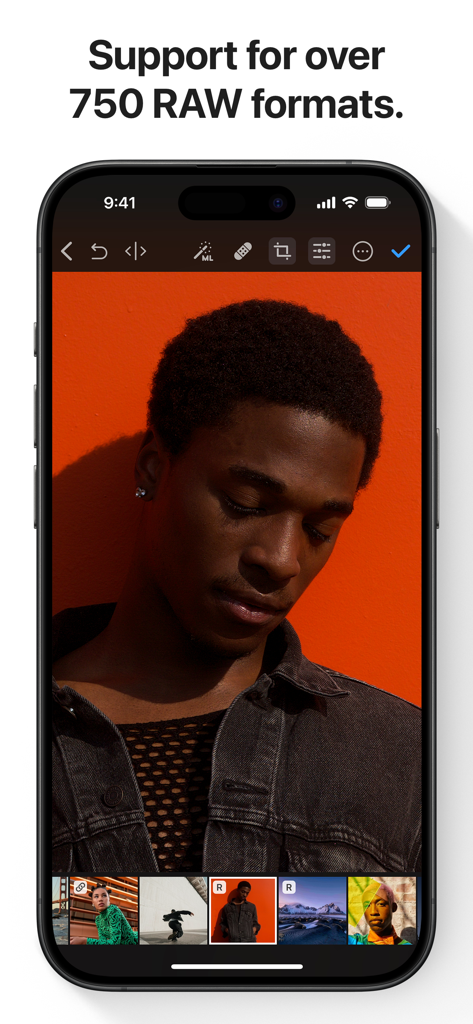
Photomator app on iPhone displaying RAW photo editing of a portrait with an orange background

Photomator app on iPhone displaying RAW photo editing of a portrait with an orange background

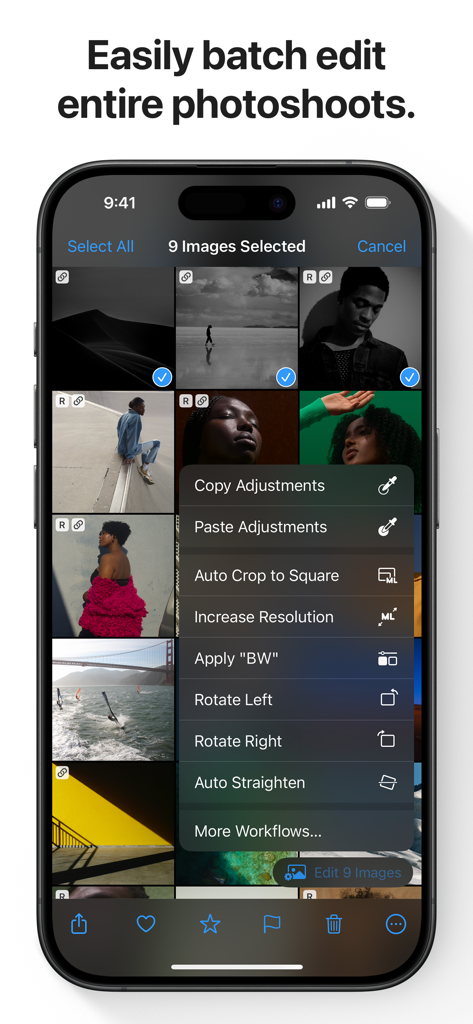
Photomator app interface on iPhone showing batch photo editing options for multiple selected images

Photomator app interface on iPhone showing batch photo editing options for multiple selected images

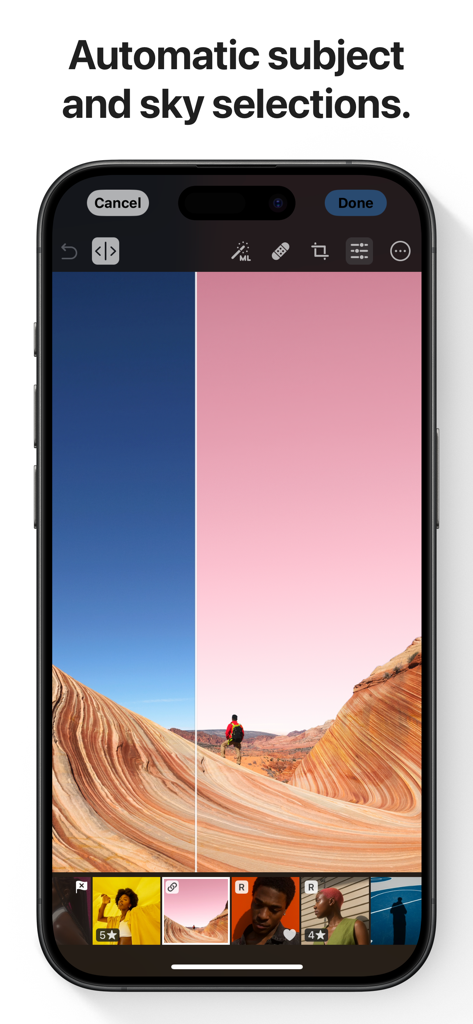
A smartphone showing Photomator app with automatic AI sky and subject selection feature on a landscape photo

A smartphone showing Photomator app with automatic AI sky and subject selection feature on a landscape photo

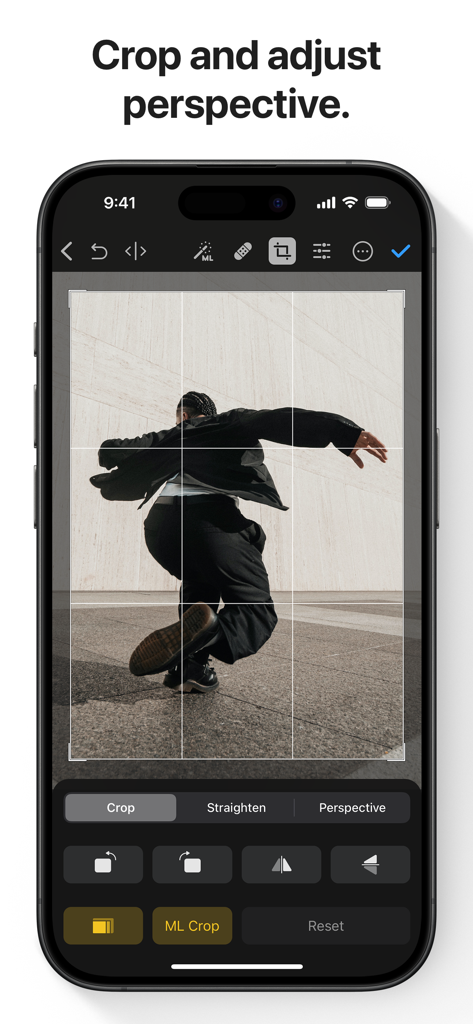
Photomator app interface showing crop and perspective adjustment tools on an iPhone

Photomator app interface showing crop and perspective adjustment tools on an iPhone

Professional Power at Your Fingertips

The tools that make this app stand out, trusted by 1M+ users.

🪄

Intelligent AI Enhancements

Instantly upscale resolution, remove noise, and select subjects with machine learning trained on 20 million professional photos.

💎

True RAW Editing

Full support for 750+ RAW formats, including Apple ProRAW, giving you total nondestructive control over every pixel.

☁️

Fluid Cloud Workflow

Your edits sync automatically across iPhone, iPad, and Mac, allowing you to create anywhere, anytime without missing a beat.

Loved by users worldwide

Trusted by 1M+ people who love this app.

"

"Photomator has completely transformed my travel workflow. Being able to edit heavy RAW files from my Sony camera directly on my iPad Pro with desktop-grade precision is a game-changer. The AI Super Resolution and Denoise tools are honestly magic—they’ve saved shots I thought were unusable."

Julian Rivers
"

"I’ve tried every photo app out there, but Photomator is in a league of its own. It feels like a native part of the Apple ecosystem but with the power of a pro studio. The batch editing feature saves me hours when I'm processing content for my brand, and the AI subject selection is incredibly accurate."

Sarah Jenkins

About the app

Everything you need to know about Photomator – Photo Editor.

Description

Photomator is the most powerful photo editing app ever designed for a mobile device. It includes an extensive collection of cutting-edge color adjustments, automatic selections powered by AI, support for over 750 RAW image formats, a magical Repair tool for removing unwanted objects, and many more powerful features, letting you enjoy pro photo editing anyplace, anytime. Everything you need to make your photos look incredible • Edit photos using a wide collection of powerful, nondestructive color adjustments • Quickly make precise subject, sky, and background selections in photos using AI, add gradient masks, and easily make selections using a brush • Effortlessly remove unwanted objects using an incredible object removal tool • Crop, straighten, rotate, and adjust the perspective of photos with an easy-to-use Crop tool • Instantly increase the resolution of photos using AI • Remove camera noise and image compression artifacts with the powerful Denoise feature • Magically remove color banding and increase color depth in photos with the AI-powered Smart Deband feature • Make your photos stand out with photographer-designed presets for landscape, black and white, and other photography styles • Easily copy and paste edits between photos or batch edit even hundreds of photographs at a time • Open and edit over 750 RAW image formats, including Apple ProRAW and compressed Fujifilm RAWs • Follow all the changes you make in the beautiful live histogram Tools powered by AI • Select the subject, sky, or background in a photo with just a tap • Improve the quality of photos by reducing camera noise with the AI-powered Denoise feature, intelligently upscale photos with Super Resolution, or magically remove color banding and increase color depth using Smart Deband • Automatically enhance shots using a machine learning algorithm trained on 20 million pro photos, or fine-tune individual adjustments, like White Balance, Selective Color, or Color Balance with a single tap • Intelligently crop photos using the AI-powered auto-cropping • Copy the look of any photo to another using the incredible Match Colors feature State-of-the-art color adjustments • Enjoy powerful tools for effortlessly adjusting the temperature, tint, exposure, contrast, brightness, hue, saturation, and vibrance in your photos • Recover incredible amounts of detail in the highlights and shadows of photos • Magically enhance fine details and structure in photos using powerful Clarity and Texture adjustments, or adjust textures in the highlights, midtones, and shadows separately • Selectively edit individual color ranges with Selective Color, or improve the balance of colors in the shadows, midtones, and highlights with Color Balance • Adjust lighting and colors with full precision using Levels and Curves adjustments • Mix the balance of the red, green, and blue color channels to create intense color effects in your images • Replace any color with any other using the Replace Color adjustment • Create beautiful black and whites even from your color photos • Use a range of additional adjustments, like Sharpen, Fade, Grain, Color Monochrome, Sepia, and Invert to make your photos stand out • Instantly change the look of photos with LUTs or export custom LUTs to use in other apps Compatibility • Automatically sync every change back to your Photos or Files browser • With the support for iCloud Drive, enjoy seamless edit syncing across Mac, iPhone, and iPad • Photomator is built from the ground up for iPhone and iPad with a native design that blends seamlessly with the sleek and modern look of iOS and iPadOS 18 • Photomator uses powerful Apple technologies like Metal, Core ML, and Core Image to deliver staggeringly fast performance, even when editing large RAW photos or batch editing multiple images at a time • Privacy policy: https://www.apple.com/legal/privacy/en-ww/

Latest Version

3.4.12

Size

793.4 MB

First Released

Apr 9, 2019

Professional Power. Mobile Freedom.

Join over 1 million creators using AI-driven tools to transform RAW shots into masterpieces, seamlessly synced across your entire Apple ecosystem.

Download on App Store
FAQ

Frequently Asked Questions

Everything you need to know about Photomator – Photo Editor

What is Photomator?

Photomator is a powerful photo editing app designed for mobile devices. It includes cutting-edge color adjustments, AI-powered selections, support for over 750 RAW image formats, and tools for object removal and enhancing photo quality.

Does Photomator use AI for photo editing tasks?

Yes, Photomator utilizes AI for automatic subject, sky, and background selections, noise reduction (Denoise), increasing resolution (Super Resolution), removing color banding (Smart Deband), and intelligent auto-cropping.

Does Photomator support RAW image formats?

Yes, Photomator supports over 750 RAW image formats for opening and editing, including Apple ProRAW and compressed Fujifilm RAWs, allowing for comprehensive professional adjustments.

Can Photomator remove unwanted objects from photos?

Yes, Photomator includes a magical Repair tool that enables users to effortlessly remove unwanted objects from their photos, ensuring a clean and focused final image.

Is Photomator compatible across Mac, iPhone, and iPad?

Yes, Photomator offers seamless edit syncing across Mac, iPhone, and iPad via iCloud Drive. It is built natively for iOS and iPadOS 18, ensuring a consistent user experience.

Can I batch edit multiple photos using Photomator?

Yes, Photomator allows users to easily copy and paste edits between photos or batch edit hundreds of photographs at a time, significantly speeding up the editing workflow.

Where can I find the privacy policy for Photomator?

The privacy policy for Photomator is accessible through the provided link: https://www.apple.com/legal/privacy/en-ww/. This link outlines how user data is handled.

What types of color adjustment tools are available in Photomator?

Photomator provides extensive color adjustments including temperature, tint, exposure, contrast, brightness, hue, saturation, vibrance, clarity, texture, selective color, color balance, levels, curves, and RGB channel mixing.

Does Photomator include photo presets?

Yes, Photomator includes a variety of photographer-designed presets for styles like landscape and black and white. It also offers presets inspired by film photography to instantly alter image aesthetics.

Does Photomator offer automatic photo enhancement features?

Yes, Photomator can automatically enhance photos using a machine learning algorithm trained on 20 million professional photos. It also allows fine-tuning individual adjustments such as White Balance with a single tap.