
KENWOOD Remote




Transform your driving experience with intuitive gesture controls, professional-grade EQ tuning, and seamless smartphone integration for your KENWOOD receiver.
Publisher
Category
MusicDownloads
699K+User Rating
Total Ratings
300Locales
1Discover the interface used by 699K+ users.
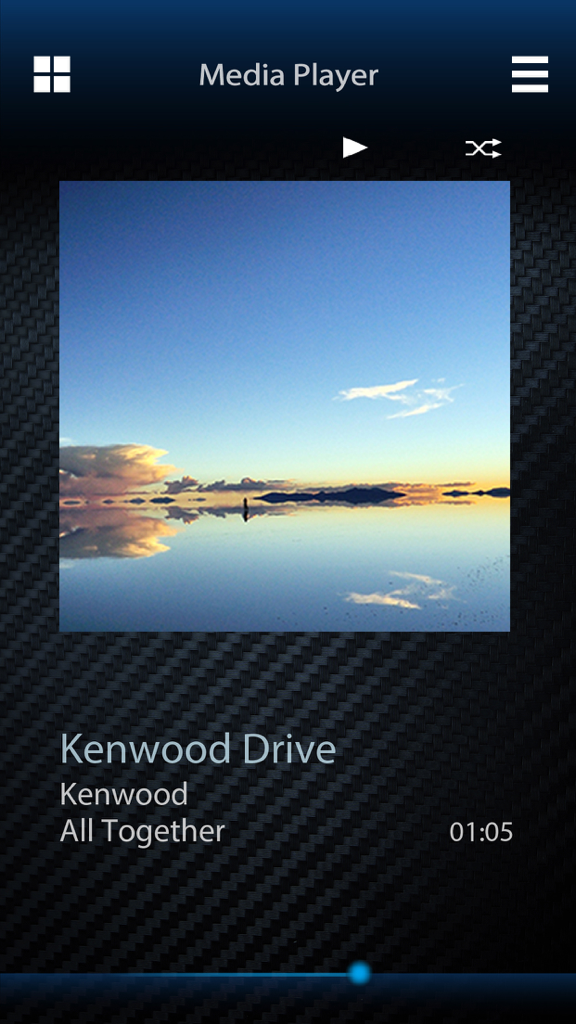
The tools that make this app stand out, trusted by 699K+ users.
Skip the tiny dashboard menus. Use our intuitive GUI to fine-tune your 13-band EQ and Time Alignment for a studio-quality listening experience.
Keep your focus on the road. Change tracks, play, or pause with simple, blind-friendly finger gestures on your smartphone screen.
Take full control of your receiver’s sources and settings via Bluetooth, turning any vehicle into a modern, connected machine.
Trusted by 699K+ people who love this app.
"The Graphic User Interface is a game changer for tuning. Setting up Time Alignment and the 13-band EQ is so much faster on my phone than fiddling with the knobs on the dash. It made my DIY install sound professional."
"I use the gesture controls every day on my commute. Being able to skip tracks with a simple swipe means I keep my eyes on the road. It really modernized the feel of my older truck's audio system."
Everything you need to know about KENWOOD Remote.
Description
Latest Version
1.9.4
Size
39.2 MB
First Released
Oct 24, 2016
Download the KENWOOD Remote app today to unlock precise EQ tuning, easy gesture controls, and the full potential of your car's audio system.
Apps with similar features and user experience

Bose Corporation

Marshall Group AB (publ)

Harman International Industries

Bose Corporation

Bose Corporation

Harman International Industries

Power Mobile Life LLC

Harman International Industries

Beijing Xiaomi Co., Ltd
