Kiosker: Fullscreen Web Kiosk

Kiosker: Fullscreen Web Kiosk

Download on App Store
Spark by MWM logo
Logo of Kiosker: Fullscreen Web Kiosk

Kiosker: Professional Fullscreen Kiosk Mode for iPad and iPhone

Transform your website or digital assets into a secure, professional-grade kiosk in minutes. Lock down browsing, restrict domains, and provide an immersive, branded experience for retail, events, and offices with advanced motion-sensing displays.

Publisher

Top North AB

Category

Business

Downloads

17K+

User Rating

4.1/5

Total Ratings

100

Locales

10

The Kiosk Experience, Visualized

Discover the interface used by 17K+ users.
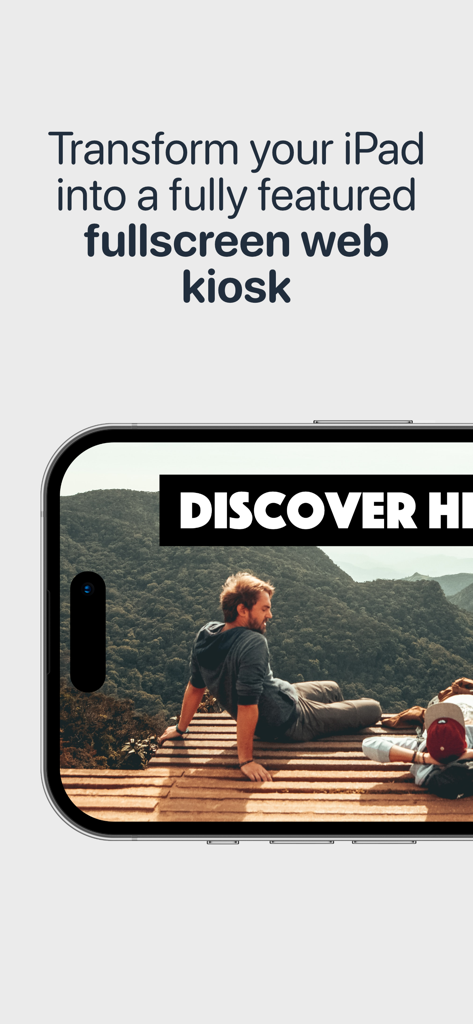
Screenshot of Kiosker app showing a fullscreen web interface and promotional text about transforming an iPad into a web kiosk

Screenshot of Kiosker app showing a fullscreen web interface and promotional text about transforming an iPad into a web kiosk

A tablet displaying a full-screen website about hiking trails using the Kiosker app

A tablet displaying a full-screen website about hiking trails using the Kiosker app

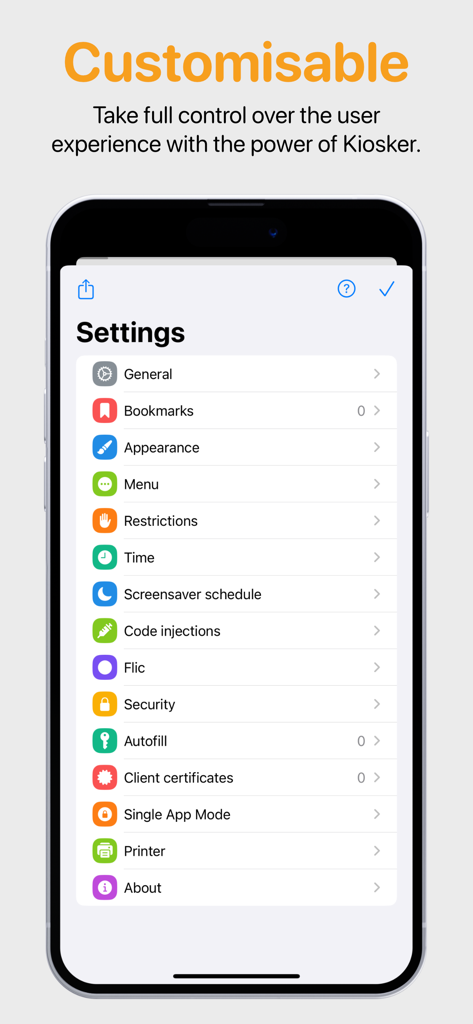
Settings menu for Kiosker app showing customization options like restrictions and single app mode

Settings menu for Kiosker app showing customization options like restrictions and single app mode

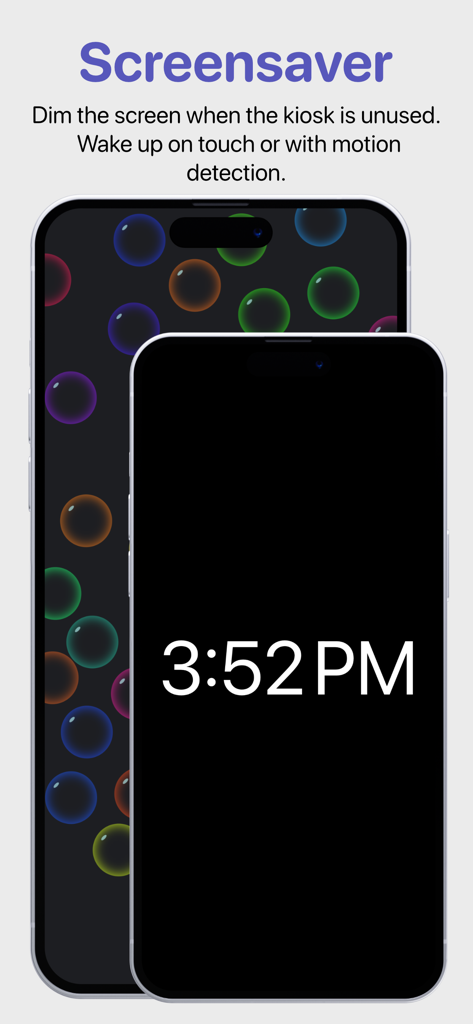
Kiosker app screensaver feature with motion detection and digital clock display

Kiosker app screensaver feature with motion detection and digital clock display

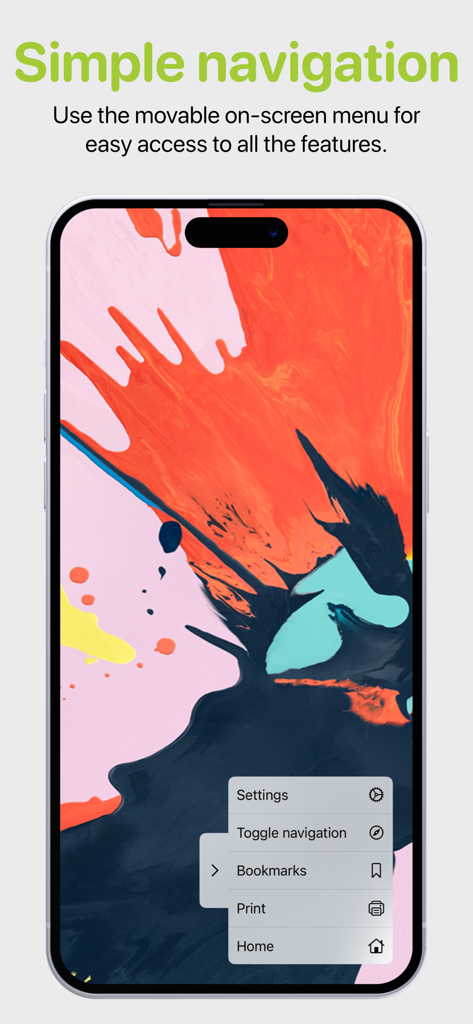
A smartphone screen showing the Kiosker movable on-screen navigation menu with settings and bookmark options.

A smartphone screen showing the Kiosker movable on-screen navigation menu with settings and bookmark options.

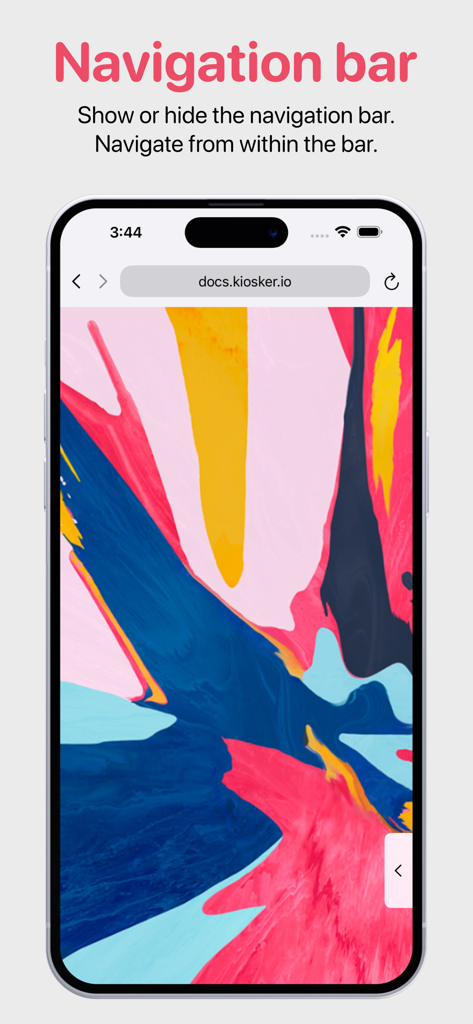
A screenshot demonstrating the customizable navigation bar in the Kiosker app on an iPhone

A screenshot demonstrating the customizable navigation bar in the Kiosker app on an iPhone

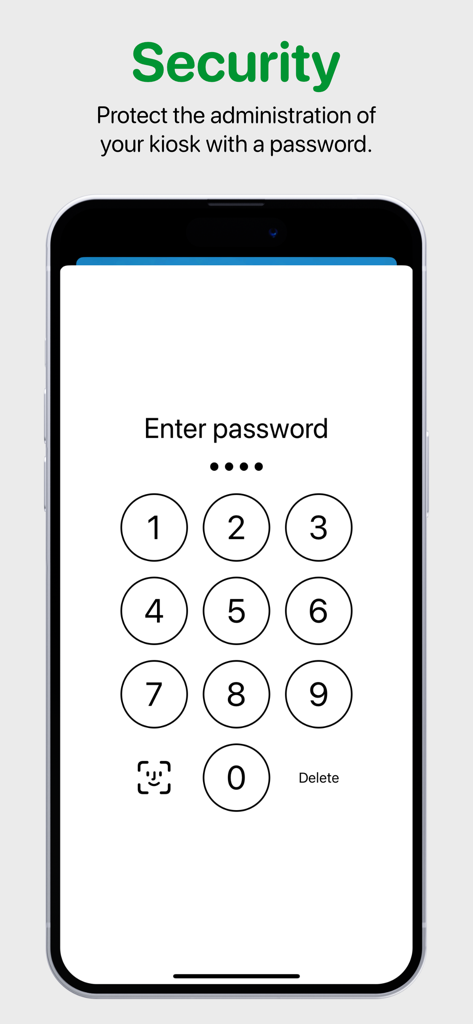
Secure password entry screen for Kiosker app administration protection.

Secure password entry screen for Kiosker app administration protection.

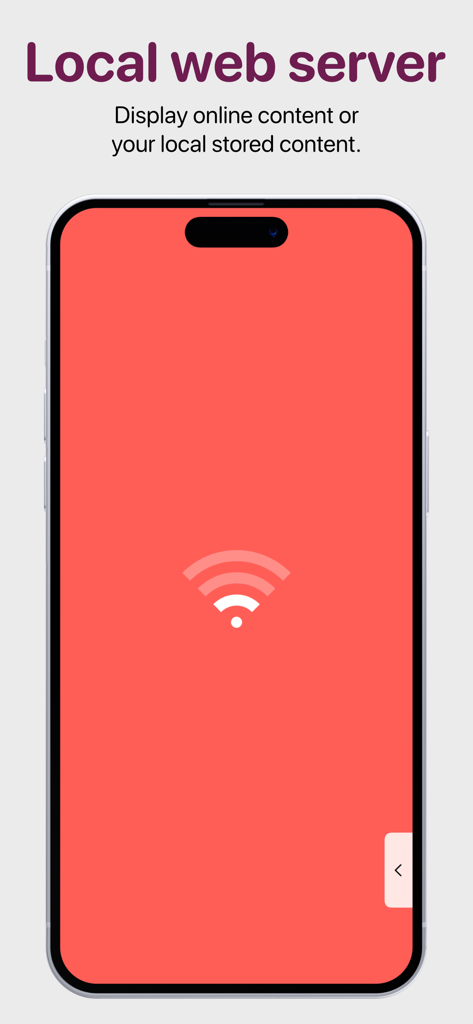
iPhone screen displaying the local web server feature for showing offline or online kiosk content

iPhone screen displaying the local web server feature for showing offline or online kiosk content

Turn Your iPad Into a Professional Business Tool

The tools that make this app stand out, trusted by 17K+ users.

🔒

Bulletproof Security

Lock users into a single URL and disable navigation. Prevent unauthorized access to device settings with enterprise-grade lockdown features.

🎨

Seamless Brand Integration

Deliver a distraction-free, fullscreen experience. Inject custom CSS and JavaScript to make any website feel like a native, branded application.

Smart Idle Management

Save battery and stay ready. Set automatic timeouts to reset the session and wake the screen instantly using built-in motion detection.

Loved by users worldwide

Trusted by 17K+ people who love this app.

"

"Kiosker is the perfect solution for our showroom. We needed a way to display our digital lookbook without users wandering off to other sites. The domain limiting and idle-reset features work flawlessly, ensuring the next customer always starts on the home page. It has transformed our iPad into a professional, dedicated business tool."

Sarah Jenkins, Boutique Owner
"

"As an IT Manager, I have tried several kiosk apps, but Kiosker is by far the most reliable. The motion-detection screensaver is a game-changer for our office check-in desks, and being able to manage everything via MDM saves me hours of manual setup. It is powerful, flexible, and incredibly easy to configure."

Marcus Thorne, IT Director

About the app

Everything you need to know about Kiosker: Fullscreen Web Kiosk.

Description

Kiosker is a configurable browser offering full-screen mode, advanced configuration, a local web server, efficient navigation, a screensaver with motion detection, and single app mode. Based on Safari's Webkit, Kiosker has the functionality of a modern browser built into the app. Kiosker is the easiest tool for creating a full-screen kiosk with your iPad® or iPhone® and can display websites, local HTML files, PDF files, images, videos, and documents. ▶ This is the subscription version of Kiosker with a free 7-day trial. We also carry a pay-upfront version. ◀ FEATURES ◼ Set a URL as the kiosk's starting point. This could be a place on the internet or a local resource. ◼ Define bookmarks for easy navigation. ◼ Limit the accessible domains. ◼ Hide or show the navigation and status bar. ◼ Navigate and control Kiosker with the movable on-screen menu. ◼ Restrict users from interacting with the website, including scrolling, zooming, selecting, etc. ◼ Set a time limit for automatic reload, browsing time, and return to home when idle. ◼ Show a screensaver when the kiosk is unused, dark mode is enabled, or the ambient light is low. ◼ Set up the screensaver as a clock, slideshow, blank screen, or displaying a website. ◼ Exit the screensaver with motion detection or a tap on the screen. ◼ Inject custom JavaScript or CSS into websites. ◼ Autofill forms with predefined content. ◼ Interact with Kiosker using JavaScript. ◼ Share your configuration with other devices. ◼ Manage configuration via MDM (Pro version only). ◼ Lock the device to Kiosker using guided access, single app mode (Pro version only), or autonomous single app mode (Pro version only). MORE INFORMATION Visit our website for more information, a complete feature list, and support. Email us if you have a feature request or if you have found a bug.

Latest Version

25.10.1

Size

52.0 MB

First Released

Mar 4, 2020

Ready to Transform Your iPad into a Professional Kiosk?

Start your 7-day free trial today and discover why over 17,000 businesses trust Kiosker for secure, full-screen web experiences.

Download on App Store