Kiosker Pro: Web Kiosk

Kiosker Pro: Web Kiosk

Download on App Store
Spark by MWM logo
Logo of Kiosker Pro: Web Kiosk

Kiosker Pro: Web Kiosk – Turn Any iPad into a Secure, Professional Full-Screen Terminal

The all-in-one kiosk solution for business. Lock down your web content, manage devices via MDM, and provide a frictionless customer experience with advanced motion-detection and offline local hosting.

Download on App Store

Publisher

Top North AB

Category

Business

Downloads

59K+

User Rating

4.7/5

Total Ratings

100

Locales

10

Professionalism in Every Pixel

Discover the interface used by 59K+ users.
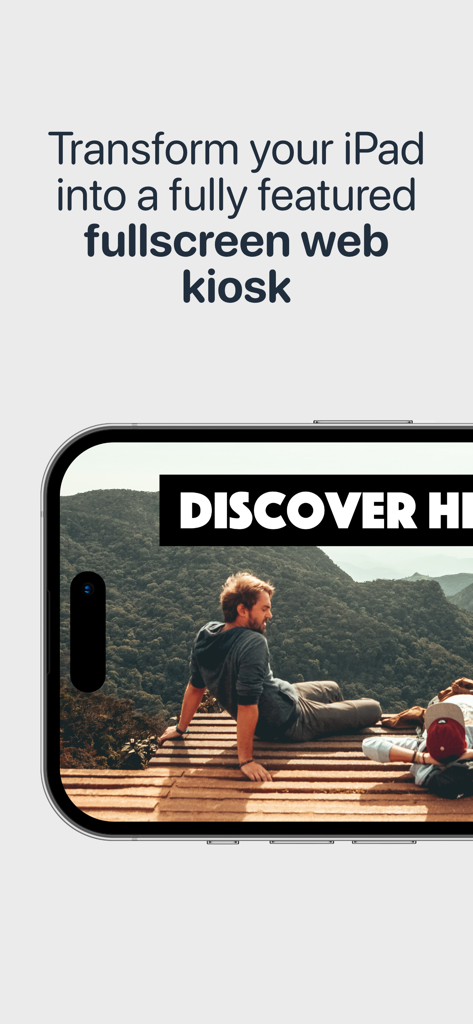
A fullscreen web kiosk display on an iPad running Kiosker Pro

A fullscreen web kiosk display on an iPad running Kiosker Pro

iPad screen showing full screen custom web content for hiking trails

iPad screen showing full screen custom web content for hiking trails

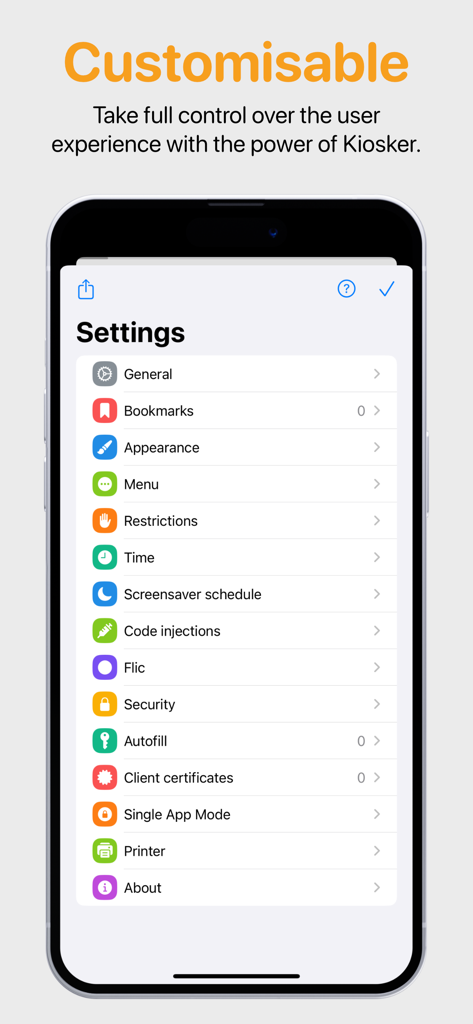
A list of professional customization settings for the Kiosker Pro web kiosk app.

A list of professional customization settings for the Kiosker Pro web kiosk app.

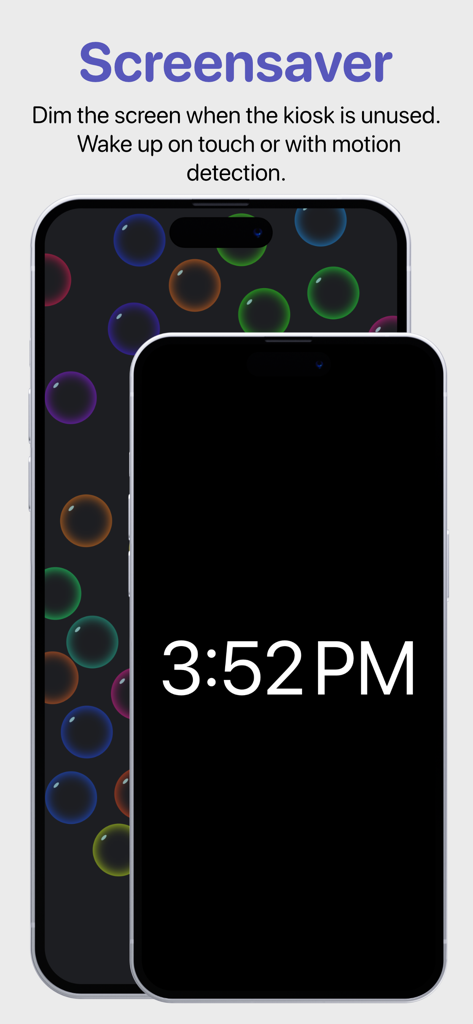
Kiosker Pro app screenshot showing screensaver and motion detection settings

Kiosker Pro app screenshot showing screensaver and motion detection settings

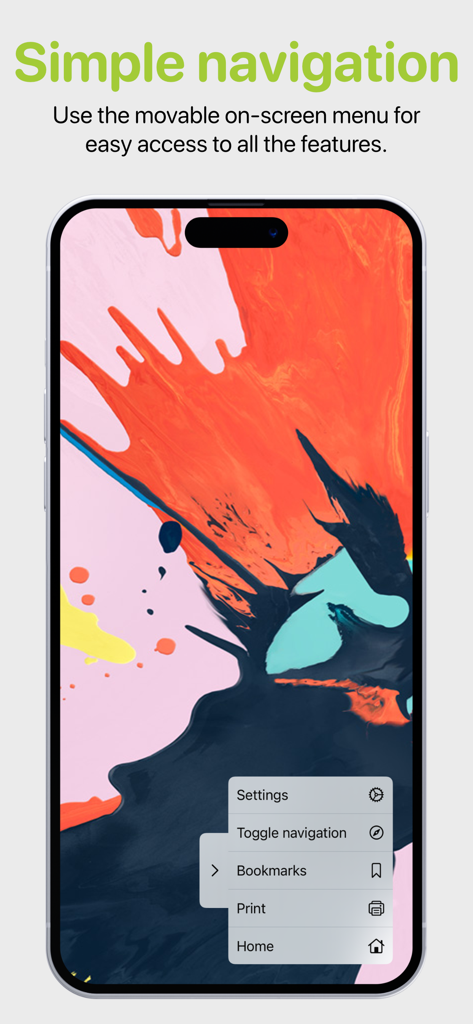
iPhone screen displaying the movable on-screen menu for simple kiosk navigation in Kiosker Pro

iPhone screen displaying the movable on-screen menu for simple kiosk navigation in Kiosker Pro

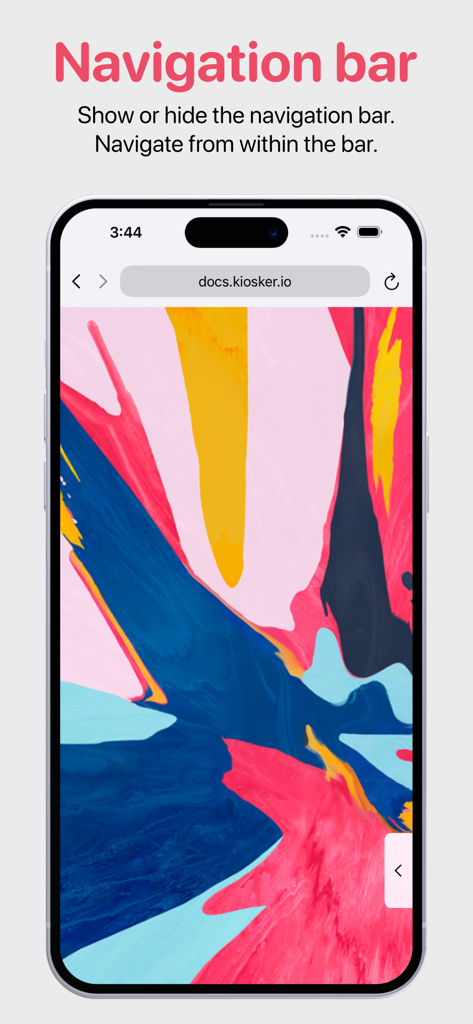
iPhone screen showing the navigation bar and URL controls in the Kiosker Pro web kiosk app.

iPhone screen showing the navigation bar and URL controls in the Kiosker Pro web kiosk app.

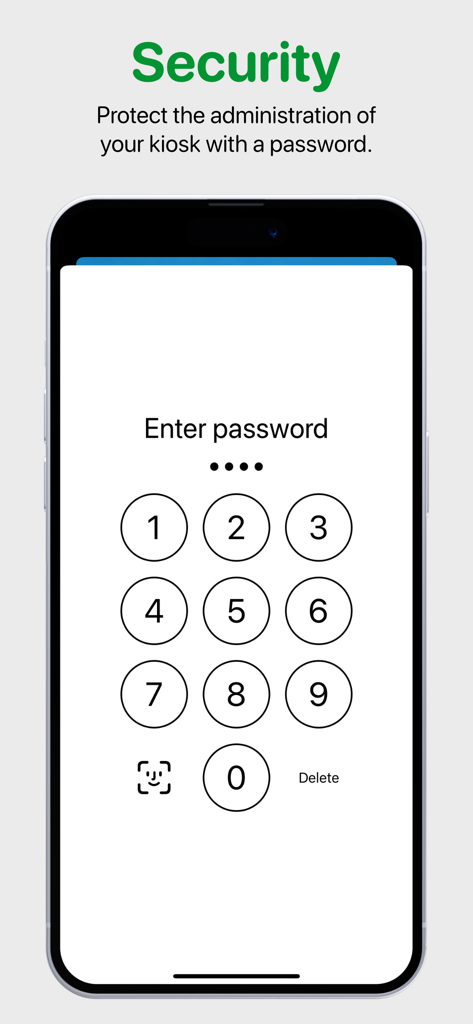
Security password entry screen for kiosk administration

Security password entry screen for kiosk administration

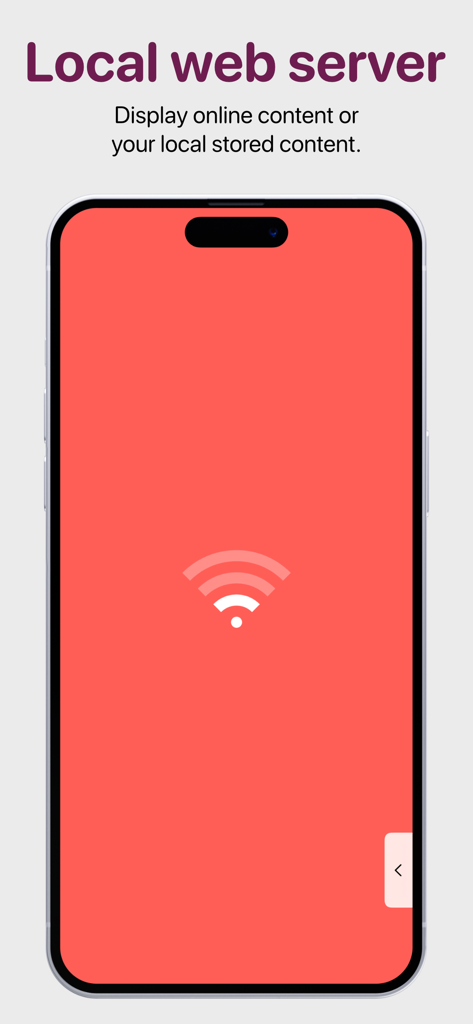
IPhone screen displaying the local web server feature for offline kiosk content

IPhone screen displaying the local web server feature for offline kiosk content

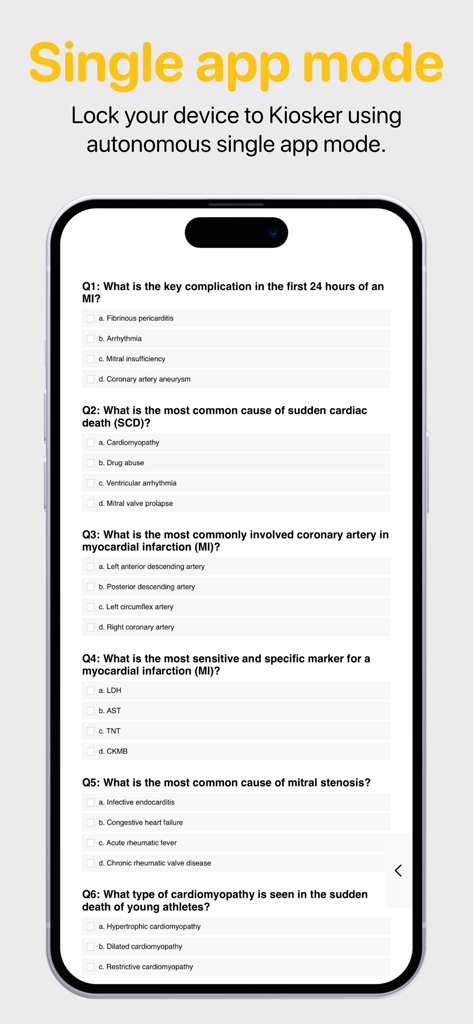
IPhone screen showing a medical quiz in single app mode

IPhone screen showing a medical quiz in single app mode

The Gold Standard for Professional Kiosks

The tools that make this app stand out, trusted by 59K+ users.

šŸ›”ļø

Ironclad Device Lockdown

Protect your investment by restricting navigation to approved domains and locking the app into Single App Mode to prevent tampering.

šŸŽØ

Immersive Branded Experience

Deliver a premium look by hiding all browser UI and injecting custom CSS to transform web pages into dedicated, white-labeled applications.

šŸš€

Enterprise Fleet Management

Deploy configurations instantly across your entire organization via MDM and maintain 100% uptime with the integrated local web server.

Loved by users worldwide

Trusted by 59K+ people who love this app.

"

"Kiosker Pro completely transformed how we use iPads in our boutique. We wanted a clean, professional-looking digital catalog without the clutter of address bars or the risk of customers browsing the web. The motion-detection screensaver is a game changer for our battery life, and the setup was incredibly intuitive. It is the perfect solution for any retail space."

Sarah Jenkins, Boutique Owner
"

"Managing a fleet of tablets across multiple trade show booths used to be a nightmare until we found Kiosker Pro. The MDM integration and the ability to run a local web server mean our demos stay live even when the convention center Wi-Fi fails. It provides the heavy-duty security and lockdown features our IT department demands with a simple one-time purchase."

Michael Chen, Senior IT Manager

About the app

Everything you need to know about Kiosker Pro: Web Kiosk.

Description

Kiosker is a configurable browser offering full-screen mode, advanced configuration, a local web server, efficient navigation, a screensaver with motion detection, and single app mode. Based on Safari's Webkit, Kiosker has the functionality of a modern browser built into the app. Kiosker is the easiest tool for creating a full-screen kiosk with your iPadĀ® or iPhoneĀ® and can display websites, local HTML files, PDF files, images, videos, and documents. ā–¶ This is Kiosker's pay-upfront version. We also provide a subscription-based freemium version with a 7-day free trial.ā—€ FEATURES ā—¼ Set a URL as the kiosk's starting point. This could be a place on the internet or a local resource. ā—¼ Define bookmarks for easy navigation. ā—¼ Limit the accessible domains. ā—¼ Hide or show the navigation and status bar. ā—¼ Navigate and control Kiosker with the movable on-screen menu. ā—¼ Restrict users from interacting with the website, including scrolling, zooming, selecting, etc. ā—¼ Set a time limit for automatic reload, browsing time, and return to home when idle. ā—¼ Show a screensaver when the kiosk is unused, dark mode is enabled, or the ambient light is low. ā—¼ Set up the screensaver as a clock, slideshow, blank screen, or displaying a website. ā—¼ Exit the screensaver with motion detection or a tap on the screen. ā—¼ Inject custom JavaScript or CSS into websites. ā—¼ Autofill forms with predefined content. ā—¼ Interact with Kiosker using JavaScript. ā—¼ Share your configuration with other devices. ā—¼ Manage configuration via MDM (Pro version only). ā—¼ Lock the device to Kiosker using guided access, single app mode (Pro version only), or autonomous single app mode (Pro version only). MORE INFORMATION Visit our website for more information, a complete feature list, and support. Email us if you have a feature request or if you have found a bug.

Latest Version

25.10.1

Size

51.9 MB

First Released

Aug 25, 2019

Transform Your iPads into Professional, Locked-Down Kiosks

Join over 59,000 businesses using the most reliable, 'set-it-and-forget-it' solution for iOS. No subscriptions—just one-time, business-grade control.

Download on App Store