
乐播投屏
Shenzhen Le Bo Science and Technology Co., Ltd



Break free from WiFi limits with instant QR-code casting. Seamlessly bridge your iPhone to any Smart TV for lag-free gaming, professional remote meetings, and ultra-HD entertainment.
Publisher
Category
UtilitiesDownloads
39M+User Rating
Total Ratings
45K+Locales
3Discover the interface used by 39M+ users.
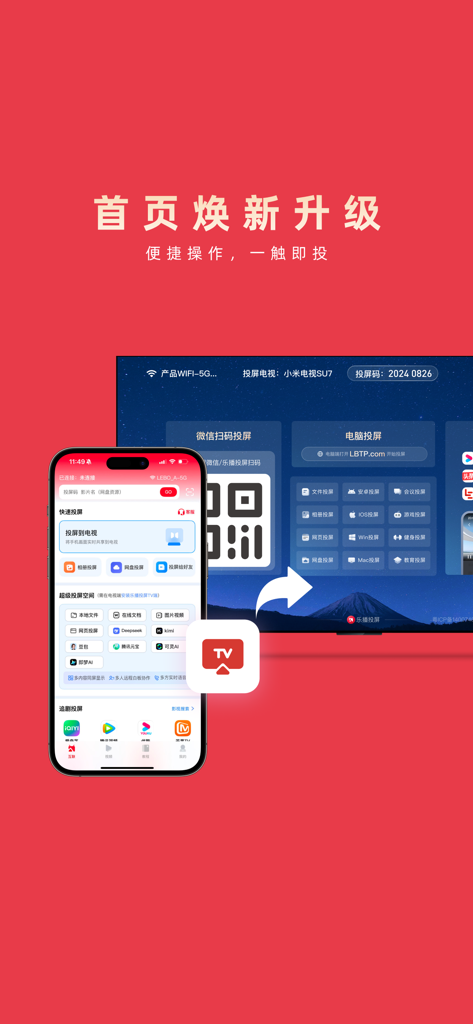
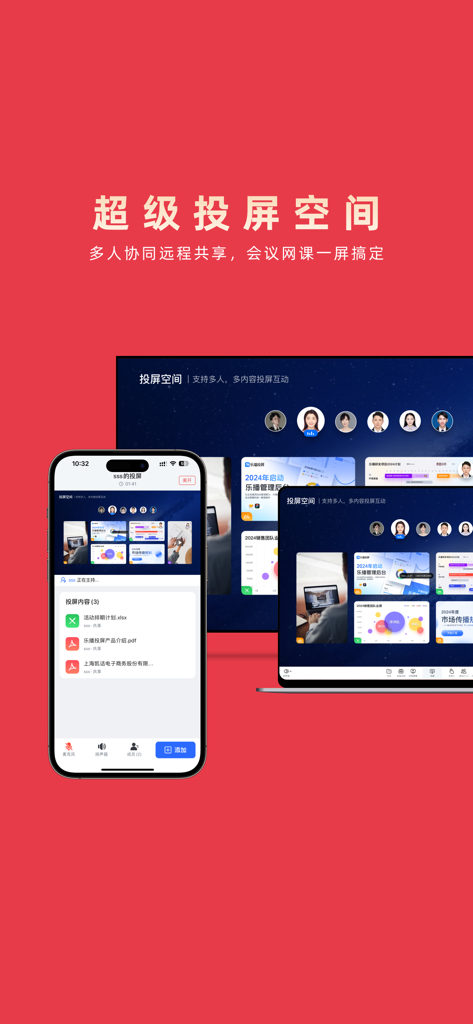
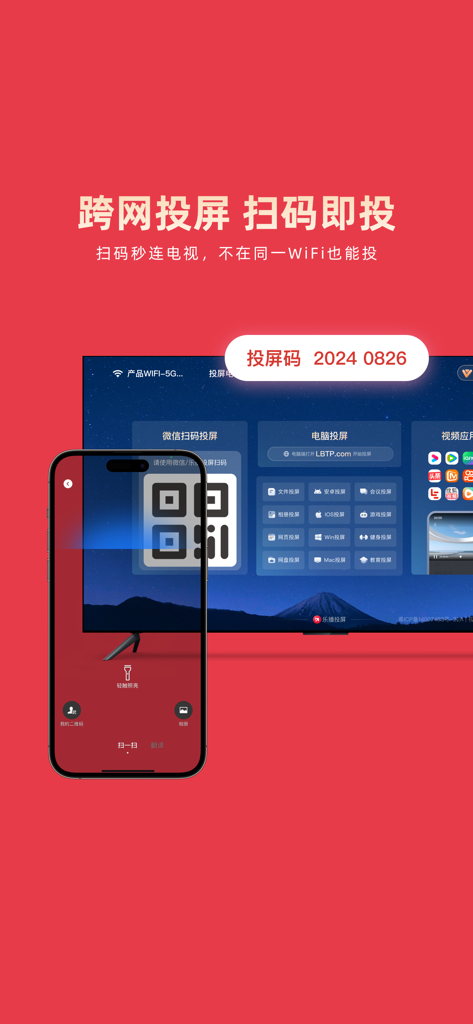
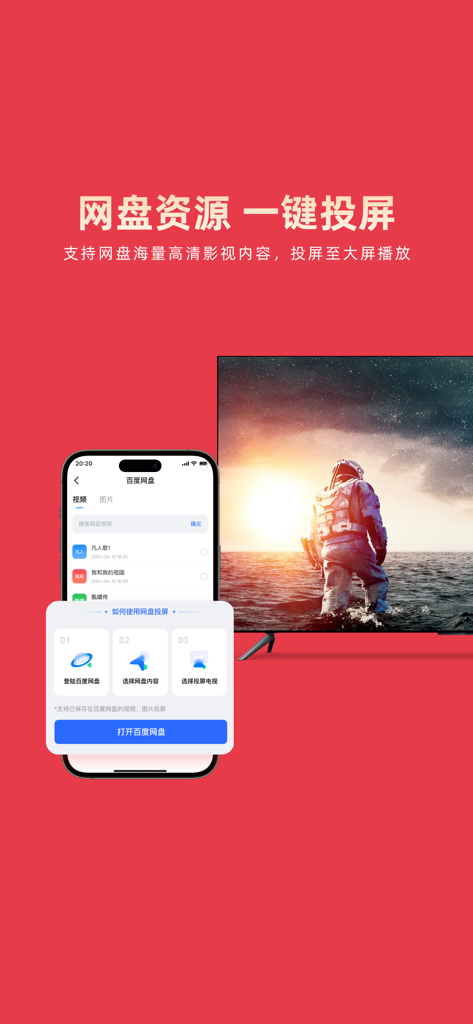
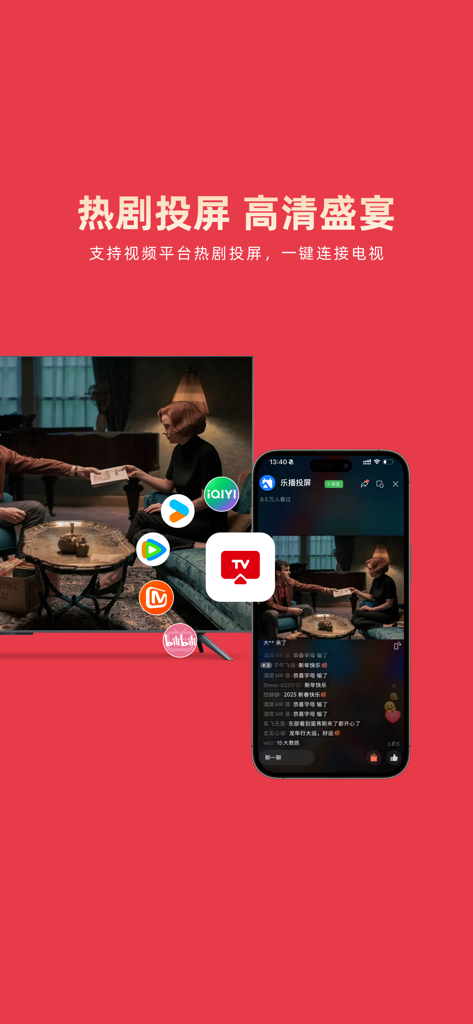
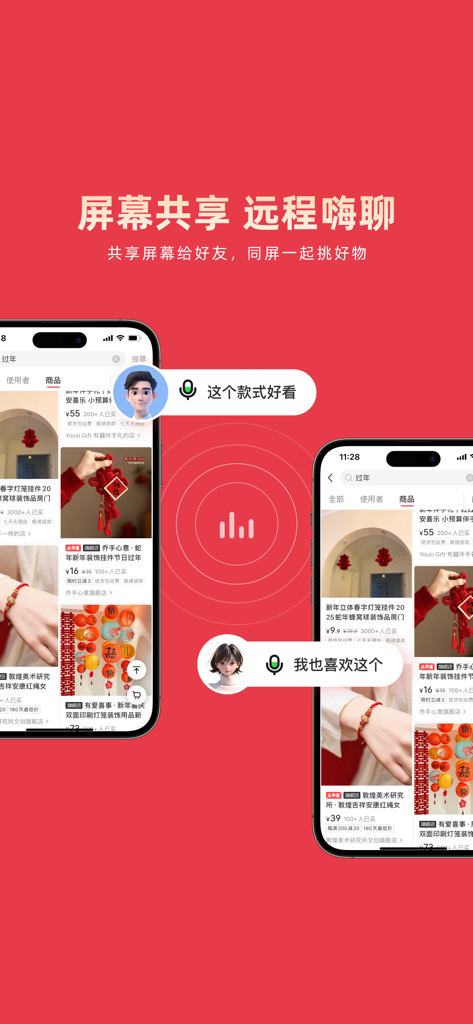
The tools that make this app stand out, trusted by 39M+ users.
Forget the 'Same Wi-Fi' rule. Connect instantly via QR code or use remote casting to share your screen across different locations and networks.
Experience ultra-low latency for mobile gaming and crystal-clear 4K streaming, turning any smart TV into a high-performance entertainment hub.
Transform meetings with multi-device support, digital whiteboards, and real-time annotations that bridge the gap between your phone and the big screen.
Trusted by 39M+ people who love this app.
"As a consultant traveling between different offices, the QR code casting is a life-saver. I no longer waste time asking for Wi-Fi passwords just to show a presentation. The 4K support ensures my architectural renders look crisp and professional on any boardroom screen, regardless of the TV brand."
"I've tried every mirroring app to cast mobile games to my TV, and this is the only one with zero noticeable lag. The remote sharing feature also lets me help my parents with their phone settings from across the country. It’s an essential tool for anyone living in a multi-device household."
Insights from user reviews.
Sentiment Score
Summary
This application receives overwhelmingly negative feedback from users. The primary complaint revolves around the app's shift to a mandatory membership model for core functionalities like screen mirroring, which many users state was previously free. Reviewers frequently criticize the app's "greedy" business practices, reporting issues such as excessive advertisements, poor performance including lag and disconnections, and a restrictive 5-minute free trial before requiring payment. A few positive reviews exist, but they are generic and lack specific praise, failing to counteract the widespread dissatisfaction.
Common Themes
Everything you need to know about 乐播投屏.
Description
Latest Version
5.11.02
Size
359.4 MB
First Released
Jul 15, 2016
Experience seamless 4K mirroring and professional-grade collaboration. Join 39 million users and cast your world to any screen with a simple QR scan—no shared network required.
Everything you need to know about 乐播投屏
Yes, 乐播投屏 (Le Bo Tou Ping) allows screen mirroring without requiring devices to be on the same WiFi network. Users can connect instantly by scanning a WeChat QR code.
Yes, 乐播投屏 (Le Bo Tou Ping) supports multi-person collaboration features such as whiteboard interaction, remote document annotation, real-time voice communication, and simultaneous multi-device casting.
乐播投屏 (Le Bo Tou Ping) supports casting various file types including webpages, PPT, PDF, Excel, videos, and images. It facilitates seamless switching between multiple devices for presentations.
Yes, 乐播投屏 (Le Bo Tou Ping) enables remote screen mirroring, allowing users to control their home TV from different locations. It supports remote meetings, online classes, and family movie sharing.
乐播投屏 (Le Bo Tou Ping) supports 4K/1080P HD picture quality. It ensures smooth casting for games, live streams, and short videos without lagging. It is compatible with phones, computers, and tablets.
Yes, 乐播投屏 (Le Bo Tou Ping) allows users to share their screen with friends. This feature enables real-time synchronization for activities like browsing social media or providing remote guidance.
乐播投屏 (Le Bo Tou Ping) subscriptions automatically renew monthly. Payment is charged to the iTunes account 24 hours before the cycle ends. The subscription renews unless canceled at least 24 hours prior.
To cancel a 乐播投屏 (Le Bo Tou Ping) subscription, access 'Settings', then 'iTunes Store & App Store', tap 'Apple ID', and select '乐播投屏' to cancel the subscription manually at least 24 hours before renewal.
Apps with similar features and user experience

InstantBits Inc

Sichuan FalconAI Technology Co., Ltd.

Mihkel Pikk

Ozuna Limited

TOGGLE APPS SP Z O O

AER SOFTWARE COMPANY LIMITED

SAND STUDIO CORPORATION LIMITED

Hainan Delta Software Co., Ltd

Dalma Innovation Solutions d.o.o.