MirrorMeister Screen Mirroring

MirrorMeister Screen Mirroring

Download on App Store
Spark by MWM logo
Logo of MirrorMeister Screen Mirroring
MirrorMeister Screen Mirroring: Wirelessly Cast Your iPhone to Any Smart TV

Ditch the messy cables and expensive adapters. Effortlessly stream your photos, videos, sports, and social media from your iPhone or iPad to the big screen for a better, more comfortable viewing experience.

Download on App Store

Publisher

MeisterApps BV

Category

Photo & Video

Downloads

2M+

User Rating

4.5/5

Total Ratings

23K+

Locales

17

Big Screen Bliss

Discover the interface used by 2M+ users.
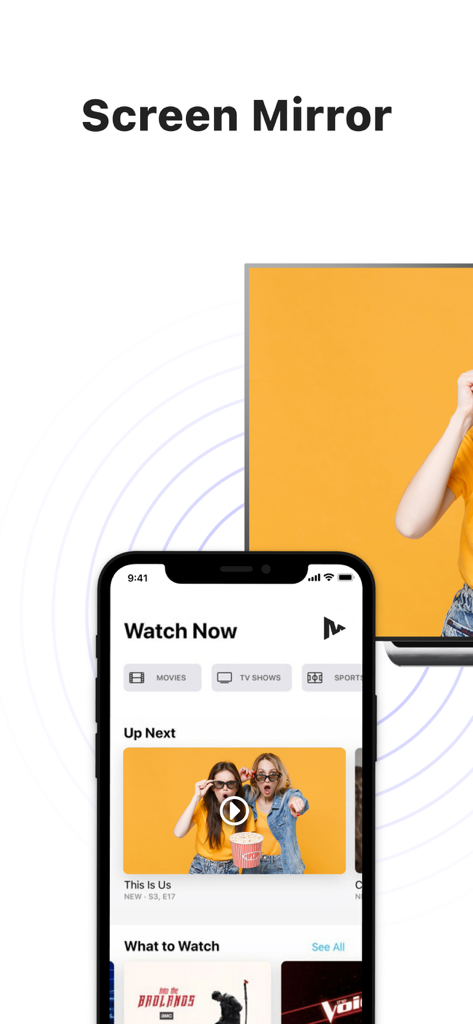
An iPhone displaying video content being mirrored wirelessly onto a large smart TV screen

An iPhone displaying video content being mirrored wirelessly onto a large smart TV screen

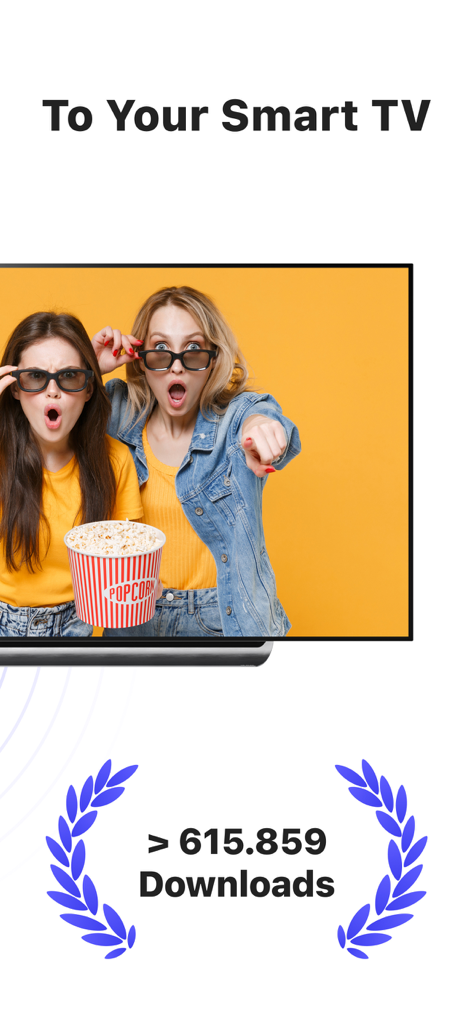
MirrorMeister app screenshot showing wireless screen mirroring to a smart TV with a download milestone

MirrorMeister app screenshot showing wireless screen mirroring to a smart TV with a download milestone

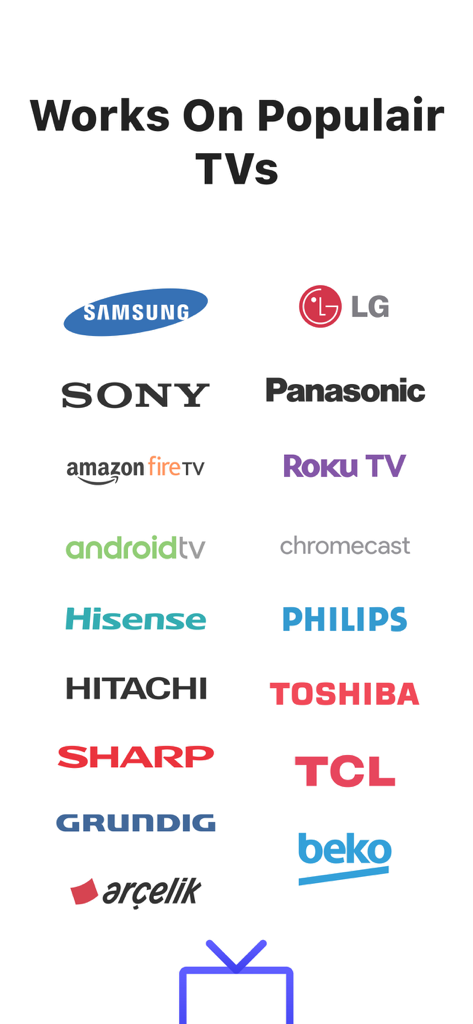
Logos of popular TV brands supported by MirrorMeister screen mirroring app including Samsung LG Sony and Roku TV

Logos of popular TV brands supported by MirrorMeister screen mirroring app including Samsung LG Sony and Roku TV

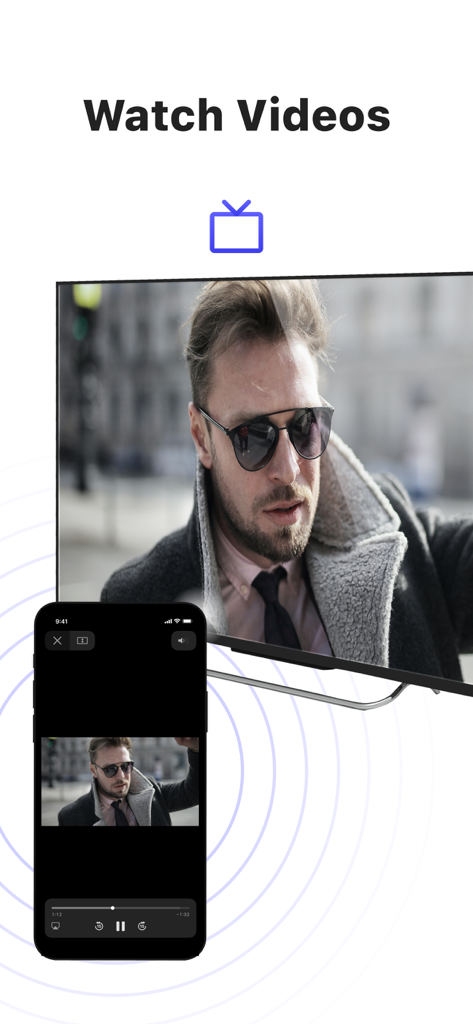
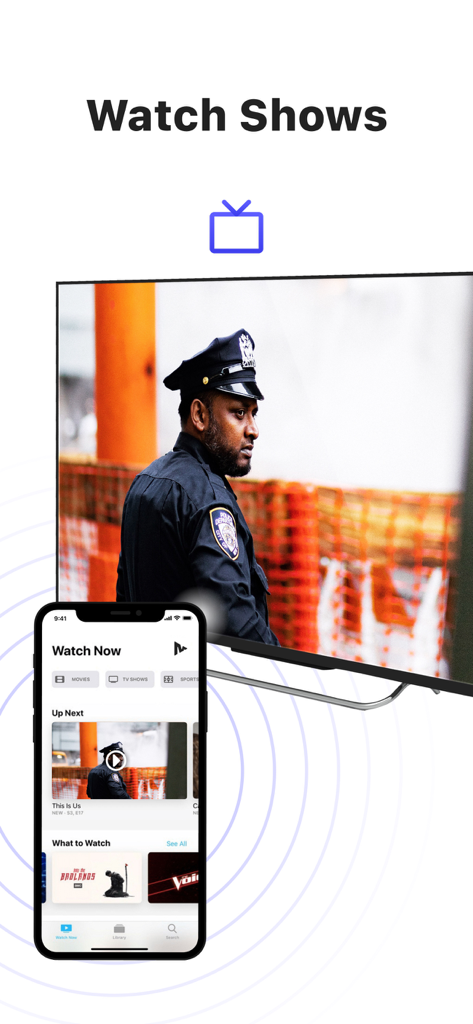
iPhone screen mirroring a video of a man to a large smart TV using the MirrorMeister app

iPhone screen mirroring a video of a man to a large smart TV using the MirrorMeister app

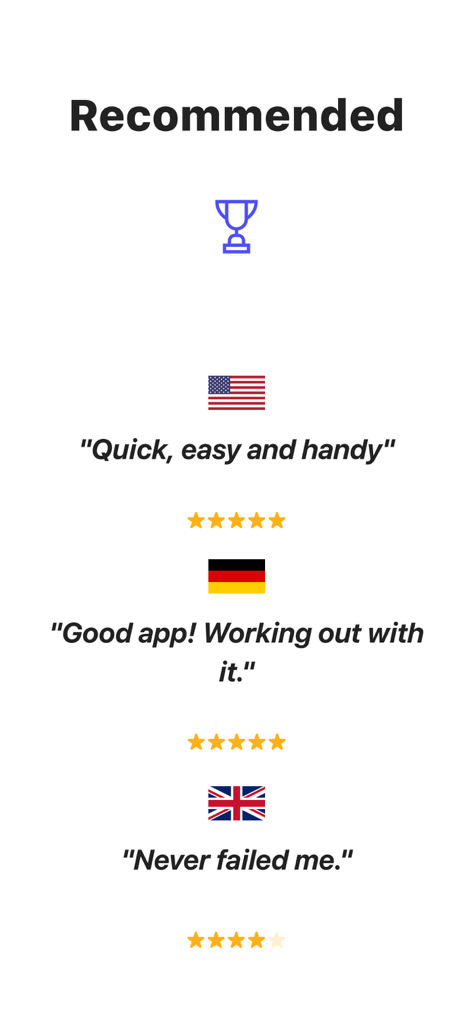
User reviews and star ratings for MirrorMeister screen mirroring app from USA Germany and United Kingdom

User reviews and star ratings for MirrorMeister screen mirroring app from USA Germany and United Kingdom

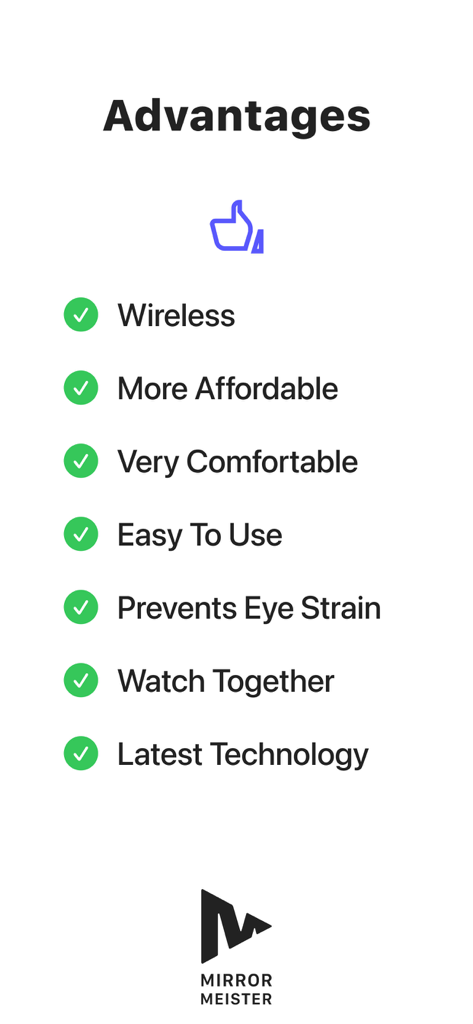
A list of benefits for using the MirrorMeister app including wireless connection and preventing eye strain

A list of benefits for using the MirrorMeister app including wireless connection and preventing eye strain

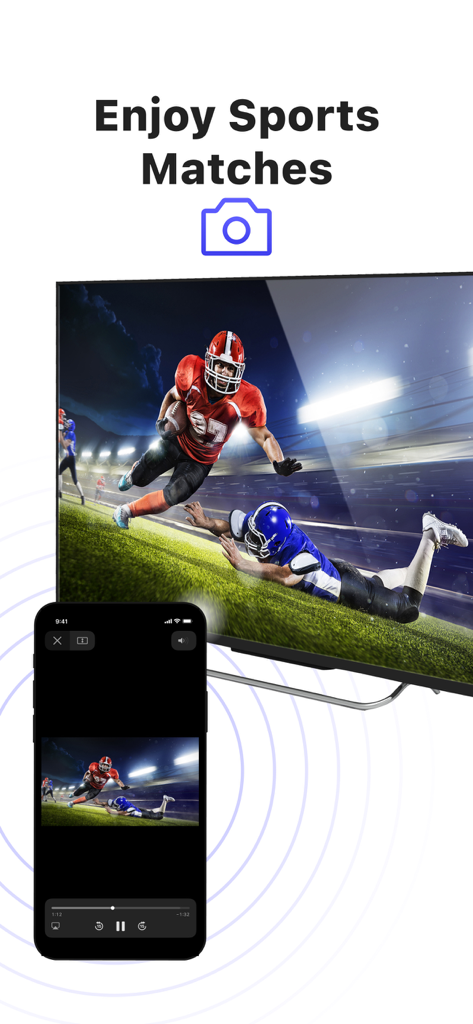
An iPhone screen mirroring an American football match to a large smart TV screen

An iPhone screen mirroring an American football match to a large smart TV screen

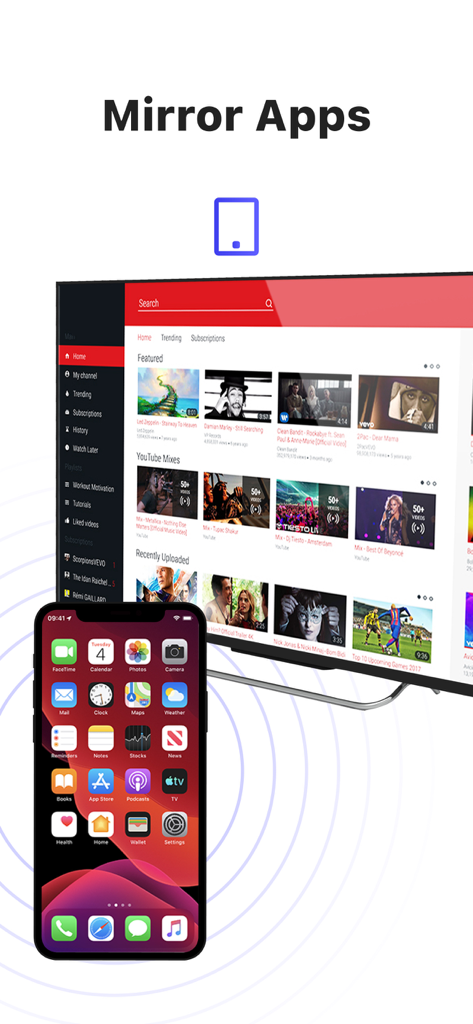
An iPhone wirelessly mirroring its screen to a large smart TV displaying video content

An iPhone wirelessly mirroring its screen to a large smart TV displaying video content

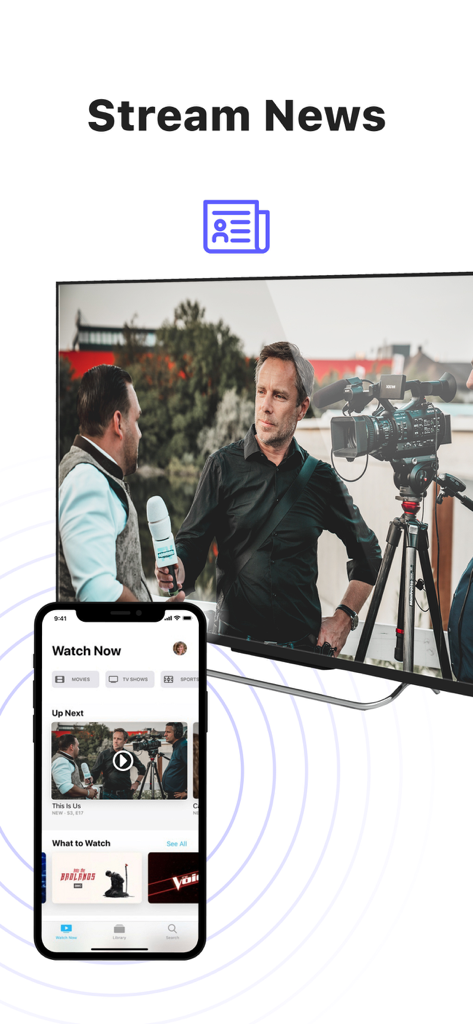
iPhone screen mirroring news content to a large Smart TV

iPhone screen mirroring news content to a large Smart TV

An iPhone mirroring a TV show to a large smart television screen using the MirrorMeister app

An iPhone mirroring a TV show to a large smart television screen using the MirrorMeister app

Experience Your Content on a Grand Scale

The tools that make this app stand out, trusted by 2M+ users.

📺

Universal Compatibility

No Apple TV? No problem. Mirror your iPhone or iPad to almost any Smart TV brand, including Samsung, LG, Sony, Roku, and Hisense, instantly.

Clutter-Free Connection

Ditch the expensive HDMI adapters and unsightly wires. Enjoy a clean, minimalist living room with a 100% wireless streaming solution.

👨‍👩‍👧‍👦

Perfect for Shared Moments

Bring family and friends together by sharing vacation photos, home videos, or social media trends on the big screen while reducing digital eyestrain.

Loved by users worldwide

Trusted by 2M+ people who love this app.

"

"MirrorMeister is a lifesaver for family gatherings! I can finally show my daughter's soccer highlights on our Samsung TV directly from my iPhone without digging for cables. The setup was intuitive, and the picture quality is great for sharing memories with everyone in the room."

Sarah Miller
"

"As someone who follows fitness instructors on YouTube, this app has saved my neck—literally. Casting my workouts to the big screen makes a huge difference. I also use it to mirror web content that doesn't have a native TV app. It's fast, reliable, and incredibly easy to use."

James Peterson

Review Analysis

Insights from user reviews.

Sentiment Score

29%
Negative

Summary

This mobile app receives overwhelmingly negative feedback, primarily due to poor reliability and a perceived high cost for features often available for free. Users frequently report significant connectivity issues, including frequent disconnections, TVs not being found, and problems after updates, alongside a specific bug on iOS 26 requiring a connection code. Performance concerns are widespread, with numerous complaints about lag, choppy video, blurry quality, and audio synchronization issues. While a small number of users found the app to work perfectly, the majority are frustrated with a subscription model that demands payment even after trials, with some reporting re-payment demands for previously purchased Pro versions.

Common Themes

Pricing & Subscription Model(20)
Connectivity & Disconnections(14)
Performance Issues(13)
Positive Functionality(9)
Compatibility & Device Specific Bugs(8)
Audio Problems(5)

About the app

Everything you need to know about MirrorMeister Screen Mirroring.

Description

There's no need to use tiny screens, annoying HDMI cables or expensive hardware. Prevent eyestrain, save money and get rid of those unsightly & unsafe cables. Discover MirrorMeister today! Easily connect your TV to your iOS devices with MirrorMeister's revolutionary app. Totally wireless smartcast of course! Enjoy movies, sport, photos, news and all apps on the big screen and make your life more comfortable. MirrorMeister is a screen mirroring app that allows you to play the media that’s playing on your phone/ tablet to your smart tv. - Mirror your phone/ tablet to your smart TV. - No ugly, clumsy & unsafe cables! - One app for popular TV brands (Samsung, Sony, LG, Panasonic, Hisense, etc.) - Watch movies. - Stream sports. - Screen mirroring cast to tv. - Binge-watch series. - Watch breaking news. - Show photos to loved-ones and impress friends & family. - Cast YouTube, Facebook, TikTok, Instagram to TV. MirrorMeister supports: 1. iPhone & iPad 2. Smart TV: Samsung, Roku TV, Sony, LG, Panasonic, Philips, Grundig, Arçelik, Beko, Hisense, TCL, Toshiba, Sharp, Hitachi, Skyworth, Changhong, and any other TV using Android TV operational system. 3. Streaming devices: Roku Streaming Player, Chromecast, Amazon FireTV, Xiaomi Mi Box. Screen Mirroring Advantages: * Larger screen: * Better viewing experience * Share content with others * No additional hardware required * No compatibility issues * Improved battery life: * Easy setup * Smartview * Streaming content * Use as a second display * High-quality video and audio INSTRUCTIONS: 1. Make sure that your iPhone or iPad is connected to the same local network as your TV. Don't use multiple VLANs or subnets. 2. Launch the MirrorMeister app. 3. When you open MirrorMeister for the first time, a simple setup process will guide you step by step on how to connect the mirror app to your TV. 4. To enable sound while screen mirroring, turn down the sound of your iPhone or iPad and turn ON the sound of your TV. Don’t forget to switch OFF the mute button on the side of your iPhone so sound is enabled. PRIVACY: Even though there are notifications about Screen Recording, we don’t record your screen into files and we don’t send any content to a server. We only temporarily store data in memory, before it is streamed to the TV. Upon streaming, the content is removed from memory. Limitations and known issues: DRM Some apps don't allow screen mirroring. For instance, iTunes, Netflix, Disney or Apple TV: when you start screen mirroring one of those apps on your iPhone or iPad, the TV screen will turn black. This is a choice that this company made, there is nothing that MirrorMeister can do about it. Gaming Please note that our screen mirroring app is not suitable for high-intensity gaming on a Smart TV because of some delay (latency). The delay is normally between 1 and 3 seconds. Support If you need any assistance using the mirroring app, please contact us via email or Facebook Messenger. Our support staff is available 24/7 to help you. UNLIMITED ACCESS PRO SUBSCRIPTION You need a subscription for unlimited access to all features without advertising and interruptions. Payment will be charged to iTunes Account at confirmation of purchase. Subscription automatically renews unless auto-renew is turned off at least 24-hours before the end of the current period. The account will be charged for renewal within 24-hours before the end of the current period and identify the cost of the renewal. Subscriptions may be managed by the user and auto-renewal may be turned off by going to the user's Account Settings after purchase. Any unused portion of a free trial period, if offered, will be forfeited when the user purchases a subscription to that publication, where applicable. - Terms of use: https://www.mirrormeister.com/terms-of-use/ - Privacy policy: https://www.mirrormeister.com/privacy-policy-meisterapps/

Latest Version

2.2.10

Size

127.6 MB

First Released

Oct 14, 2020

Ready to See the Bigger Picture?

Join over 2 million users who have ditched the cables. Download MirrorMeister now to enjoy your favorite videos, apps, and memories on any Smart TV in seconds.

Download on App Store
FAQ

Frequently Asked Questions

Everything you need to know about MirrorMeister Screen Mirroring

What is MirrorMeister?

MirrorMeister is a screen mirroring app that wirelessly connects your iOS devices, such as iPhones and iPads, to your smart TV. It allows you to display media and apps from your device onto a larger screen.

Which TV brands does MirrorMeister support?

MirrorMeister supports a wide range of popular TV brands including Samsung, Sony, LG, Panasonic, Hisense, Philips, TCL, Toshiba, Sharp, Hitachi, and any TV using Android TV OS. It also supports Roku TV.

Can I mirror content from streaming apps like Netflix with MirrorMeister?

No, MirrorMeister does not support mirroring content from apps like Netflix, iTunes, Disney, or Apple TV. These apps use Digital Rights Management (DRM) which prevents screen mirroring, resulting in a black screen on your TV.

Is MirrorMeister suitable for gaming?

No, MirrorMeister is not suitable for high-intensity gaming on a Smart TV. There is a normal delay (latency) of 1 to 3 seconds, which impacts the gaming experience.

How do I set up MirrorMeister on my TV?

To set up MirrorMeister, ensure your iOS device and TV are on the same local network. Launch the app, and a simple setup process will guide you step-by-step to connect the mirroring app to your TV.

Does MirrorMeister collect my screen recording data?

No, MirrorMeister does not record your screen into files or send content to a server. It only temporarily stores data in memory before streaming it to the TV, and then the content is removed from memory.

Do I need a subscription for MirrorMeister?

Yes, an UNLIMITED ACCESS PRO SUBSCRIPTION is required for full access to all MirrorMeister features without advertising and interruptions. Payment is charged to your iTunes Account.

What streaming devices does MirrorMeister support?

MirrorMeister supports streaming devices such as Roku Streaming Player, Chromecast, Amazon FireTV, and Xiaomi Mi Box, in addition to direct Smart TV connections.

Can I watch live sports with MirrorMeister?

Yes, MirrorMeister allows you to stream and enjoy live sports, movies, TV shows, and breaking news from your iOS device onto your smart TV for a better viewing experience.

Are cables required to use MirrorMeister for screen mirroring?

No, MirrorMeister provides completely wireless screen mirroring. It eliminates the need for HDMI cables or other physical connections, offering a cable-free experience for your convenience.