Parallels Client

Parallels Client

Download on App StoreDownload on Google Play
Spark by MWM logo
Logo of Parallels Client

Parallels Client: Your Full Windows Workspace, Anywhere You Go

Transform your iPhone or iPad into a high-performance workstation. Securely access corporate applications, virtual desktops, and Azure environments with a native mobile experience.

Download on App Store

Publisher

Parallels International GmbH

Category

Business

Downloads

189K+

User Rating

3.0/5

Total Ratings

100

Locales

11

Your Office, Visualized

Discover the interface used by 189K+ users.
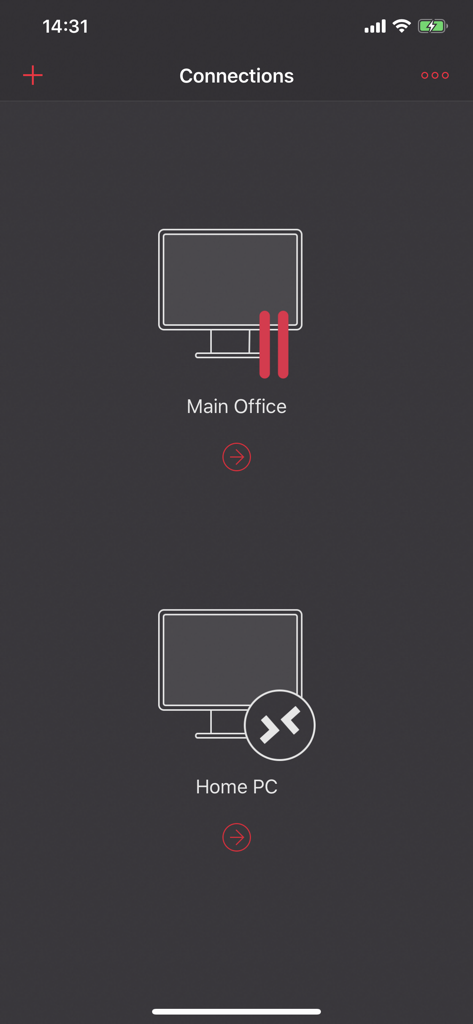
Parallels Client app connections screen showing Main Office and Home PC remote desktop options

Parallels Client app connections screen showing Main Office and Home PC remote desktop options

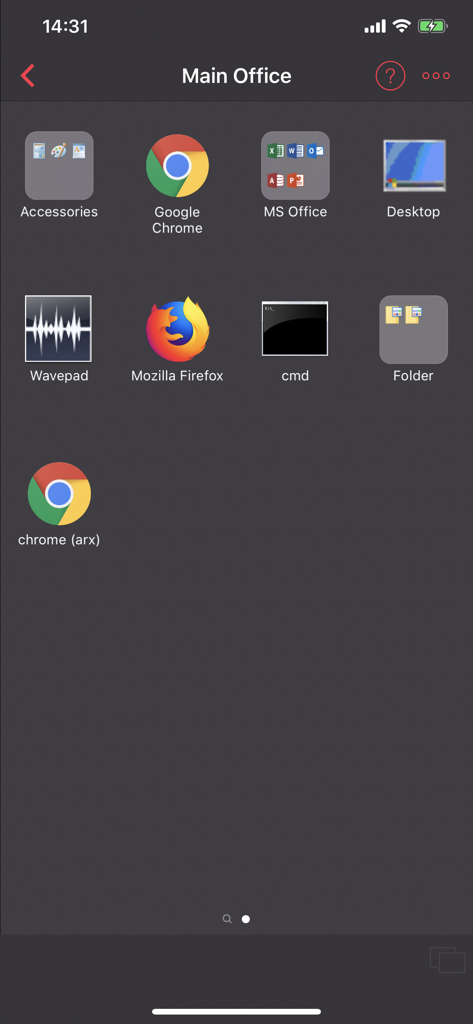
Parallels Client app interface displaying remote access icons for MS Office Chrome Firefox and Windows desktop

Parallels Client app interface displaying remote access icons for MS Office Chrome Firefox and Windows desktop

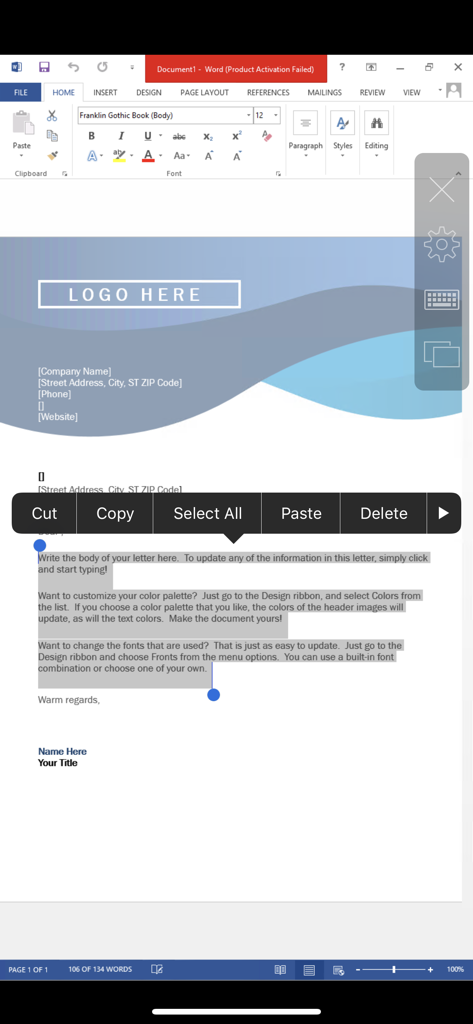
A Microsoft Word document being edited on a mobile device using Parallels Client with a text selection menu visible.

A Microsoft Word document being edited on a mobile device using Parallels Client with a text selection menu visible.

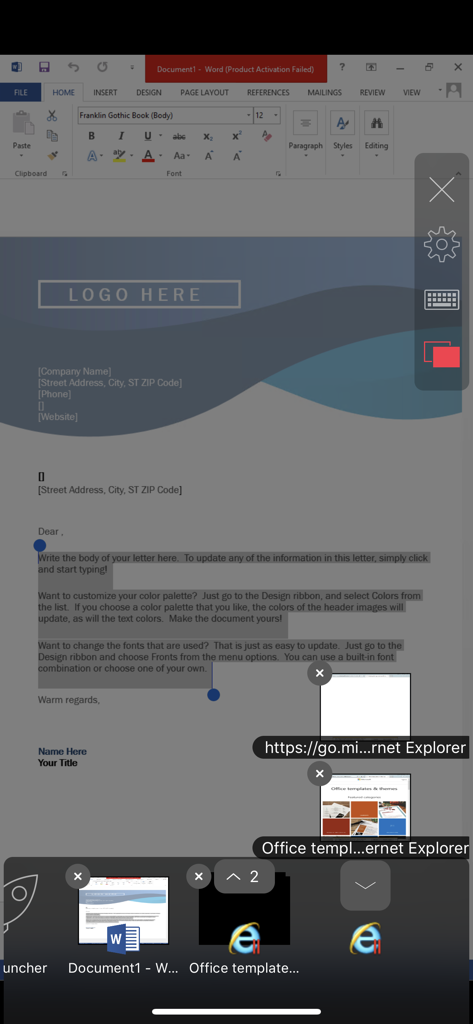
Mobile interface of Parallels Client showing remote access to Windows Word and Internet Explorer applications

Mobile interface of Parallels Client showing remote access to Windows Word and Internet Explorer applications

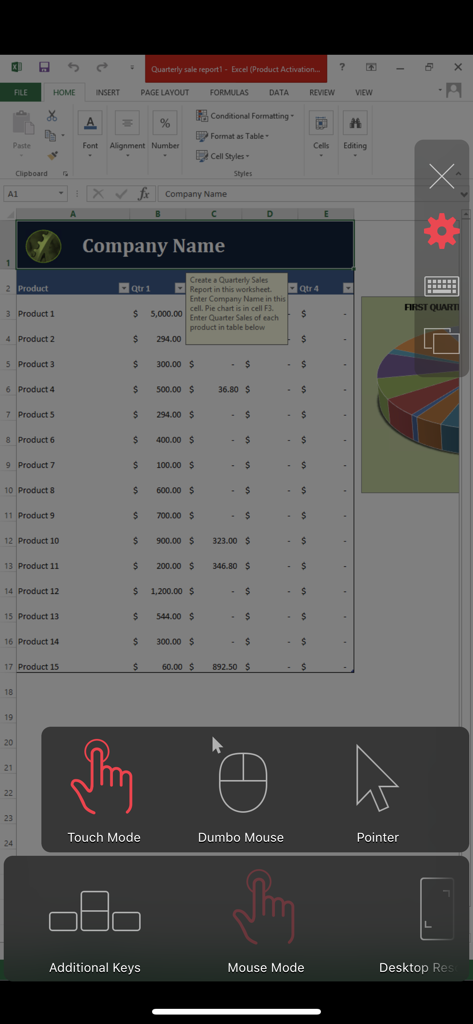
Parallels Client app displaying a remote Windows Excel spreadsheet with touch and mouse control options

Parallels Client app displaying a remote Windows Excel spreadsheet with touch and mouse control options

Your Windows Workspace, Anywhere

The tools that make this app stand out, trusted by 189K+ users.

🌐

Unrestricted Mobility

Break free from the office desk. Access any corporate Windows application or full virtual desktop from your iPhone or iPad, whether you are at a coffee shop or in an airport lounge.

🔒

Bank-Level Security

Protect your sensitive corporate data with advanced SSL encryption and secure Azure Virtual Desktop integration, ensuring your work stays private and compliant at all times.

🚀

Seamless Desktop Experience

Experience zero friction with universal printing, two-way clipboard redirection, and graphic acceleration that makes remote applications feel native to your mobile device.

Loved by users worldwide

Trusted by 189K+ people who love this app.

"

"Parallels Client is a game-changer for my workflow. I can finally access our firm's legacy Windows software on my iPad Pro with a native feel. The speed and integration, especially the universal printing, allow me to stay fully productive without ever needing to carry a heavy laptop to client meetings."

Sarah Jenkins, Project Manager
"

"As an IT professional, security and reliability are my top priorities. This app provides a seamless and secure SSL connection to our Azure Virtual Desktop environments. The RemoteFX graphics acceleration makes the experience incredibly responsive, making it the best RDP client I have used for mobile management."

Marcus Chen, Systems Administrator

About the app

Everything you need to know about Parallels Client.

Description

Parallels Client, when connected to Parallels RAS (Remote Application Server), provides secure access to business applications, virtual desktops, and data from your device. Using virtualized applications and desktops in Parallels Client is intuitive, fast, and reliable. Parallels Remote Application Server and Parallels Client allow you to: • Work on any device from anywhere • Access any corporate Windows applications • Resize and optimize published applications for a native look and feel FEATURE HIGHLIGHTS • Seamless access to Windows applications on your device • Higher level of security when connecting over SSL • Access to Azure Virtual Desktop environments • Ability to work with virtual desktops, terminal servers/RD Session Hosts, and Windows PC hosts • Universal Printing allows you to print from your device to any printer • Graphic acceleration using RemoteFX • Remote applications and desktops extended to multiple monitors • Remote sound, local drive, and two-way clipboard redirection for a truly intergrated experience If you have questions about Parallels Client, please visit our support page. For more information about Parallels RAS, visit www.parallels.com/products/RAS/. Parallels Remote Application Server is an industry-leading solution for virtual applications and desktop delivery.

Latest Version

21.0.26251

Size

37.8 MB

First Released

Nov 2, 2016

Ready to Work Without Limits?

Join thousands of professionals who transform their iOS devices into secure, high-performance Windows workstations. Download Parallels Client today and experience true mobility.

Download on App StoreDownload on Google Play