Screen Mirroring App

Screen Mirroring App

Download on App StoreDownload on Google Play
Spark by MWM logo
Logo of Screen Mirroring App

Screen Mirroring App: Stream your iPhone to any TV, PC, or Mac

Experience seamless HD screen sharing with zero delay. Cast instantly to any device with a web browser—no extra apps, cables, or hardware required.

Download on App StoreDownload on Google Play

Publisher

Kraus und Karnath GbR 2Kit Consulting

Category

Photo & Video

Downloads

5M+

User Rating

4.0/5

Total Ratings

62K+

Locales

1

Your Screen, Everywhere

Discover the interface used by 5M+ users.

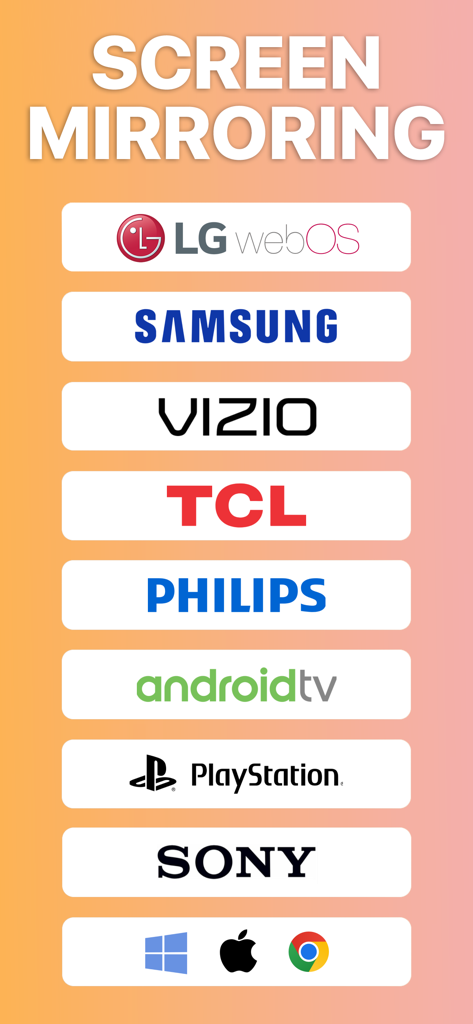
A list of compatible devices for screen mirroring including LG Samsung Vizio TCL Philips Android TV PlayStation Sony Windows and Apple

A list of compatible devices for screen mirroring including LG Samsung Vizio TCL Philips Android TV PlayStation Sony Windows and Apple

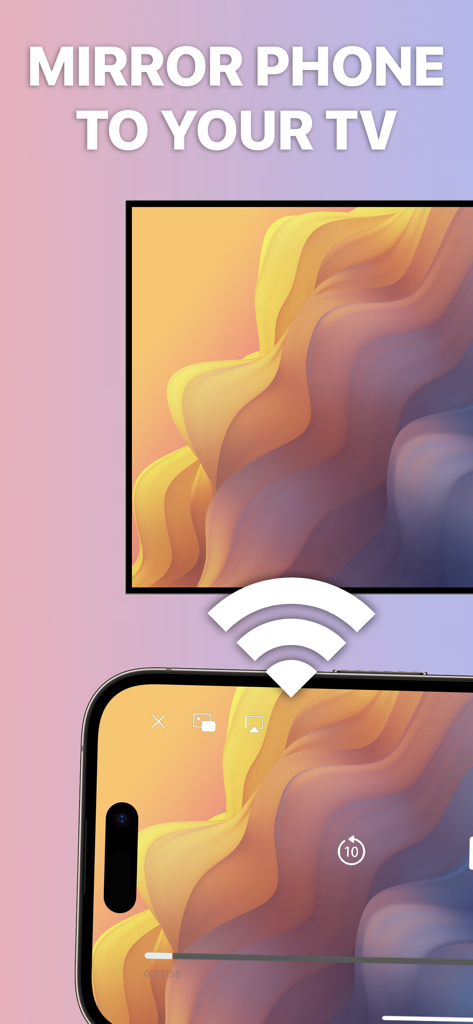
An iPhone screen wirelessly mirroring a colorful abstract wallpaper to a television monitor.

An iPhone screen wirelessly mirroring a colorful abstract wallpaper to a television monitor.

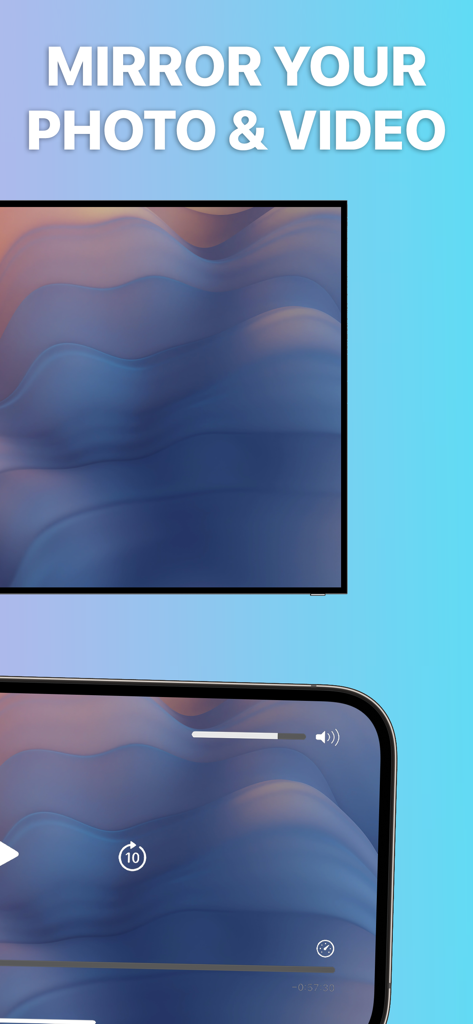
iPhone screen mirroring a photo and video player to a smart TV screen

iPhone screen mirroring a photo and video player to a smart TV screen

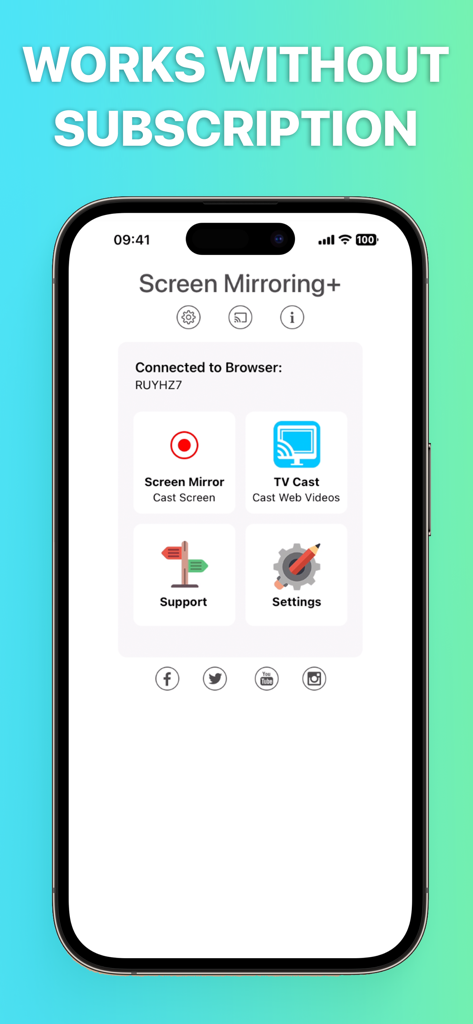
Screen Mirroring App interface on iPhone highlighting its no subscription feature
Screen Mirroring App interface on iPhone highlighting its no subscription feature

Everything You Need for Seamless Screen Sharing

The tools that make this app stand out, trusted by 5M+ users.

📺

Universal Compatibility

No Apple TV? No problem. Bridge the gap between your iPhone and your Windows PC, Samsung TV, or LG display using any modern web browser.

Zero Setup, Zero Delay

Experience high-definition mirroring with supreme latency. Start sharing in seconds without installing any software on the receiving device.

🌍

Local & Remote Mirroring

Perfect for WFH professionals and families. Share your screen across your home Wi-Fi or remotely via the internet for presentations and watch parties.

Loved by users worldwide

Trusted by 5M+ people who love this app.

"

"The perfect bridge for my mixed-tech household. I can mirror my iPhone screen to my Windows PC or my LG TV in seconds using just the browser. The zero-latency performance is a game-changer for my remote presentations and tech demos."

David R., Software Consultant
"

"I love how simple this is for sharing photos and videos with friends. I don't need any extra cables or expensive hardware; it just works on any TV with a browser. It is become my go-to tool for showing high-res shots to clients immediately after a shoot."

Michelle K., Travel Blogger

About the app

Everything you need to know about Screen Mirroring App.

Description

Mirror your iPhone or iPad screen to any device in your local Wifi or remote via Internet. Share your screen on a Smart TV, Mac, PC, Laptop, Gaming Console, Smartphone or Tablet. The Screen Mirroring App can connect to any Web Browser and cast your screen with zero delay in HD quality. Screen Mirroring over DLS / Cable / Internet is supported by Safari, Chrome, Firefox, Opera, Edge and the newest Smart TVs. This is the easiest and most powerful screen sharing tool. Share your photos, videos, games, websites, apps, presentations and documents with your friends and family, even to remote places. * Supported devices: Any device with an integrated Web Browser, e.g. Samsung TV, LG TV, Panasonic TV, Hisense TV, Philips TV, Hitachi TV, Grundig TV, TCL TV * Local mirroring on WiFi: Your iPhone/iPad and your web browser device must be connected to the same wifi. Please do not use VPN, Proxy, VLANS and Subnets. * Remote mirroring is limited to DSL / Cable / Internet. Connections over cellular/mobile networks (LTE/5G) are not yet supported. * Latency is supreme (0 seconds) when you have good wifi network conditions * You don't need a companion App on your TV or receiving device * No hidden subscriptions or costs * Sound is not yet supported, but we are working on it. Please use Bluetooth speakers as a workaround. * Black screen issues: Some third party apps prevent screen mirroring. When you try to mirror them, you will just see a black screen on your TV, for example with Netflix and Disney+. This is a restriction chosen by Netflix and others, so we cannot fix it at the moment. This app is brought to you by the developers of Video & TV Cast, the #1 video casting app in the world with more than 100.000.000 downloads across all platforms and devices. Disclaimer: This app is not affiliated with any of the trademarks mentioned here.

Latest Version

2.18

Size

43.0 MB

First Released

Jan 20, 2020

Ready to Mirror Your Screen to Any Device?

Join 5 million+ users and cast your iPhone or iPad to any Smart TV, PC, or Mac in HD. No extra hardware or hidden subscriptions—just instant, zero-delay sharing.

Download on App StoreDownload on Google Play
FAQ

Frequently Asked Questions

Everything you need to know about Screen Mirroring App

Does the Screen Mirroring App require a subscription?

No, the Screen Mirroring App works without any hidden subscriptions or costs. Users can utilize its features free of charge.

What devices can the Screen Mirroring App mirror to?

The Screen Mirroring App can mirror to any device with an integrated web browser, including Smart TVs (Samsung, LG, Philips), Mac, PC, laptops, gaming consoles, smartphones, and tablets.

Does the Screen Mirroring App have high latency?

No, the Screen Mirroring App boasts supreme latency of 0 seconds when operating under good WiFi network conditions, ensuring a smooth mirroring experience.

Is a companion app required on the receiving device for the Screen Mirroring App?

No, a companion app is not required on your TV or any other receiving device to use the Screen Mirroring App for mirroring.

Does the Screen Mirroring App support audio mirroring?

No, sound is not yet supported by the Screen Mirroring App. Users can utilize Bluetooth speakers as a workaround for audio output.

Why does the Screen Mirroring App show a black screen with certain apps like Netflix?

The Screen Mirroring App shows a black screen with certain third-party apps like Netflix and Disney+ due to restrictions imposed by those apps. This is not an app defect.

Can the Screen Mirroring App mirror remotely over the internet?

Yes, the Screen Mirroring App supports remote mirroring via the Internet, DLS, or Cable connections. Cellular/mobile networks (LTE/5G) are not currently supported.

What are the requirements for local WiFi mirroring with the Screen Mirroring App?

For local WiFi mirroring, your iPhone/iPad and the web browser device must be connected to the same WiFi network. VPN, Proxy, VLANs, and Subnets are not supported.