The Roku App (Official)

The Roku App (Official)

Download on App Store
Spark by MWM logo
Logo of The Roku App (Official)
The Roku App: Your Ultimate Mobile Remote and Free Streaming Companion

Stop searching for the remote and start streaming smarter. Control your TV with a full mobile keyboard, enjoy private listening with headphones, and access thousands of free movies and live TV channels anywhere you go.

Download on App Store

Publisher

ROKU INC

Category

Entertainment

Downloads

92M+

User Rating

4.8/5

Total Ratings

5M+

Locales

5

Control in Your Hands

Discover the interface used by 92M+ users.
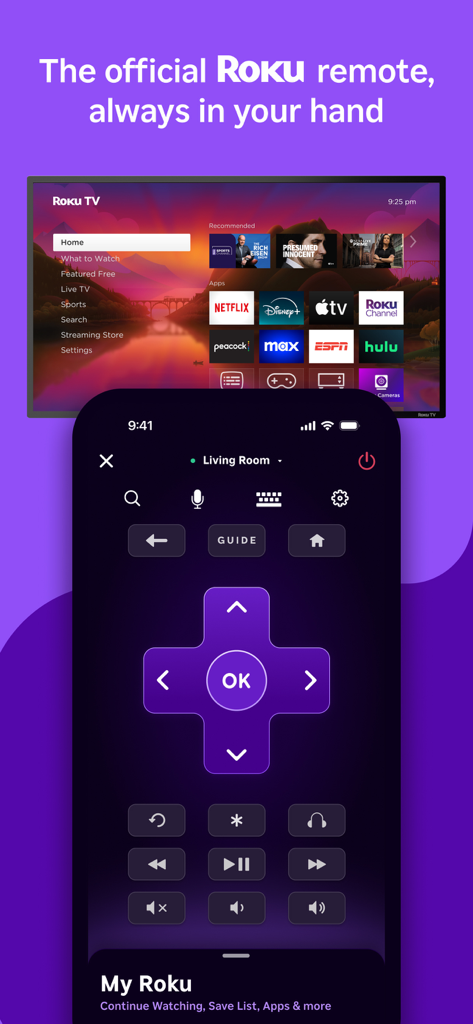
The official Roku mobile app remote interface showing navigation buttons and TV screen

The official Roku mobile app remote interface showing navigation buttons and TV screen

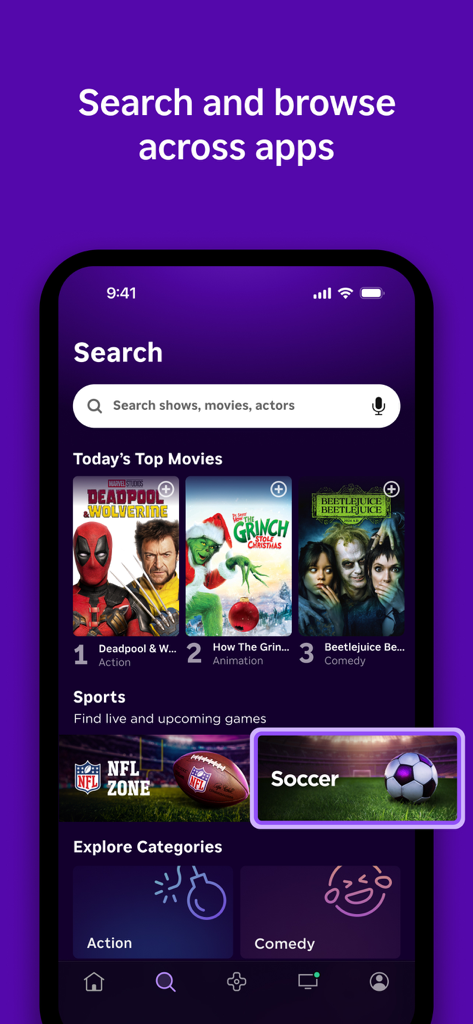
The Roku App search screen showing movie titles sports categories and a search bar

The Roku App search screen showing movie titles sports categories and a search bar

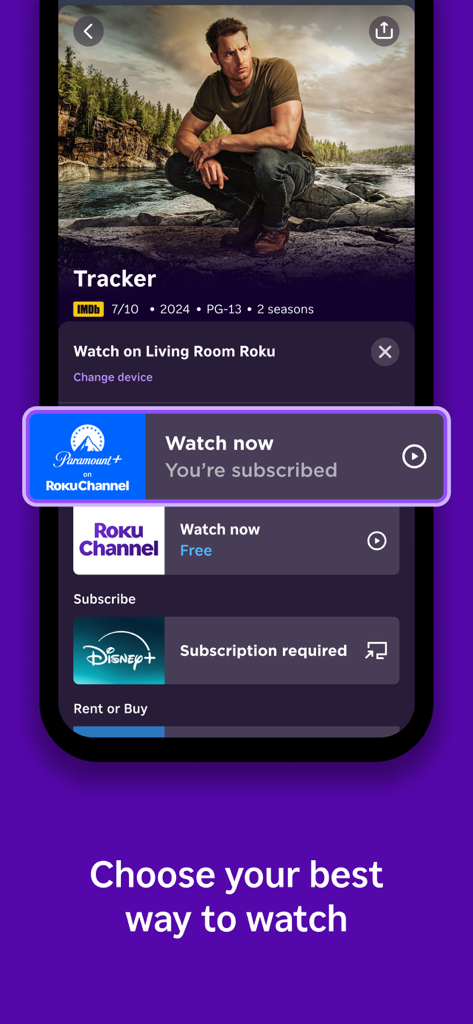
The Roku app interface displaying various streaming options and platforms for watching a TV show on a mobile device.

The Roku app interface displaying various streaming options and platforms for watching a TV show on a mobile device.

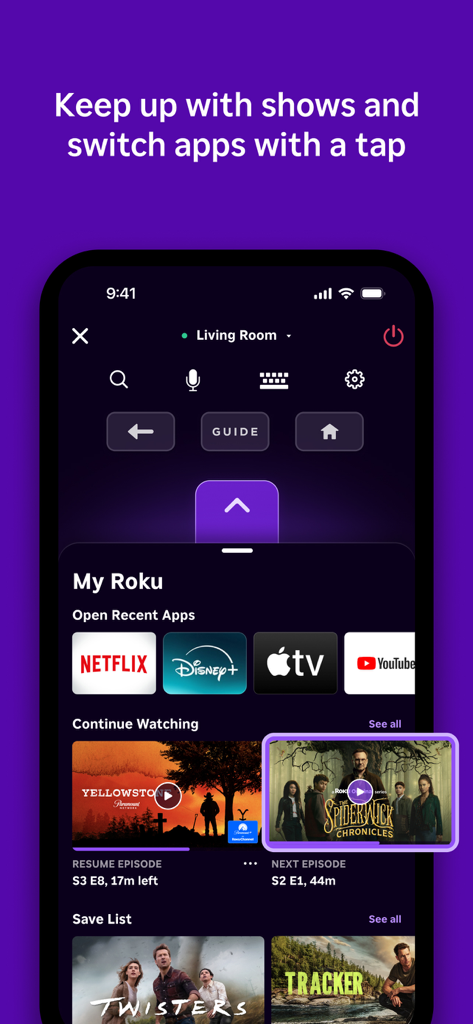
A screenshot of the Roku mobile app interface showing remote control functions and a dashboard to switch between streaming apps like Netflix and Disney Plus

A screenshot of the Roku mobile app interface showing remote control functions and a dashboard to switch between streaming apps like Netflix and Disney Plus

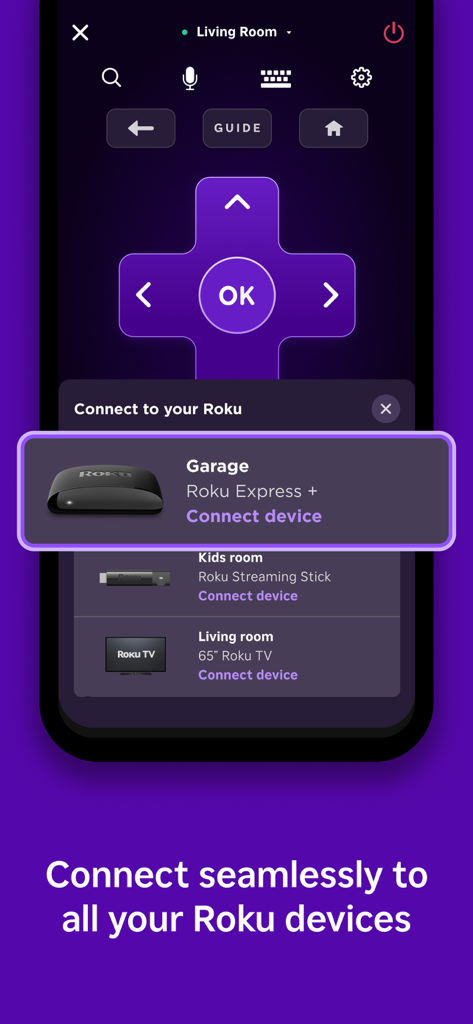
A smartphone screen displaying the Roku app device selection menu for multi-room control.

A smartphone screen displaying the Roku app device selection menu for multi-room control.

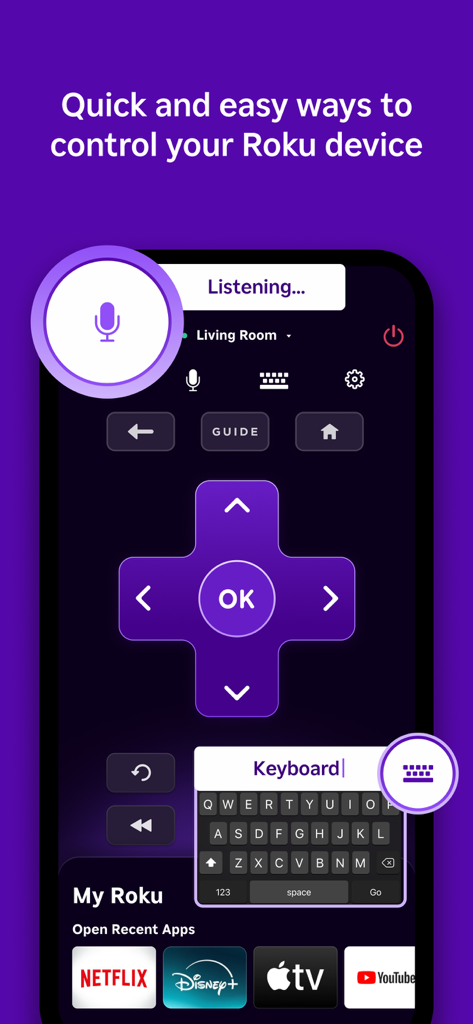
Official Roku App remote control interface featuring voice search and mobile keyboard

Official Roku App remote control interface featuring voice search and mobile keyboard

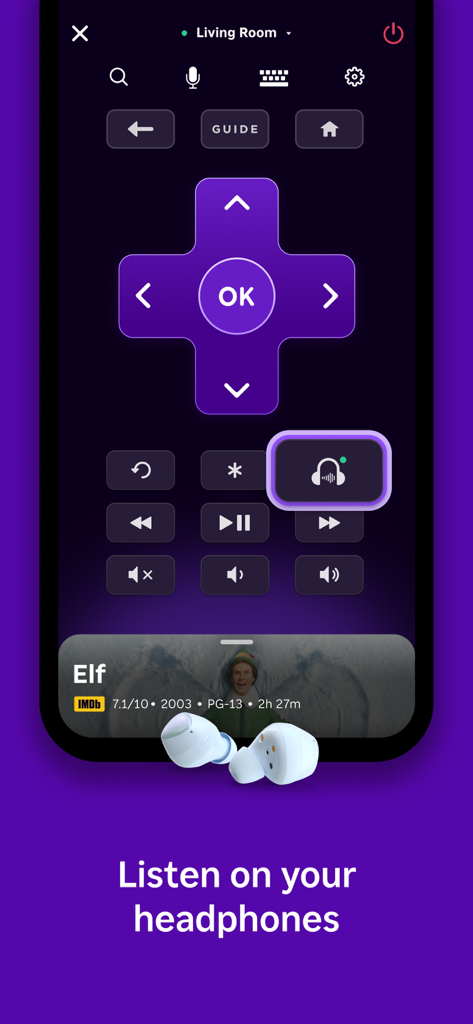
The Roku App interface highlighting the private listening feature with wireless headphones.

The Roku App interface highlighting the private listening feature with wireless headphones.

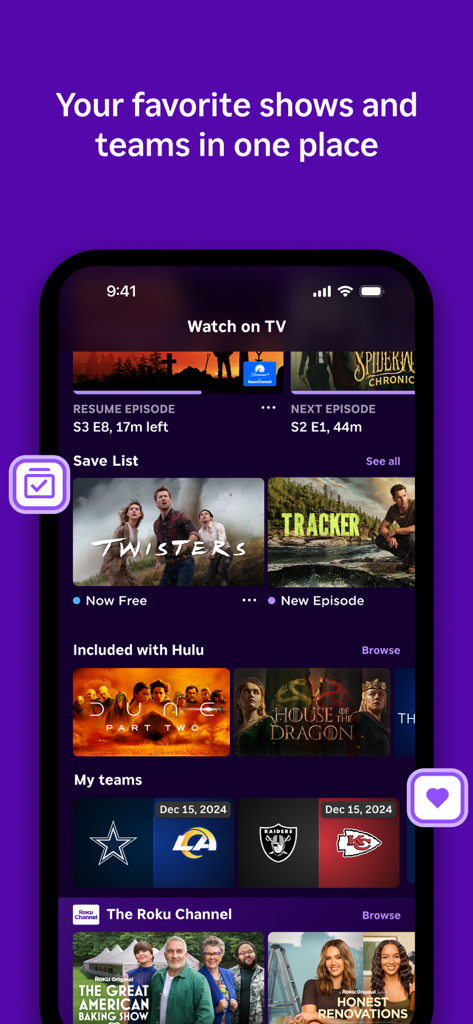
Roku app interface showing personalized movies and sports teams

Roku app interface showing personalized movies and sports teams

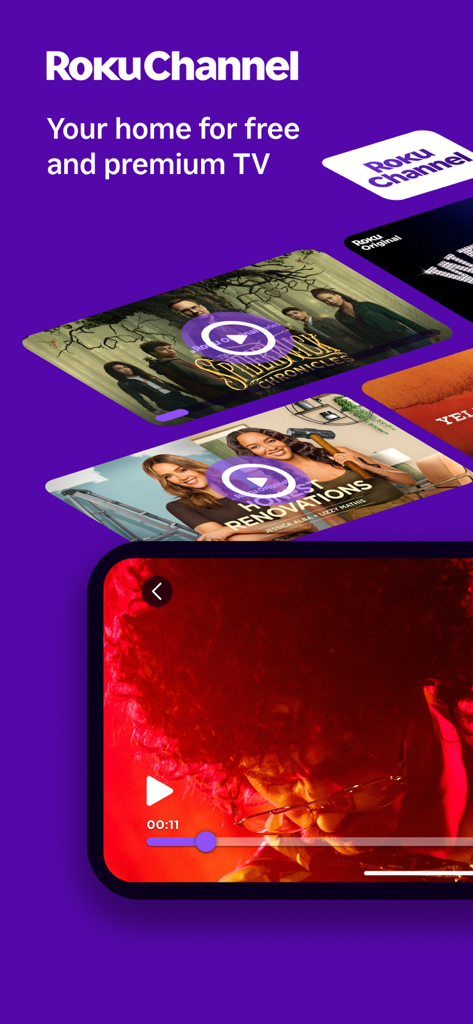
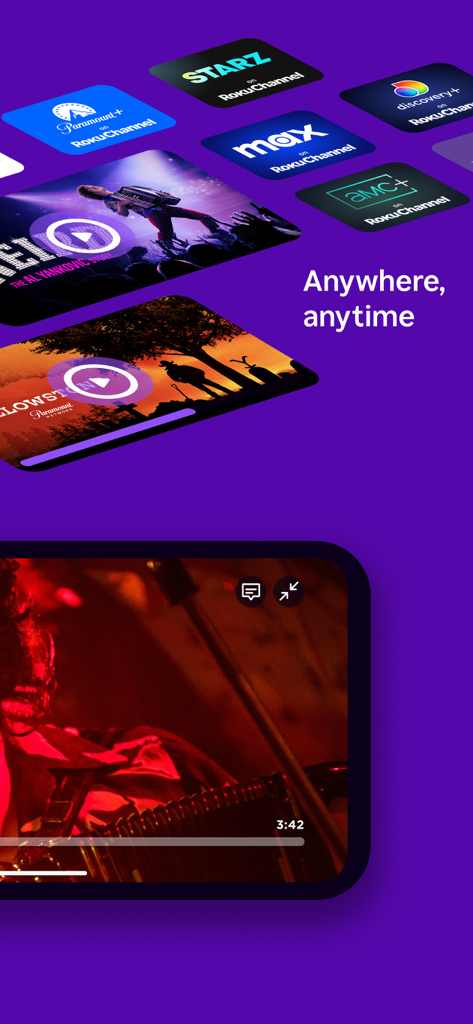
Roku Channel app interface highlighting free and premium TV content with show thumbnails and mobile video player

Roku Channel app interface highlighting free and premium TV content with show thumbnails and mobile video player

Roku App interface displaying various streaming channels and movie titles with a mobile player view

Roku App interface displaying various streaming channels and movie titles with a mobile player view

The Ultimate Streaming Companion

The tools that make this app stand out, trusted by 92M+ users.

⌨️

Fast Typing & Voice Search

Skip the tedious on-screen keyboard. Use your mobile QWERTY keyboard or voice commands to find movies and shows in seconds.

🎧

Immersive Private Listening

Enjoy your late-night binges without disturbing others. Stream audio directly to your headphones connected to your mobile device.

📺

Instant Casting & Free Streaming

Cast your personal photos and videos to the big screen, or stream hundreds of free movies and live TV via The Roku Channel.

Loved by users worldwide

Trusted by 92M+ people who love this app.

"

"The private listening feature is an absolute game changer for our household. I can watch my favorite action movies late at night with my headphones connected to my phone, and my wife can sleep soundly right next to me. Plus, the mobile keyboard makes searching for titles ten times faster than using a standard remote."

Marcus Thompson
"

"In a house with three kids, our physical remote is constantly disappearing. This app has been a lifesaver! It is so convenient to have the remote right on my iPhone. I also love how easy it is to cast our family vacation photos directly to the big screen for everyone to see. It is the one app I use every single day."

Sarah Miller

About the app

Everything you need to know about The Roku App (Official).

Description

Get to know the must-have app for streamers Use the free Roku® mobile app to: • Control your Roku devices with a convenient remote • Use your voice or keyboard to quickly search for entertainment • Enjoy private listening with headphones • Stream free movies, live TV, and more on the go with The Roku Channel • Cast media files from your phone, like videos and photos, to your TV • Add and launch channels on your Roku devices • Enter text on your Roku device easier with your mobile keyboard You must connect your phone or tablet to the same wireless network as your Roku device to use certain features of the mobile app. Some features require a compatible Roku device and may require logging into your Roku account. Feature availability: • Voice search is available in English in the US, UK, and Canada. It’s also available in Spanish in Mexico and the US. • The Roku Channel can be viewed in the mobile app in the US only. • Some channels require payment, can change, and vary by country. For more information, go to http://support.roku.com Privacy Policy: go.roku.com/privacypolicy CA Privacy Notice: https://docs.roku.com/published/userprivacypolicy/en/us#userprivacypolicy-en_us-CCPA

Latest Version

13.4.0

Size

153.9 MB

First Released

Dec 15, 2011

The Only Remote You'll Never Lose

Join over 92 million users who have upgraded their entertainment experience. Control your TV, search by voice, and stream free movies—all from your smartphone.

Download on App Store
FAQ

Frequently Asked Questions

Everything you need to know about The Roku App (Official)

What is The Roku App (Official)?

The Roku App (Official) is a mobile application that controls your Roku devices, allows voice and keyboard search, enables private listening, and streams content from The Roku Channel.

Can I use The Roku App (Official) as a remote control for my Roku device?

Yes, The Roku App (Official) functions as a convenient remote to control all your Roku devices directly from your phone or tablet.

Does The Roku App (Official) include voice search functionality?

Yes, The Roku App (Official) supports voice search to quickly find entertainment. Voice search is available in English for the US, UK, and Canada, and in Spanish for Mexico and the US.

Can I use my mobile keyboard to enter text on my Roku device with The Roku App (Official)?

Yes, The Roku App (Official) allows you to enter text on your Roku device using your mobile keyboard, simplifying input for searches and logins.

Does The Roku App (Official) offer a private listening feature with headphones?

Yes, The Roku App (Official) includes a private listening feature, allowing users to enjoy audio from their Roku device through headphones connected to their mobile device.

What content can I stream on The Roku Channel via The Roku App (Official)?

The Roku App (Official) allows streaming of free movies, live TV, and more from The Roku Channel on the go. This feature is available in the US only.

Does The Roku App (Official) support casting media files from my phone to my TV?

Yes, The Roku App (Official) enables you to cast media files, including videos and photos, directly from your phone to your TV connected to a Roku device.

What network connection is required for The Roku App (Official) to function with Roku devices?

Your phone or tablet must connect to the same wireless network as your Roku device to use certain features of The Roku App (Official).

Do I need to log into a Roku account to use The Roku App (Official)?

Some features of The Roku App (Official) may require logging into your Roku account. A compatible Roku device is also necessary for certain functionalities.

Can I add and launch channels on my Roku device using The Roku App (Official)?

Yes, The Roku App (Official) allows you to add and launch channels directly on your connected Roku devices, providing quick access to content.