
TV Remote & Smart TV Control


Eliminate remote clutter and tedious typing. Effortlessly search, mirror content, and manage every Smart TV in your home with the one device that is always in your hand.
Publisher
Category
UtilitiesDownloads
6M+User Rating
Total Ratings
135K+Locales
39Discover the interface used by 6M+ users.
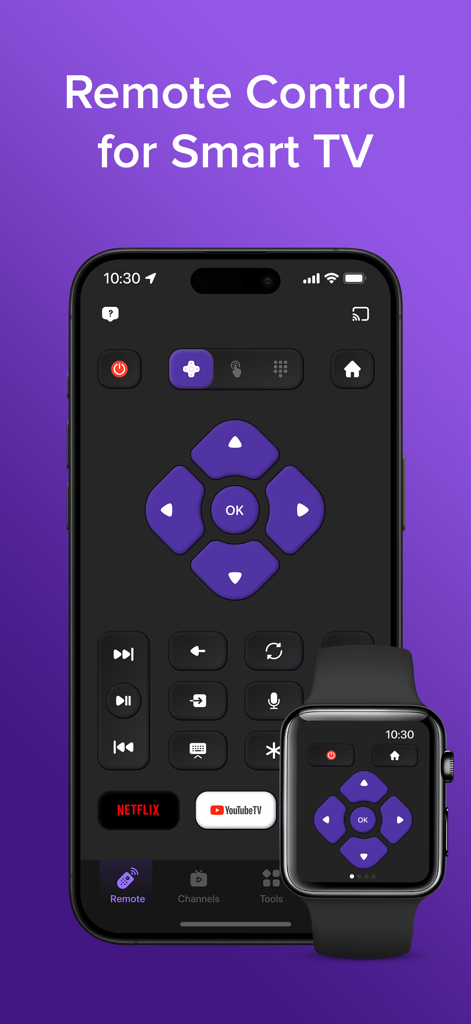
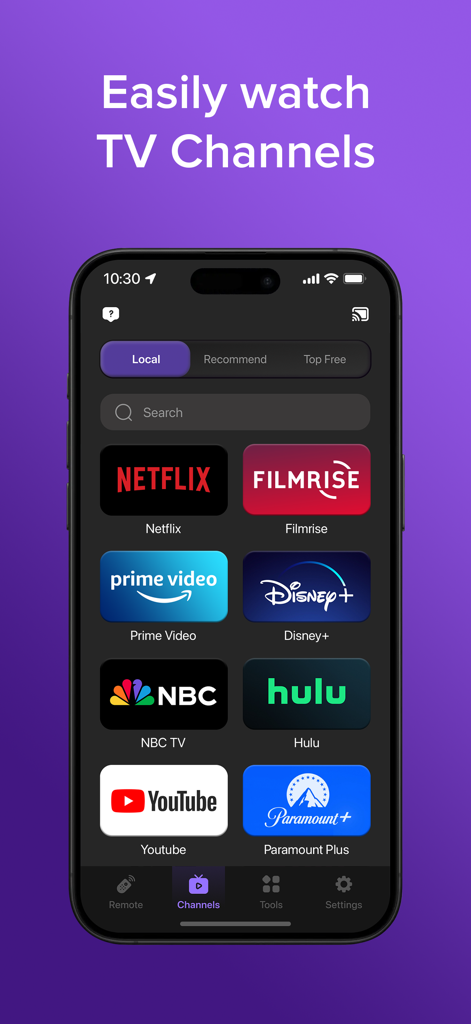
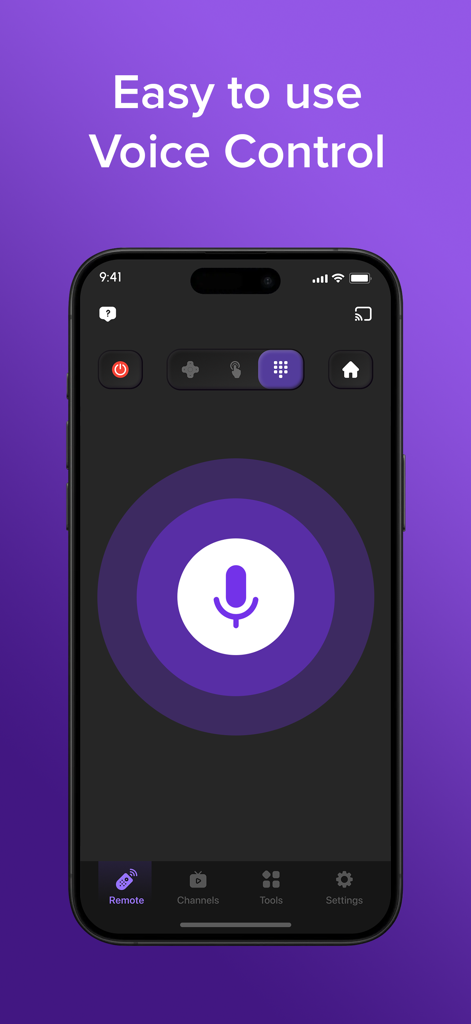
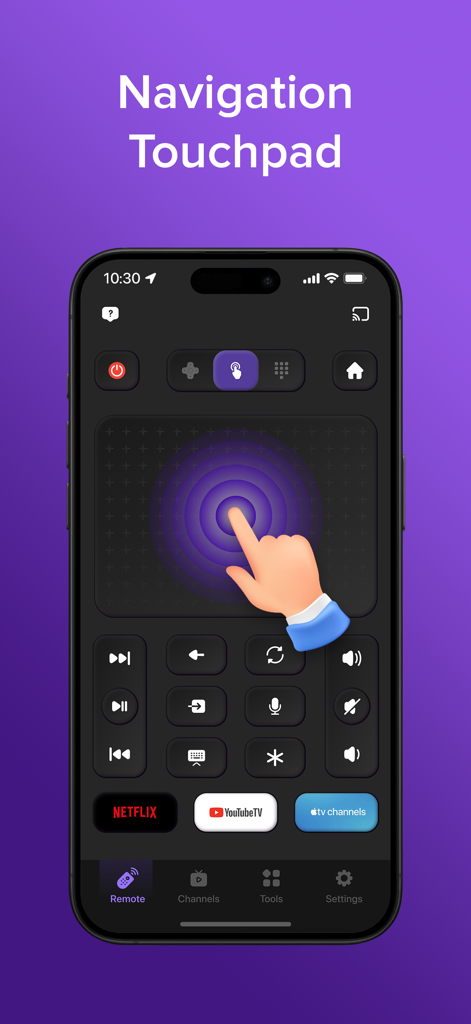
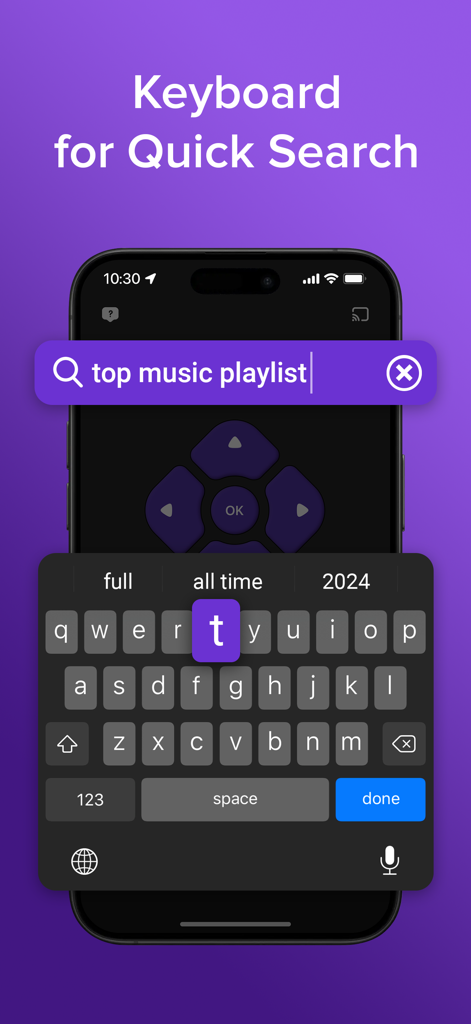
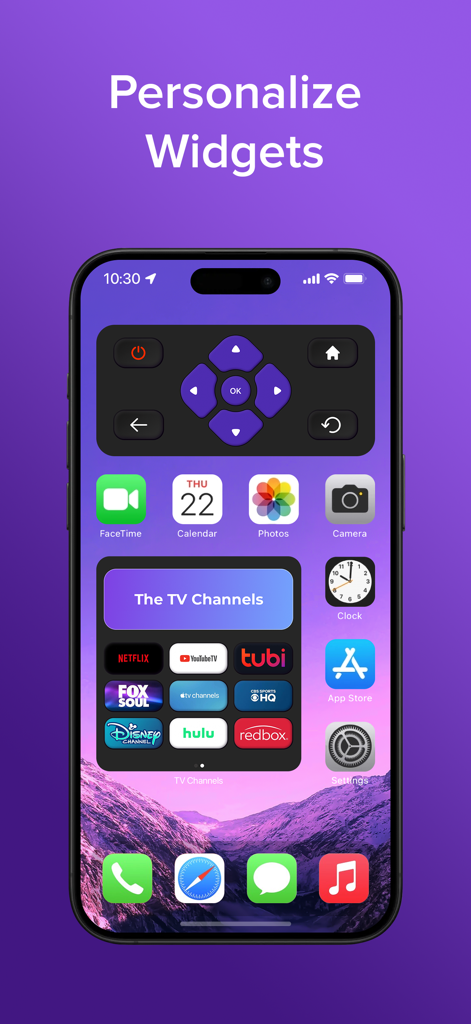
The tools that make this app stand out, trusted by 6M+ users.
Connect instantly to any Smart TV brand in your home and eliminate the need to juggle multiple physical remotes.
Stop the frustration of D-pad typing. Use your iPhone's native keyboard to find movies and enter passwords in seconds.
Instantly cast your favorite photos, 4K videos, and mobile apps to the big screen for a shared viewing experience.
Trusted by 6M+ people who love this app.
"I lost my original remote weeks ago and this app has been a total game changer. The virtual keyboard makes searching for shows on Netflix so much faster than using a clunky D-pad. Setup was instant and it works perfectly with my iPhone."
"Perfect for our multi-TV household. I can switch from controlling the living room TV to the bedroom one with a single tap. The screen mirroring feature is also great for sharing family photos from my phone during dinner without any lag."
Everything you need to know about TV Remote & Smart TV Control.
Description
Latest Version
2.4.3
Size
173.1 MB
First Released
Aug 19, 2023
Stop searching for lost remotes and ditch the clutter. Join over 6 million users who have upgraded their living room with the ultimate universal remote. Download now to sync your iPhone with any Smart TV and start streaming smarter today.
Everything you need to know about TV Remote & Smart TV Control
Yes, the TV Remote & Smart TV Control app is compatible with most Smart TV brands and a wide range of television models. It provides a universal solution for remote control needs.
Yes, the TV Remote & Smart TV Control app supports Smart TV Screen Mirroring. Users can stream photos, videos, and music directly from their phone or tablet to their TV.
The premium subscription for the TV Remote & Smart TV Control app costs $6.99 per week. Payment is charged to your iTunes account upon purchase confirmation.
Yes, the TV Remote & Smart TV Control app includes voice search capabilities. Users can utilize voice commands to search across all available content and channels on their Smart TV.
The TV Remote & Smart TV Control app automatically detects compatible devices on your WiFi network. This ensures a simple and fast setup process for connecting to your Smart TV.
Yes, the TV Remote & Smart TV Control app features a Smart TV Channel Manager. Users can easily add, switch, and launch favorite apps such as Netflix, Hulu, or HBO Max.
Yes, the TV Remote & Smart TV Control app provides an intuitive touchpad for effortless navigation and an easy-to-use virtual keyboard for quick searches and text input.
Yes, the premium subscription for the TV Remote & Smart TV Control app automatically renews. Users must turn off auto-renew at least 24 hours before the current period ends to prevent renewal.
Yes, the TV Remote & Smart TV Control app includes a convenient widget. This widget allows users to access essential controls directly from their home screen.
No, the TV Remote & Smart TV Control app is not affiliated with or endorsed by any specific TV brands. It functions as a universal remote solution.
Apps with similar features and user experience

ROKU INC

Apps Venture Inc.

Hangzhou Yingshitong Technology Co., Ltd.

Nemo Apps LLC

Mihai Turlea

clement gasner

CEMAL CAGLAR KIRICI

Anh Ngo

宇锋 林
